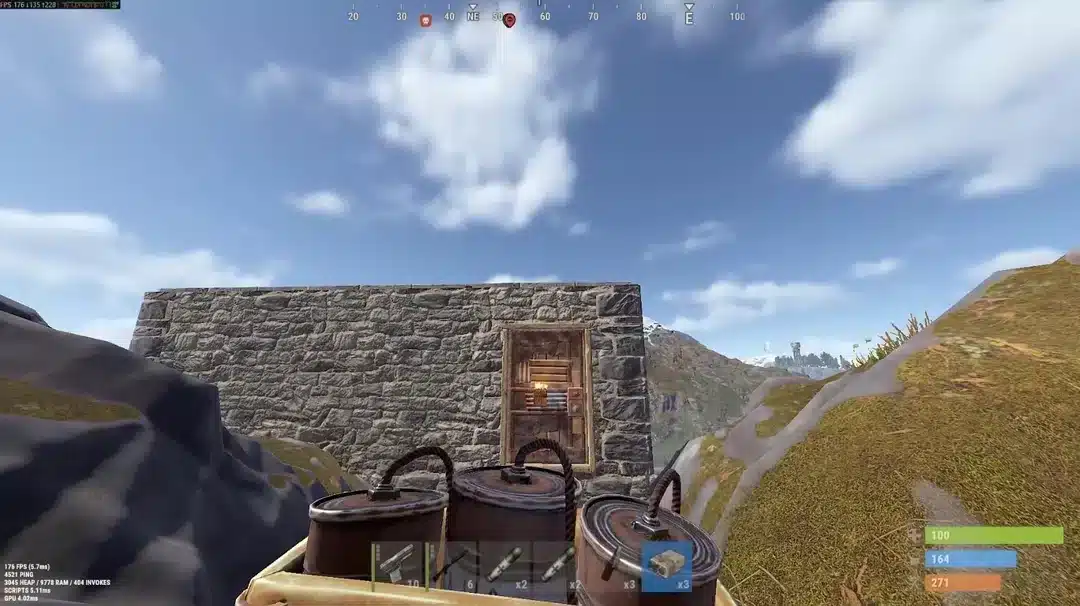
Rust lag ruins raids, gunfights, and long building sessions in ways no other survival game quite matches. One moment you are peeking a wall, and the next you are teleported back through a doorway you already cleared. That kind of desync is not random. It comes from a mix of server load, tickrate, and the distance your packets travel to reach a community box somewhere across the world.
If you have spent any real time on Rust servers, you already know that lag is rarely one single problem. It is usually a combination of a busy server, a bad route, and settings nobody bothered to check. Rust Lag shows up as rubber-banding, delayed hit registration, and stuttering frame rates, and each of those symptoms has a different root cause worth understanding separately.
The direct answer is this: Rust lag comes from three main sources, an overloaded server CPU, a poor network path between your PC and the server, and local hardware or client settings that are not optimized. Fixing it means addressing all three, not just one. Most players only tackle the client side and wonder why nothing improves.
Community servers add another layer of complexity that official servers do not have. Because Rust is entirely CPU-bound on the server side, a single overloaded host can make Rust Lag feel identical to a bad internet connection, even when your own network is fine. That is exactly why diagnosing the real cause matters before you start changing settings blindly.
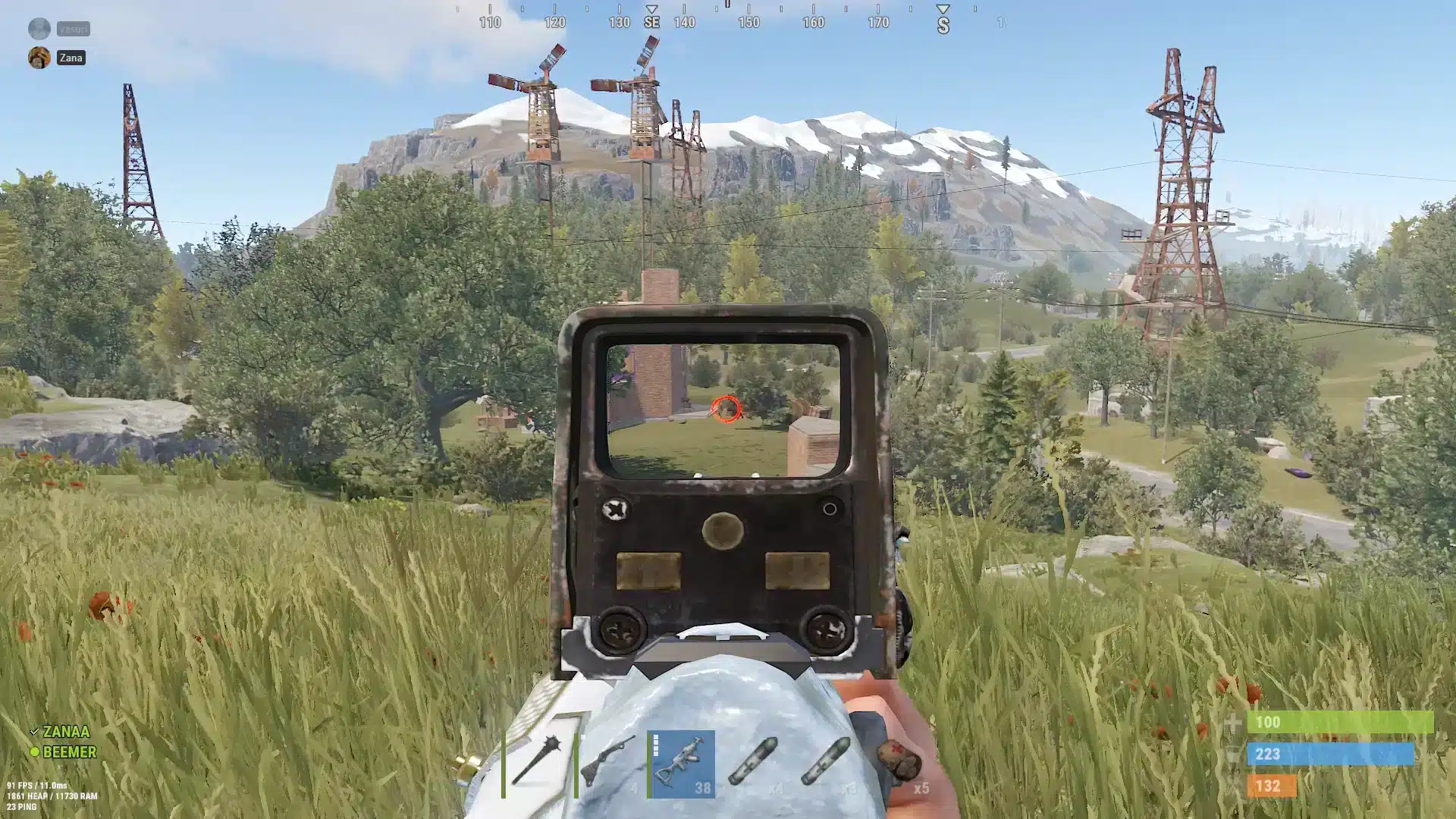
Rust Lag: What Actually Causes It
Rust simulates an enormous amount server-side. Loot tables, NPCs, decay calculations, and physics all run on the host machine, and none of that scales gracefully once population climbs.
Consequently, a server that felt smooth on day one of a wipe can turn sluggish by day four, once bases, entities, and player counts pile up. This is one of the most overlooked truths about Rust performance.
Server-Side Bottlenecks
The server tick rate determines how often the game world updates. A low tickrate means your inputs get processed less frequently, which feels exactly like lag even with a perfect connection.
Here is what typically drives server-side slowdown:
- High entity counts: Once a map crosses roughly 150,000 to 200,000 objects, frame rate on the host starts dropping fast.
- Heavy plugins: Modded community servers often run hook-heavy plugins that eat CPU cycles every single tick.
- Frequent saves: Saving the world state causes a brief but noticeable freeze, especially on populated servers.
- Population spikes: Weekend wipes bring a flood of players, and the CPU simply cannot keep pace.
Client-Side Bottlenecks
On your end, outdated drivers, background downloads, and poor graphics settings can all stack on top of server issues and make things worse.
Therefore, even a perfectly optimized server will still feel laggy if your own PC is choking on background processes. Both sides need attention.
How Distance And Routing Affect Rust Lag
Rust's community servers are hosted all over the world, often far from where the population actually plays. Consequently, your packets may hop through several inefficient nodes before reaching the game server at all.
This routing problem is separate from raw distance. Two players living in the same city can get very different pings to the same server depending on their internet provider's default path.
Why Community Servers Behave Differently
Unlike official servers, community boxes vary wildly in hardware quality, plugin load, and geographic placement. As a result, the same physical distance can produce very different latency numbers depending on the host.
- Official servers run vanilla code with no extra plugins, which tends to keep CPU load more predictable.
- Community servers with optimization plugins can actually deliver smoother frame times, but only when configured well.
- Poorly maintained community servers stack plugins without profiling them, creating unpredictable lag spikes.
Does Server Population Really Matter?
Yes, and the effect is larger than most players expect. A server running 300 or more concurrent players puts enormous pressure on both the CPU tick budget and the network stack handling all those connections.
In fact, many experienced players specifically target servers under roughly 150 population and recently wiped maps, since entity counts stay lower and CPU load stays manageable. This single choice often reduces perceived Rust Lag more than any client setting.
Rust Lag Fixes You Can Apply Today
Before touching anything else, run through the basics. These steps solve the majority of client-side lag complaints reported by the community.
- Switch from Wi-Fi to a wired Ethernet connection to cut down on jitter and dropped packets.
- Close background downloads, streaming apps, and cloud sync tools while playing.
- Update your network adapter drivers through Device Manager.
- Lower graphical settings like shadows and object quality to free up CPU headroom.
- Restart your router before long play sessions, particularly before a wipe.
- Check your MTU setting, since an oversized MTU can cause packets to fragment and drop during combat.
Console Tweaks Worth Trying
Rust exposes several console variables through the F1 menu that directly affect perceived smoothness during fights.
- Disabling aggressive ping estimation can reduce visual stutter during high-latency moments.
- Adjusting the server browser ping refresh rate in Steam settings lowers background network chatter.
- Capping your client FPS to match your monitor prevents unnecessary GPU and CPU strain.
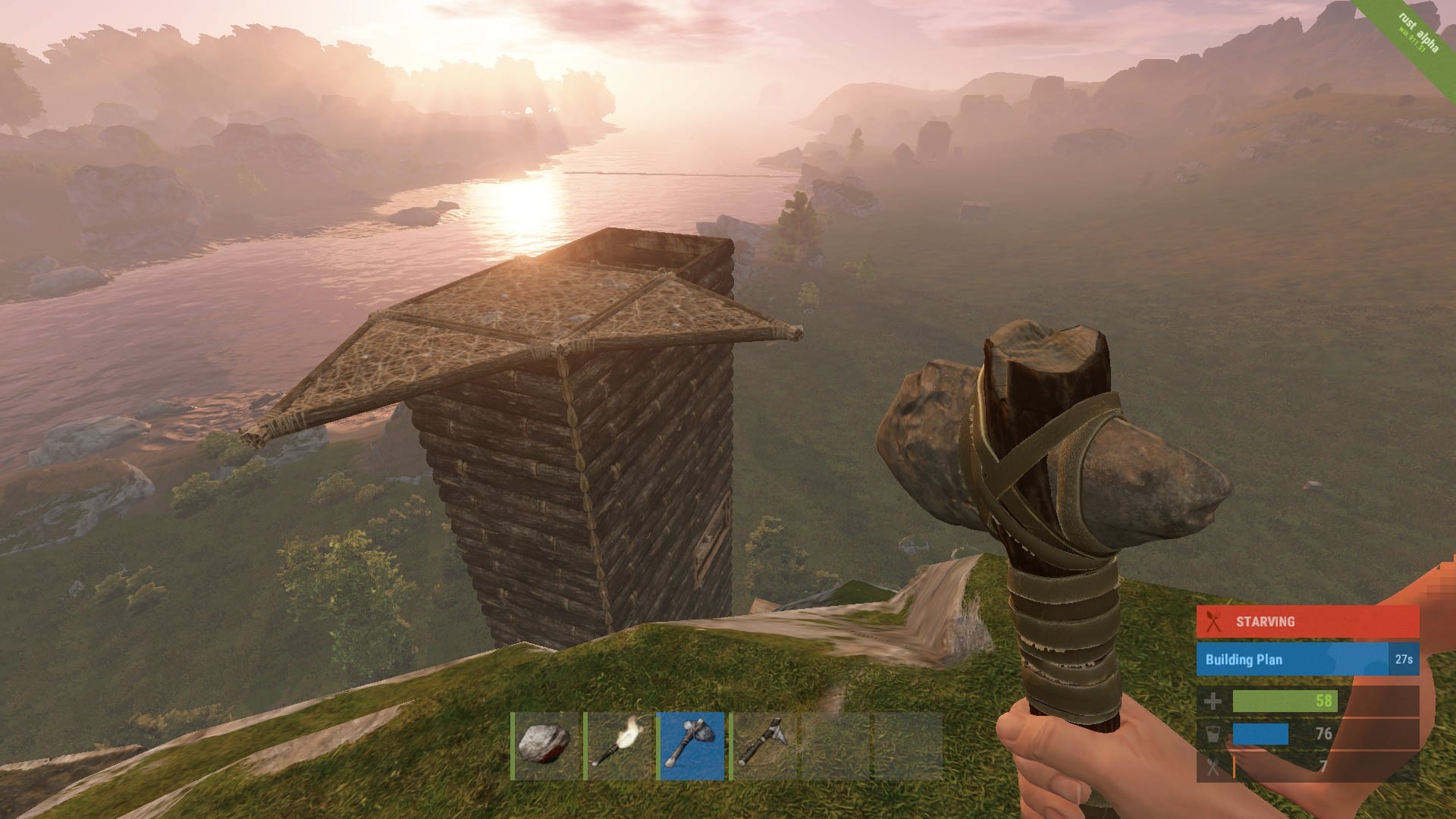
Comparing Common Rust Lag Sources
| Lag Source | Typical Symptom | Best Fix |
|---|---|---|
| Overloaded server CPU | Delayed hit registration, freezing | Switch to a lower population, recently wiped server |
| Poor routing to server | High and inconsistent ping | Optimize your network path with a routing tool |
| Local hardware/network | FPS drops, stutter, packet loss | Wired connection, updated drivers, lighter settings |
| Plugin-heavy community server | Random spikes during raids | Choose servers known for lean plugin lists |
Is Rust Lag Worse On Modded Community Servers?
It can be, but not always. A well-run modded server with light plugins can actually outperform a crowded vanilla box, since the host has more control over decay, entity limits, and save intervals.
However, poorly managed modded servers stack plugin after plugin without profiling, and that is where the worst Rust Lag tends to appear. The key is not modded versus vanilla, it is how carefully the server owner tunes their box.
Pro Tips: Reducing Rust Lag
Pro Tips: Rust Lag
- Pick servers under 150 population when possible: Lower player counts mean fewer entities and less CPU pressure, which directly reduces tick delay during fights.
- Avoid late-wipe servers if performance matters more than loot: Entity counts climb steadily after a wipe, so playing early in the cycle keeps server FPS higher.
- Set your MTU to 1400: Oversized packets get fragmented on many home networks, and fragmentation shows up as rubber-banding during raids.
- Use a wired connection during PvP-heavy sessions: Wi-Fi introduces jitter that stacks on top of any server-side delay, doubling the perceived lag.
- Restart your client after long sessions: Memory leaks in long Rust sessions can gradually degrade frame pacing, even on strong hardware.
Common Mistakes Rust Players Make
Common Mistakes Rust Players Make
- Blaming the client for everything: Many players tweak graphics settings for hours while the real problem is an overloaded server. Fix: check the server's population and time since wipe before assuming your PC is at fault.
- Ignoring routing entirely: Players assume ping is fixed once it leaves their router, but the path packets take across the internet varies constantly. Fix: use a route optimization tool that actively selects better paths in real time.
- Stacking too many background apps: Streaming, downloading, and voice chat overlays all compete for bandwidth during intense raids. Fix: close anything non-essential before a fight or raid window.
- Joining high-population servers without checking recent performance: A server that ran smoothly last week can be unplayable this week after entity counts pile up. Fix: check community feedback or population trends before committing to a base location.
Fixing Rust Lag With Better Routing
Once you have handled hardware and server selection, the remaining variable is the actual path your data takes to reach the Rust server. This is where most players get stuck, because a home router cannot choose a smarter route on its own.
ExitLag is not a VPN. It is a real-time connection optimizer that constantly tests multiple network paths and automatically selects the fastest, most stable one to your game server. Since it does not encrypt traffic or mask your IP, it stays completely separate from anything that could interfere with Rust's anti-cheat, including Easy Anti-Cheat.
For a survival game with community servers spread across dozens of countries, this matters enormously. A player connecting from one region to a popular box hosted somewhere else often deals with unstable routing that a standard internet connection simply cannot fix on its own.
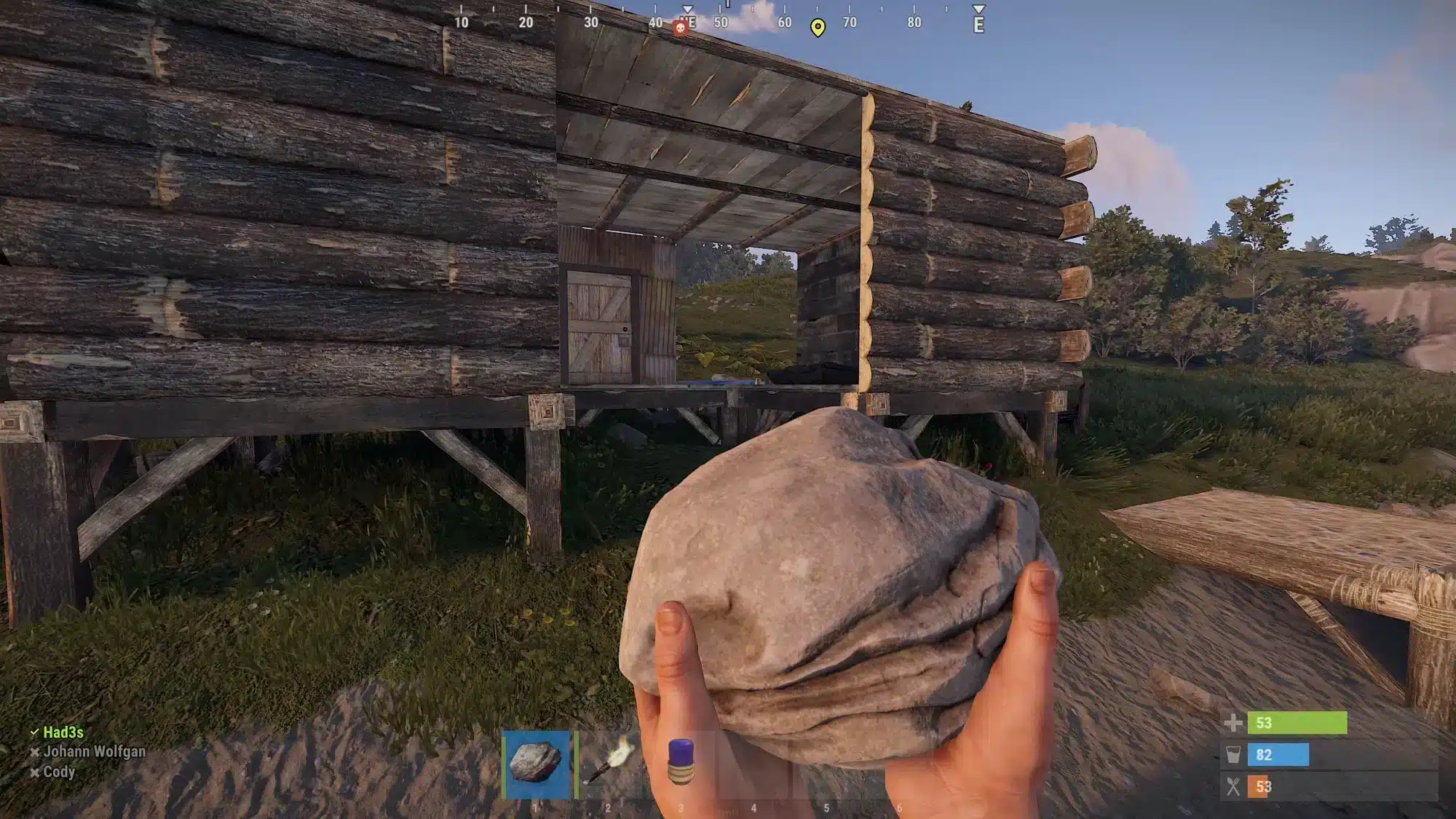
ExitLag's Multipath Technology sends your data through several routes at once, so if one path degrades mid-raid, another keeps your connection alive without a visible drop. Combined with Multi-Internet support for up to four simultaneous connections, this setup is particularly useful during high-stakes base defenses where a single dropped packet can cost you everything.
With support for 4,000+ games, 1,500+ servers across 190+ countries, and a network trusted by 30M+ users running 18M+ optimizations every week, ExitLag has become a go-to tool for players tired of inconsistent routing. It is safe to run alongside Rust, does not touch game files, and should never be combined with a VPN, since that actually reduces its effectiveness.
If Rust Lag during raids and firefights has been costing you fights you should have won, grabbing the ExitLag Download is a quick way to test a more stable route before your next wipe.
All game images used in this blog post belong to Facepunch Studios. They are used for informational and educational purposes only and do not imply endorsement or affiliation with the rights holders.