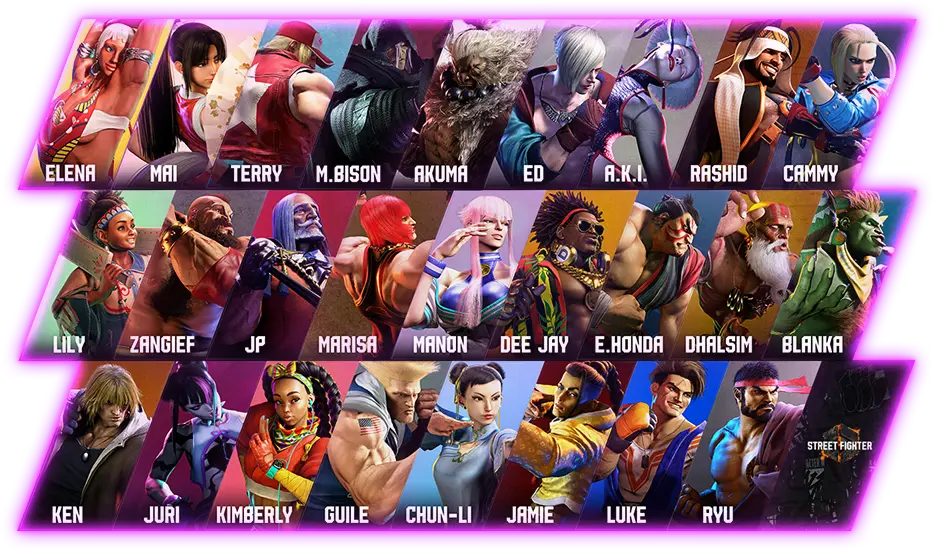
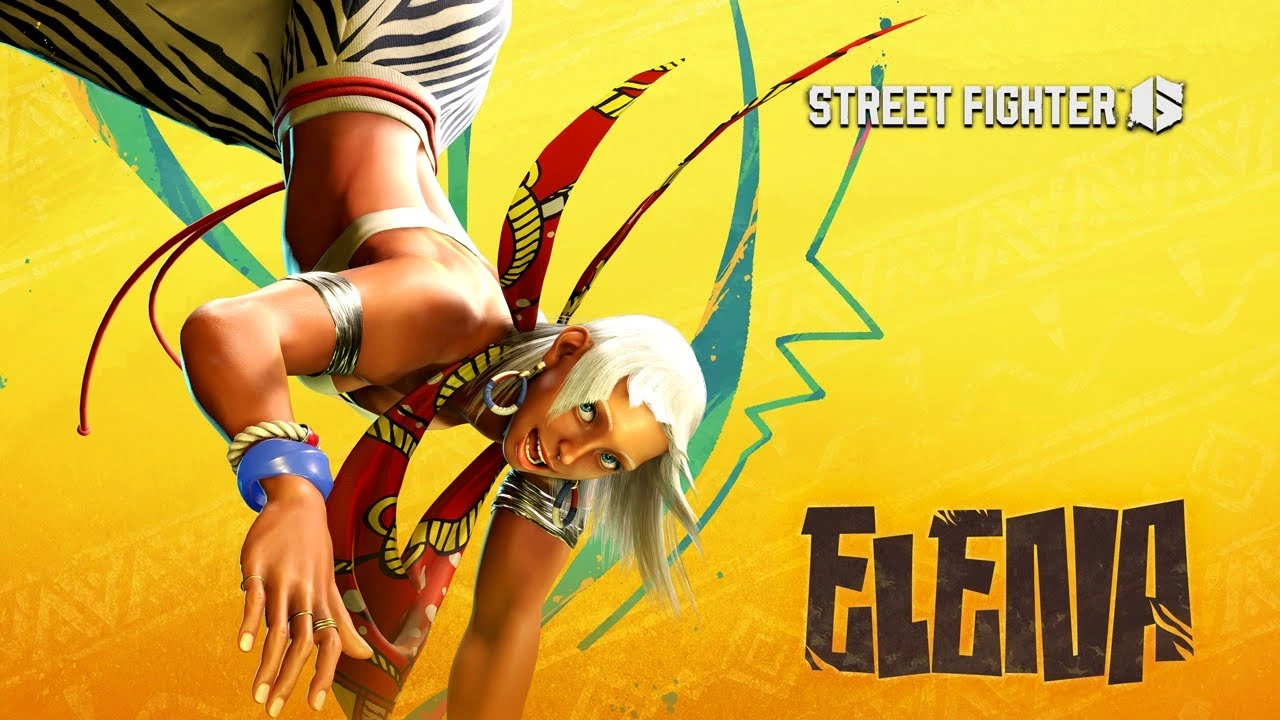
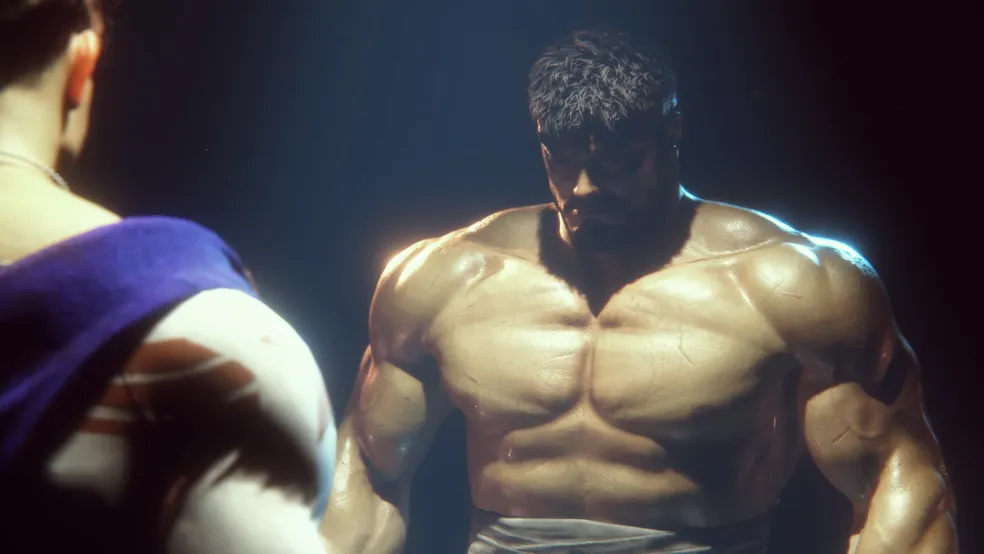
One of the biggest questions from creative players since launch: can you mod Street Fighter 6? The answer is yes—and it’s easier than you think. From visual overhauls to Street Fighter 6 AI mods, the modding community is already transforming how this fighter looks and feels.
This guide will walk you through how to mod Street Fighter 6, including the most popular downloads, installation steps, and safety tips. Whether you’re browsing nexus mods Street Fighter 6 entries or looking to build your own content, we’ve got it covered.
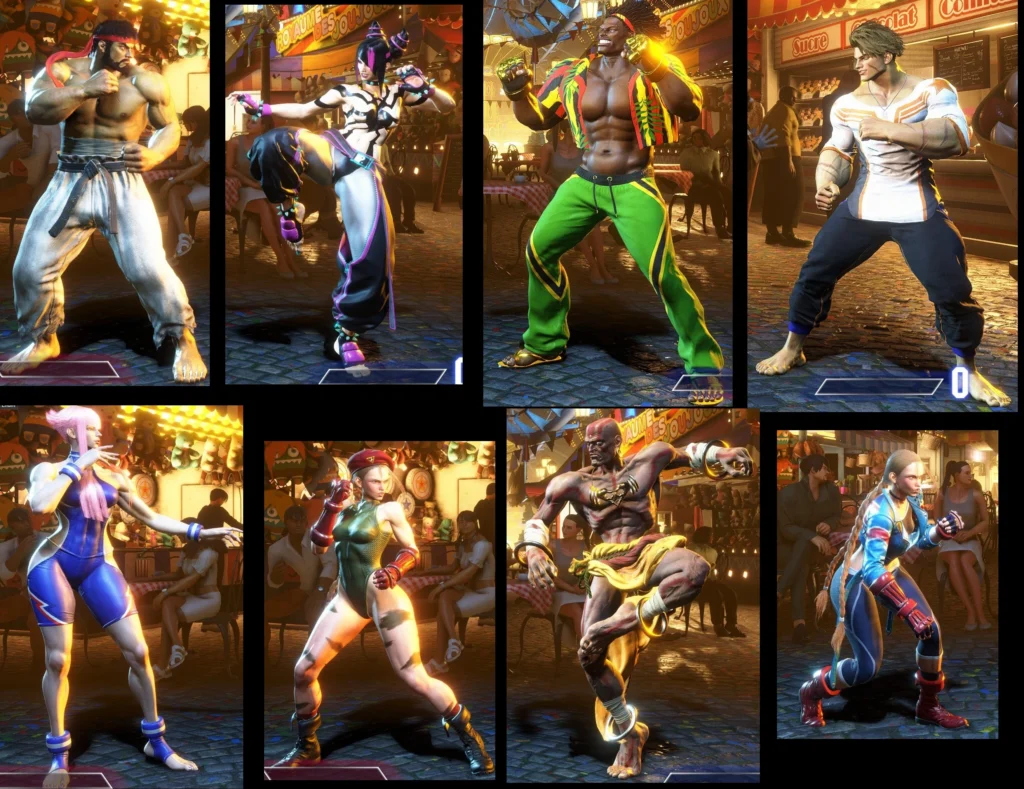
Can You Mod Street Fighter 6?
Yes. The PC version of SF6 supports full modding capabilities. Players can:
- Swap costumes and stages
- Modify UI elements
- Create anime crossovers
- Inject real-time shaders
- Replace character models
- Enhance AI behaviors
All mods are external—they don’t overwrite core game files and can be safely uninstalled.
⚠️ Mods are only supported on PC (Steam). Console versions like PS5/Xbox do not support modding.
How to Mod Street Fighter 6: Step-by-Step
Here’s a basic installation guide for beginners:
What You Need:
- Steam version of Street Fighter 6
- Mod Manager like Fluffy Mod Manager
- Access to nexus mod Street Fighter 6 files
Steps to Install Mods:
- Download and install Fluffy Mod Manager (from modding community)
- Extract it to a new folder, run once to set up SF6
- Download a mod (costume, model, UI) from Nexus Mods
- Drag the mod file into the Mod Manager’s Mods folder
- Enable the mod in the Mod Manager UI
- Launch SF6 through Steam as usual
Your mods should appear instantly!
Safety Tips:
- Always back up save files
- Only download from trusted creators on nexus mods Street Fighter 6 listings
- Check for game updates—patches may break mod compatibility
Best Street Fighter 6 Mods on Nexus
Now let’s explore the most downloaded and most creative mods currently available:
1. Character Swaps
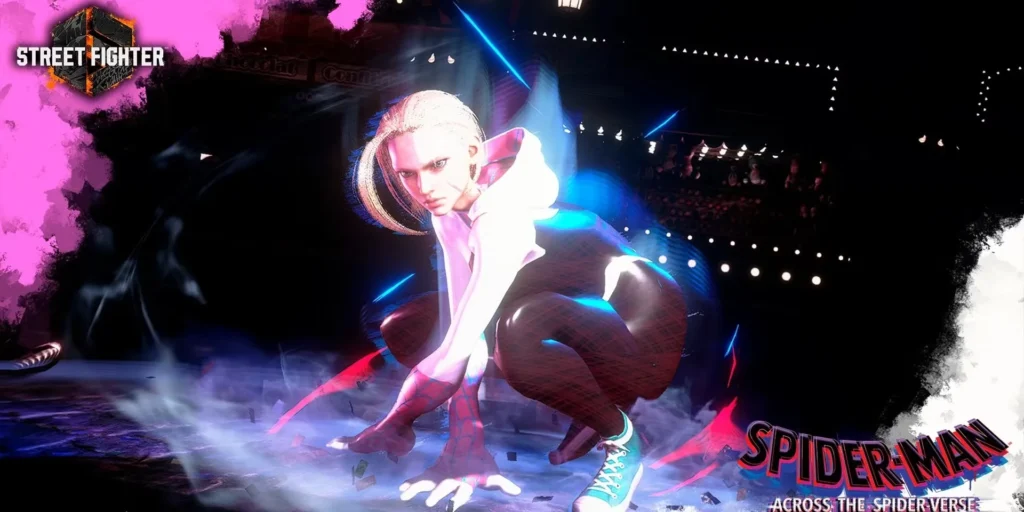
- Turn Ken into Naruto
- Replace Juri with Bayonetta
- Make Luke look like All Might
2. Costume Mods
- Classic outfits from SF2 and Alpha series
- Bikini and shirtless variants (cosmetic only)
- Cyberpunk theme skins for every fighter
3. Stage Mods
- Replace Metro City with Neo Tokyo
- Dark mode Battle Hub
- Retro SFII arcade remakes
4. Shader and UI Mods
- Cel-shaded anime look
- High-res filters and 4K textures
- SF6 with a minimalist black-and-white UI
5. Street Fighter 6 AI Mods
- Enhanced enemy behavior in Training
- Smarter bot punishes and combo execution
- Simulate human-level mirror matches
6. Funny Mods
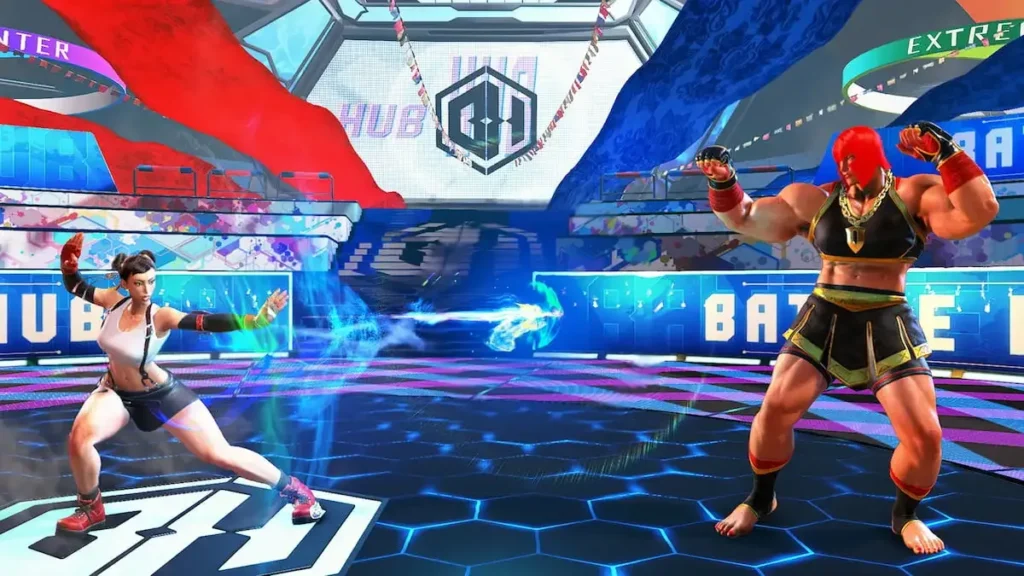
- Chun-Li with pizza slices as bracelets
- Zangief with a Sailor Moon outfit
- Replace sound effects with meme audio clips
Modding SF6 isn’t just about power—it’s about personality.
Nexus Mods Street Fighter 6: How to Use the Site
Nexus Mods is the go-to community hub for high-quality mods. Here’s how to get started:
- Go to nexusmods.com/streetfighter6
- Create a free account
- Browse categories: Models, Costumes, AI, UI, etc.
- Download using manual download
- Install using Fluffy Mod Manager
Each mod page includes:
- Screenshots
- Compatibility version
- Creator notes
- Comments from other players
Nexus Tips:
- Sort by Most Endorsed to find community favorites
- Track updates and patch notes from mod devs
- Use the ‘Collections’ feature to bundle themes (e.g., “Classic SF2 Pack”)
Popular Mod Creators to Follow
Here are some standout names on the Street Fighter 6 nexus mods scene:
- monkeygigabuster: Known for detailed model ports
- SleepyScrub: Creates custom animations
- Heita3: UI design genius
- Darklight: High-res shaders and cel-shading effects
Supporting these creators means more updates and cooler content.
ExitLag and SF6 Modding: Why It Matters
While mods affect visuals and AI, smooth online play still matters. Many modded players use ExitLag to:
- Eliminate lag from resource-heavy modded builds
- Maintain stable FPS during high-load sequences
- Improve mirror match connection stability
Start your Exitlag 3 days Trial!
Modded games can tax your system—ExitLag ensures your input stays responsive.
Advanced Modding: Building Custom Moves and Full Theme Packs
Beyond costumes and shaders, veteran modders are pushing boundaries by creating:
- Custom super moves and animations
- Alternate character intros and win poses
- Total character re-skins (e.g., Street Fighter IV versions)
How These Mods Work:
- Use file editing tools like UnrealPak and Blender
- Import and remap animation skeletons
- Create custom voice packs with AI dubbing tools
Some creators even release theme packs, where every character is overhauled to fit a shared world:
- Cyberpunk Street Fighter
- Anime crossover tournaments
- WWE wrestling mods
These mega-packs redefine how players experience Street Fighter 6 mods.
Street Fighter 6 AI Mods: Smarter Training, Better Practice
One of the most practical innovations in modding is improving Training Mode with Street Fighter 6 AI mods.
AI Mod Benefits:
- Replace the dummy with a bot that reacts to your habits
- Simulate pressure strings and counter-hits
- Use AI sparring partners that mimic human error
Tools like SF6Trainer or AI Behaviour Injectors allow modders to:
- Program combo defense
- Set custom anti-air reactions
- Trigger wake-up behaviors
This helps players prep for ranked more effectively than static dummy setups.
Modding Ethics: Do’s and Don’ts
As with any creative community, respect and responsibility are vital.
What’s OK:
- Cosmetic mods for personal or offline use
- Sharing free mods on Nexus with proper credit
- Creating parody or fan-fiction content
What’s Not OK:
- Modding online characters to cheat in ranked matches
- Reselling free community content
- Uploading NSFW mods in inappropriate categories
Capcom has not officially banned mods, but abusing them online can lead to VAC bans or account restrictions.
Best Practice: Use mods offline or in Battle Hub casuals—never in ranked or tournament lobbies.
Common Modding Problems and How to Fix Them
Even with the best tools, errors happen. Here’s how to handle them.
1. Game Crashes at Launch
- Disable all mods via Fluffy Mod Manager
- Check for SF6 game patch
- Reinstall updated versions of active mods
2. Mod Not Showing In-Game
- Make sure mod is “enabled” in Mod Manager
- Double-check mod file path (should be under Mods/ folder)
- Use clean mod file names without special characters
3. Visual Glitches or Missing Textures
- Conflicting mods installed (e.g., two skins for the same character)
- Use the mod load order setting to prioritize one version
- Update your GPU drivers for proper shader rendering
4. Input Lag After Mod Installation
- Heavy shader mods may reduce FPS
- Disable background apps
- Use ExitLag to stabilize performance during modded gameplay
Top Tips for First-Time Modders
- Always keep a backup of your original game files
- Start with small mods (costumes) before diving into mechanics
- Read the comment section of each Nexus mod for bug reports
- Use a separate Steam user account for mod testing if needed
ExitLag: Boosting Stability for Modded Games
Modded games demand more from your system. ExitLag isn’t just for competitive online—it helps:
- Prevent frame drops with real-time network path optimization
- Reduce input delay in AI vs. AI modded matches
- Stabilize FPS during heavy texture or shader loadouts
Use ExitLag with any SF6 configuration to ensure the smoothest experience.
FAQs – Street Fighter 6 Mods
Is modding SF6 legal?
Yes, for personal use on PC. However, never use gameplay-altering mods in ranked.
Do mods work after every patch?
Not always. Major updates can break compatibility. Stay tuned to Nexus for updated versions.
Can I install multiple mods at once?
Yes. But if they affect the same character or asset, one may override the other.
What if I want to uninstall all mods?
Disable them all in Fluffy Mod Manager or delete the Mod folder.
Is there a mod that adds characters?
Not official ones. But model swaps exist (e.g., Ryu becomes Evil Ryu).
Can you mod on PS5 or Xbox?
No. Mods are only supported on Steam (PC).
Final Thoughts: Modding Street Fighter 6 the Right Way
The SF6 modding scene is exploding with creativity, from cosmetic enhancements to full training AI overhauls. Whether you’re looking for style, practice help, or pure fun, there’s a mod out there for you.
But always mod responsibly. Keep it offline, stay within ethical bounds, and support the creators who elevate our favorite fighting game.
And if you’re modding your way to victory, let ExitLag make sure your game runs buttery smooth—no input lag, no excuses.
All game images used in this blog belong to Capcom. They are used for informational/educational purposes only and do not imply endorsement or affiliation with the rights holders.
Got questions or want to connect with other players? Join the conversation at the ExitLag Forum!