
Playing Tibia Lag is often a test of patience. Many players experience delays even when they have a seemingly fast and stable internet connection. Therefore, it is normal to feel frustrated when your character freezes mid-hunt, your spells respond late, or your movement becomes inconsistent. These issues destroy immersion, waste supplies, and can even lead to unnecessary deaths especially when combined with Tibia connection issues that make the gameplay unpredictable.
Most players believe the problem comes from their PC or their Wi-Fi, but in reality, Tibia Lag is usually caused by unstable routing between your connection and the game servers. Like this, even if your hardware is perfect, poor network paths create delays, packet loss, and rubberbanding.
Finally, this guide will explain what causes lag in Tibia, how routing actually works, and why ExitLag becomes your definitive solution to stable gameplay. By the end, you’ll know exactly how to eliminate Tibia Lag for good and reclaim full control of your hunts.
What is lag in Tibia?
Before exploring solutions, it is essential to understand what lag means inside the context of Tibia. Lag is a delay between the action you perform (like casting a spell or moving) and the server’s response. Therefore, when lag happens, the server takes too long to receive or return your command. This often results in:
- delayed movement
- late spell casting
- monsters reacting unpredictably
- rubberbanding or teleporting characters
Lag is not the same as FPS drops. FPS affects your computer’s graphics performance, while lag comes from your internet route. Tibia is a lightweight game, so when your gameplay freezes, the cause is almost always network instability.
Why lag happens even with good internet
Many players assume their internet package determines their ping. However, this is not true. Your provider chooses the route your data follows to reach Tibia servers. These routes are automatic, and not all of them are optimized. Sometimes your data takes long, congested, or inefficient paths, causing slow responses.
Therefore, even expensive internet plans may lead to:
- packet loss
- unstable ping
- sudden spikes
- high latency during peak hours
Think of it like this: your data travels through a “digital highway.” If your ISP sends your packets through a crowded path, it causes delays just like a traffic jam. Finally, when routing is the real issue, only a tool that re-routes your connection can fix the problem effectively.

Lag, ping, and fps: key differences
Understanding the difference between lag, ping, and FPS helps you identify what is truly affecting your gameplay.
| Term | Meaning | Impact on Tibia |
| Lag | Delay between command and server reaction | Late spells, slow movement |
| Ping | Time it takes for data to go to the server and return | Higher ping = more delay |
| FPS | Frames per second (graphics performance) | Visual smoothness, not connection |
Therefore, if you feel delays in your actions, the cause is almost certainly ping and routing not your computer.
Problems caused by bad routing
Bad routing directly impacts competitive gameplay and even casual hunts. Here are the most common issues:
- command delay
- rubberbanding
- teleports during movement
- unstable monster behavior
- hit registration problems
Like this, even small delays can affect accuracy, survival, and overall player experience.
Introducing the solution: Exitlag
If bad routing is the cause, then the solution must fix routing. This is where ExitLag becomes essential. ExitLag is a connection-optimization software designed specifically for gamers. It reroutes your data through the most efficient paths using intelligent tunneling and multi-route technology.
Therefore, ExitLag does what your ISP cannot: it selects the fastest, most stable route in real time, reducing latency and ensuring consistent gameplay. Finally, this creates a stable and responsive environment ideal for Tibia players.
Benefits of Exitlag for Tibia players
ExitLag brings several advantages that directly impact your Tibia experience:
Lower and stable ping
Your commands respond instantly, crucial when timing spells, running from danger, or managing multiple monsters.
Reduced packet loss
Monsters stop teleporting, spells stop failing, and movement becomes predictable and smooth.
Improved stability during peak hours
Even when your server is crowded, your route remains optimized.
More reliable gameplay
Ideal for hunts, bosses, and PvP moments where one second can decide your fate.
How Exitlag fixes Tibia lag: simplified explanation
ExitLag creates multiple tunnels between you and the Tibia servers. These tunnels are tested simultaneously so the system can choose the best route at every moment. Like this, your connection avoids congestion and outdated network paths that your ISP may still be using.
Therefore, the software ensures that your character responds to your actions as fast as possible, creating a more competitive and enjoyable experience.
How to use ExitLag in Tibia
The process is extremely simple:
Step 1 – Access the official ExitLag website and download the application. There’s a free trial period for new users.
Step 2 – Install and open the program. Log in with your account.
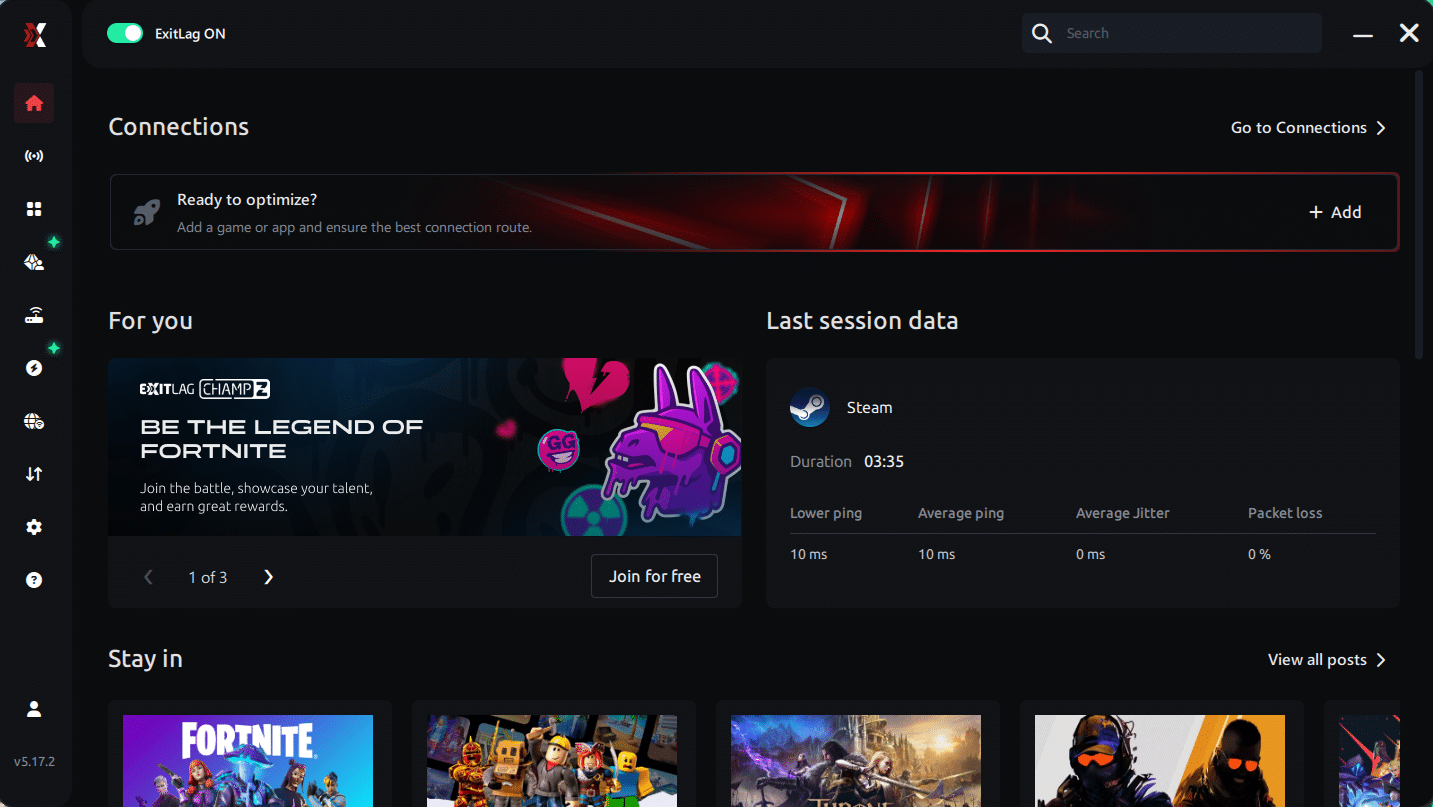
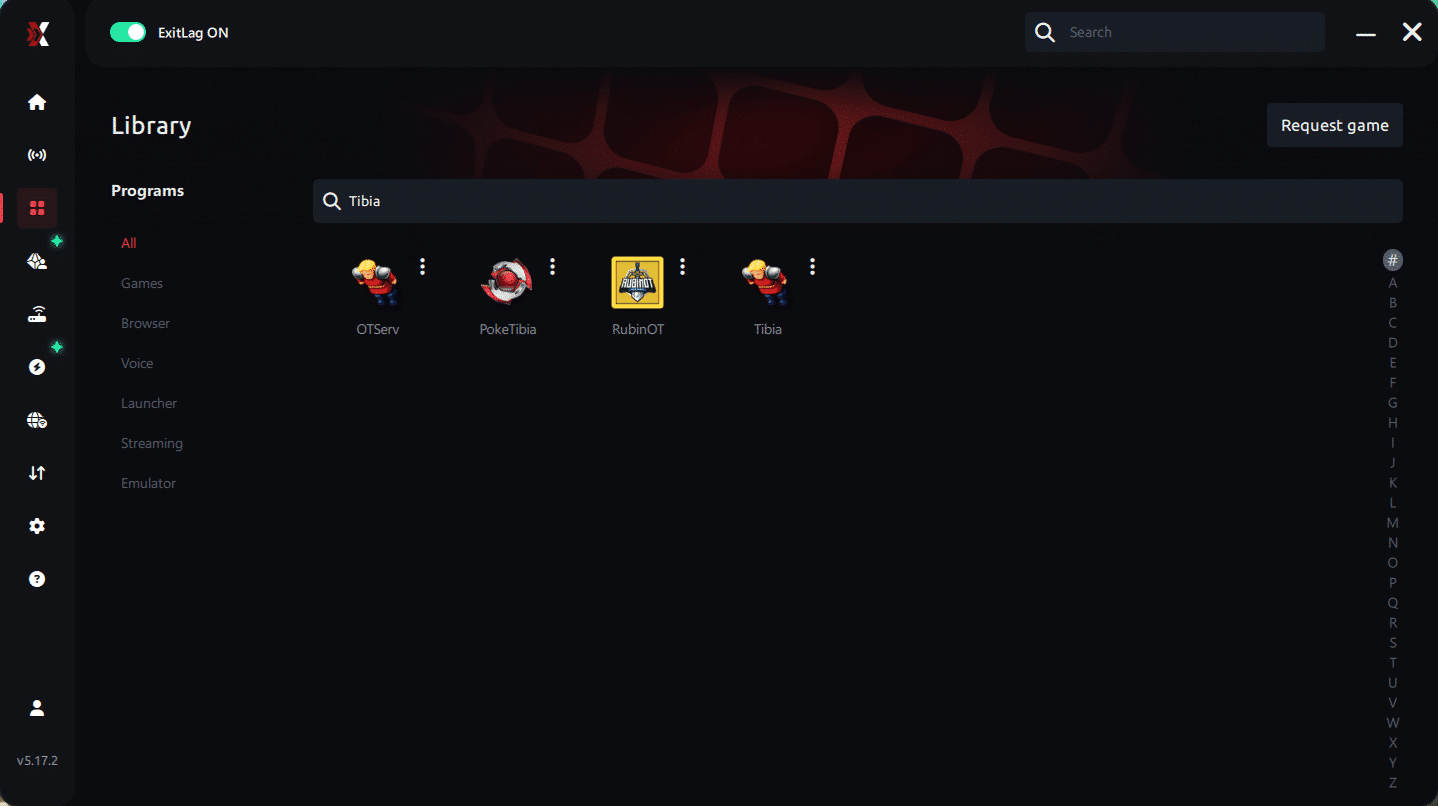
Step 3 – In the search bar, type “Tibia” and select the game from the list.
Step 4 – Choose between automated or manual route
Based on the results, you can let ExitLag automatically select the best route or manually choose the server that showed the lowest latency for your connection.
AI-optimized automated route
Based on the results, you can let ExitLag automatically select the best route through AI optimization. The system analyzes multiple connection paths in real time and automatically identifies the most efficient route for your connection, ensuring the lowest possible latency without requiring manual choices.
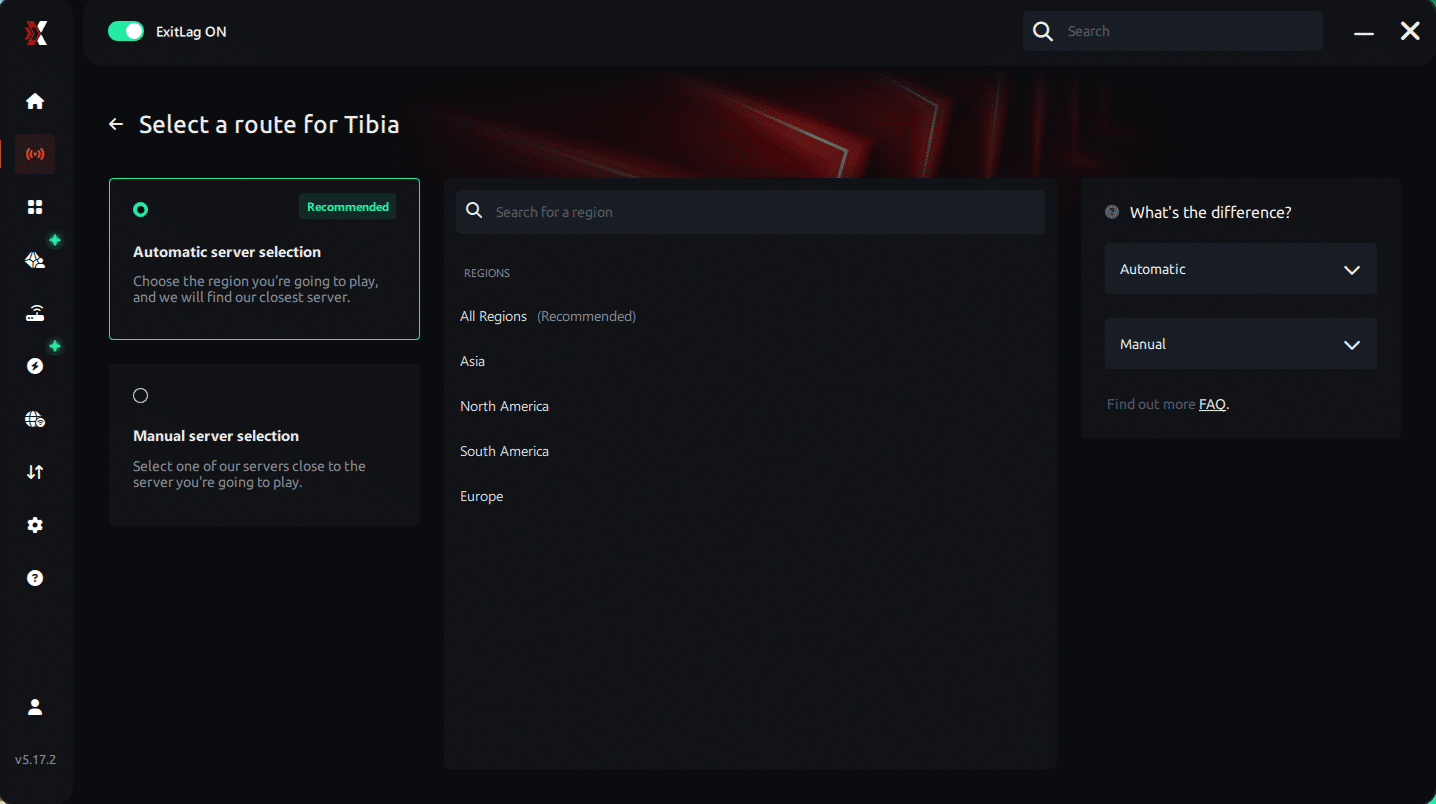
Manual route
If you prefer to have full control over your connection, you can manually choose the server based on the ping test results. Simply select the server that showed the lowest latency or the one that best meets your specific gaming needs, allowing complete customization of your experience.
Step 5 – Click “Apply routes” or the play button. ExitLag will begin optimizing your connection automatically.
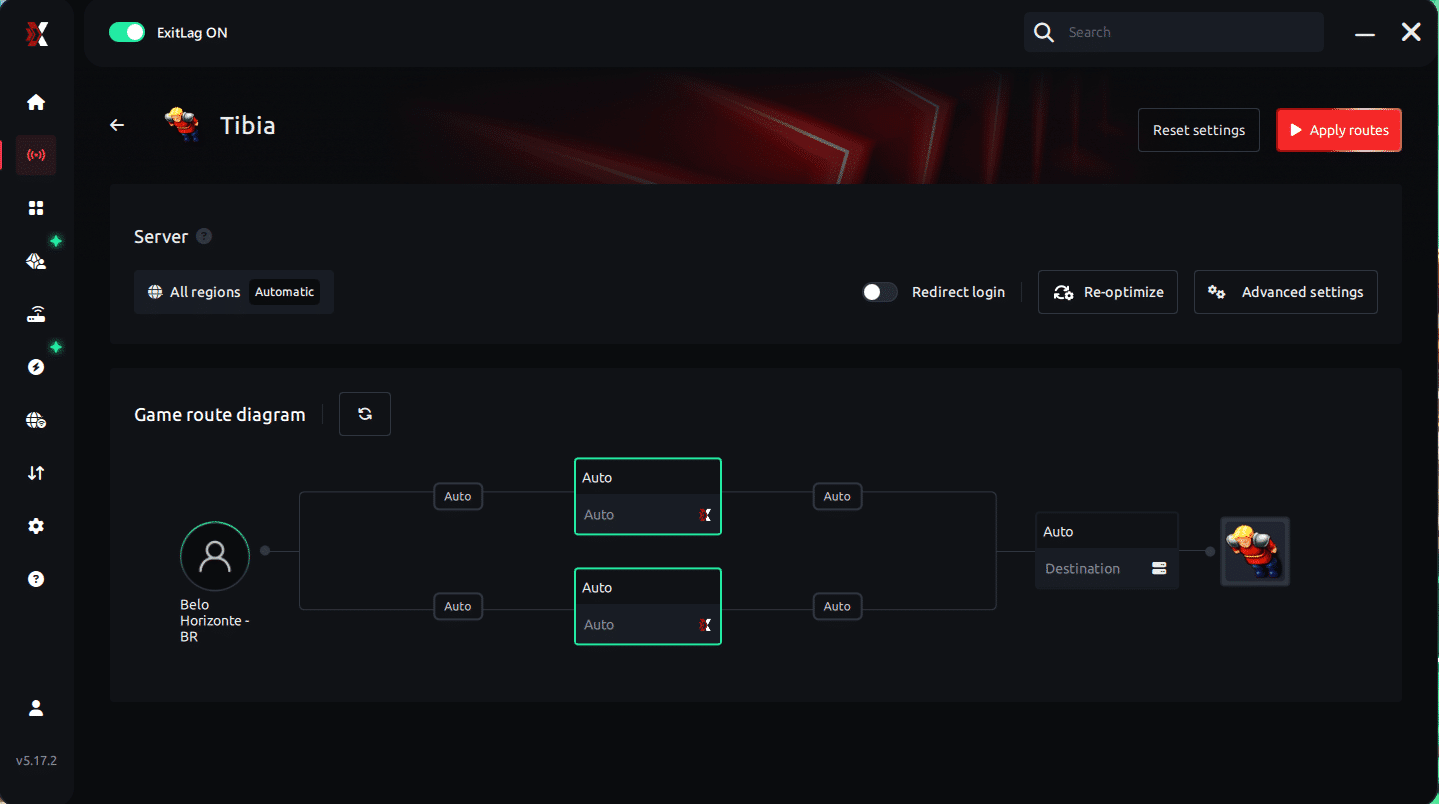
Step 6 – Wait a few seconds until optimization is complete. You’ll see ping indicators in the interface.
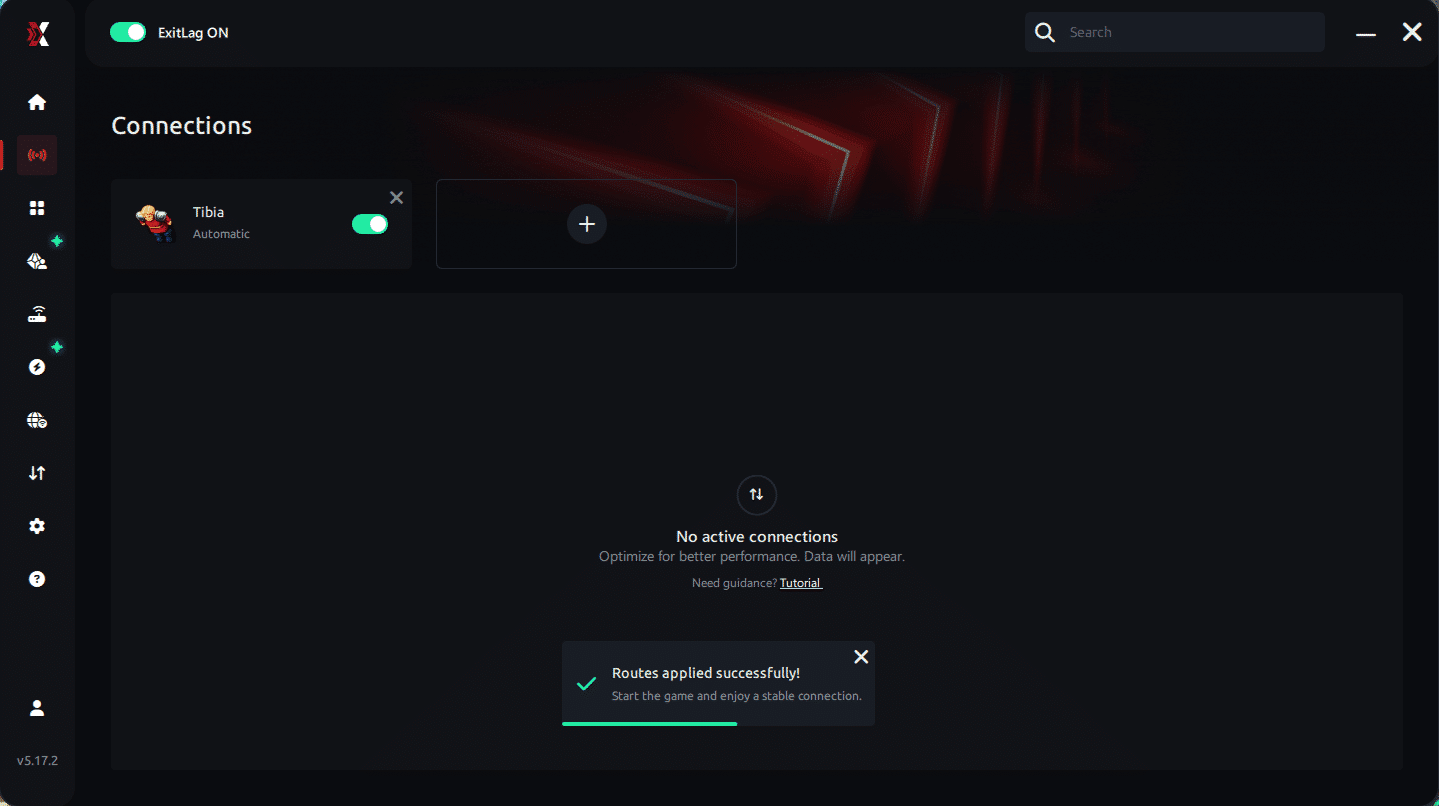
Step 7 – Launch Tibia normally. The optimization will already be active.
ExitLag runs in the background while you play, constantly adjusting routes to maintain the best possible performance.
How to use Ping for Games: step-by-step guide (Tibia)
Checking your connection quality before entering the game has never been easier. Here’s how to use Ping for Games in just a few steps:
1. Open the ExitLag software on your PC Ensure the application is installed and open. The feature is integrated into the platform and available for free to all users.
2. Access the Network Analyzer tool Locate the Network Analyzer in the software menu. This is where you’ll find Ping for Games along with other connection analysis features.
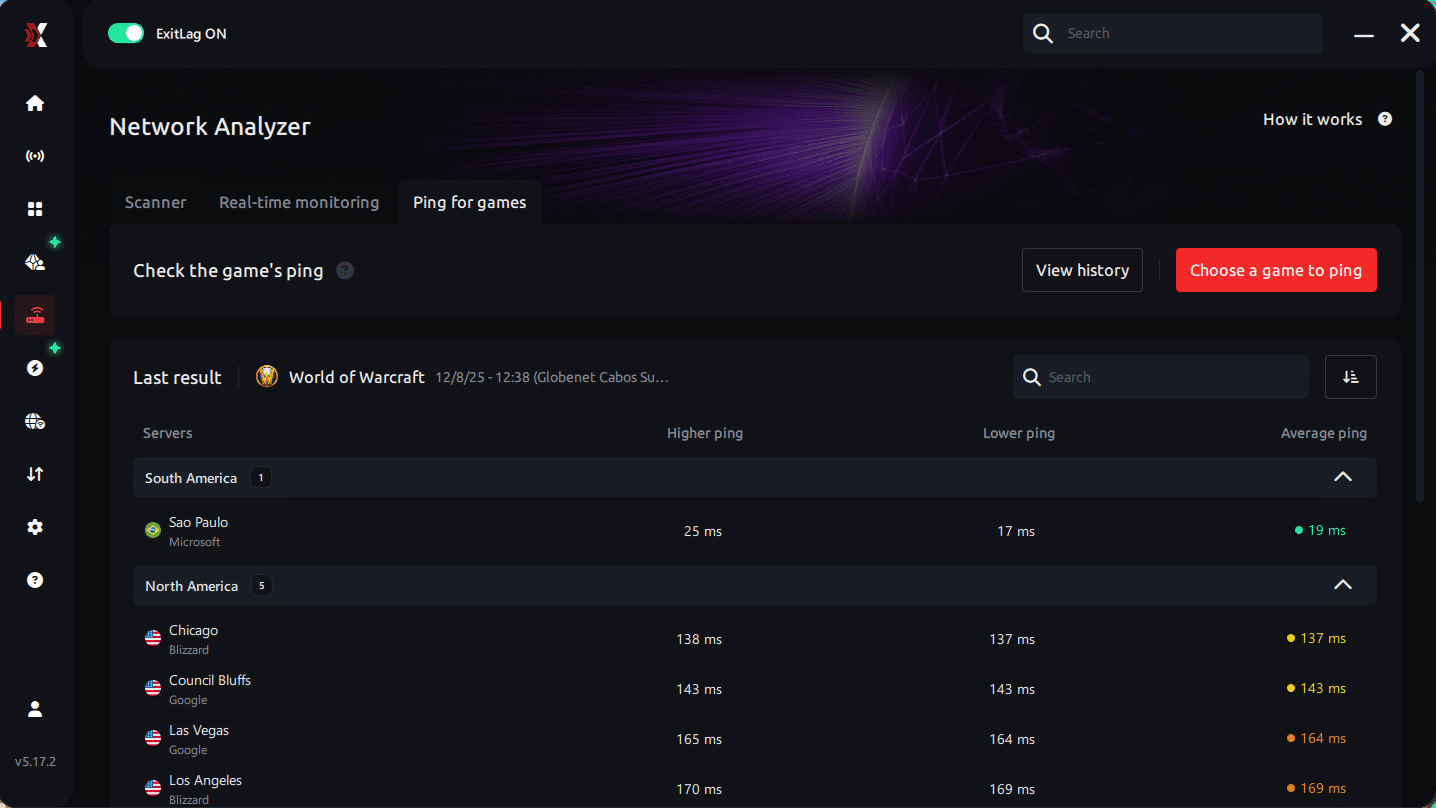
3. Select the game you want to test Choose Tibia from the list. The tool supports major online multiplayer games, including FPS, Battle Royales, MOBAs, MMORPGs, and more.
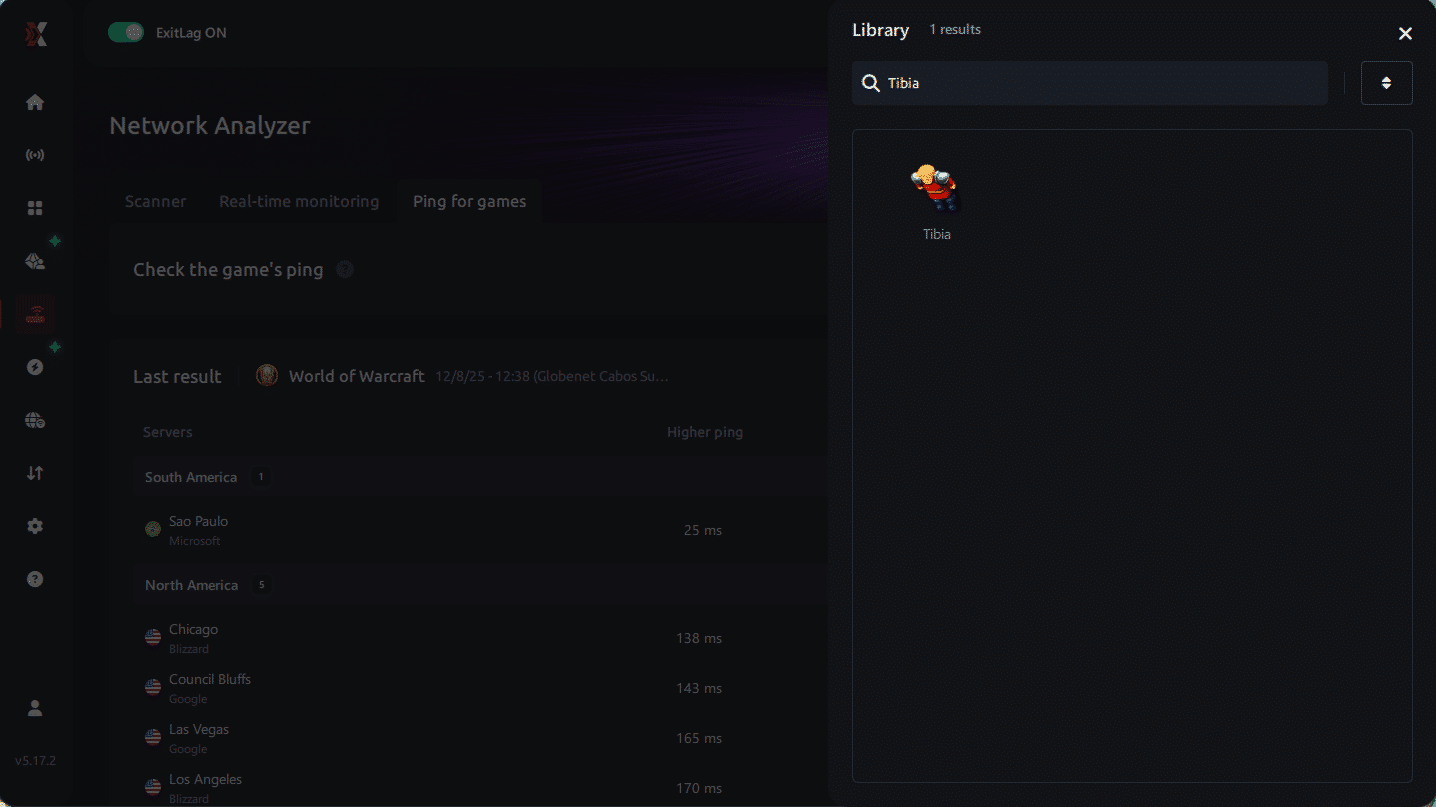
4. Choose the specific server Select the exact Tibia server you want to test instead of a generic region. This ensures more accurate results for your world.
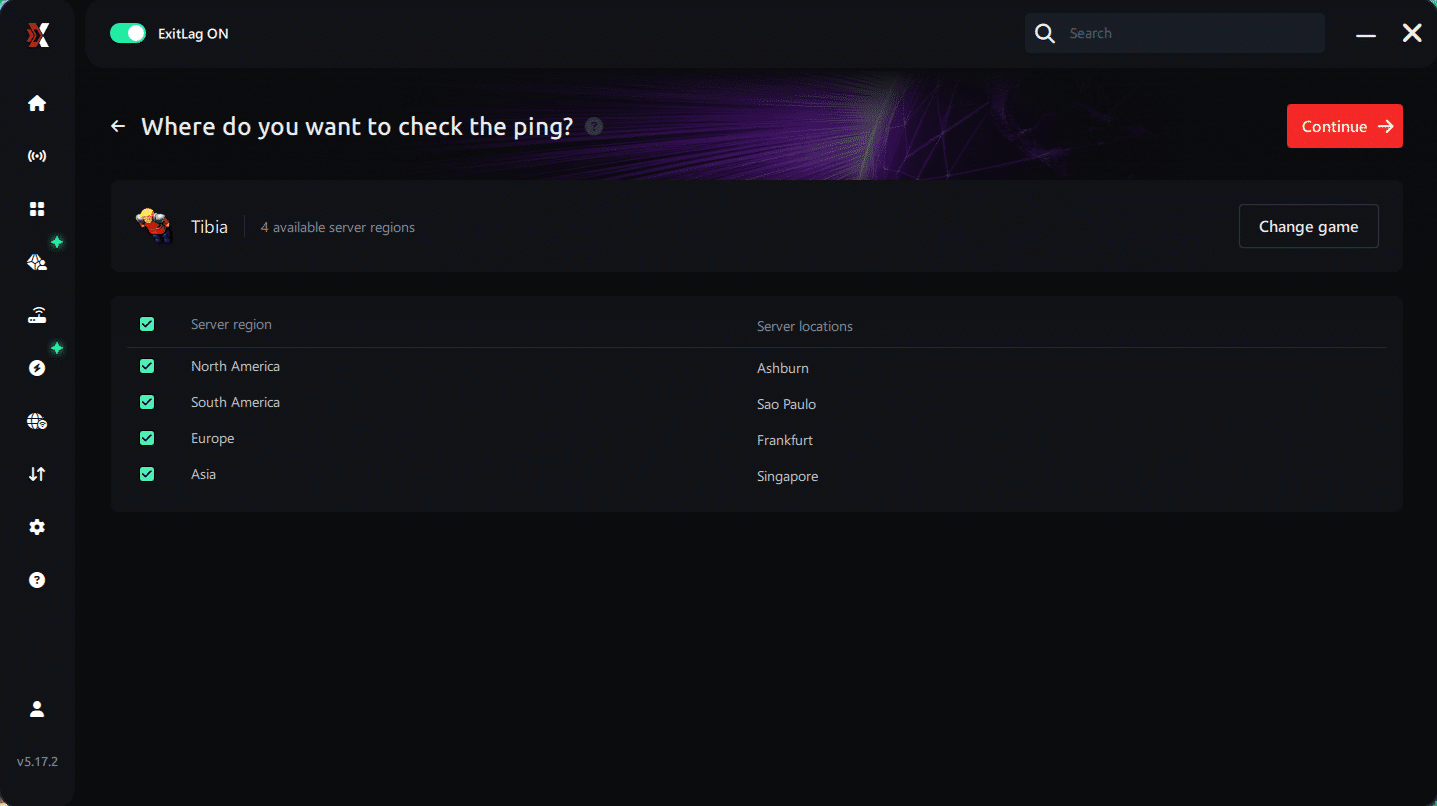
5. Start the ping test With one click, the measurement is performed in real time between your device and the selected Tibia server, considering your current connection (cable or Wi-Fi).
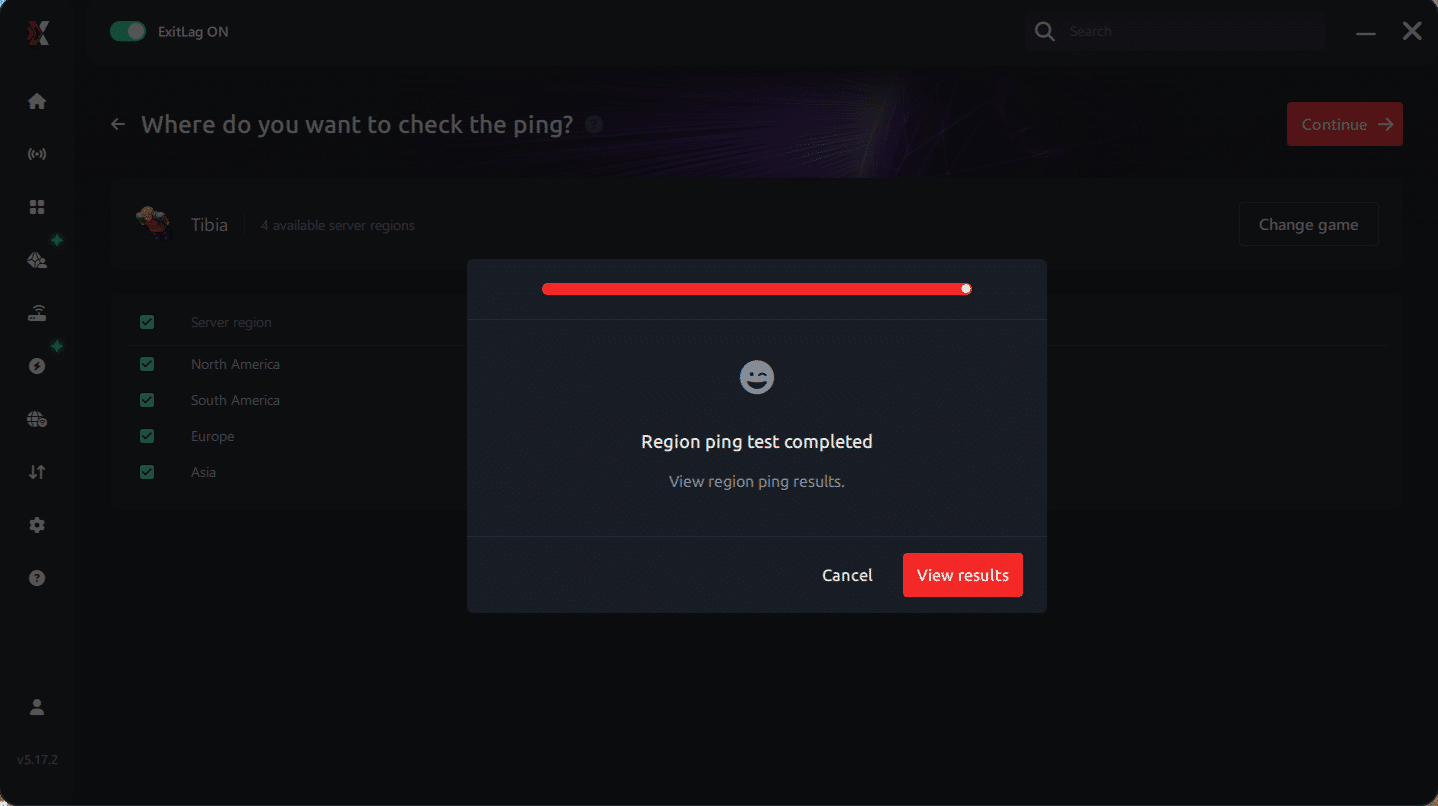
6. Analyze the results Results appear in milliseconds (ms), automatically sorted from best to worst ping. You can also reorganize the view alphabetically if you prefer.
7. Choose the best server and play worry-free With this information, simply select the server with the lowest latency and jump into Tibia knowing your connection is optimized.
Final thoughts: Play Tibia without lag forever
At the end of the day, Tibia lag should never ruin your experience. Whether you’re hunting, questing, or fighting in PvP, your internet connection should never be the reason you die or lose progress.
With ExitLag, you finally take control of your network performance. The software finds the fastest routes, eliminates lag, and stabilizes your ping so that every step, every spell, and every action happens exactly when you want it to.
Try ExitLag for free right now and experience how smooth Tibia can be when your connection is fully optimized. Play with confidence, progress faster, and make lag a thing of the past.



