
If you’ve ever wanted to experiment with new abilities or simplify your gameplay in V Rising, you’ve probably looked for reliable V Rising cheats. Many players are curious about how console commands and admin tools can enhance their experience, whether it’s for testing builds, exploring faster, or simply having fun in private sessions.
This guide provides a trustworthy list of V Rising cheats, detailing commands, creative modes, and useful tips for safe usage. While these commands can be extremely helpful, it’s important to understand the game’s anti-cheat system and avoid using cheats in ways that could compromise your account.
By following this guide, you’ll learn how to activate console commands, explore creative mode, and apply cheats responsibly. With clear explanations and practical examples, this resource ensures you make the most of V Rising cheats without unnecessary risks.
Cheats in V Rising: What You Need to Know
At first glance, many players wonder: are there cheats for V Rising? The short answer is that there are no official cheat codes built into the game. Instead, V Rising provides console commands and admin tools that act as the closest alternative to cheats.
These commands are mainly designed for server administrators and players who want to test mechanics or build without restrictions.
Unlike traditional cheat codes you might find in single-player games, V Rising relies on controlled tools that give players a way to customize or experiment with the vampire survival experience. To fully understand this, it’s important to separate the concepts of cheats, glitches, and admin commands.
Cheats vs. Glitches vs. Admin Tools
- Cheats: Player-intended shortcuts or codes that alter gameplay directly. In V Rising, these don’t officially exist but are emulated through console commands;
- Glitches: Unintended bugs or exploits that players sometimes abuse for advantages. These are unstable and can even harm your save file;
- Admin Tools: Legitimate server or console commands created by the developers. These allow controlled changes such as spawning items, teleporting, or altering character stats.
Why Players Seek V Rising Cheats
Players often turn to V Rising cheats for different reasons, such as:
- Testing builds quickly without farming resources;
- Exploring the map faster with teleport commands;
- Experimenting in creative mode to design castles and layouts;
- Managing private servers more efficiently with admin commands.
By understanding these distinctions, you’ll see that what people call “cheats” in V Rising are actually safe and controlled tools, provided you use them responsibly.
How to Enable Console Commands in V Rising

Activating the console is the first step to using V Rising console commands and unlocking all the available admin tools. This setup is simple, but it requires you to play on a private server or have administrator rights.
Prerequisites Before Using Commands
Before diving into the process, keep in mind:
- Console commands only work in private games or servers where you have admin rights;
- Some public servers may restrict or completely disable the use of V Rising admin commands;
- You may need to add your Steam ID to the adminlist.txt file on server setups to gain full permissions.
Step-by-Step: Activating Console and Admin Commands
Follow these steps to enable the console and start using cheats:
- Start a Private Game: Begin a new session in private mode. This ensures you have full control over admin permissions.
- Enable the Console: Go to the game’s options, select General, and check the option Console Enabled.
- Authenticate as an Administrator: Press the backtick key (next to the number 1 on most keyboards) to open the console. Typeadminauth` and press Enter to authenticate yourself as an administrator.
- Use the Commands - Now you can type available commands. For example:
- list shows all available commands;
- give spawns items directly into your inventory;
- teleport instantly moves your character to a chosen location.
- Check Server Rules: If you are on a public server, make sure to check the rules before attempting to use V Rising console commands, as many communities restrict or ban their use.
With these steps completed, you’re ready to explore everything that V Rising admin commands have to offer, from creative building to testing combat strategies.
Complete List of V Rising Cheats and Commands
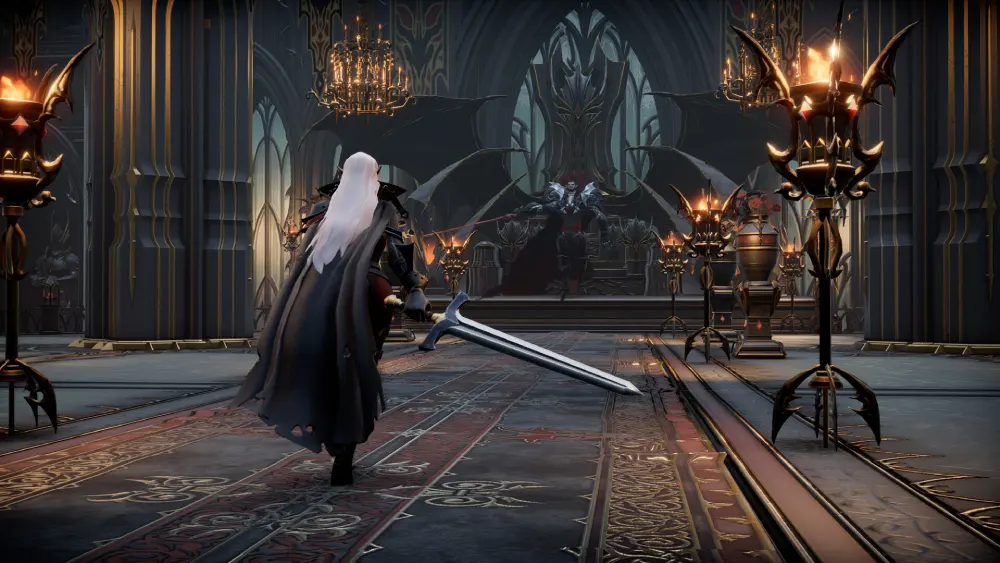
Once you’ve enabled the console and authenticated as an administrator, you gain access to a wide range of powerful tools. These V Rising console commands act as the game’s version of cheats, giving you the ability to spawn items, teleport across the map, or even remove entire structures.
While some commands are purely for convenience, others like the V Rising destroy castle command should be used with caution, since they can permanently alter the world you’re playing in.
Essential Console Commands
Below is a list of the most popular commands in V Rising, along with their functions and practical use cases:
| Command | Function | Practical Use |
| give | Adds items to your inventory. | Spawn weapons, resources, or rare materials. |
| changehealth | Modifies your character’s health. | Test survival mechanics or PvE combat. |
| teleport | Instantly moves your character. | Explore faster or reach hard-to-access areas. |
| destroycastle | Removes castles or structures. | Admin-only tool for managing servers. |
Advanced and Situational Commands
Beyond the basics, players also experiment with more situational cheats:
- Spawnnpc: Used as part of V Rising console npc commands to summon specific enemies or allies for testing;
- Bloodmoon: Triggers special events tied to the V Rising bloodmoon console, often used to simulate difficult in-game conditions;
- Jewel: Admin-only tool for testing jewelry items, often mentioned as part of the V Rising console Jewel command set.
These commands provide freedom for experimentation, especially in private games. However, misuse in multiplayer or official servers can result in issues, so it’s always best to respect server rules and use them responsibly.
Creative Mode and Glitches in V Rising
While V Rising doesn’t officially feature a traditional creative mode like some sandbox games, many players refer to the use of V Rising cheats and admin tools as a form of creative gameplay.
By enabling console commands, you can freely spawn resources, experiment with castle layouts, or test powerful abilities without worrying about farming or survival.
What Players Do in Creative Mode
Using V Rising console commands, players often simulate a creative mode experience by:
- Spawning unlimited items for building and crafting;
- Teleporting instantly to explore different biomes;
- Experimenting with abilities and builds without time restrictions;
- Designing castles without farming resources.
This flexibility allows players to focus on creativity rather than survival challenges, making it ideal for private sessions.
Known Glitches and Exploits
Alongside console commands, the community has discovered glitches that act as unofficial “cheats”. One well-known example is the Blood of the Immortal glitch, which allowed players to bypass certain progression limits. Other smaller bugs often involve duplication exploits or unintended interactions with NPCs.
While these can be tempting, it’s worth noting that relying on glitches can harm your gameplay experience or even corrupt your save files. Using V Rising cheats through admin commands is a much safer and more reliable alternative.
The Risks of Using Cheats in V Rising

While V Rising cheats can enhance your private gameplay, it’s important to understand the risks involved, especially when playing online. The game has protective measures in place to ensure fair competition, and abusing commands or exploits in multiplayer can lead to consequences.
Does V Rising Have Anti-Cheat?
Yes, V Rising does have anti-cheat systems in place. These tools are designed to detect unauthorized modifications, exploits, or third-party programs that interfere with normal gameplay. On private servers you control, console commands are allowed, but in public or official servers, restrictions apply to prevent unfair advantages.
Can You Get Banned for Cheating in V Rising?
Yes, you can. If you attempt to use V Rising console commands or exploits on official servers without permission, your account risks suspension or banning. This is particularly true for:
- Exploiting glitches like duplication or invincibility bugs;
- Using third-party hacks that go beyond the in-game admin system;
- Disrupting multiplayer balance with unauthorized cheats.
To stay safe, keep V Rising cheats limited to single-player or private servers where you have admin rights. This way, you enjoy the flexibility of commands without putting your account or reputation at risk.
Cheats in Multiplayer: What You Should Know
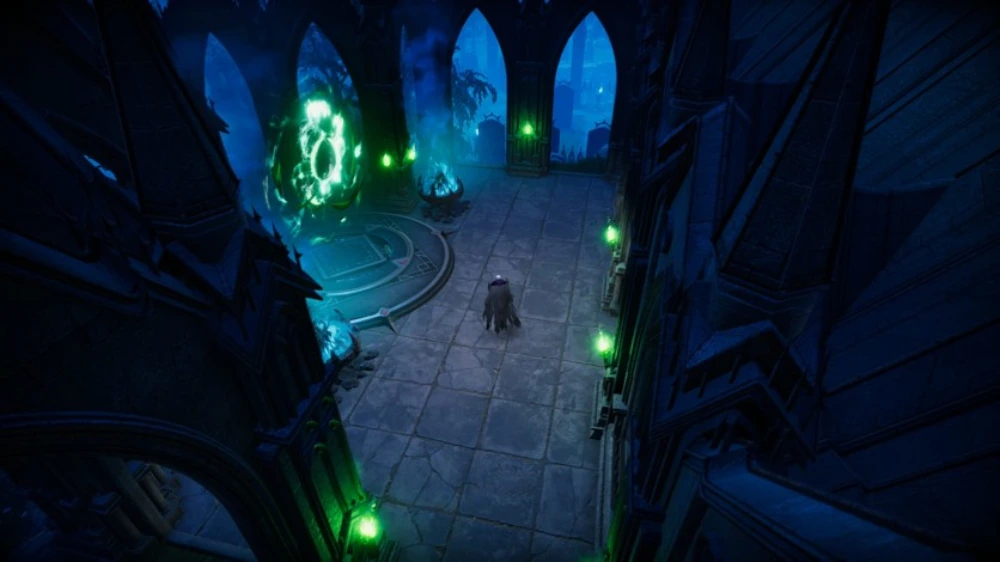
Using V Rising cheats works very differently depending on whether you are playing in a private PvE session or on a public multiplayer server. While V Rising admin commands are fully accessible in private worlds, multiplayer servers often impose restrictions to maintain balance and fairness.
Private PvE Servers
In private games, you have full control over the use of V Rising console commands. This allows you to freely spawn NPCs with the V Rising console npc command, test creative builds, or even simulate events like the V Rising bloodmoon console for fun scenarios. These options make private servers ideal for experimenting without consequences.
How to Cheat in V Rising
So, how to cheat in V Rising? The most reliable method is by enabling console commands and authenticating as an administrator. Once you have admin rights, you can:
- Use commands like give to spawn items;
- Trigger events or modify the world with V Rising admin commands;
- Apply server management tools like the V Rising destroy castle command to remove unwanted structures.
In official multiplayer servers, however, these tools are disabled. Attempting to bypass this with hacks or external programs is not only against the rules but also risky, since V Rising does have anti-cheat systems that can detect and punish unauthorized behavior.
FAQ
Does V Rising have anti-cheat?
Yes, V Rising does have anti-cheat systems to detect unauthorized programs or unfair exploits.
How to cheat in V Rising?
You can “cheat” by using V Rising console commands and V Rising admin commands in private servers where you have admin rights.
Are there cheats for V Rising?
There are no official cheat codes, but console commands act as the closest alternative.
Can you get banned for cheating in V Rising?
Yes, using cheats on official servers can lead to suspension or bans. Keep cheats limited to private games.
Can you use the Steam API to cheat V Rising?
No, the Steam API cannot be used to add cheats. Only the game’s admin tools and console allow this functionality.
Play Smart, Not Just with Cheats
While V Rising cheats are a fun way to experiment and manage private worlds, they don’t replace the thrill of surviving and progressing naturally. Console commands are best for creativity, testing, or server administration, but the core vampire survival experience shines when played as intended.
For multiplayer sessions, remember that lag can disrupt your gameplay far more than the lack of cheats. That’s why using ExitLag is the best way to guarantee a smoother connection, lower ping, and an overall better experience when competing against other players.
Download ExitLag today and make every battle in V Rising more stable, competitive, and enjoyable!



