
In 2025, the question V Rising crossplay has become one of the hottest topics among survival game fans. As the vampire-themed action RPG continues to grow across platforms, players are eager to know: can you play V Rising with friends on different devices?
V Rising crossplay is not just a convenience — it’s a key feature for expanding the game's community. Whether you play on PC or console, being able to join your friends matters. But there are some limitations.
This article covers everything you need to know about V Rising crossplay: what works, what doesn’t, and how to get the best performance in online multiplayer.
Does V Rising Support Crossplay?

Yes — but only on specific platforms.
V Rising currently supports partial crossplay between some systems, though not across the board. Here’s a breakdown of where things stand.
What is V Rising crossplay?
V Rising crossplay allows players using different gaming platforms to join the same servers and play together. It’s ideal for groups of friends spread across systems like Steam and PlayStation.
If you're planning to play V Rising with others, knowing which combinations work is essential.
Platform Compatibility Table
| Platform | Crossplay With | Supported |
| PC (Steam) | PS5 | Yes |
| PC (Steam) | Xbox | No |
| PS5 | PC (Steam) | Yes |
| PS5 | Xbox | No |
| Xbox Series X | S | PC / PS5 |
As of now, V Rising crossplay is supported only between Steam and PlayStation 5 — and even then, only on specific servers configured for cross-platform support.
Check also: V Rising weapons: ultimate guide to skills, tiers and builds
How to Enable Crossplay in V Rising
Getting V Rising crossplay to work isn’t automatic for everyone. The system requires servers that are set up with multi-platform access enabled.
Here’s how to find or set up crossplay:
How to Join a Crossplay Server
- Use official servers: Some are pre-configured for Steam–PS5 crossplay
- Look for server tags: Filters like “Crossplay Enabled” help identify the right ones
- Avoid private PC servers: These usually don’t allow console access
Important Setup Tips
- Ensure your PlayStation Network account is linked properly
- PC users must be on the Steam version — Epic Games Store is not supported for crossplay
- Crossplay does not apply to local/offline worlds
This setup makes it easy for PS5 and PC users to sync their vampire journeys and join each other's clans. But if you're an Xbox player, you'll need to wait for future updates.
Is Cross-Progression Available?
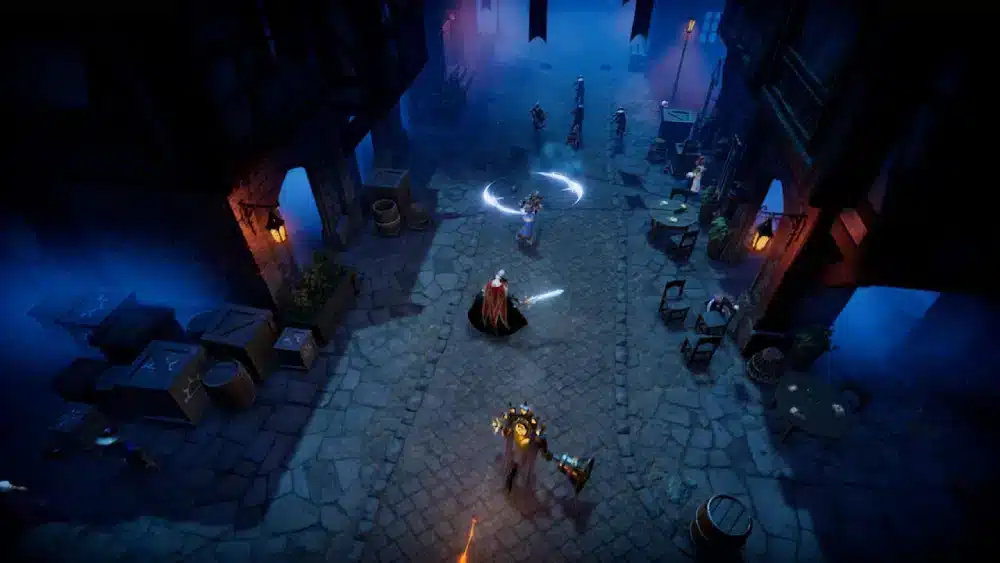
Here’s where some confusion starts: V Rising crossplay and cross-progression are not the same.
What You Need to Know
- Cross-progression is not supported
- Progress is saved locally on each platform
- You cannot switch from PC to PS5 and continue your character or castle
This means if you start on Steam, your save file is locked there. Even though you can join the same server as a PS5 friend, you’ll start from scratch on the new platform.
Crossplay is possible, but your progress won't carry over.
You may also like: V Rising blood types: how they affect gameplay and combat
What About Xbox Support?
As of August 2025, V Rising has not been released on Xbox. That means V Rising crossplay xbox is not yet possible.
According to the latest updates from Stunlock Studios:
- Xbox is under consideration, but no release date has been announced
- Developers prioritized performance tuning on PC and PS5 first
- Future support for Xbox could bring new crossplay options
When Xbox support arrives, we expect controller-friendly features, performance optimization, and the potential for expanded cross-platform access.
In the meantime, players on Steam and PS5 will continue to dominate Vardoran’s multiplayer scene — and prepare for what's next.
How Do V Rising Servers Handle Crossplay?

Not every server in V Rising is crossplay-ready. That’s why understanding how servers are structured is essential — especially if you're planning to play across different platforms.
V Rising crossplay is only available on certain public servers specifically configured to support connections between PC and PS5 players. These servers are hosted either by Stunlock Studios or by partners using cross-platform-compatible infrastructure.
Which Servers Allow Crossplay?
Crossplay works on:
- Official public servers labeled as “Crossplay Enabled”
- Custom servers that enable dual-platform access
- PvE or PvP servers created with specific backend settings
However, most private PC-hosted servers will not work with consoles. Console players also can't create or host servers directly.
How to Join a Crossplay Server in V Rising
To make sure your game supports V Rising crossplay, follow these steps:
- Launch the game on your device
- Choose “Online Play” from the main menu
- Apply the filter “Crossplay Enabled”
- Select a PvE or PvP server that suits your group
- Invite friends or join via the lobby code
This is currently the only method to ensure true cross-platform access within the V Rising ecosystem.
Is ExitLag Useful for Crossplay in V Rising?
Crossplay can introduce connection instability, especially in PvP zones or when players from different regions connect. This is where ExitLag becomes critical.
V Rising crossplay matches sometimes suffer from latency spikes, rubber-banding, and disconnection issues — even on official servers. ExitLag helps eliminate these problems by dynamically routing your connection for better stability.
Key Benefits of Using ExitLag
- Reduces lag when connecting between PC and console users
- Improves frame consistency during combat
- Lowers ping variation on long-distance routes
- Prevents disconnects in large-scale multiplayer events
When You Should Use ExitLag
- Playing cross-region with friends in other countries
- Joining competitive PvP servers
- Experiencing sudden latency increases or packet loss
- Attempting to maintain high performance during raids or sieges
By optimizing your route to the server, ExitLag helps maintain performance — regardless of platform or server load. This is especially useful right after game updates, when server traffic peaks.
Why V Rising Crossplay Isn’t Available on Xbox Yet
As of 2025, V Rising crossplay does not include Xbox. The game hasn’t launched on Xbox Series X|S, and Stunlock Studios has not confirmed an official release date for the platform.
This means players on Xbox cannot join PS5 or PC servers — and vice versa.
What the Developers Have Said
- Stunlock Studios focused first on PS5 and PC stability
- Xbox is under evaluation, but no build is in development yet
- Crossplay expansion depends on technical readiness and user demand
Xbox support may arrive later, but right now there’s no timeline or early access program available.
3 Reasons Crossplay Is Still Limited
- Infrastructure differences across platforms
- Platform restrictions imposed by Sony and Microsoft
- Development resources directed toward existing versions
While the current system favors Steam and PS5 users, this could change. As the player base grows, pressure for full crossplay support continues to build — especially from Xbox users looking to join friends online.
Should You Use Crossplay in V Rising?
For players looking to expand their vampire clan beyond a single platform, V Rising crossplay is a game-changing feature. It offers flexibility, a larger pool of allies (and enemies), and a more dynamic multiplayer environment.
Still, like many cross-platform systems, there are limitations. Not every server supports mixed play, and Xbox users are still waiting for access. Despite that, the option to connect PS5 and PC is already improving the multiplayer experience across Vardoran.
Even more, using tools like ExitLag becomes essential if you want to play cross-region or reduce connection problems between different devices.
Key Takeaways on V Rising Crossplay
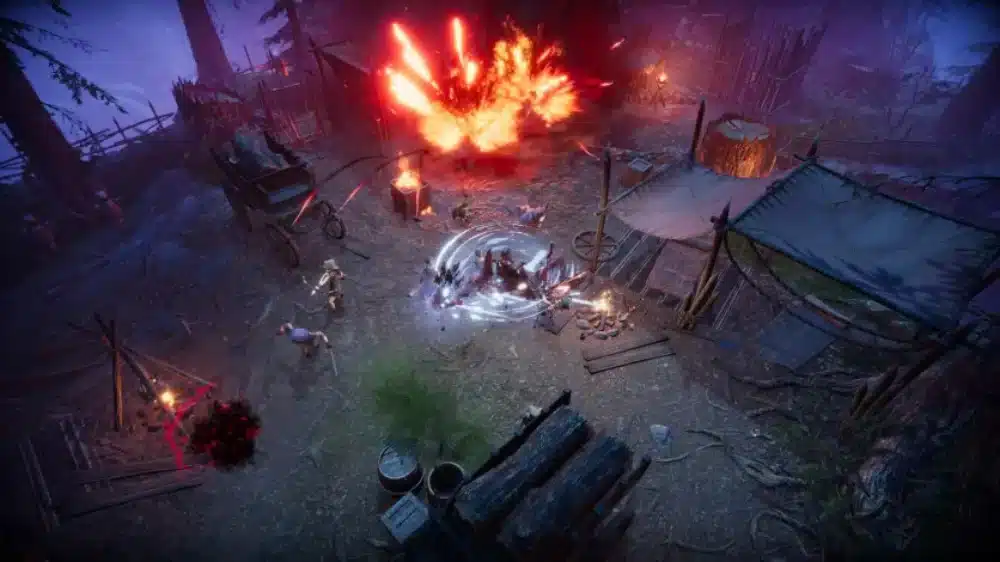
Here’s a quick recap for 2025:
- V Rising crossplay is available between Steam and PS5
- Xbox is not yet supported — no official launch confirmed
- There is no cross-progression, meaning your character stays locked to the platform
- Only specific public servers allow mixed play
- ExitLag improves stability during high-load and cross-region matches
If you're planning to join a clan or raid with friends from another platform, always double-check the server settings. This ensures a smooth experience — especially during large PvP battles.
Check also: V Rising Console Commands: Unlock Hidden Features and Cheats
When Crossplay Works Best
- Friends are split between Steam and PS5
- You want quick matchmaking on public servers
- You're joining a group for PvE boss fights
- You aim to reduce wait times during low-population hours
In cases like these, V Rising crossplay offers the ideal solution for team-based vampire survival.
FAQ — V Rising Crossplay in 2025
Is V Rising crossplay between PC and PS5?
Yes. Crossplay is supported between Steam and PS5, but only on servers that are specifically configured for it, as said at the official website.
Is V Rising cross-platform?
Partially. V Rising crossplay works between PC (Steam) and PlayStation 5, but Xbox is not included at this time.
Can I play V Rising with friends on different platforms?
Yes, as long as you're using Steam and PS5 and joining the same “Crossplay Enabled” server. Xbox support is not yet available.
Is there cross-save in V Rising?
No. Cross-progression is not supported. Each platform saves your progress separately, and characters do not transfer.
How do I enable crossplay in V Rising?
Go to “Online Play” and filter for “Crossplay Enabled” servers. Then choose one that fits your mode (PvE or PvP) and join.
Optimize Your Connection in Crossplay Matches
While gameplay and performance are top priorities, your connection quality makes all the difference during combat. That’s why ExitLag is the preferred solution for competitive and co-op players.
Using ExitLag while playing V Rising ensures:
- Lower ping between cross-platform players
- Fewer disconnection risks during raids or castle defenses
- Better aim response due to stabilized routing
- Enhanced PvP performance, even during high-traffic periods
Now that you know everything about V Rising crossplay, know that ExitLag constantly updates routing paths in real time — meaning you stay connected through the fastest, cleanest line to the server. Whether you’re dueling near Dunley or raiding castles in Silverlight, stable gameplay gives you the edge. Download ExitLag now!



