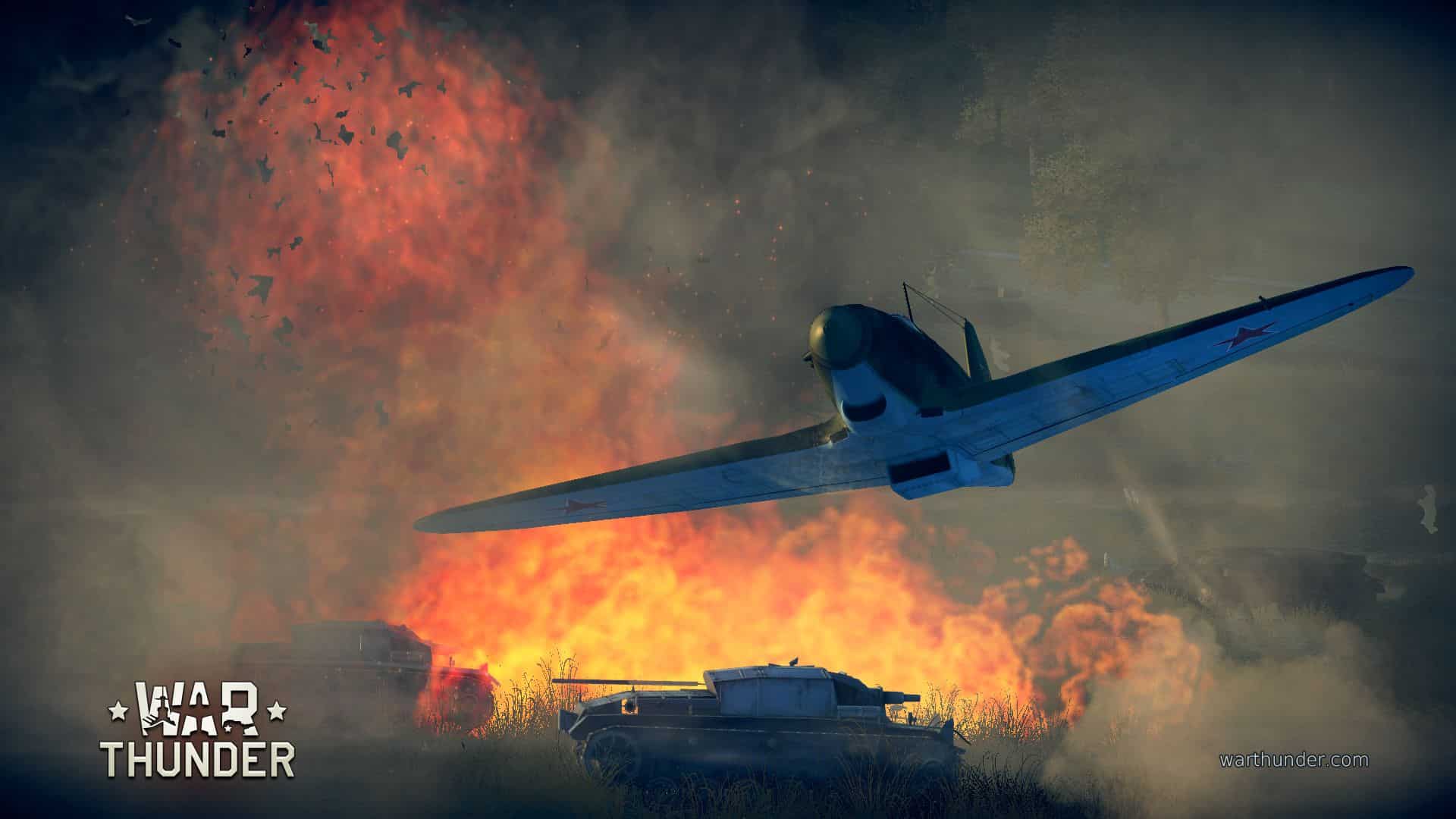
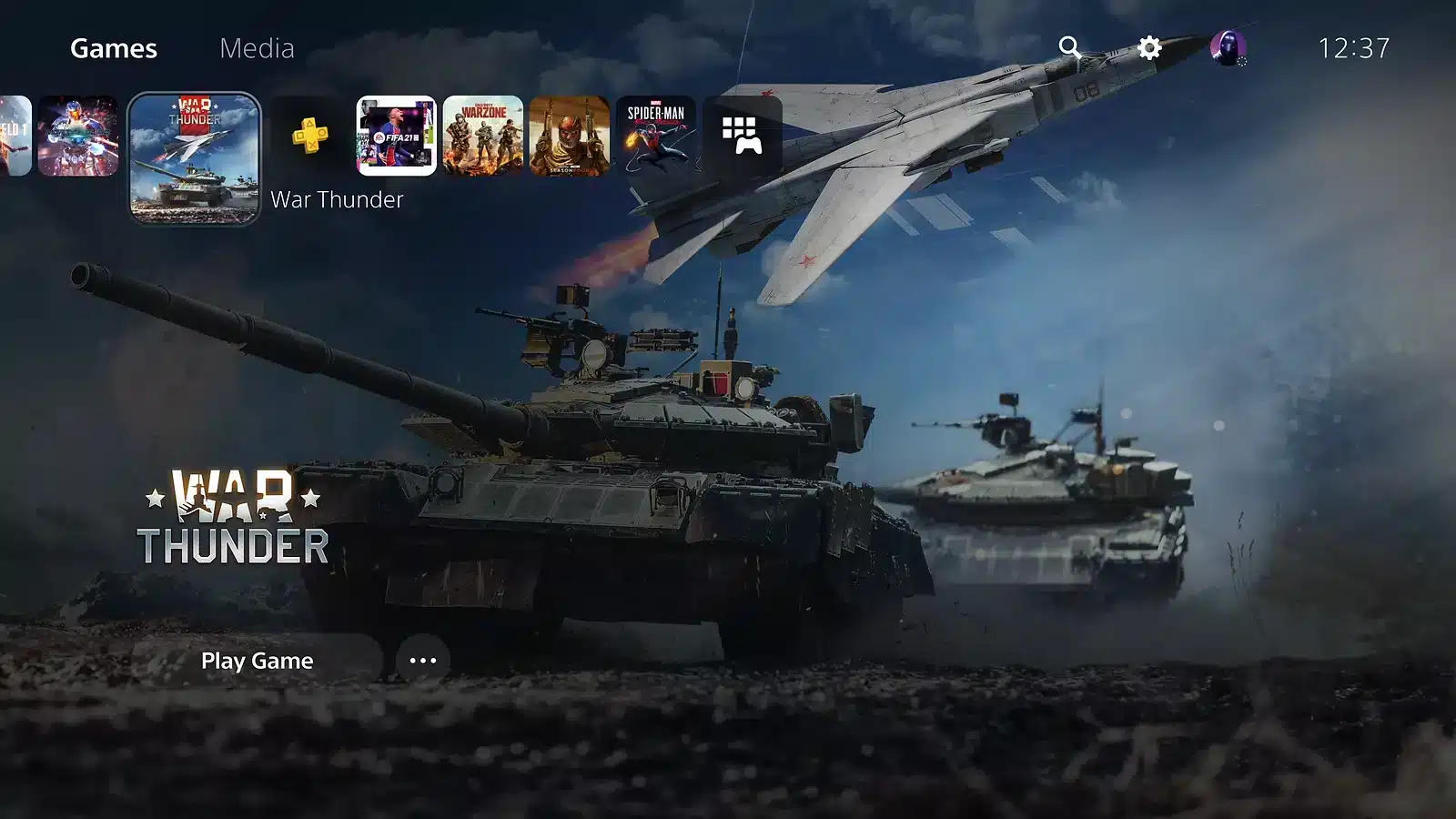
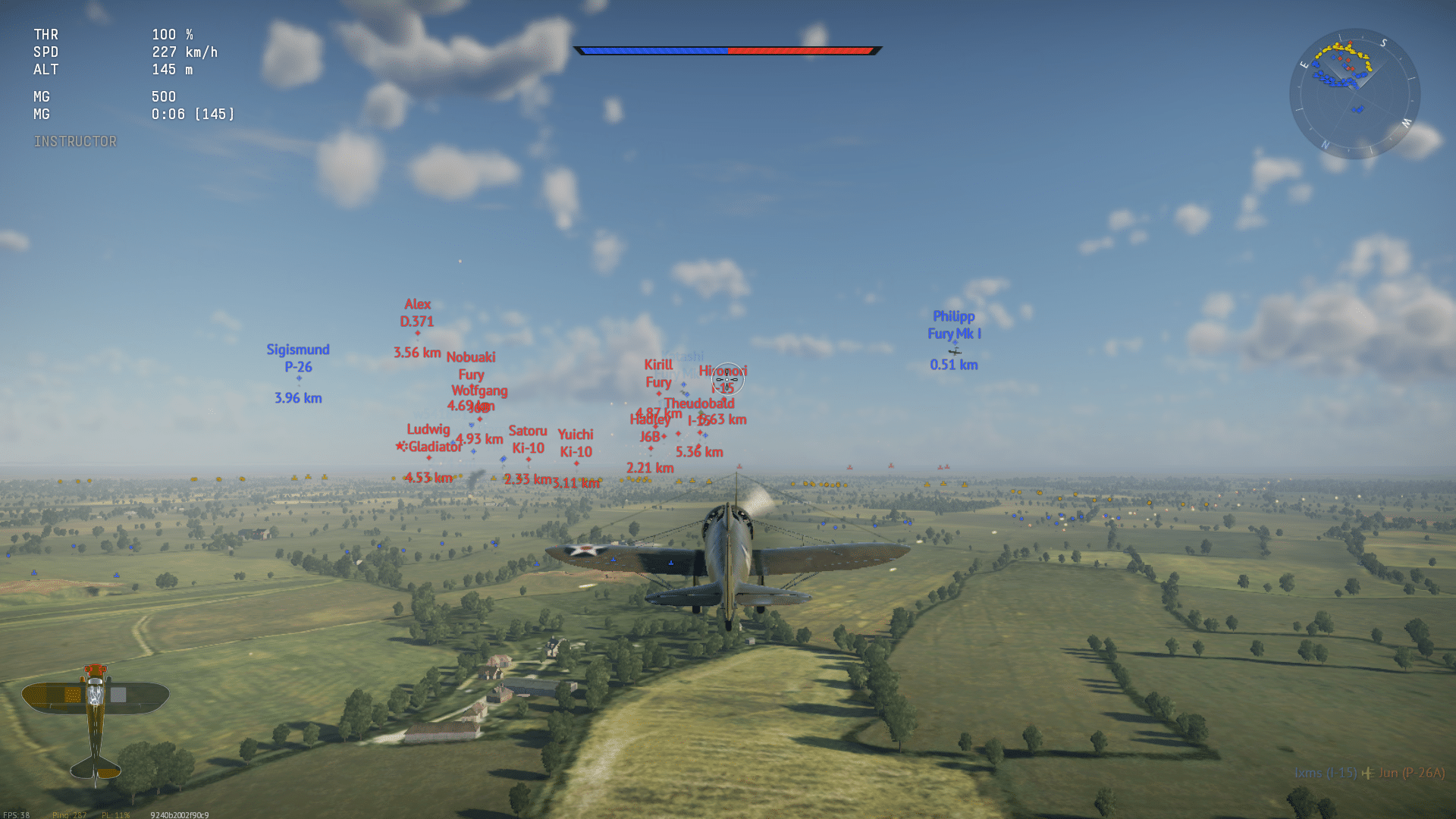
The War Thunder Game is one of the most ambitious military action titles ever built for PC and consoles. It puts you in control of tanks, aircraft, and warships across a single, connected battlefield. Few games let you switch between an attack helicopter and a heavy tank in the same match.
That scope is exactly why so many players search for a clear breakdown before jumping in. Furthermore, the free-to-play model means anyone can try it today without spending a cent. This guide covers everything: what the War Thunder Game actually is, how it plays, what you need to run it, and how to get the smoothest experience possible.
In short, the War Thunder Game is a cross-platform combat simulator covering ground, air, and naval warfare across more than 2,500 historically detailed vehicles. It spans eras from early biplanes to modern jets. Whether you want fast arcade action or a full simulator experience, there is a mode built for you.
Understanding The War Thunder Game Genre
War Thunder blends arcade accessibility with deep simulation options. As a result, it appeals to both casual players and hardcore military history fans.
- Cross-platform online combat covering air, ground, and naval forces
- Free-to-play with optional premium vehicles and subscriptions
- Historically accurate vehicle models spanning multiple decades
- Regularly updated tech trees with new nations and machines
What Makes The Genre Unique?
Unlike most competitive shooters, this title does not lock you into one vehicle type. Instead, you research entire tech trees. Consequently, progression feels like building a small army rather than unlocking a single weapon skin.
How Does Combined Arms Work?
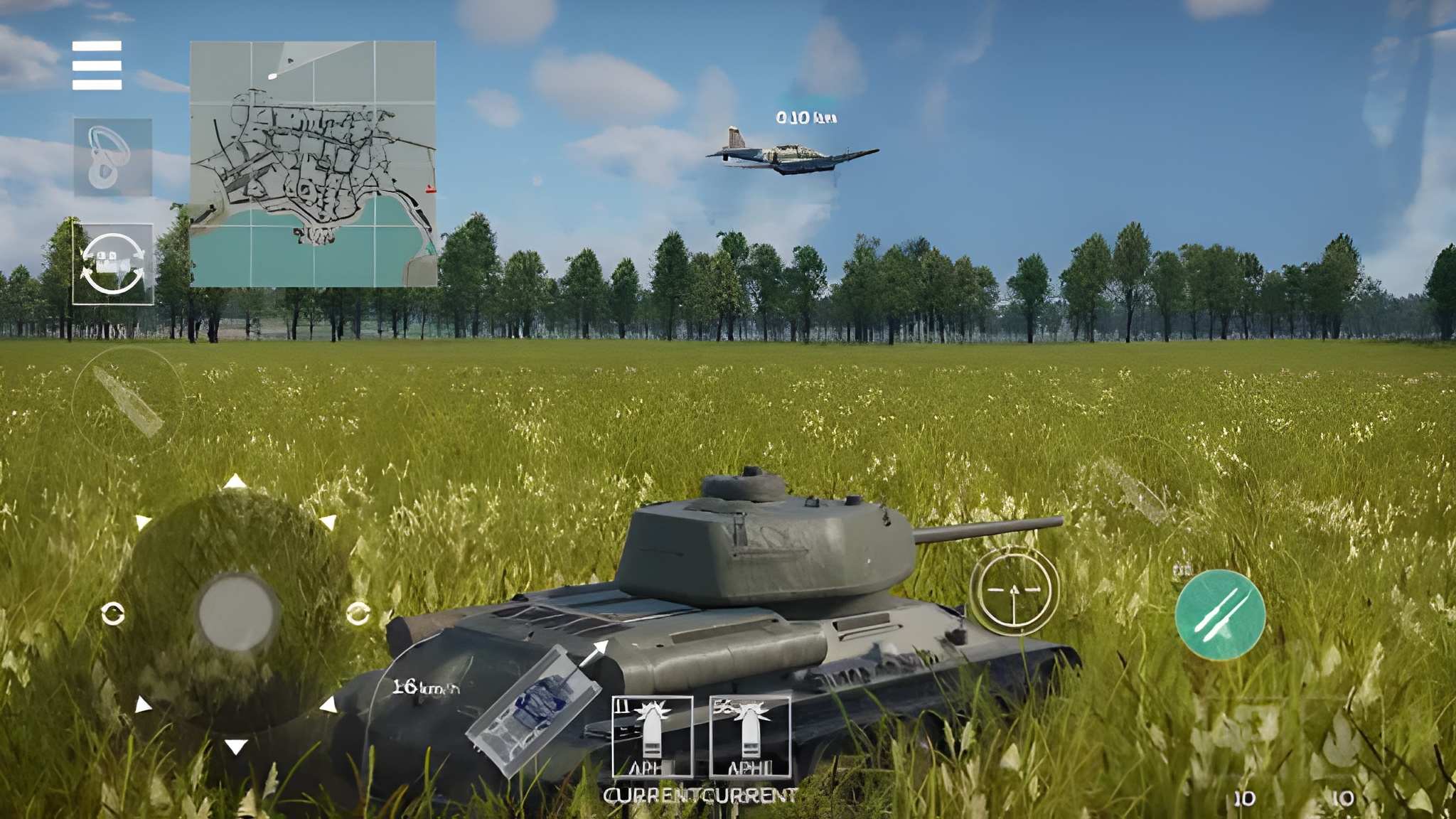
Combined Arms battles let tanks, planes, and sometimes ships fight in the same match. This creates layered strategy: air support can break a tank stalemate, while ground fire can shoot down low-flying aircraft.
War Thunder Game Modes Explained
Picking the right mode matters just as much as picking the right vehicle. Each one changes pacing, difficulty, and reward rates significantly.
- Arcade Battles: Simplified controls, aim assist, and fast respawns for newer players.
- Realistic Battles: Limited HUD information and more punishing damage models.
- Simulator Battles: Full cockpit view, realistic flight and driving physics, no markers.
- Ground Assault: Cooperative PvE mode against waves of AI-controlled enemies.
- Air Assault: Defend a base from AI aircraft in a cooperative setting.
- Enduring Confrontation: Persistent air battles you can join or leave at any time.
Notably, each mode rewards Silver Lions and Research Points differently. Therefore, new players usually start in Arcade before moving to Realistic once they understand vehicle handling.
Which Mode Should Beginners Pick First?
Arcade Battles remain the best entry point. The forgiving aim assist and shorter matches let you learn maps and vehicle roles without being punished instantly for small mistakes.
War Thunder Game Requirements And Download
Before installing, check whether your PC can handle the game smoothly. The table below breaks down the minimum and recommended specs.
| Component | Minimum | Recommended |
|---|---|---|
| OS | Windows 7/8/10 (64-bit) | Windows 10/11 (64-bit) |
| CPU | Dual-Core 2.2 GHz | Intel Core i5 or Ryzen 5 |
| RAM | 4 GB | 16 GB or more |
| GPU | GTX 660 / Radeon 77XX | GTX 1060 or Radeon RX 570+ |
| Storage | 17 GB | 95 GB (SSD recommended) |
The base client install is roughly 60 GB, and additional vehicle or map content downloads progressively as you play. Consequently, an SSD drastically reduces loading stutter between tank, plane, and naval modes.
Where Can You Download The Game?
You can download the War Thunder Game directly from Steam, the official website, or PlayStation and Xbox storefronts. All platforms support cross-play, so friends on different systems can still squad up together.
Is The War Thunder Game Worth Playing Today?
Yes, especially if you enjoy vehicle-based combat with genuine historical depth. The free-to-play model removes any real barrier to entry, and the tech tree progression keeps long-term goals interesting.
However, the grind can feel steep at higher tiers without premium vehicles or boosters. That said, casual players can still enjoy hundreds of hours without spending money.
War Thunder Game Economy And Progression
Understanding how progression works helps you avoid wasted grinding early on. Two resources drive nearly everything you unlock.
- Silver Lions: Earned from matches, used to buy and repair vehicles.
- Research Points: Earned per vehicle, used to unlock the next tier in a tech tree.
- Golden Eagles: Premium currency used for premium vehicles, boosters, and cosmetics.
How Fast Does Progression Feel At Higher Tiers?
Progression slows considerably past Tier IV or V, since repair costs and research requirements both climb sharply. Consequently, many players use premium vehicles or boosters to offset the grind without feeling forced to spend money.
War Thunder Game Crew And Vehicle Customization
Beyond unlocking vehicles, crew training and customization meaningfully affect performance in every match you play.
- Train crew skills that match your preferred vehicle type first.
- Unlock camouflage and decorations to personalize your loadout.
- Equip modifications that improve armor, speed, or weapon handling.
Furthermore, well-trained crews reload faster, aim more precisely, and survive longer under fire, which often matters more than raw vehicle stats alone.
Does Vehicle Customization Affect Performance?
Cosmetic customization like camouflage and decals does not change stats. However, crew skills and vehicle modifications absolutely do, so prioritize those over pure visual upgrades early on.
Pro Tips For New War Thunder Players
Getting comfortable early makes the entire experience far more enjoyable and less frustrating.
Pro Tips: War Thunder Game
- Start in Arcade Battles: Learn vehicle handling and map layouts before jumping into Realistic or Simulator modes.
- Research low-tier vehicles first: Early tiers teach fundamentals like positioning and ammo management without harsh penalties.
- Use a stable connection: Combined Arms matches involve constant position updates, so a stable route reduces rubber-banding badly.
- Join a squadron: Playing with a coordinated group dramatically improves survivability and match outcomes.
War Thunder Game Community And Events
Beyond core matches, the game runs a steady calendar of community-driven activities that keep long-term players engaged between major updates.
- Seasonal events tied to real-world military anniversaries and history
- Special vehicle marathons offering unique or limited-time machines
- Community-run tournaments and squadron battles for competitive players
- Regular developer diaries detailing upcoming tech tree additions
How Often Does The Game Receive New Content?
Updates arrive on a fairly consistent cycle, typically introducing new vehicles, maps, or mechanics every few months. As a result, tech trees keep expanding, giving long-term players fresh research goals to chase.
Cross-Platform Play In The War Thunder Game
One of the more underrated aspects of this title is how seamlessly it connects players across different systems.
- PC, PlayStation, and Xbox players can queue into the same matches together.
- Progression and purchases sync across platforms tied to the same account.
- Input method, controller or mouse and keyboard, does not restrict matchmaking.
Therefore, friends do not need matching hardware to play together, which is relatively rare among large-scale military simulation titles still active today.
Does Cross-Platform Play Create Any Balance Issues?
Some players debate whether mouse-and-keyboard aiming outperforms controller input in certain modes. Nevertheless, aim assist settings help narrow that gap for console and controller players significantly.
Common Mistakes War Thunder Game Players Make
- Rushing into high tiers too fast: New players often research expensive vehicles before mastering basics. Fix: spend more time in Tier I and II vehicles first.
- Ignoring map awareness: Many deaths come from unseen flanks rather than direct firefights. Fix: check the minimap constantly during matches.
- Skipping crew skill upgrades: Undertrained crews reload and aim slower. Fix: prioritize crew skills that match your preferred vehicle type.
Boost Your War Thunder Game Connection With ExitLag
Combined Arms battles depend heavily on precise, real-time positioning data. Even small spikes in latency can cause rubber-banding or delayed hits that cost you the match.
This is where ExitLag becomes genuinely useful. It is not a VPN. Instead, it analyzes multiple network routes in real time and picks the fastest, most stable path to the game's servers.
ExitLag supports over 4,000 titles across PC and mobile, with more than 1,500 servers spread across 190-plus countries. As a result, players get lower ping and fewer dropped packets during intense tank pushes or dogfights.
Its Multipath technology sends data through several routes simultaneously, so if one connection falters, another keeps your session alive. Meanwhile, Traffic Shaper prioritizes game traffic over background downloads or streaming apps.
If input delay or packet loss has been costing you kills, give ExitLag Download a try before your next session and feel the difference in responsiveness.
All game images used in this blog post belong to Gaijin Entertainment. They are used for informational and educational purposes only and do not imply endorsement or affiliation with the rights holders.