If you keep seeing Wardogs Error 1628505091 the moment you try to drop into a match, you are not alone. In fact, thousands of players hit this exact wall within seconds of queuing up. Fortunately, this error is fixable in most cases.
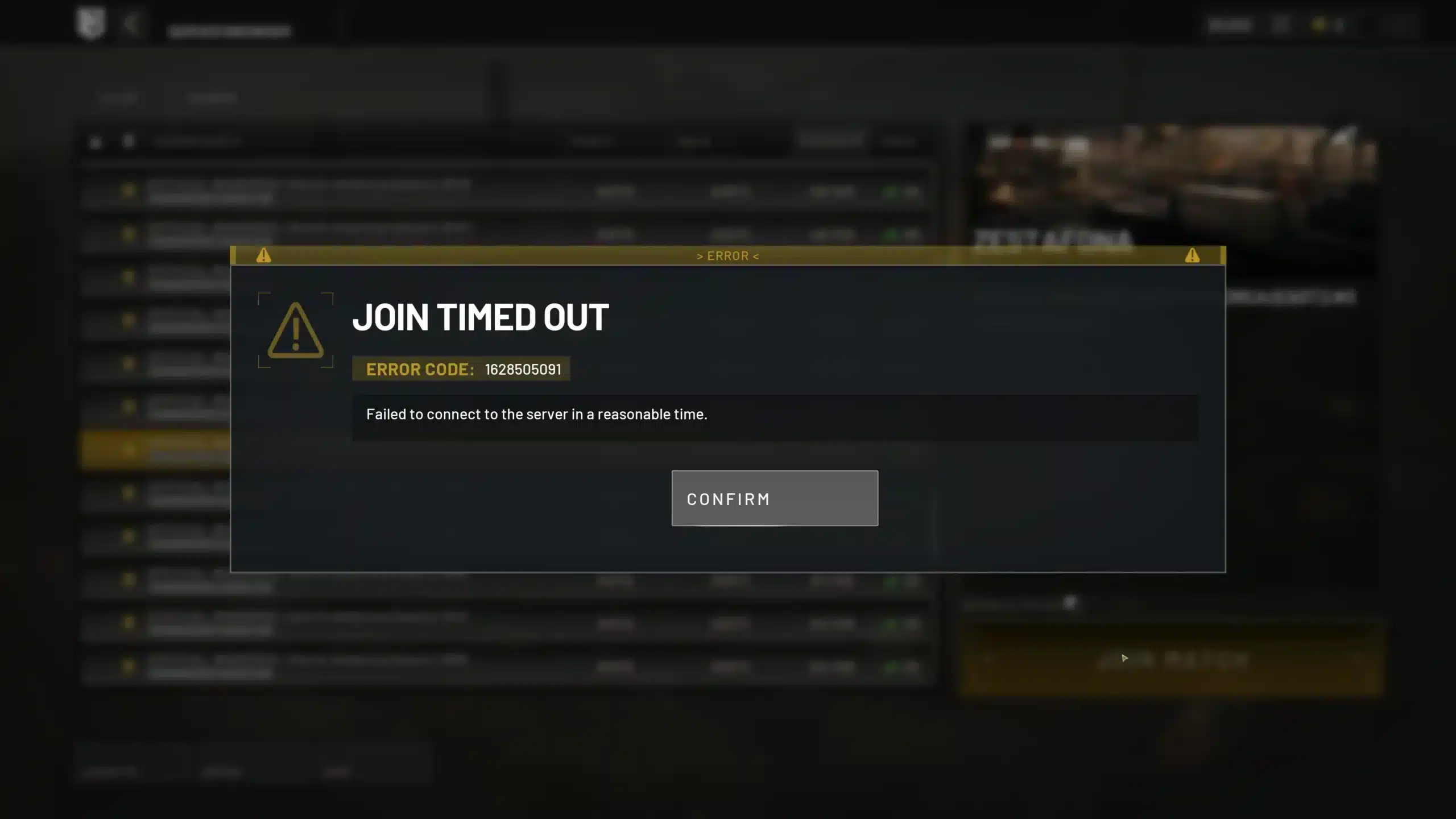
Wardogs Error 1628505091 is the code behind the message that Wardogs failed to connect to server in reasonable time. It usually appears right as the loading screen tries to hand you off to a live server.
Instead, most of the time, it has nothing to do with your skill or your account.
In short, Wardogs Error 1628505091 happens when the game client cannot finish its handshake with a match server before the connection timer runs out. This is usually caused by server overload, a flooded queue, or an unstable local connection.
Once you know which one applies to you, fixing Wardogs Error 1628505091 only takes a few minutes.
This guide covers exactly why Wardogs failed to connect in a reasonable time keeps happening. It also lists every fix worth trying, in the order that actually works.
By the end, you will know how to get back into a match without repeating this cycle every night.
How To Fix Wardogs Error 1628505091 Fast
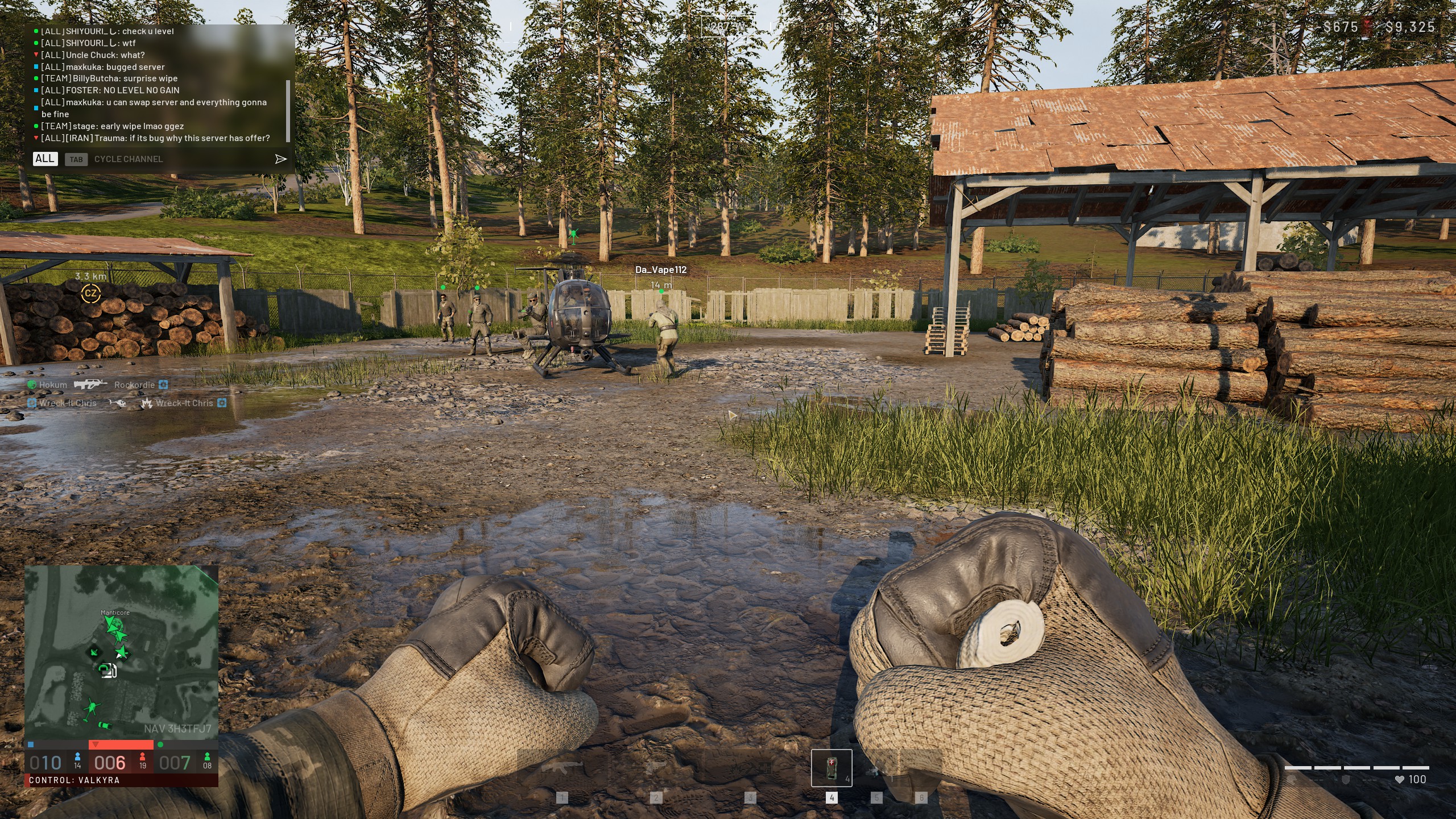
Wardogs is a large-scale tactical shooter from BULKHEAD, published by Team17, where up to 100 players split into three teams fight over destructible zones. As a result, connection errors like Wardogs Error 1628505091 show up so often at this scale.
The server has to juggle a massive number of handshakes at once, and any small slowdown can push a join request past the timeout window.
What Is Wardogs Error 1628505091?
Wardogs Error 1628505091 is a client-side timeout notice. Specifically, your game sends a request to join a server, and if that server does not respond fast enough, the connection attempt is cancelled automatically.
There is no official public breakdown of the number itself. However, community reports and the pattern of when it appears make the cause very clear:
- It spikes hard during peak hours and right after new updates
- It affects players across different regions and internet providers
- It often clears up on its own once server load drops
- It can also be triggered by local network hiccups on your end
Why Wardogs Failed To Connect In A Reasonable Time Happens
Two separate situations produce the same error message, and telling them apart matters. Furthermore, the fix you need depends entirely on which one you are facing.
- Server-side overload: Too many players try to join the same server or queue at once, and the backend cannot process every handshake in time.
- Client-side instability: Your own connection, firewall, or outdated game files interrupt the handshake before it completes.
Most reports point to server load as the bigger factor, especially right after launch weekends or major patches. Nevertheless, a shaky home connection makes the problem far more likely to hit you specifically.
Step-By-Step Fixes For Wardogs Failed To Connect To Server In Reasonable Time
Before changing any settings, always rule out a wider outage first. If Wardogs failed to connect for everyone at once, no amount of tweaking on your end will help.
Quick Fixes To Try First
Start with these steps in order. Most players resolve Wardogs Error Code 1628505091 without ever reaching the advanced fixes below.
- Check server status: Look at official channels and community discussion boards for reports of a wider outage before touching anything else.
- Fully restart Steam and Wardogs: Close the game completely, exit Steam, and reopen both so any pending patch installs correctly.
- Pick a different server: Choose a server with a shorter queue, fewer players waiting, and a region closer to you.
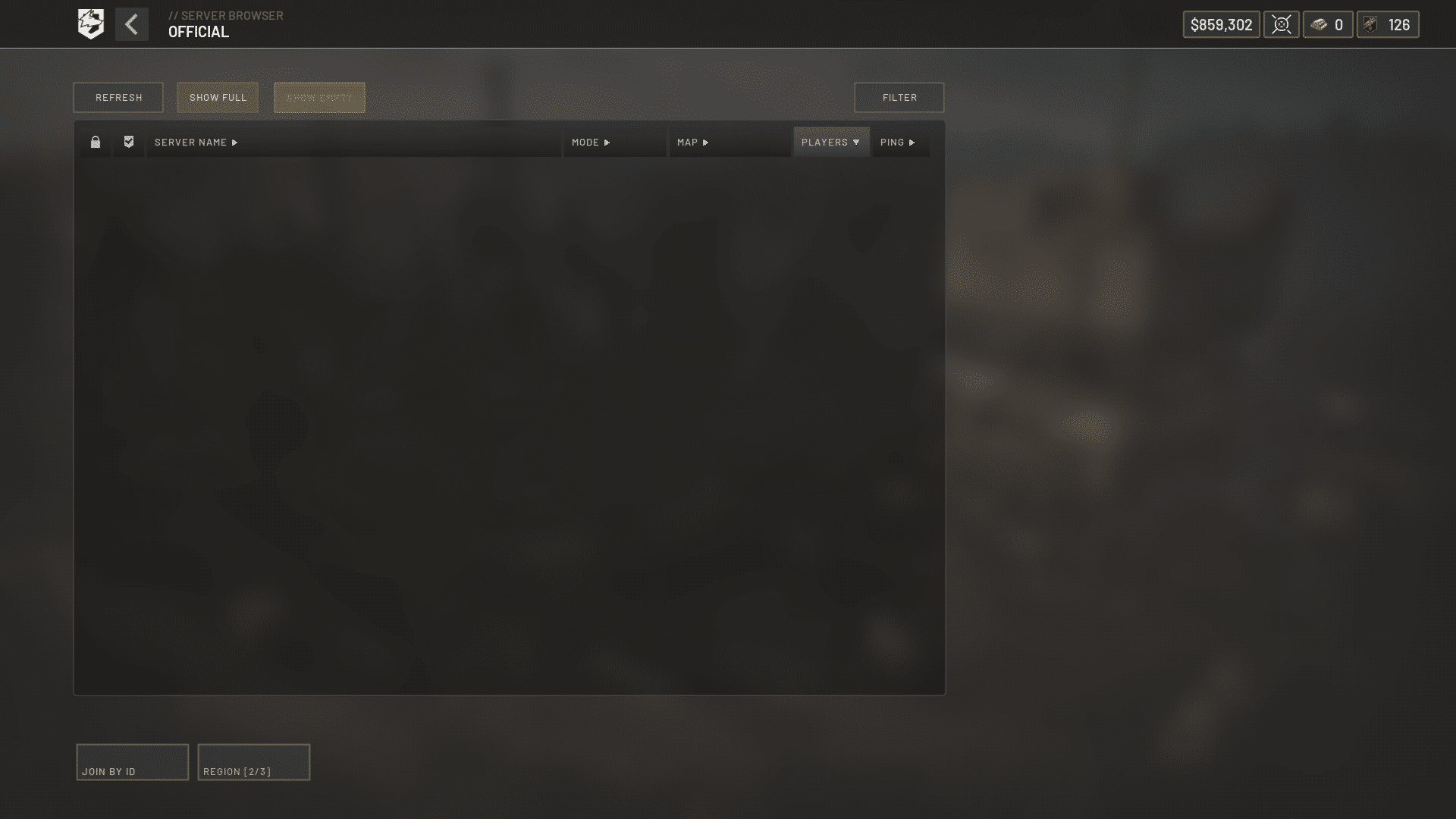
- Select only one region: Queuing across multiple regions at once can confuse the Server Browser and increase timeout errors.
- Verify your game files: In Steam, open Properties, then Installed Files, then click Verify Integrity Of Game Files.
Advanced Fixes When Quick Steps Do Not Work
If Wardogs Error 1628505091 keeps happening after the basics, the issue is likely tied to your network path rather than the game client itself.
- Restart your router and modem: A full power cycle clears temporary routing issues that build up over long sessions.
- Switch to a wired connection: Ethernet removes Wi-Fi interference, which is a common hidden cause of Wardogs failed to connect errors.
- Temporarily disable your VPN: A VPN can add extra hops that push your connection past the timeout window.
- Pause other downloads and streams: Bandwidth-heavy background apps can starve the handshake of the speed it needs.
- Use a dedicated connection optimizer: A tool built for routing, rather than your default ISP path, can shave critical milliseconds off the handshake.
Why Does Wardogs Keep Kicking You From The Queue?
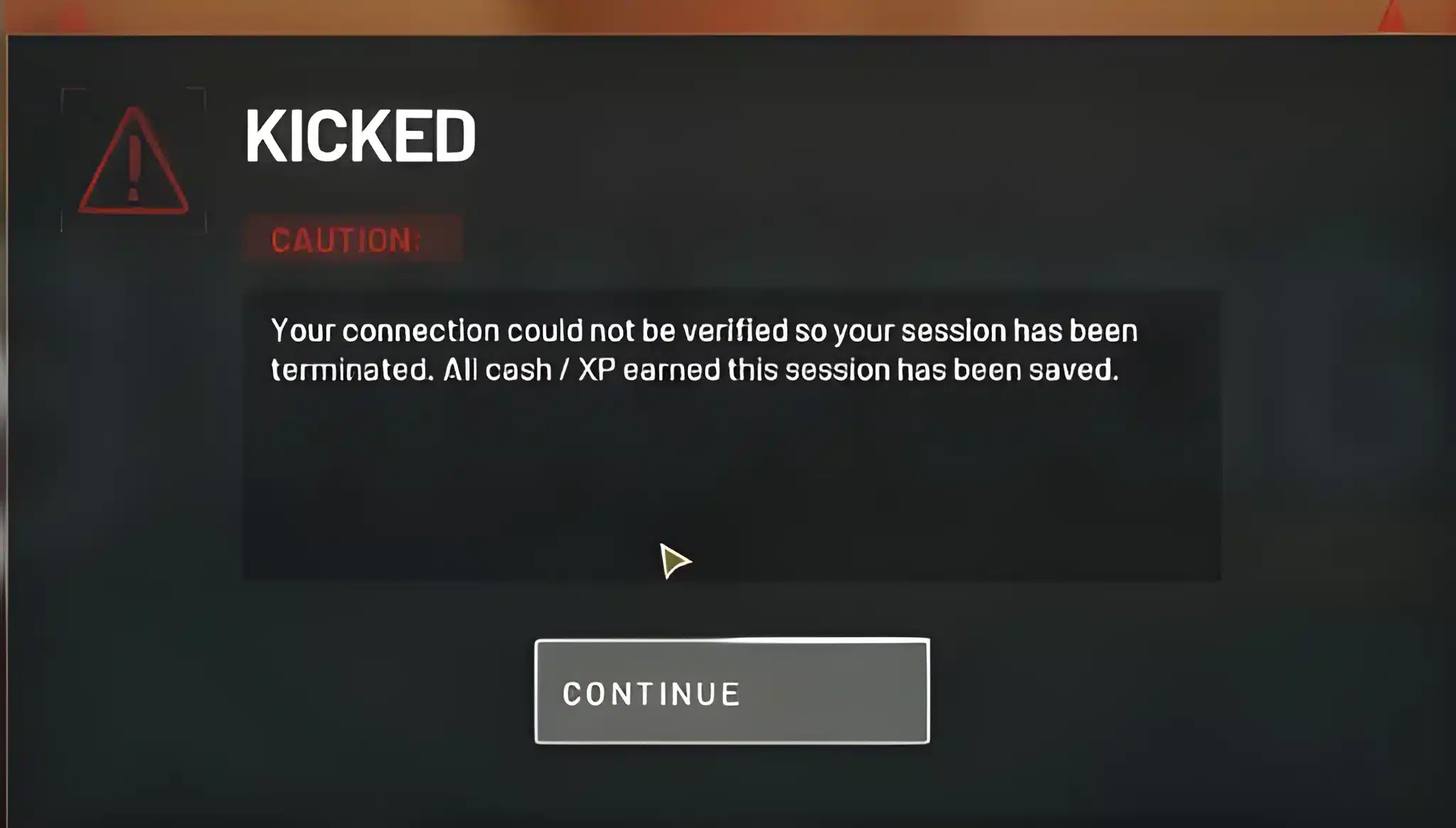
Queue kicks and Wardogs Error 1628505091 often show up together, and players frequently assume it is one single bug. In reality, it is usually two related problems stacking on top of each other.
Server Capacity And Queue Overload
Generally, Wardogs shows available slots in the server browser, but those slots can fill up in the seconds it takes to actually connect. As a result, your client thinks a spot is open, tries to claim it, and gets stuck when it is not.
This is especially common:
- Right after a new content update goes live
- During weekend evenings when player counts peak
- On popular, low-latency regional servers
- Immediately following a queue reset or server restart
Client-Side Problems That Make It Worse
In fact, even on a healthy server, a few things on your end can make Wardogs Error 1628505091 far more likely. Specifically, outdated network drivers, background downloads, and double NAT setups all add delay to the handshake.
Consequently, even a small amount of added latency can push you past the timeout threshold during a busy queue window.
Wardogs 1628505091 Compared To Other Connection Errors
Overall, Wardogs uses several different error codes for connection problems, and mixing them up leads to wasted troubleshooting time. The table below breaks down the most common ones.
| Error Or Message | What It Usually Means | Best First Fix |
|---|---|---|
| Wardogs Error 1628505091 | Failed to connect in a reasonable time, usually server load | Try a different server or wait a few minutes |
| Join Timed Out | Similar timeout, often during queue transitions | Refresh the server browser and retry |
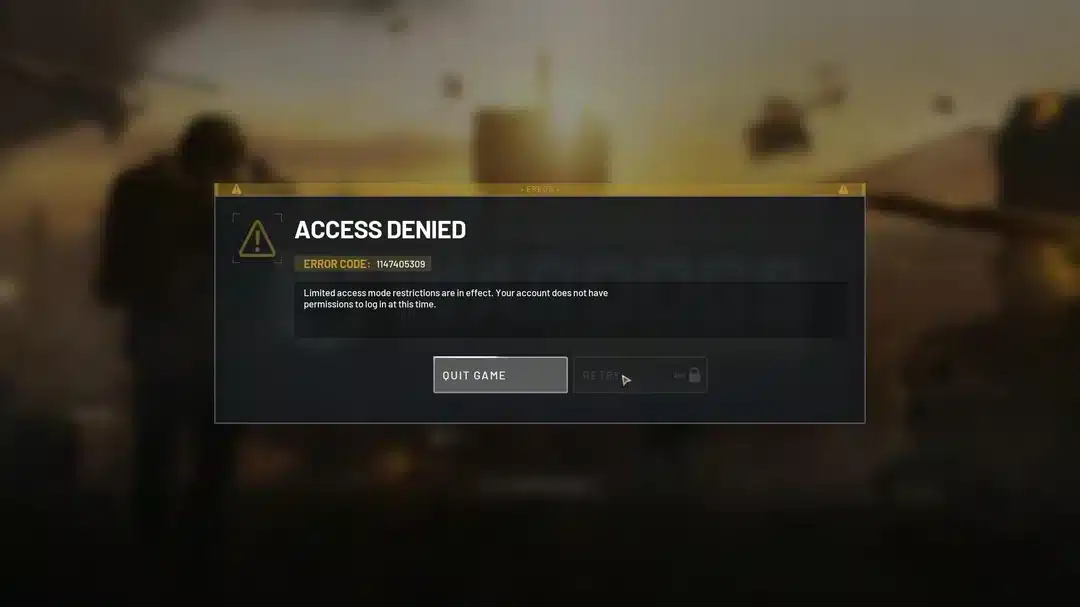
| Access Denied | Account or permission-level block on that server | Restart Steam and verify game files |
| Failed To Join | Server became full before the client finished connecting | Pick a server with more open slots |
Common Wardogs Error Codes Explained
Notably, most of these codes trace back to the same root cause: a mismatch between how many players want in and how fast the server can process them.
- Timeout-based codes point to server load or your connection speed
- Permission-based codes point to account or Steam session issues
- Capacity-based codes point to a server that filled up mid-connection
How To Tell Which Error You Are Actually Facing
If the error message explicitly says Wardogs failed to connect in reasonable time, treat it as a timeout issue first. Therefore, start with the server-side checks before touching any local settings.
Is Wardogs Down Right Now? How To Check Before You Panic
Ultimately, this is one of the first questions worth answering before you spend twenty minutes changing router settings for nothing.
Checking Official Server Status
Always check the game's official social channels and any in-client announcements first. Additionally, Steam discussion boards tend to fill up fast whenever a real outage is happening.
Reading Community Reports The Right Way
Generally speaking, look for a pattern rather than a single complaint. If dozens of players report Wardogs 1628505091 within the same hour, it is almost certainly a shared server issue.
That kind of pattern means it is not something unique to your setup.
Expert Tips And Mistakes To Avoid With Wardogs Error Code 1628505091
Overall, once you understand the basic causes, a few extra habits can cut down how often this error interrupts your sessions.
Pro Tips: Wardogs Error 1628505091
- Queue during off-peak hours: Servers under lighter load complete handshakes faster, which drastically lowers your odds of hitting the timeout.
- Keep your client updated automatically: Outdated builds sometimes handshake differently than the current server version, which can trigger false timeouts.
- Favor wired connections during launches: New updates bring heavier traffic, and a stable wired connection handles that spike far better than Wi-Fi.
- Bookmark the server browser's least crowded regions: Rotating toward calmer servers when your main region is packed keeps your session moving instead of stuck retrying.
Common Mistakes Wardogs Players Make
- Spamming the reconnect button: Repeatedly retrying the instant you see Wardogs Error 1628505091 adds more load to an already struggling server. Fix: wait ten to fifteen seconds between attempts.
- Ignoring wider outage reports: Changing router settings when the whole playerbase is affected wastes time. Fix: check community reports first, then troubleshoot locally only if you are an isolated case.
- Running a VPN alongside other tools: Stacking a VPN with a routing optimizer usually adds latency instead of removing it. Fix: use one connection tool at a time, never both together.
- Never verifying game files after a crash: A corrupted patch install can mimic a server timeout. Fix: run Steam's file verification any time errors start right after an update.
Boost Your Connection With ExitLag Before You Queue Again
Once you have ruled out a full server outage, your own connection path is usually the last variable left. In practice, this is exactly where a dedicated tool makes a real difference.
Why Stable Routing Matters For Wardogs
ExitLag is not a VPN. Instead, it is a game connection optimizer that scans multiple network paths in real time and picks the fastest, most stable route between your PC and the game's servers.
It does not encrypt your traffic, does not mask your IP, and does not touch any apps outside the games it supports. That distinction matters if you have ever worried about VPN-related slowdowns.
How ExitLag Helps With Wardogs Failed To Connect Issues
Indeed, for a large-scale shooter like Wardogs, connection stability during high-traffic moments is everything. ExitLag's Multipath technology sends your data through several routes at once, so if one path lags, another keeps your handshake alive.
Here is what makes it worth trying before your next session:
- Real-time optimization: Cuts delay and packet loss so your join requests reach the server faster and more reliably.
- Multipath technology: Routes traffic through multiple paths simultaneously, keeping your connection steady even if one route degrades.
- Multi-Internet support: Runs up to four internet connections at once, switching instantly if one drops mid-session.
- Traffic Shaper: Prioritizes your game traffic over background apps that might otherwise be eating your bandwidth.
ExitLag supports more than 4,000 titles across PC and mobile, backed by over 1,500 servers in more than 190 countries. It does not modify game files or interact with anti-cheat systems, so it stays safe to run alongside Wardogs.
If you want steadier routing the next time Wardogs Error 1628505091 threatens your session, go ahead and grab the ExitLag Download before you queue again.
Final Thoughts On Wardogs Error 1628505091
Ultimately, Wardogs Error 1628505091 is frustrating, but it almost always traces back to one of two causes: a busy server or a shaky local connection. Identifying which one you are facing saves you from wasting time on the wrong fix.
When To Just Wait Out The Wardogs Servers
If community reports confirm a wide outage, the smartest move is simply to wait. Meanwhile, keep an eye on official channels so you know the moment servers stabilize.
Your Quick Recap Checklist
- Confirm whether the outage is widespread before changing any settings
- Restart Steam and the game fully, then verify your files
- Switch servers or regions if your current queue is overloaded
- Stabilize your local connection with a wired setup or a routing optimizer
In the end, most players who see Wardogs Error 1628505091 solve it within a single session once they follow these steps in order. Stay patient, work through the list methodically, and you will be back in the fight in no time.
All game images used in this blog post belong to BULKHEAD and Team17. They are used for informational and educational purposes only and do not imply endorsement or affiliation with the rights holders.