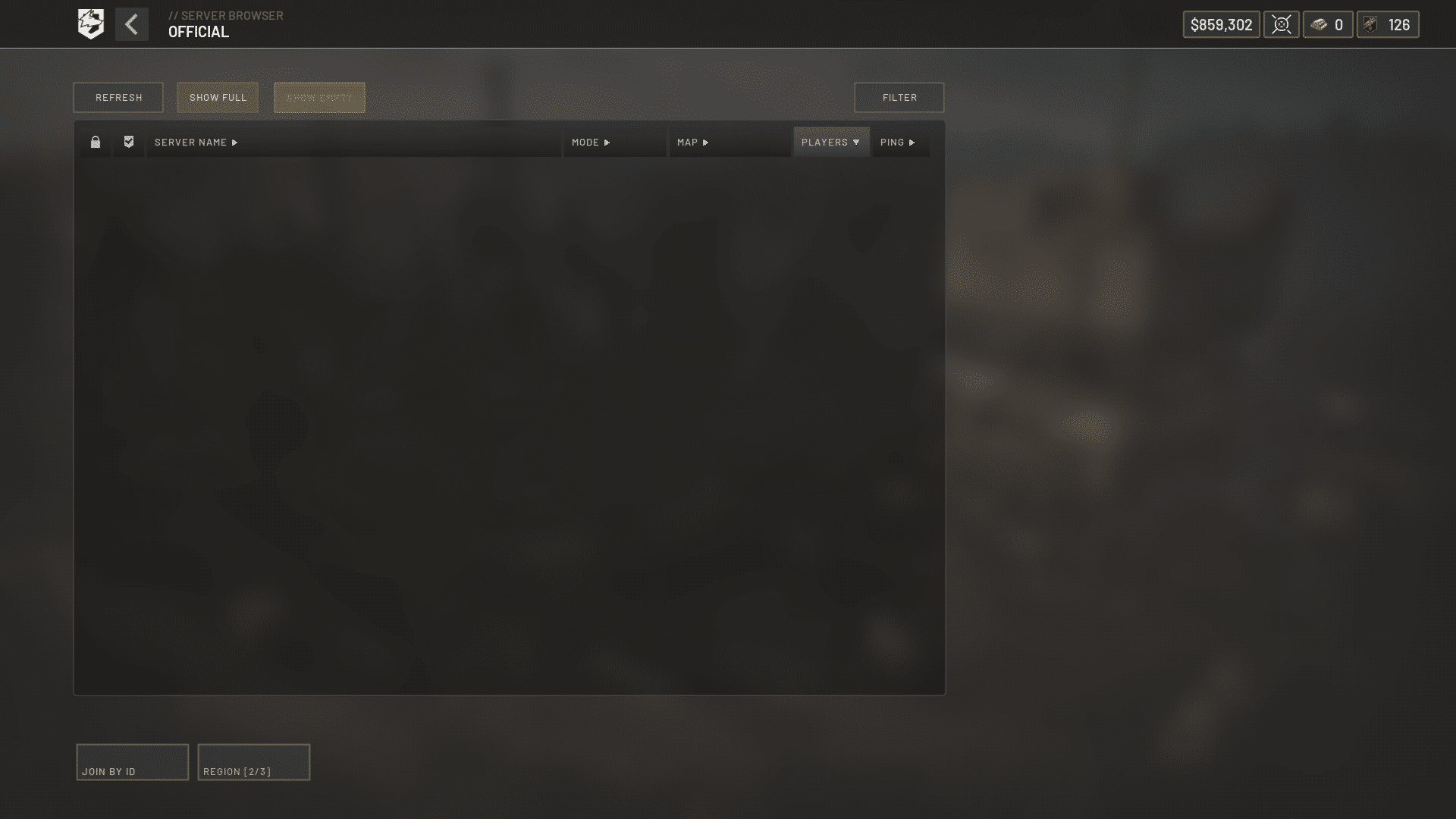
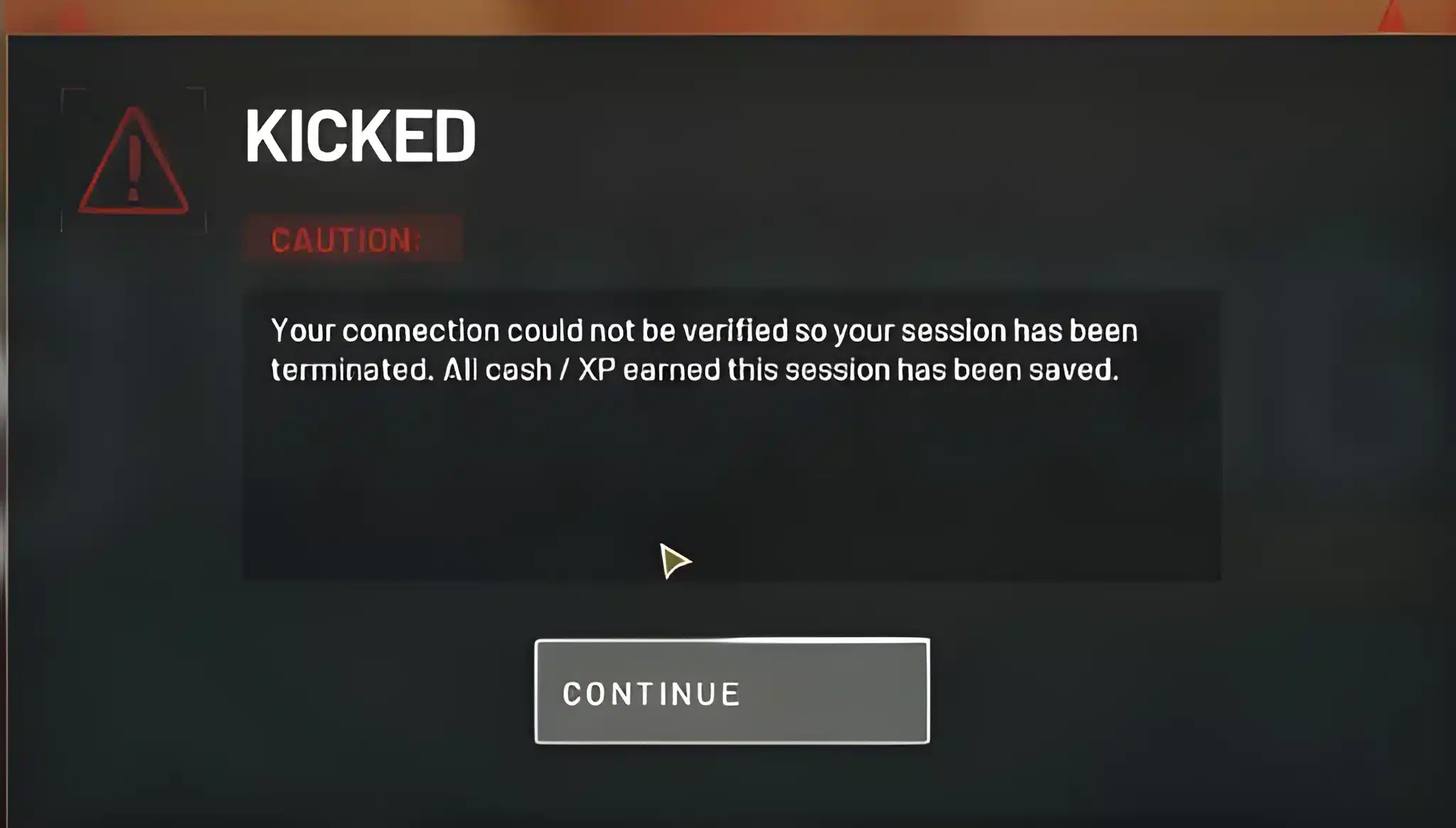
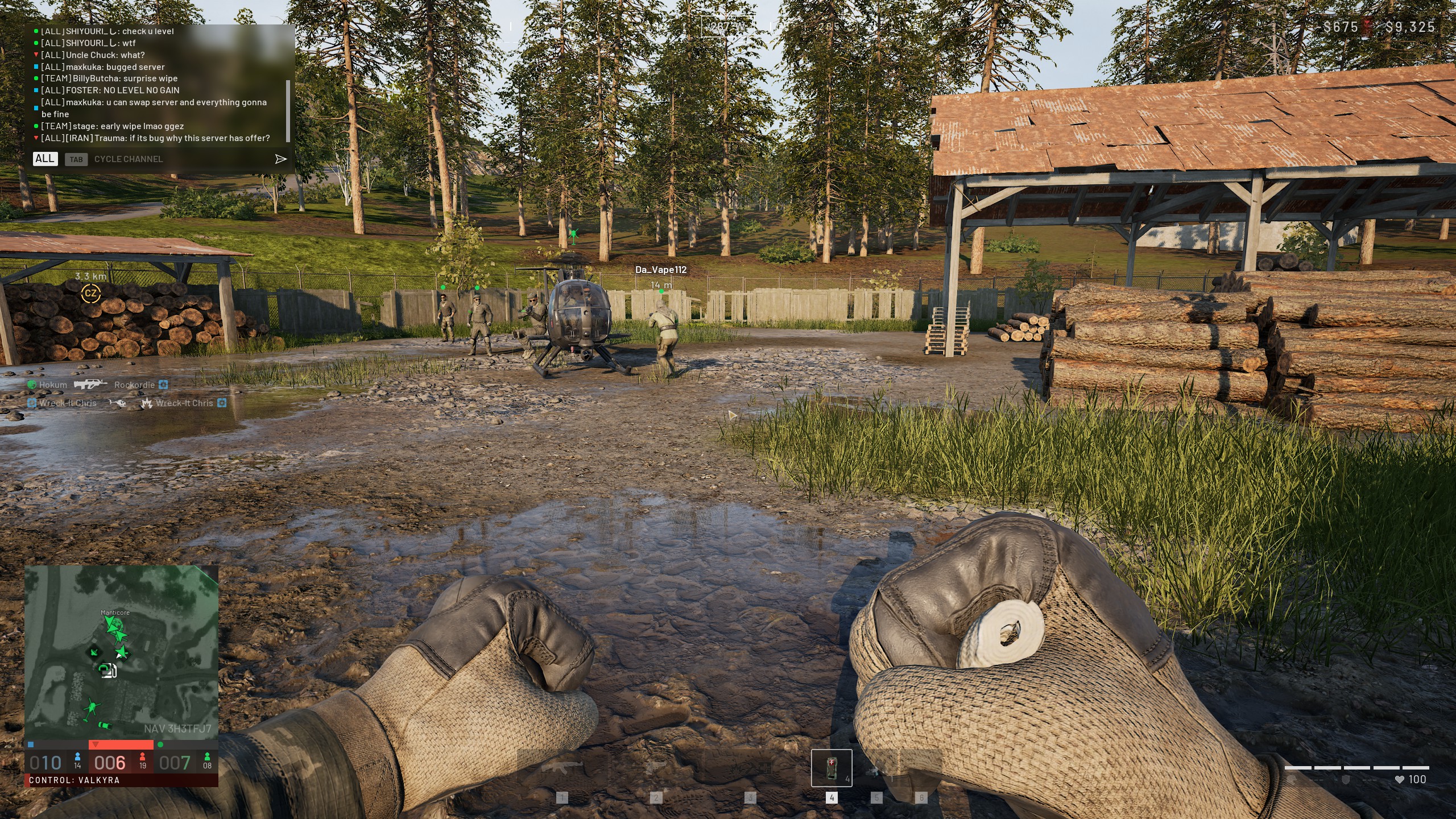
WarDogs exploded onto Steam as one of the biggest shooter launches of the year, and the servers are still catching up. If you keep seeing a WarDogs Join Timed Out message the second you try to drop in, you are far from alone.
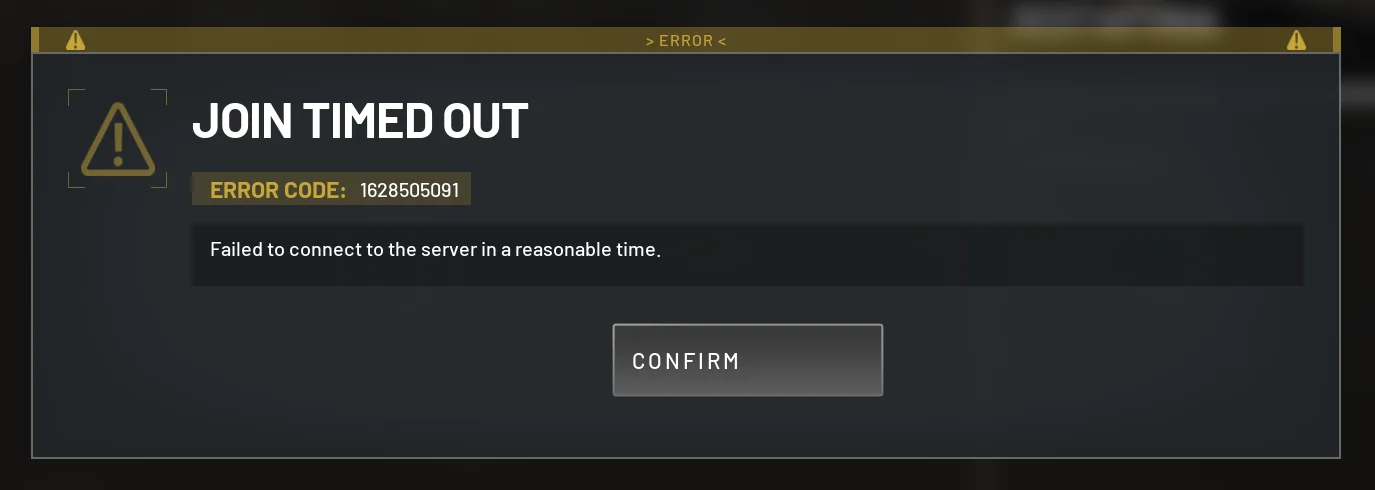
Thousands of players hit the same wall every night, usually right when the queue finally clears. The good news is that most cases of WarDogs Join Timed Out come from a short list of fixable causes. Fix the Wardogs Error 1628505091 reading to this arcticle!
In short, the error means the client sent a join request that the server never answered in time. Common causes include overloaded matchmaking, a blocked port, or an unstable route to the data center.
Once you know which one applies to you, WarDogs Join Timed Out stops being a mystery. It becomes a quick, repeatable checklist.
This guide walks through exactly why the error happens, how to fix it step by step, and how to keep it from coming back mid-session.
What Causes The WarDogs Join Timed Out Error?
WarDogs runs 100-player matches with base building and three-team combat, which puts heavy load on matchmaking during peak hours. That load is the single biggest driver of connection failures right now.
Here is what typically triggers the issue:
- Server overload: Launch traffic and nightly peak hours push regional servers past capacity.
- Queue timeout: The matchmaking ticket expires before a slot opens, kicking you back to the menu.
- Blocked ports or firewall rules: Windows Defender or a router firewall silently drops the game's connection packets.
- Outdated client: A pending patch can break the handshake between your game and the servers.
- Unstable ISP routing: A congested or roundabout path to the data center adds enough delay to trigger a timeout.
Server Overload And Peak Queue Times
Since launch week, WarDogs has regularly hit hundreds of thousands of concurrent players. A long WarDogs Server Queue is often the very first sign that a timeout is coming.
Developers have pushed hotfixes to add capacity, but queues still spike hard during evenings and weekends.
When the backend is this busy, your client can time out even with a perfect connection. Most reports of WarDogs Join Timed Out during launch weeks trace straight back to this exact scenario.
Network, Firewall And Port Blocks
Firewalls and antivirus tools sometimes flag WarDogs traffic as suspicious, especially right after a fresh install. This blocks the handshake and produces the exact same timeout message.
Router-level NAT settings and overly aggressive QoS rules can also interfere. As a result, the client waits, gets no reply, and produces the same WarDogs Join Timed Out message you started with.
How To Fix WarDogs Connection Timeout Problems Fast
A WarDogs Connection Timeout is not always a server issue. Several fixes are entirely on your end, and most take less than five minutes to try.
Quick Fixes You Can Try Right Now
- Check the official server status page before doing anything else, since a full outage cannot be fixed locally.
- Restart the WarDogs client completely, rather than just backing out to the main menu.
- Restart your router and modem to clear a stuck NAT session or stale IP lease.
- Verify game files through your launcher to catch corrupted installation data.
- Update your network adapter drivers, since outdated drivers cause dropped handshakes.
- Switch to a wired Ethernet connection if you are currently on Wi-Fi.
Router And Network Adjustments
Open the necessary ports for WarDogs in your router's firewall settings, or place your gaming PC in a DMZ temporarily to rule out NAT issues. Consequently, many "impossible" timeouts disappear immediately.
If you use a VPN for other apps, disable it before launching WarDogs. A VPN can add hops that push your connection over the timeout threshold.
WarDogs Failed To Join Match: Step-By-Step Troubleshooting
When WarDogs Failed To Join appears alongside a WarDogs Join Timed Out message, the cause is usually split between something on your machine and something on the server side. Isolating which one applies saves a lot of wasted time.
Client-Side Causes
- Corrupted or missing game files after an incomplete update
- Background apps (Discord overlays, cloud backups, downloads) eating your bandwidth
- Outdated GPU or network drivers causing packet loss
- Windows Firewall silently blocking the WarDogs executable
Server-Side Causes
- Regional server capacity maxed out during peak hours
- A recent patch rollout causing temporary instability
- Matchmaking backend maintenance not yet reflected on the status page
Therefore, if the status page shows everything green and your other games run fine, the issue is almost always local. If everyone in your region is reporting the same problem, it is on WarDogs' end.
WarDogs Error Codes Explained: Join Timed Out And Beyond
WarDogs uses numeric WarDogs Error Codes alongside plain-text messages, and knowing which one you are seeing narrows down the fix considerably.
Common WarDogs Error Codes
The table below lines up the messages most players report next to WarDogs Join Timed Out, so you can tell them apart at a glance.
| Error Code / Message | What It Means | Typical Cause | Best Fix |
|---|---|---|---|
| Join Timed Out (1628505091) | Server did not respond to the join request in time | Server overload or blocked connection | Retry, check status page, check firewall |
| Failed To Connect In Time | Handshake never completed | Slow or unstable route to the server | Restart router, switch to wired connection |
| Player Session Error | Existing session conflicted with a new join attempt | Crash or disconnect left a session open | Fully restart the client and platform overlay |
| Access Denied | Account or region restriction | Regional lock or ban flag | Check account status, switch server region |
| Failed To Authenticate | Login service could not verify your account | Platform service outage | Wait for service status to clear, relaunch |
When To Contact Support Vs Fix It Yourself
If the error follows the table above and clears after a router restart or a few retries, you almost certainly do not need a support ticket. However, if the same account gets Access Denied consistently, that is worth reporting.
Is The WarDogs Join Timed Out Error Caused By My Internet?
This is the question most players ask first, and the honest answer is: sometimes, but not always. A quick self-test clears up the confusion in minutes.
How To Test Your Connection
Run a speed test and a ping test to a nearby server while WarDogs is closed. If both look normal, your ISP is probably not the bottleneck for WarDogs Join Timed Out right now.
Next, open Task Manager and check whether any background app is consuming bandwidth. Cloud syncing and game downloads are common silent culprits.
Signs It's A Server-Side Queue Issue
- The official status page shows elevated load or a known incident
- Friends in different regions report the same error at the same time
- The timeout happens specifically after a long queue, not immediately
- Other online games and websites work fine on the same connection
WarDogs Join Timed Out: Pro Tips And Common Mistakes
Beyond the basic checklist, a few habits separate players who barely notice WarDogs Join Timed Out from those who fight the error every single night.
Pro Tips: WarDogs Join Timed Out Fixes
- Queue during off-peak hours: Servers are noticeably calmer in the early morning, so join attempts succeed far more often.
- Keep a wired connection as your default: Wi-Fi interference is a leading cause of dropped handshakes during matchmaking.
- Close bandwidth-heavy background apps first: Streaming, downloads, and cloud backups steal exactly the bandwidth your join request needs.
- Watch the official status page before queueing: A known incident means retrying will not help until the fix is deployed.
- Update drivers and the game client monthly: Outdated software is one of the most common hidden causes of a WarDogs Matchmaking Timeout.
Common Mistakes WarDogs Players Make
- Spamming the join button: Repeated attempts during a server-side outage just refresh the same timeout. Fix: check the status page first, then retry.
- Ignoring background apps: Many players blame the game while Discord streaming or a big download is choking their bandwidth. Fix: close unnecessary apps before queueing.
- Never restarting the router: A stuck NAT session can silently block new connections for hours. Fix: power-cycle your router and modem before troubleshooting anything else.
- Running a VPN by habit: Some players leave a VPN active without realizing it adds unnecessary hops. Fix: disable it and test the connection again.
Stop WarDogs Join Timed Out Errors With ExitLag
Once the basic fixes are covered, your last variable is the route your packets actually take to reach the WarDogs servers. When that route is unstable, WarDogs Join Timed Out can keep resurfacing even after every other fix.
Why Connection Optimization Matters For WarDogs
ExitLag is not a VPN. It is a game connection optimizer that scans multiple network paths in real time and automatically picks the fastest, most stable route to the game's servers.
Because WarDogs' matchmaking is sensitive to delay, a cleaner route can be the difference between a smooth join and another timeout.
ExitLag's Multipath technology sends your traffic through several routes at once. If one path degrades, another keeps the connection alive.
Getting Started With ExitLag For WarDogs
ExitLag currently supports more than 4,000 titles across PC and mobile, backed by over 1,500 servers in more than 190 countries. It is trusted by over 30 million players and handles millions of optimizations every week.
- Real-time optimization reduces delay and packet loss, so your join requests land faster.
- Traffic Shaper prioritizes WarDogs traffic over background downloads that could be adding to your timeouts.
- PC Boost clears RAM and background processes right before you queue, freeing up resources for a stable connection.
It does not modify game files, inject code, or interfere with anti-cheat systems, so it is safe to run alongside WarDogs and your other favorite competitive titles. Just remember not to run it alongside a separate VPN, since the two can conflict.
If a shaky route is behind your WarDogs Join Timed Out errors, grab the ExitLag Download and let it find a cleaner path before your next match.
Players on mobile devices can add the same protection through ExitLag for Android or ExitLag for iOS. This keeps companion apps and cross-platform sessions stable too.
Between a solid router setup, a few smart habits, and an optimized route, WarDogs Join Timed Out should become a rare inconvenience instead of a nightly frustration.
All game images used in this blog post belong to Bulkhead Interactive. They are used for informational and educational purposes only and do not imply endorsement or affiliation with the rights holders.