You load up the game, hit play, and instead of a lobby you get a number and a spinning wheel. That is the reality of WarDogs Queue Time for a lot of players right now.
The good news is that most of WarDogs Queue Time is avoidable. Once you understand what causes it, you can work around it instead of just staring at the screen.
So what actually causes long WarDogs Queue Time, and how do you cut it down? In short, server capacity per region is limited while demand spikes at peak hours.
You shorten the wait by picking the right region, avoiding busy windows, and keeping your connection stable.
WarDogs is the 100-player, three-team tactical shooter from Bulkhead, published by Team17. Its launch popularity is exactly why the wait has become such a common complaint.
Thousands of players try to load into the same regional servers at once. As a result, the matchmaking system holds people in line until a slot actually opens up.
The rest of this guide breaks that process down step by step, including the tricks most players never try.

Understanding WarDogs Queue Time And Why It Happens
Before fixing anything, it helps to understand the mechanic behind the wait. WarDogs uses a login and lobby queue similar to other high-population shooters.
This system protects server stability. It caps how many players can load in at the exact same moment.
What Is WarDogs?
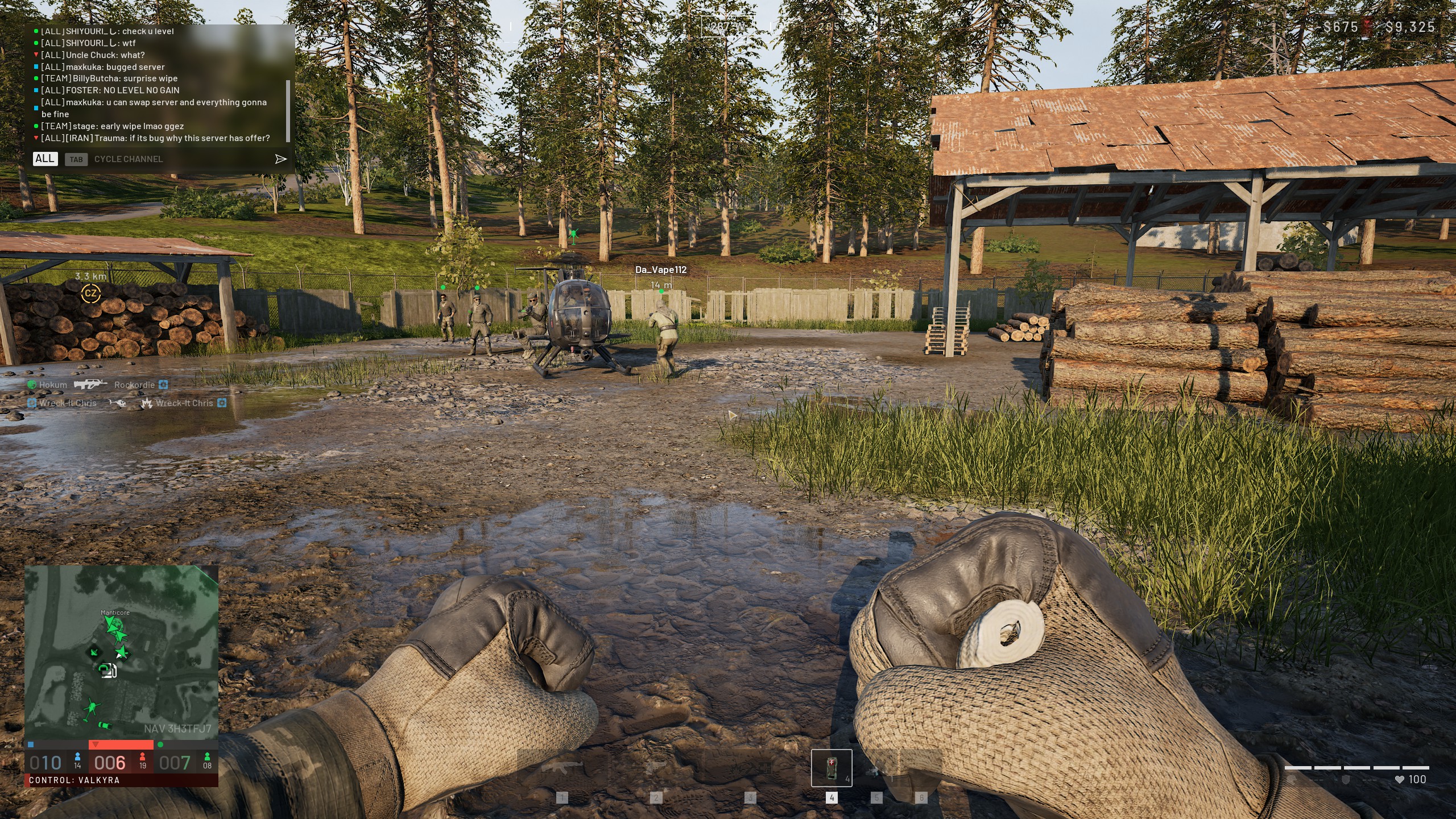
WarDogs is a large-scale multiplayer shooter built around three warring factions fighting for map control. Matches can hold up to 100 players at once.
Combat is split across distinct roles, tied into a cash-based progression system for gear and upgrades. Consequently, every match feels chaotic and high-stakes by design.
Because each match is so large, server performance matters enormously. A single overloaded server can cause desync and dropped connections for everyone inside it.
That is exactly why the developers throttle entry instead of letting servers overfill. Understanding this scale explains why WarDogs Queue Time became an issue almost immediately after launch.
Why Does WarDogs Queue Time Spike During Peak Hours?
Queue length is not random. It follows patterns tied directly to population and server health.
- Regional peak hours: Evenings and weekends bring the heaviest login traffic in each region.
- New patch releases: A fresh update pulls returning players back all at once.
- Limited server slots per region: Each region only runs a set number of active servers.
- Login queue throttling: The client limits how many accounts can authenticate per minute.
Notably, if your server sits close to its player cap, even a small surge pushes you straight into a queue.
What To Do When The WarDogs Server Queue Is Full
Seeing a WarDogs Server Queue Is Full message is frustrating. However, it does not mean the game itself is broken.
It usually means the specific server or region you picked has hit its limit for that moment. Therefore, the fix is almost never a full reinstall or a support ticket.
How Do You Know The WarDogs Server Queue Is Full?
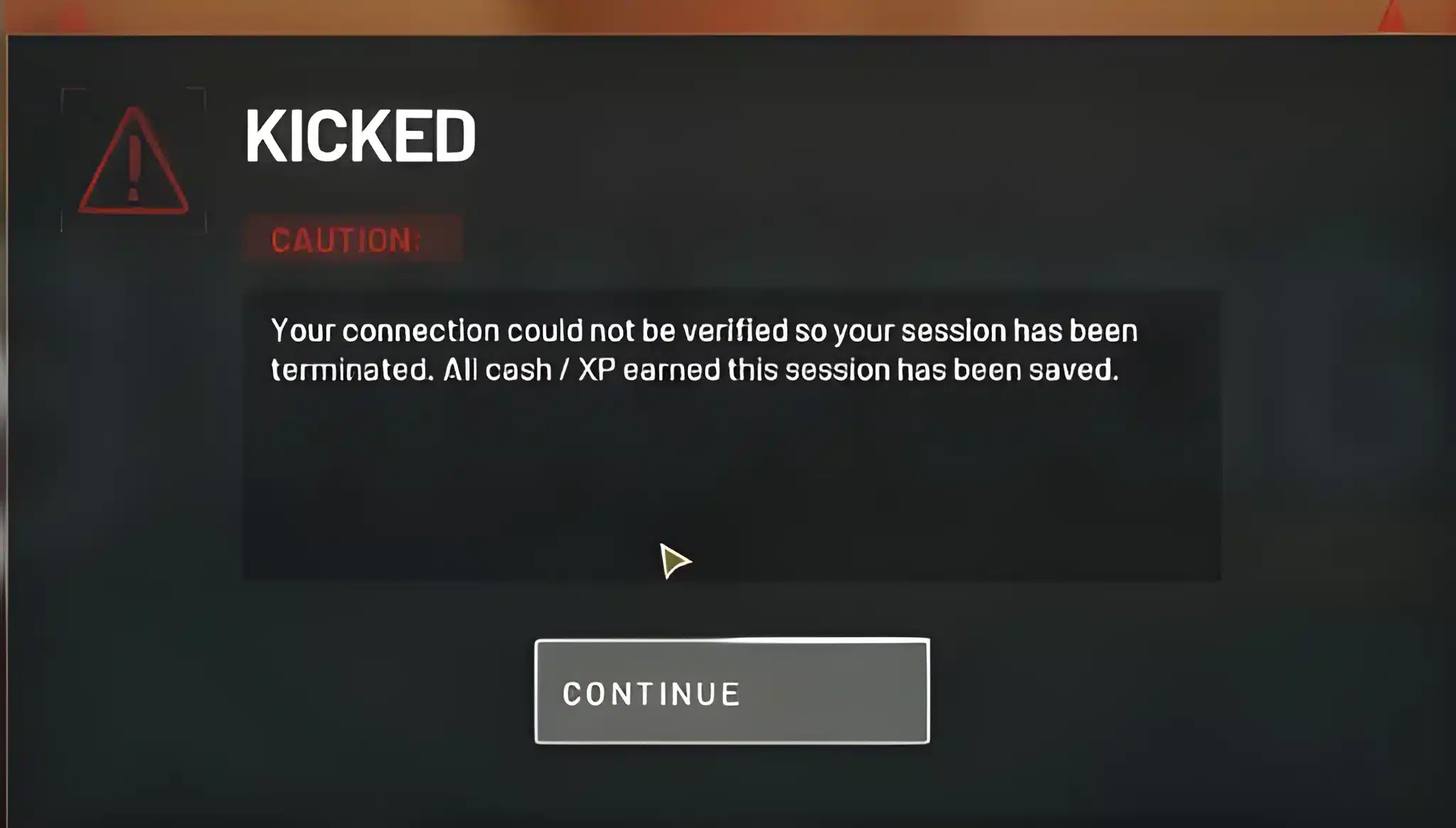
You will typically see an on-screen error, or a queue position number that stalls instead of counting down. Sometimes the client shows a generic connection failure instead.
Either way, the underlying cause is almost always the same. Too many players are requesting a slot on a server that is already at capacity.
Immediate Fixes For A Full WarDogs Queue
When WarDogs Queue Time will not move, work through these steps in order instead of repeatedly mashing retry.
- Close the game fully and relaunch the client instead of just retrying the join button.
- Check the official server status page to see if the issue is widespread or local to you.
- Switch to a different regional server if your ping allows it, since a full region nearby often has open slots.
- Restart your router to refresh your connection before rejoining, especially after a long idle period.
- Wait ten to fifteen minutes and try again, since queues clear fastest right after peak windows end.
Spamming reconnect attempts can actually push you further back in some queue systems. Patience, combined with these steps, works better.
Best Ways To Reduce Your WarDogs Queue
Once you understand the pattern behind the wait, you can actively work around it. Reducing your WarDogs Queue consistently comes down to timing and region choice.
Choosing The Right Server Region
Not every region carries the same load at the same time. Players connecting to a quieter region, even with slightly higher ping, often skip the queue entirely.
- North America: Heaviest traffic during evening hours across US time zones.
- Europe: Peaks after work hours and on weekend afternoons.
- Asia: Extremely high demand during regional prime time.
- Oceania: Smaller player pool, generally shorter waits outside major events.
Testing regions is one of the simplest ways to cut WarDogs Queue Time immediately, especially during a launch week rush.
Does Changing Region Actually Lower WarDogs Queue Time?
Yes, in most cases it does, provided the alternate region is not also near capacity. Testing two or three regions during a spike often reveals one with open slots.
However, always weigh the ping increase against the time you actually save. A slightly higher ping beats a twenty-minute wait for most players.
| Approach | Typical Wait Impact | Best Used When |
|---|---|---|
| Same region, peak hours | Longest wait, often 10-30+ minutes | Avoid if possible |
| Same region, off-peak hours | Short to moderate wait | Early morning or weekday afternoons |
| Alternate nearby region | Usually short, some added ping | Home region is full |
| Community server browser | Often near-instant entry | You just want to play, ping is flexible |
Advanced Tricks To Beat WarDogs Server Queue Full Errors
Most guides stop at "try again later." However, a few advanced habits consistently shave real minutes off your wait.
Using Community Servers To Skip The Line
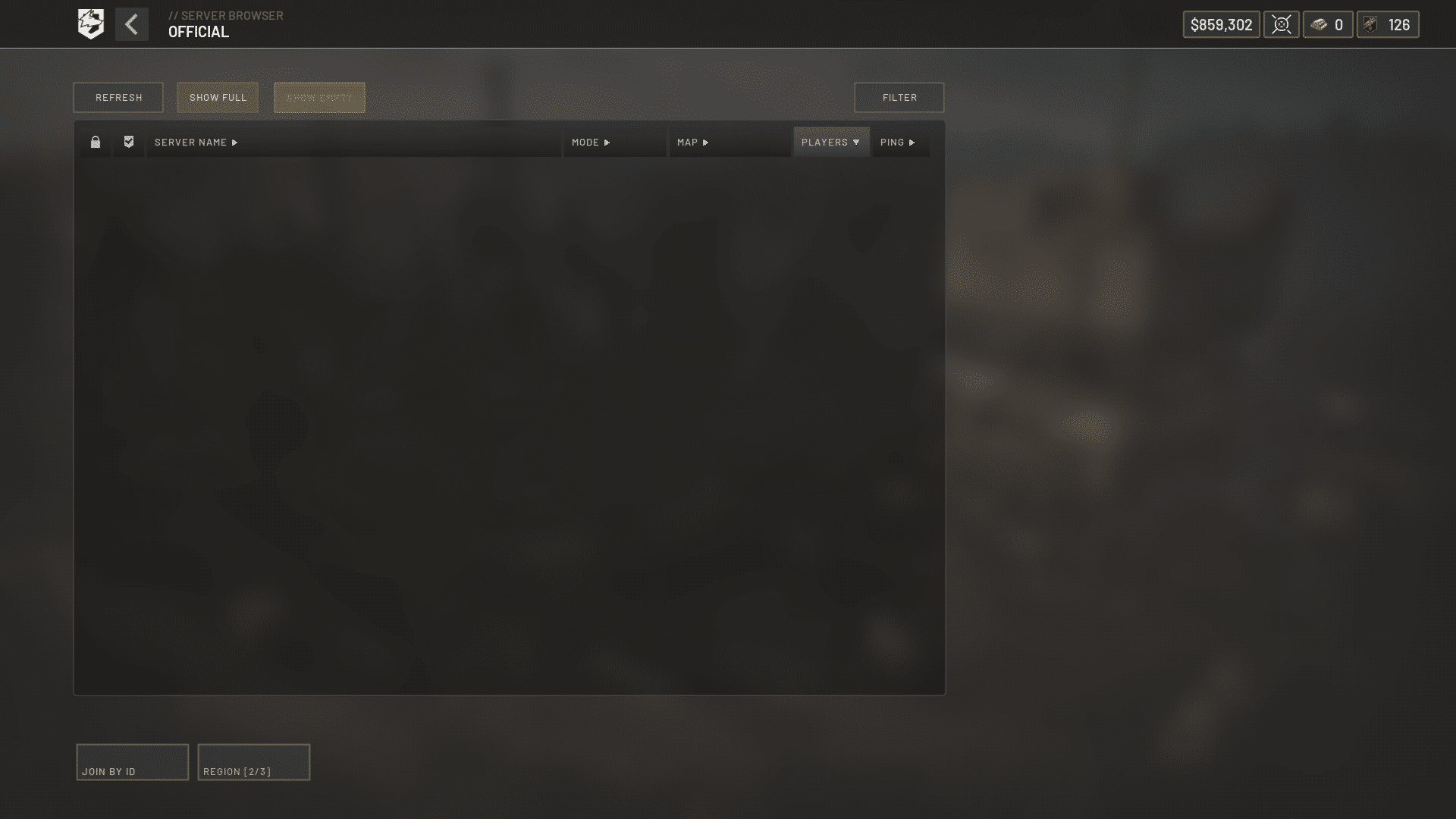
Recent updates expanded the community server browser. This gives players a way to jump straight into an open lobby instead of relying only on official matchmaking.
This is one of the fastest ways around a WarDogs Server Queue Full message. It bypasses the main login queue entirely in many cases.
The result is a clear drop in WarDogs Queue Time, even on a busy launch night.
- Browse by region and current player count before committing to a server.
- Favorite reliable, well-populated community servers so they load faster next session.
- Avoid servers sitting at exactly max capacity, since they may bounce you into a mini-queue anyway.
Network And Connection Tricks That Actually Help
Your own connection quality plays a bigger role in queue success than most players realize. A stable, low-latency connection means fewer dropped authentication attempts.
- Use a wired connection instead of Wi-Fi whenever possible during login.
- Close bandwidth-heavy background apps, like downloads or streaming, before queueing.
- Optimize your routing path so authentication requests do not get delayed mid-handshake.
A cleaner connection path directly shortens WarDogs Queue Time by cutting down on failed handshakes.
Pro Tips: WarDogs Queue Time
- Log in early: Joining ten minutes before your usual session beats the crowd before a peak surge builds.
- Track patch days: Queues spike hardest right after major updates, so logging in slightly later avoids the initial rush.
- Pre-select your region: Setting your preferred region in advance saves precious seconds versus switching mid-queue.
- Keep your client updated: An outdated client can be rejected during authentication, silently adding to your wait.
- Stabilize your route: A consistent connection path reduces failed handshakes that can reset your place in line.
Common Mistakes WarDogs Players Make
These habits quietly extend WarDogs Queue Time far more than most players realize.
- Spam-clicking retry: Repeatedly hammering the join button strains an already overloaded server. Fix: wait at least thirty seconds between attempts.
- Ignoring server status pages: Jumping straight to troubleshooting without checking for a known outage wastes time. Fix: check official status channels first.
- Sticking to one region no matter what: Refusing to try a neighboring region during a clear peak spike guarantees a long wait. Fix: test an alternate region when your usual one is jammed.
- Playing on unstable Wi-Fi: A weak wireless signal causes dropped login attempts that look like queue failures. Fix: switch to a wired connection for login-critical moments.
How ExitLag Helps With WarDogs Queue Time
As an experienced multiplayer shooter player, I treat connection stability as step one, not an afterthought.
A shaky route to the server can cause failed handshakes right as you try to get past a queue.
Why Connection Stability Matters Before You Even Load In
ExitLag is not a VPN. It is a game connection optimizer that scans multiple network paths in real time and routes your traffic through the fastest, most stable option available.
It supports thousands of titles across PC and mobile, backed by a huge global server network built for gamers.
For a queue-heavy launch title like WarDogs, that stability matters from your very first login attempt.
Many players fighting WarDogs Queue Time overlook their own connection as part of the problem.
- Real-time optimization: Cuts delay and packet loss so your login and in-match packets travel cleanly.
- Multipath technology: Sends data through multiple routes at once, so one failing path does not stall your connection.
- Multi-Internet support: Keeps you online by switching connections instantly if one drops mid-session.
- Traffic Shaper: Prioritizes your game traffic over background downloads that could slow authentication.
How To Download ExitLag For PC
Since WarDogs is a PC-focused title, getting set up is simple. You can grab the ExitLag Download and run it in the background before you even open the game client.
Once installed, let it select the best route automatically, or fine-tune it manually for your region. Either way, you head into your next WarDogs Queue attempt with one less variable working against you.
Final Thoughts On WarDogs Queue Time
Long queues are a side effect of a genuinely popular launch, not a sign the game is failing. Consequently, the players who adapt their habits get in fastest.
Recap: Fastest Path Into A Match
- Time your sessions around off-peak windows for your region.
- Try an alternate region if your home server shows heavy load.
- Use the community server browser for near-instant entry when available.
- Keep your connection wired and stable during authentication.
- Revisit these habits any time WarDogs Queue Time creeps back up after an update.
Is WarDogs Worth The Wait?
For most players chasing large-scale, three-team combat, yes, it clearly is. Once you are past the initial queue, matches deliver the chaotic warfare the game promises.
Apply the steps above, and your next login should feel a lot less like standing in line.
Ultimately, managing WarDogs Queue Time comes down to region choice, smart timing, and a stable connection, not blind waiting.
All game images used in this blog post belong to Bulkhead and Team17. They are used for informational and educational purposes only and do not imply endorsement or affiliation with the rights holders.