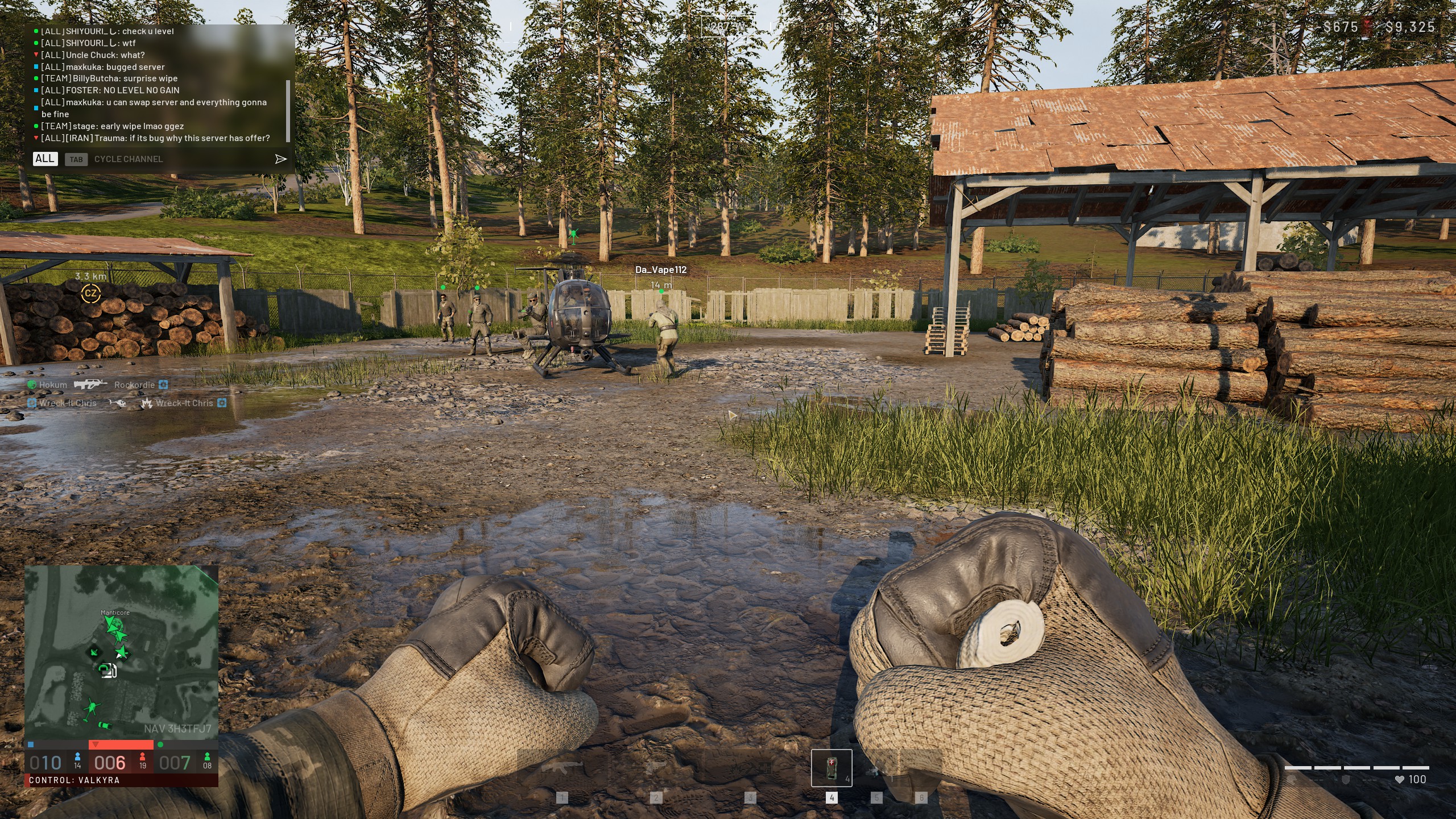
Wardogs exploded onto Steam as one of the biggest first-person shooter launches in recent memory. With 100 players fighting across a massive map split into three teams, finding a stable server matters a lot.
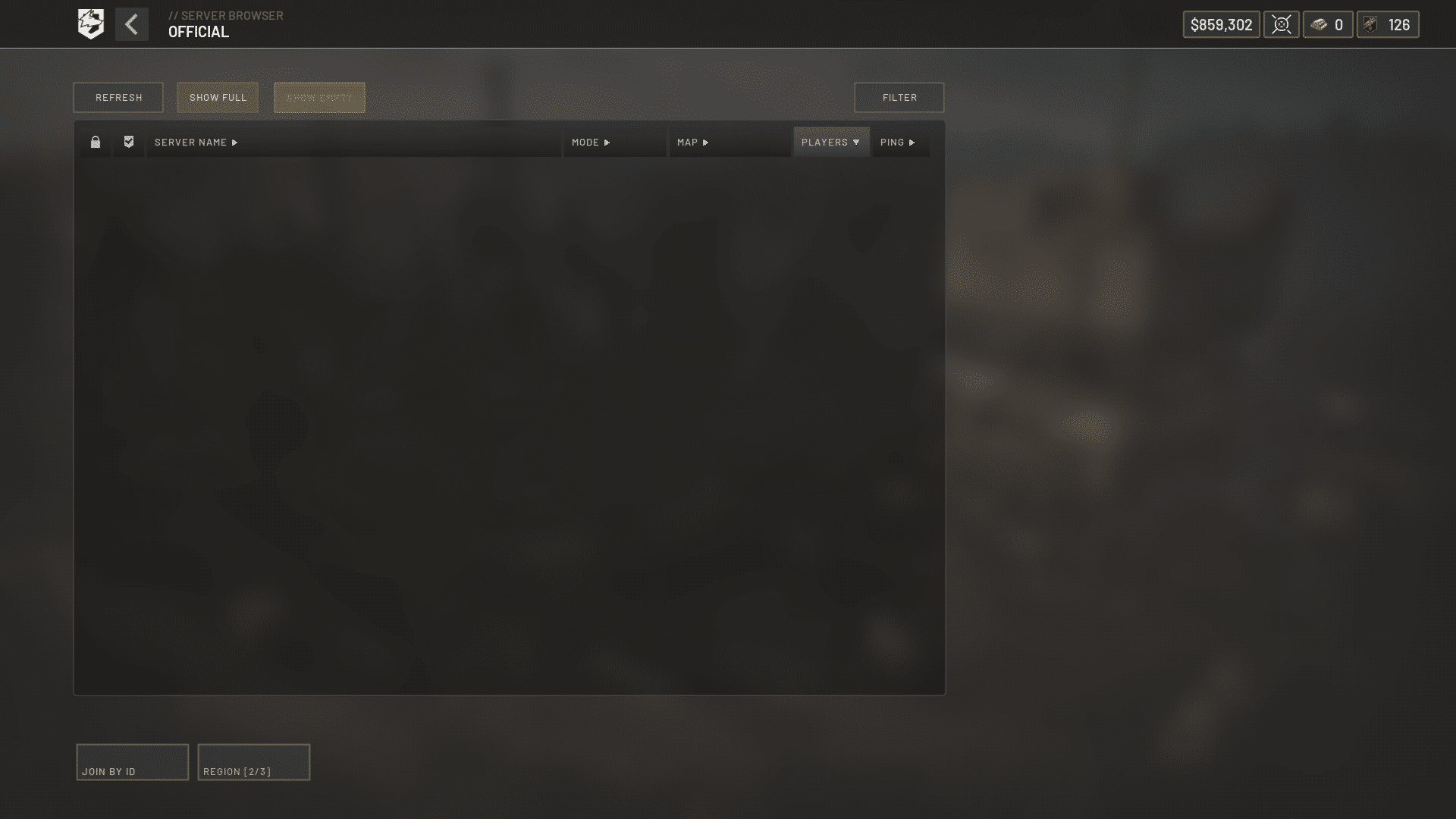
If your squad keeps bouncing between queues, the Wardogs Server List is the first thing to understand.
This guide breaks down every region currently online. It also explains how the queue system works and shows you how to read a Wardogs Server List without guessing.
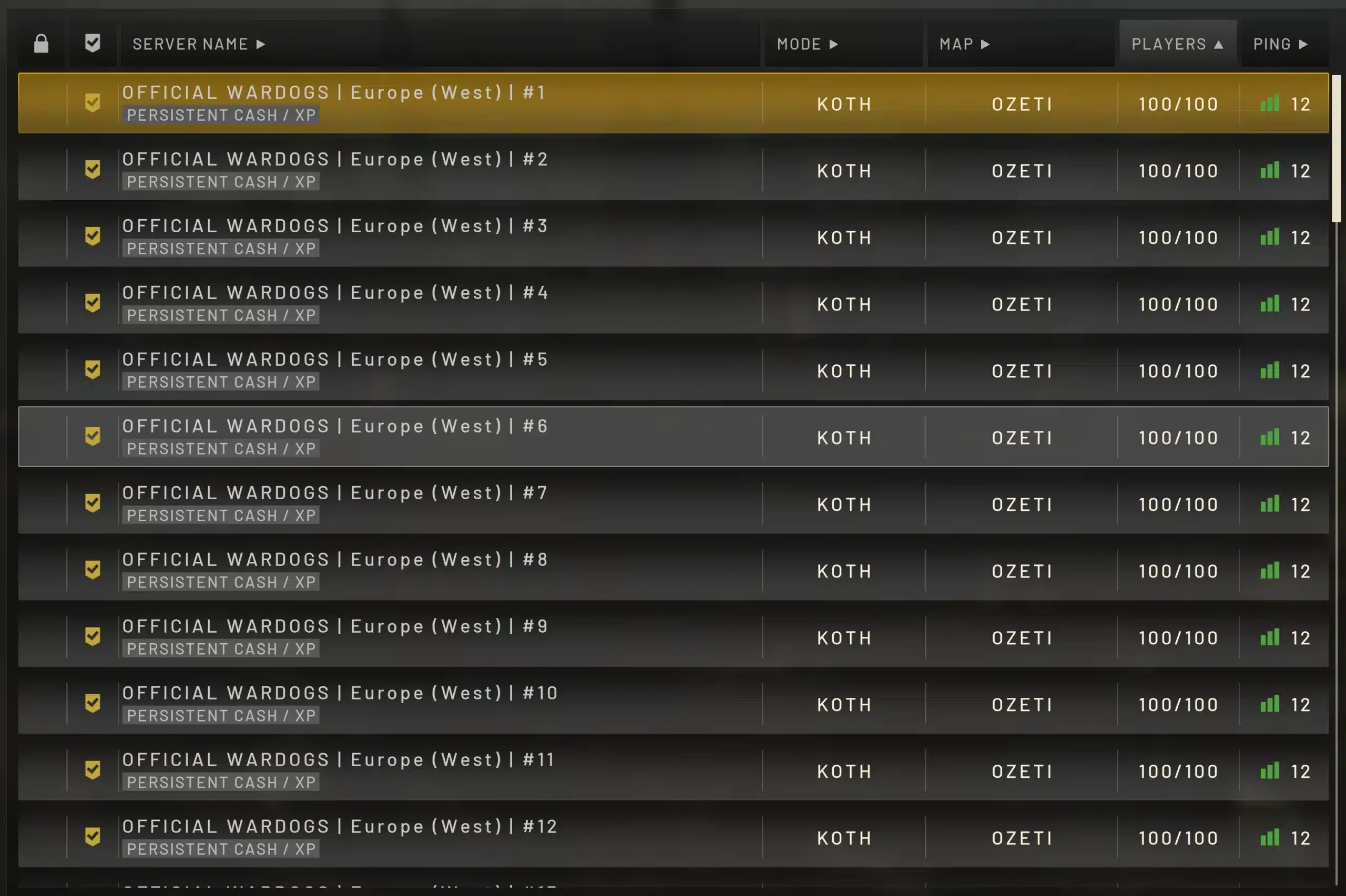
So, what exactly is the Wardogs Server List? It is the set of regional server hubs, from North America to Southeast Asia, that host the game's 100-player matches. Checking the Wardogs Server List before you launch tells you where population and ping are best right now.
We also cover how to check Wardogs Server Status in seconds, plus the mistakes that cost players hours of wasted queue time.
Understanding it properly can save you from joining a dead lobby or a server flooded past capacity.
Wardogs Server List: Every Region You Can Choose
Wardogs runs on a confirmed server browser rather than pure automatic matchmaking. That means players pick a region manually before dropping into the 256 square kilometer battlefield.
Bulkhead, the studio behind the game, built regional hubs to keep ping low for a shooter where every millisecond matters. Below is a breakdown of what the current Wardogs Server List looks like by continent.
North America Server Hubs
North American players are split across two main hubs. Virginia handles the East Coast, while Oregon and San Jose cover West Coast traffic.
- Virginia (US East): Best for players from New York, Atlanta, and the Midwest
- Oregon / San Jose (US West): Best for players from California, Seattle, and Texas
- Typical ping range: Roughly 15 to 50 milliseconds for nearby players
Europe Server Hubs
Europe currently has the densest population on the Wardogs Server List, which is common for large-scale military shooters at launch.
- Frankfurt: Central hub covering Germany, France, and neighboring countries
- London: Best for UK and Irish players
- Amsterdam: Secondary hub that absorbs overflow during peak hours
Asia, Southeast Asia And Oceania Hubs
Asian and Pacific regions round out the current Wardogs Server List, though population here fluctuates more than in NA or EU.
- Tokyo and Seoul: Serve East Asian players with 10 to 45 millisecond ping
- Singapore: Central hub for Southeast Asian and ASEAN players
- Sydney: Covers Australia and New Zealand with 15 to 40 millisecond ping
How Do You Check Wardogs Server Status Before You Play?
Before queuing up, it makes sense to confirm servers are actually online. Checking Wardogs Server Status takes less than a minute if you know where to look.
Consequently, most experienced players build a short pre-game routine. They glance at one or two sources instead of jumping straight into a queue and hoping for the best.
Official Sources For Wardogs Server Status
Bulkhead posts confirmed outages and maintenance windows through a couple of official channels. These are the most reliable places to start.
- Check the official Steam news hub for the game for pinned maintenance announcements
- Follow the official Wardogs account on social media, which usually updates faster during incidents
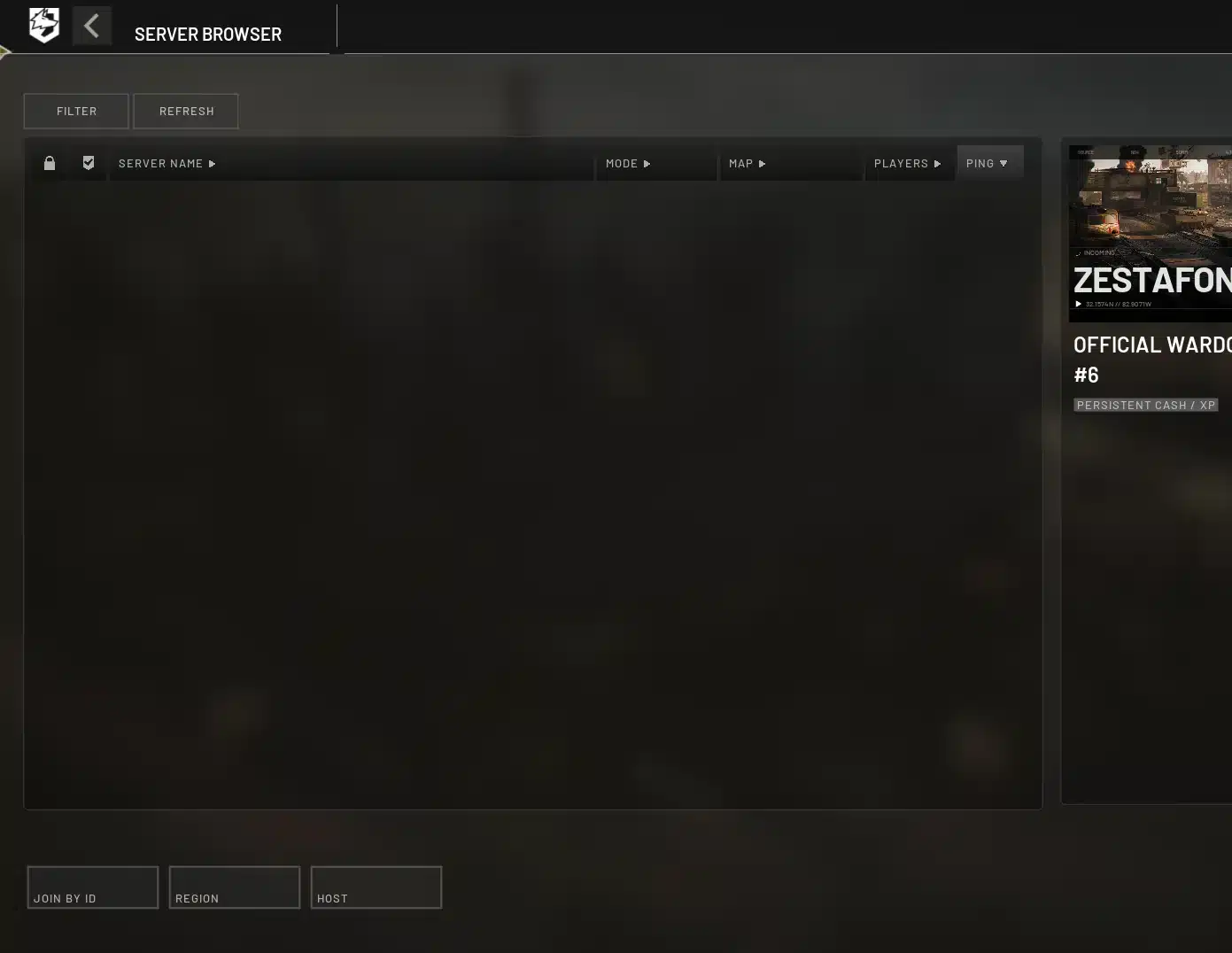
- Look at the in-game server browser itself, since a blank or frozen list often signals a backend issue
Community Trackers And Steam Player Counts
Independent tracker sites aggregate live reports from thousands of players, which is genuinely useful when official channels stay quiet. They show recent connection reports, categorized by issue type.
- Server connection failures reported in the last 15 to 60 minutes
- Sign-in and authentication problems
- Matchmaking or queue freezes
- General crashing and freezing reports
Furthermore, watching live Steam concurrent player counts gives you a rough sense of overall health. A sudden, sharp drop usually lines up with a real outage rather than a local issue.
Why Are Wardogs Server Queues So Long Right Now?
Wardogs launched into early access with an enormous surge of interest, and server capacity struggled to keep pace at first. Understanding why helps you plan around it instead of getting frustrated.
The Wave-Based Queue System
At launch, concurrent players on Steam climbed into the hundreds of thousands within hours. Rather than letting everyone connect simultaneously, Bulkhead releases players from the queue in waves to protect server stability.
This means your position number can stay flat for a while before dropping quickly. It is normal, and closing the game usually costs your spot entirely.
Is Wardogs Down Right Now, Or Is It Just You?
Not every connection issue means the servers are down. In fact, most reported problems trace back to local network instability rather than a full outage.
- If the queue number keeps decreasing slowly, servers are online and processing normally
- If you get disconnected mid-match but can rejoin quickly, that is usually a local hiccup
- If thousands of players report the same error within minutes, that points to a genuine outage
Common Error Codes Explained
Several recurring error codes show up across the Wardogs Server List community, and most have known causes.
| Error Message | Likely Cause | Quick Fix |
|---|---|---|
| Authentication with online services failed | Backend login servers overloaded | Wait a few minutes, then retry |
| Connection to server could not be established | Route instability or server at capacity | Try a different regional server |
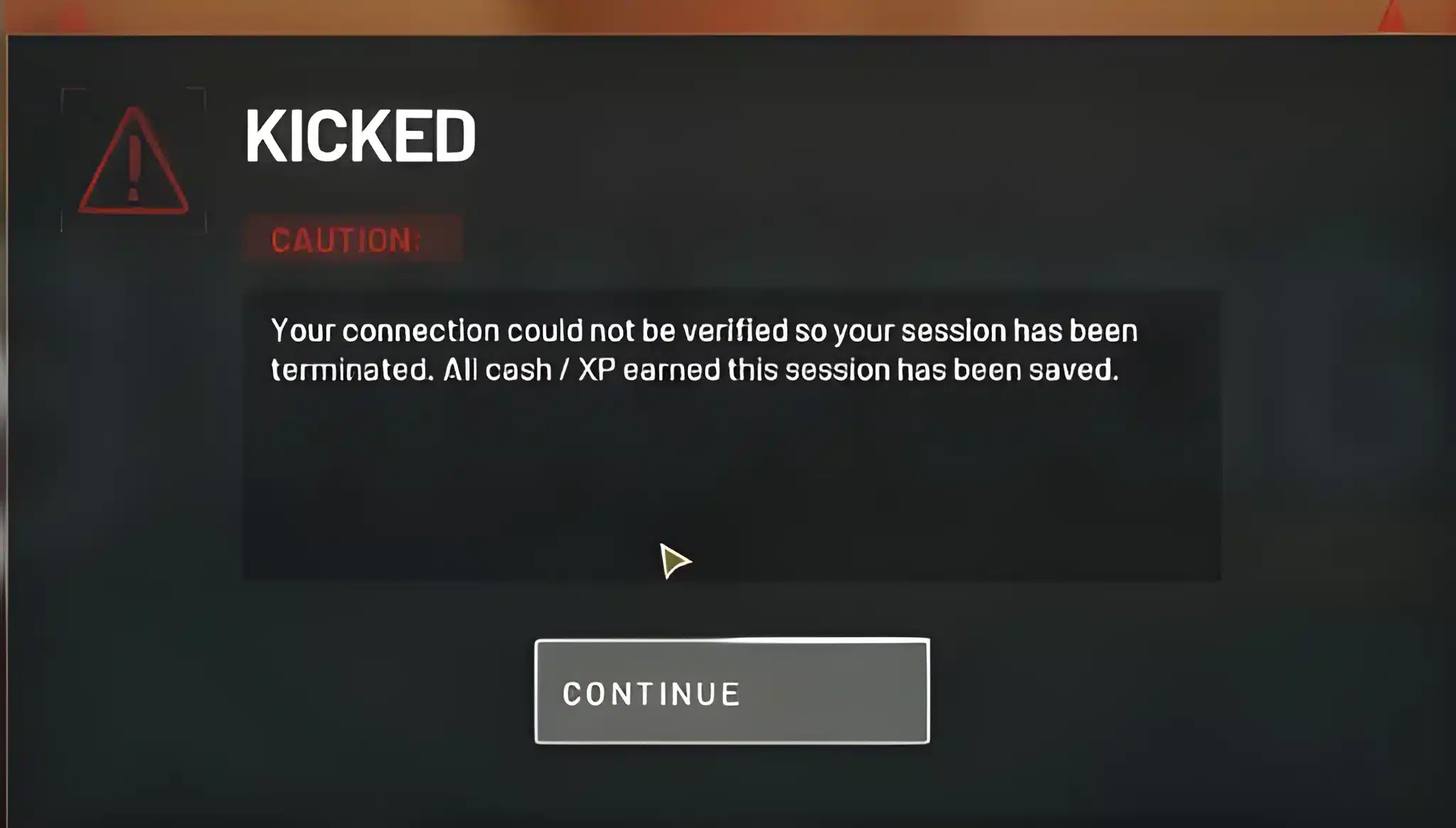
| Account restricted or banned incorrectly | Anti-cheat flag during high-traffic periods | Submit a support ticket, avoid repeated logins |
| Game closes before queue appears | Corrupted or incomplete game files | Verify game files through Steam |
Wardogs Server Status Tools Every Player Should Bookmark
Beyond official channels, a handful of tools make checking Wardogs Server Status much faster. Bookmarking two or three of these saves real time before every session.
Live Tracker Sites
Community-built tracker pages refresh automatically and show a simple verdict: working normally, partial outage, or major outage. Most also display a short history so you can spot patterns.
- Look for sites that separate reports by region, not just a single global status
- Prefer trackers that show timestamps, not just raw counts
- Avoid sites that only show ads with no real reporting data
In-Game And Steam Indicators
The game client itself gives useful signals if you know what to watch. Additionally, Steam's own store page often reflects concurrent player counts in near real time.
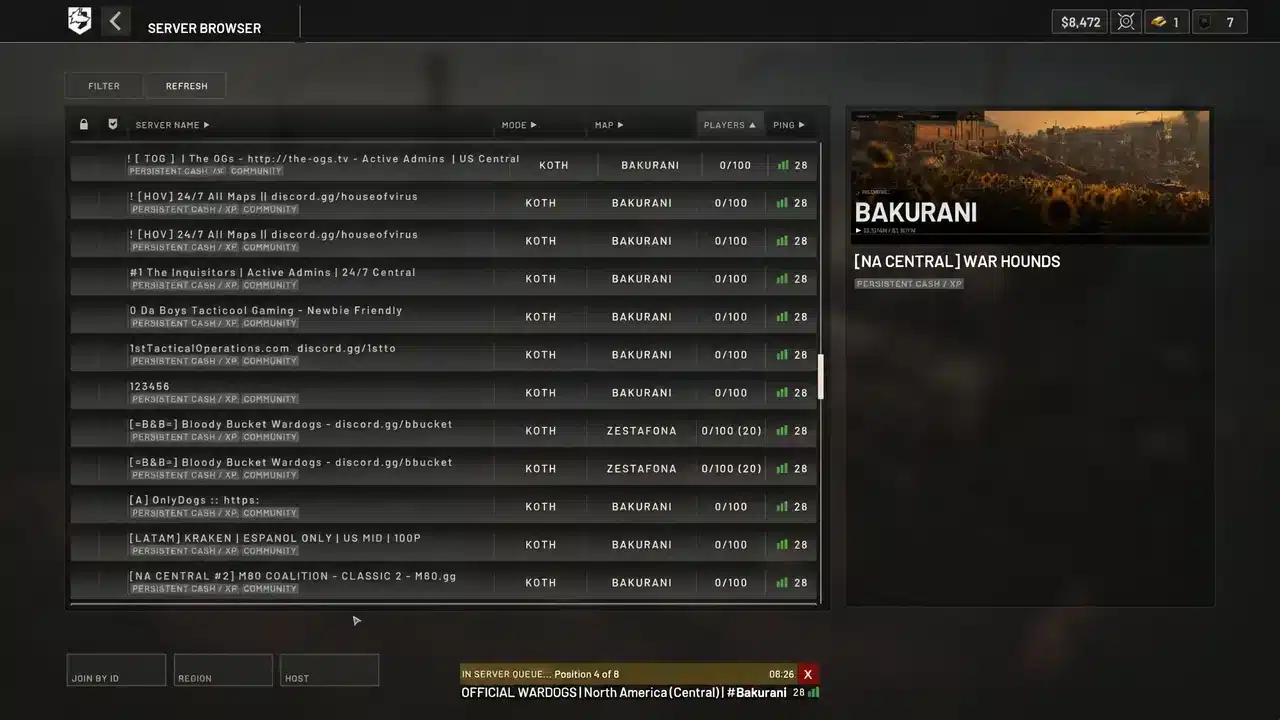
- Open the in-game server browser and check if ping values are populating normally
- Check whether server population numbers are updating, not frozen at zero
- Cross-reference with Steam's concurrent player count for a sanity check
Picking The Right Wardogs Server For Your Playstyle
Choosing wisely from the Wardogs Server List is not only about lowest ping. Population, time of day, and your own play style all matter.
Matching Ping To Region
Geographic distance is the biggest factor in ping, but it is not the only one. Standard home internet routes often pass through congested public exchanges before reaching the game's servers.
- Always test ping on at least two nearby regions before committing
- Retest during your actual play hours, since routing can shift throughout the day
- Treat a single ping reading as a snapshot, not a guarantee
Population And Server Health
A server with excellent ping but almost no players will still give you a poor match. Aim for lobbies that are actively filling toward the 100-player cap.
Here is a quick reference for comparing regions on the current Wardogs Server List:
| Region | Main Hubs | Typical Ping | Best For |
|---|---|---|---|
| North America | Virginia, Oregon, San Jose | 15-50 ms | US and Canadian players |
| Europe | Frankfurt, London, Amsterdam | 20-50 ms | UK and mainland European players |
| East Asia | Tokyo, Seoul | 10-45 ms | Japanese and Korean players |
| Southeast Asia | Singapore | 25-60 ms | ASEAN region players |
| Oceania | Sydney | 15-40 ms | Australian and New Zealand players |
Wardogs Server List: Tips And Mistakes To Avoid
Even experienced shooter players make avoidable mistakes when reading a server list under pressure. The sections below cover both what to do and what to skip.
Pro Tips: Wardogs Server List
- Check status before opening the client: A quick glance at a tracker saves you from sitting through a long login queue for nothing.
- Keep two backup regions in mind: If your main hub is flooded, jumping to a secondary region often gets you into a match faster.
- Play during off-peak local hours: Lobbies fill just as fast, but queue times drop noticeably outside your region's evening rush.
- Never restart mid-queue: Closing the game after an error almost always resets your position, so wait it out unless the client is fully frozen.
- Verify files after patch days: New updates occasionally cause file mismatches, and file verification through Steam fixes most launch failures.
Common Mistakes Wardogs Players Make
- Ignoring server status entirely: Many players jump straight into a queue during a known outage. Fix: check a tracker or the official news hub first, even if it only takes thirty seconds.
- Picking a region by name alone: Assuming the closest-sounding region name is fastest often backfires. Fix: actually test ping on two or three regions before locking one in.
- Spamming reconnect attempts: Repeated rapid login attempts during high traffic can trigger anti-cheat flags. Fix: wait a couple of minutes between attempts instead of mashing the button.
- Blaming the game for local issues: Not every disconnect is a server problem. Fix: run a quick connection check and rule out your own network before assuming an outage.
Optimize Your Connection Before You Check The Wardogs Server List
Once you know a region is online, your own connection route still decides how smooth the match actually feels. This is where a dedicated connection optimizer earns its place in your setup.
Why Wardogs Players Use ExitLag
ExitLag is not a VPN. It is a connection optimizer that scans multiple network paths in real time and routes your traffic through the fastest, most stable path to the game's servers.
For a 100-player shooter like Wardogs, that matters a lot. Packet loss and route instability during a firefight can mean the difference between landing a hit and getting outplayed by desync.
- Multipath Technology sends your traffic through several routes at once, so a single failing hop does not drop your connection
- Real-time Optimization reduces delay and packet loss, which keeps your inputs feeling sharp during large-scale fights
- Traffic Shaper prioritizes game traffic over background downloads or streaming that might otherwise choke your bandwidth
How To Get Started
Setting ExitLag up takes only a few minutes, and it works alongside the game's own server browser rather than replacing it. You still pick your region from the Wardogs Server List; ExitLag simply improves the path getting you there.
Since Wardogs is a PC title, players looking for a smoother route into busy regional hubs can grab the ExitLag Download and test it against their current setup within a session or two.
Final Thoughts On The Wardogs Server List
Server stability during a massive early access launch is never perfect, and Wardogs is no exception. However, knowing how the queue system, regions, and status tools work puts you well ahead of players who just guess.
Quick Recap
- North America, Europe, East Asia, Southeast Asia, and Oceania all have live regional hubs
- Checking Wardogs Server Status through official or community trackers takes under a minute
- Population and ping both matter when picking a server, not just proximity
What To Do Next
Bookmark a reliable status tracker, keep a backup region ready, and pair your setup with a stable connection route. Between those three habits, the Wardogs Server List becomes far less of a guessing game every time you queue up.
All game images used in this blog post belong to Bulkhead and Team17. They are used for informational and educational purposes only and do not imply endorsement or affiliation with the rights holders.