You log in to the beta, pick your realm, and the screen drops with a cold message. The dreaded WoW Forever BLZ51901016 error has already ended a lot of testing sessions, and it usually shows up at the worst moment.
If you are stuck on WoW Forever You Have Been Disconnected BLZ51901016, you are not alone. Players on the official forums have been reporting it since the test began, and this guide shows what to check, in order. Moreover, it explains how to keep WoW Forever BLZ51901016 from coming back.
In short, WoW Forever BLZ51901016 is a generic disconnect that can come from Blizzard's beta servers or from your own connection. Blizzard has not published a dedicated explanation for this code yet. The safest approach is to rule out a server problem first, then clean up your local network and route.
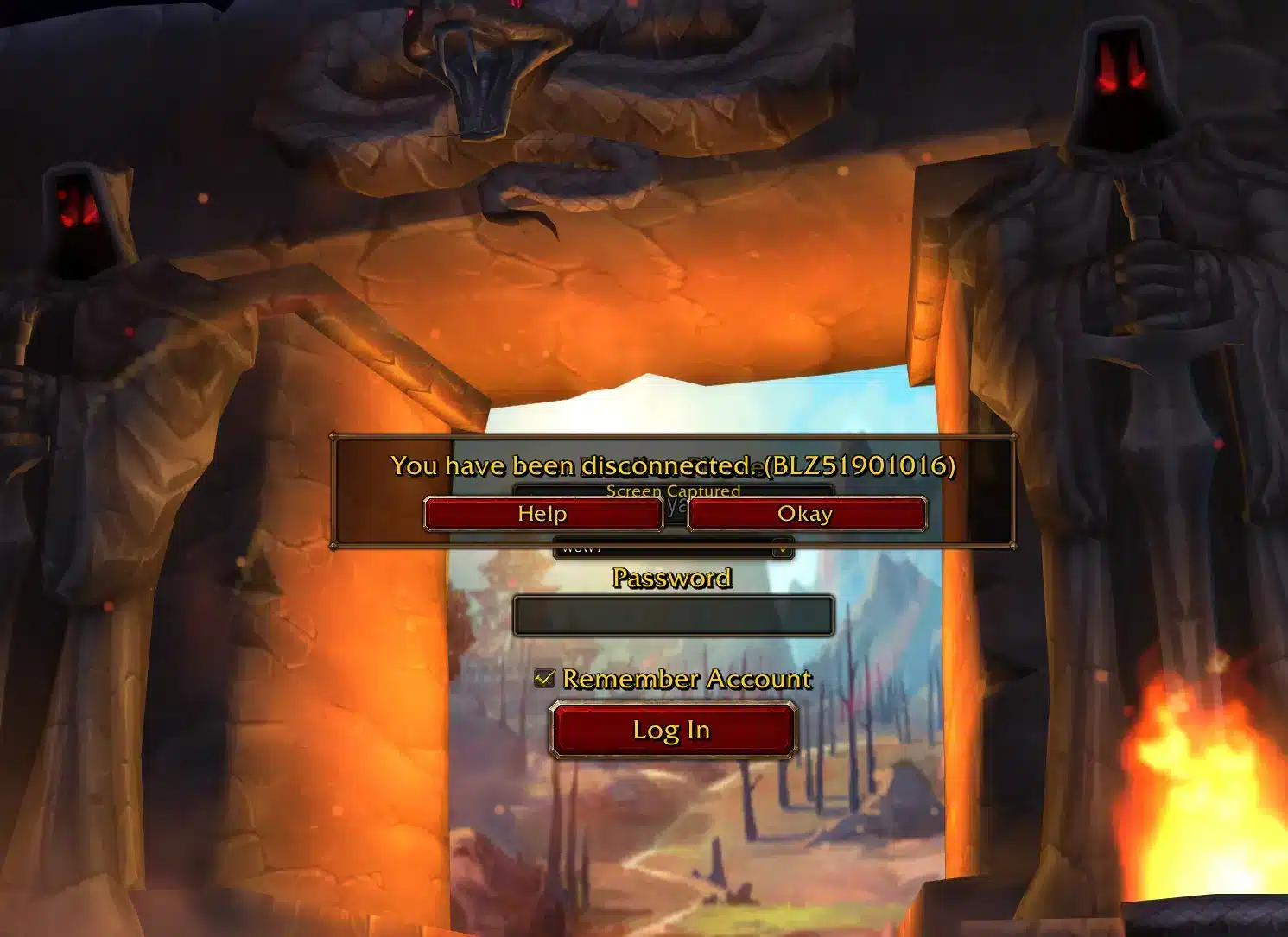
What Is WoW Forever BLZ51901016 And Why Does It Happen?
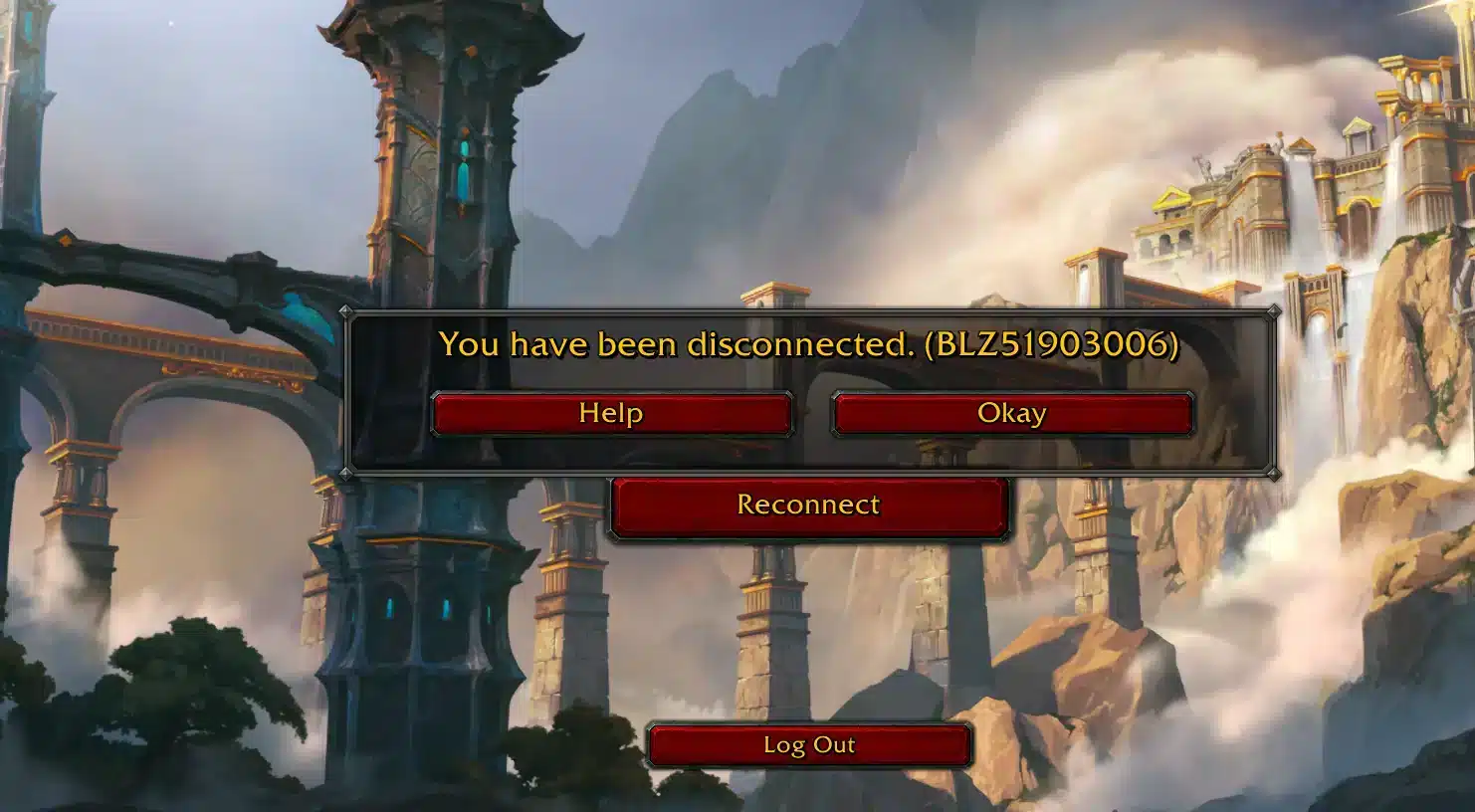
The full message, often reported as Wow You Have Been Disconnected BLZ51901016, reads "You have been disconnected" followed by the code. It appears when the game loses its link to Blizzard's servers, either at login or after you enter the world. Because WoW Forever BLZ51901016 is not documented, nobody outside Blizzard can name one single cause. However, the reports share a clear pattern.What Do Players Report?
Threads on the official World of Warcraft forums describe the same few situations:- Being kicked right after choosing a realm or character
- Instant disconnects with no warning on a stable home network
- Errors after a beta update or maintenance window
- Random drops in the middle of questing or a dungeon run
Is It Your Internet Or Blizzard's Servers?
This is the key question, and the answer is often both. The beta is a stress test, so servers get restarted, patched and overloaded on purpose. On October 1, Blizzard took the beta offline for maintenance and brought it back with a new build and a level cap raised to 30. Many reports of BLZ51901016 WoW Forever appeared around updates like this.Quick Facts About The WoW Forever Beta
Understanding the test helps you read the error correctly. A WoW Forever Beta is built to find problems, not to be perfectly stable. According to Blizzard's announcement, the beta runs from September 17 to October 21, and the full release is planned for November 4. Access came through the Skyborne Epic Pack, the Warcraft Forever Collection, or a free sign-up that is handed out in waves.| Situation | Likely Cause | Best First Move |
|---|---|---|
| Error during login | Server load or maintenance | Wait 10 to 15 minutes, then retry |
| Error right after an update | Build mismatch | Restart the Battle.net app and let it finish updating |
| Drops during play | Packet loss or unstable route | Use a wired connection and test your route |
| Error only at peak hours | Congested path to the servers | Optimize routing with ExitLag |
How To Fix WoW Forever You Have Been Disconnected BLZ51901016
Start with the simple checks for WoW Forever BLZ51901016 before touching anything advanced. Most disconnects clear up in the first few steps.Step By Step Fixes To Try First
Follow this order, because each step rules out a different cause:- Check the official WoW forums and Blizzard's social channels for maintenance or outage notices.
- Close the game and Battle.net completely, then reopen them.
- Let the launcher finish every update before you log in.
- Restart your modem and router, then wait two minutes.
- Switch from Wi-Fi to a wired cable if you can.
- Pause downloads, streams and cloud backups on every device in the house.
Should You Reset Your Interface And Drivers?
Sometimes a damaged add-on or old driver causes crashes that look like disconnects. Therefore, test with a clean setup before blaming the network.- Disable add-ons and try a fresh login
- Update your graphics driver and Windows
- Run the Battle.net scan and repair option on the game files
- Close overlays that you do not need
Why Does Your Connection Matter During The Beta?
Even when the servers are healthy, a weak route can break your session. Put simply, a single burst of lost packets is enough to trigger You Have Been Disconnected BLZ51901016. That is why the Wi-Fi in your house, your provider and the path to Blizzard's data center all count.Packet Loss, Jitter And High Ping
These three problems feel similar but have different fixes. Knowing which one you have saves a lot of time.- Packet loss: Data never arrives, so the server may cut you off.
- Jitter: Your ping jumps up and down, which causes stutter and sudden drops.
- High ping: Every action is delayed, which makes combat feel heavy.
How Can You Test Your Route?
Run a ping test while the game is open, and watch the numbers for a few minutes. Stable values matter more than a low value. Our guide on packet loss in World of Warcraft explains how to read those spikes. Furthermore, it shows what a healthy connection looks like.Pro Tips: Staying Online In The WoW Forever BLZ51901016 Beta
- Log in early: Servers are calmer in the morning, so you avoid evening queues and overloaded realms.
- Use a cable: Ethernet removes Wi-Fi interference, which is a common source of silent packet loss.
- Keep the launcher closed to downloads: Background patches steal bandwidth and can cause sudden spikes during play.
- Note the time and region: If you contact support, a clear timestamp helps them match your error to server logs.
- Avoid a VPN: An extra tunnel can add delay and instability, so turn it off while testing.
Common Mistakes WoW Forever BLZ51901016 Players Make
- Reinstalling immediately: A full reinstall wastes hours and rarely fixes a server issue. Fix: check for maintenance first and try a game files scan.
- Retrying every few seconds: Spamming the login button can add to queue trouble. Fix: wait several minutes between attempts.
- Ignoring the Wi-Fi: Many players blame Blizzard while a weak signal is dropping packets. Fix: use a cable or move closer to the router.
- Testing with many add-ons: A broken add-on can mimic a connection failure. Fix: disable them all and enable them one by one.
Is ExitLag The Fix For WoW Forever BLZ51901016?
If servers are fine and your own checks for WoW Forever BLZ51901016 are clean, the route between you and Blizzard is the next suspect. ExitLag is a game connection optimizer, not a VPN, and it does not touch your game files. It analyzes several network paths in real time and picks the fastest, most stable one for you. That is exactly what helps when a congested path causes disconnects.What Does ExitLag Do For MMO Players?
ExitLag supports 4,000+ titles with 1,500+ servers in 190+ countries. For an MMO like this, stability matters most during dungeons and busy zones.- Multipath: Sends packets through several routes, so one bad path does not drop you.
- Multi-Internet: Uses up to 4 connections, and another takes over if one fails.
- Real-time optimization: Reduces packet loss and delay while you play.
- Traffic Shaper: Keeps other apps from eating your bandwidth.
How Do You Set It Up?
The setup takes only a few minutes:- Install ExitLag and sign in.
- Search for World of Warcraft in the game list.
- Let the AI pick the best route, or choose one manually.
- Press Apply, then open Battle.net and launch the game.
Final Thoughts On WoW Forever BLZ51901016
A WoW Forever BLZ51901016 disconnect during a beta is frustrating, but it is rarely permanent. Check for maintenance, clean up your network, and make sure your route to the servers is stable. Keep in mind that part of WoW Forever BLZ51901016 is out of your hands, because the test is still being tuned. Meanwhile, the pieces you control, your cable, your router and your route, are the ones worth fixing.What Should You Do If Nothing Works?
- Wait for the next maintenance window and retry the WoW Forever BLZ51901016 login
- Contact Blizzard support with your error code, time and region
- Post on the beta forum so the team can see the pattern
What Should You Remember?
- Rule out server problems first
- Use a wired, clean connection
- Stabilize your route with ExitLag