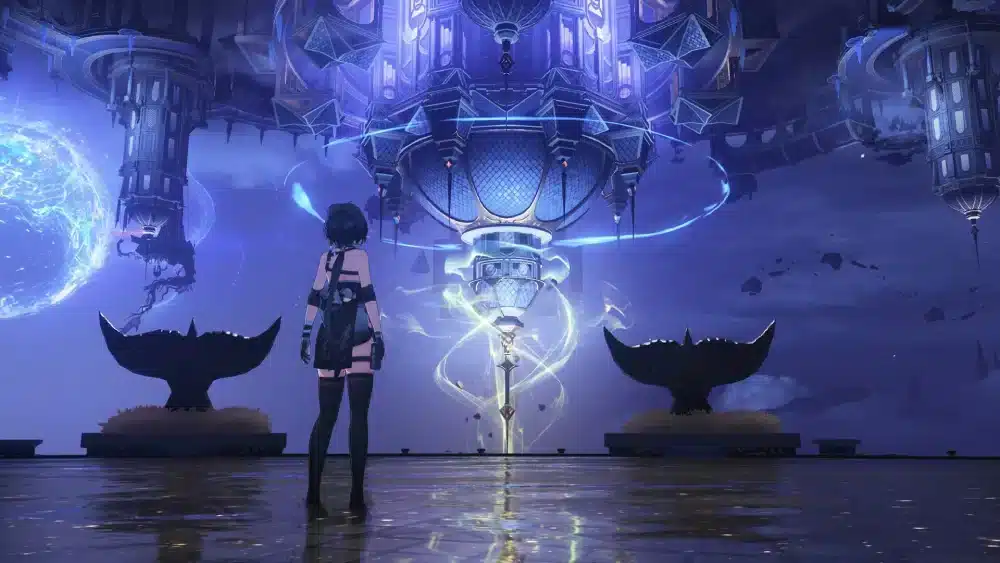
Exploring Septimont should be one of the highlights of the latest Wuthering Waves update, but for some players, wuthering waves septimont lag has become an unexpected obstacle. From sudden FPS drops to stuttering during combat and delayed loading while exploring the new city, these issues can significantly impact gameplay. Fortunately, most performance problems can be resolved by understanding their causes and applying the right optimizations.
If you’re experiencing wuthering waves septimont lag, you’re not alone. Since the release of Septimont, many players have reported performance fluctuations, especially during their first visit to the region. These problems may stem from shader compilation, increased GPU workload, outdated drivers, or network-related issues. Thankfully, there are several effective ways to improve stability without sacrificing visual quality.
What is wuthering waves septimont lag? It refers to any performance or connection issue that affects gameplay while exploring Septimont, including low FPS, frame stuttering, texture pop-in, high ping, or temporary freezes. Identifying whether the issue is caused by your hardware, software, or internet connection is the first step toward restoring smooth gameplay.
Introduced as one of the largest expansions in Wuthering Waves, Septimont features an impressive urban landscape, new exploration mechanics, additional Echoes, and story content that places greater demands on modern hardware. While these improvements enhance immersion, they also increase the resources required to render environments and process game assets in real time.
Unlike smaller regions introduced in previous updates, Septimont contains denser architecture, more detailed textures, dynamic lighting, and larger populations of NPCs. As a result, systems that previously handled Wuthering Waves comfortably may experience temporary slowdowns after entering the new area.
The good news is that most of these issues are temporary or can be minimized through proper optimization. Whether you’re playing on PC or mobile, a few adjustments can dramatically improve both frame rates and overall responsiveness.
Why Wuthering Waves Septimont Lag Happens
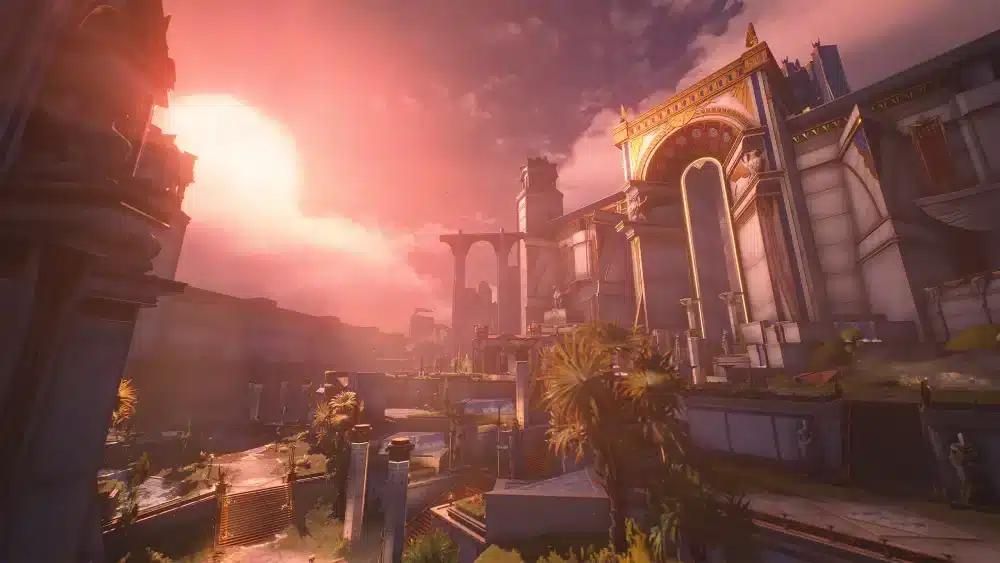
Several factors can contribute to performance issues after entering Septimont. Understanding each one makes troubleshooting much easier.
Larger and More Detailed Environments
Septimont introduces significantly more complex environments than many previous areas.
The region includes:
- High-density buildings
- Advanced lighting effects
- Larger exploration zones
- More environmental details
- Increased NPC activity
Rendering all these elements simultaneously places additional pressure on your GPU.
Shader Compilation After the Update
One of the most common reasons for stuttering is shader compilation.
When visiting a newly added region for the first time, the game compiles graphical shaders required to render visual effects efficiently. During this process, players may notice:
- Short freezes
- FPS drops
- Micro-stuttering
- Delayed texture loading
Fortunately, these issues often become less noticeable after spending more time in the area.
Increased CPU and GPU Workload
Modern open-world games distribute processing tasks across both the CPU and GPU.
Septimont’s expanded environments require additional resources for:
- AI calculations
- Physics simulations
- Lighting
- Animation
- Asset streaming
Older systems or PCs running heavy background applications may struggle to keep up.
High Ping vs. Performance Lag
It’s important to distinguish between graphics-related lag and network latency.
Performance lag generally includes:
- Low FPS
- Stuttering
- Freezing
- Slow asset loading
Network lag typically causes:
- Delayed interactions
- Rubberbanding
- Synchronization issues
- High latency during online features
Identifying the correct type of lag helps you apply the right solution.
Common Symptoms in Septimont
Not every player experiences the same issues.
Here are the most frequently reported symptoms.
FPS Drops During Exploration
Large city districts and highly populated areas often reduce frame rates.
Players may notice:
- Lower FPS while walking through streets
- Reduced performance near detailed landmarks
- Temporary slowdowns after fast travel
These drops are usually tied to increased rendering demands.
Stuttering During Combat
Combat combines visual effects, enemy AI, and character abilities simultaneously.
This may result in:
- Brief frame skips
- Delayed animations
- Less responsive gameplay
- Inconsistent frame pacing
The issue becomes more noticeable during encounters involving multiple enemies.
Texture Loading Delays
Some players observe textures loading several seconds after entering an area.
Common examples include:
- Blurry buildings
- Low-resolution terrain
- Delayed object rendering
- Pop-in effects
Installing the game on an SSD can significantly reduce these loading delays.
Rubberbanding During Online Features
Although Wuthering Waves is primarily a PvE experience, online services still require a stable internet connection.
Unstable routing may produce:
- High ping
- Temporary desynchronization
- Delayed interactions
- Connection interruptions
These symptoms differ from hardware-related frame drops.
Basic Fixes for Wuthering Waves Septimont Lag
Before making advanced system changes, start with the simplest troubleshooting methods.
Allow Shader Compilation to Finish
The first visit to Septimont often triggers shader compilation.
Instead of immediately changing graphics settings, spend several minutes exploring the area. Performance frequently improves once the compilation process finishes.
Update Wuthering Waves
Developers regularly release optimization patches that improve stability and fix known performance issues.
Always install the latest version before troubleshooting further.
Lower Graphics Settings
Reducing a few demanding settings can significantly improve performance.
Focus on lowering:
- Shadow Quality
- Volumetric Lighting
- Ambient Occlusion
- Reflection Quality
- Post-processing effects
These options typically have the greatest impact on frame rates.
Close Background Applications
Background software consumes valuable CPU, RAM, and storage resources.
Before launching the game:
- Pause downloads.
- Close unnecessary browsers.
- Exit streaming software.
- Disable unused overlays.
- Stop large file transfers.
Freeing system resources helps maintain smoother gameplay.
Optimize Your System Before Exploring Septimont
A well-maintained PC provides more consistent performance across demanding regions.
Helpful maintenance includes:
- Install the latest GPU drivers.
- Update Windows.
- Enable High Performance power mode.
- Keep sufficient free SSD storage.
- Restart your PC before long gaming sessions.
These simple steps reduce the likelihood of performance bottlenecks.
Why Connection Stability Still Matters
Even if your FPS remains stable, online connectivity continues to play an important role in Wuthering Waves.
Activities such as account authentication, updates, online events, and cooperative features depend on reliable communication with the game’s servers. Poor routing or packet loss may introduce delays that feel similar to performance issues.
For players experiencing both graphical stuttering and connection instability, optimizing the game and the network together provides the best overall experience.
Advanced Fixes for Wuthering Waves Septimont Lag
If the basic troubleshooting steps didn’t completely resolve wuthering waves septimont lag, it’s time to look at more advanced optimizations. These adjustments target the hardware, operating system, and storage bottlenecks that commonly appear after major content updates.
Optimize Windows for Gaming
Windows background processes can consume valuable CPU, memory, and storage resources while you’re exploring Septimont.
For the best experience:
- Enable Game Mode in Windows.
- Select the High Performance or Ultimate Performance power plan.
- Disable unnecessary startup programs.
- Close browsers with multiple tabs.
- Pause Windows updates before long gaming sessions.
These changes allow more system resources to remain available for Wuthering Waves.
Update Your Graphics Drivers
GPU manufacturers frequently release drivers optimized for newly updated games.
Installing the latest NVIDIA, AMD, or Intel graphics driver may improve:
- Frame pacing
- Shader compilation performance
- Stability
- Memory management
- Overall FPS
Always download drivers from your GPU manufacturer’s official website for the newest optimizations.
Install the Game on an SSD
Storage speed has become increasingly important for modern open-world games.
If Wuthering Waves is installed on a traditional hard drive, you may experience:
- Longer loading screens
- Texture pop-in
- Delayed asset streaming
- Temporary freezes while exploring
Moving the game to an SSD significantly improves data streaming and reduces loading interruptions, especially in detailed regions like Septimont.
Verify Game Files
Corrupted or incomplete files can sometimes cause unexpected performance problems.
Most launchers include an option to verify the integrity of game files.
Running this check can repair:
- Missing assets
- Corrupted textures
- Broken shaders
- Damaged update files
This process is especially useful after large patches or interrupted downloads.
Best Graphics Settings for Septimont

The ideal graphics configuration depends on your hardware. Rather than maximizing every setting, aim for a stable frame rate that remains consistent during exploration and combat.
Recommended Settings for Entry-Level PCs
Players using older hardware should prioritize performance.
Suggested settings include:
- Graphics Quality: Low
- Shadow Quality: Low
- Effects Quality: Medium
- Reflection Quality: Low
- Anti-Aliasing: Low or Medium
- Resolution Scaling: 90–100%
These settings reduce GPU workload while maintaining good image quality.
Balanced Settings for Mid-Range Systems
Most modern gaming PCs can comfortably handle a balanced configuration.
Recommended options:
- Graphics Quality: Medium
- Shadow Quality: Medium
- Effects Quality: Medium
- Ambient Occlusion: Medium
- Volumetric Lighting: Medium
- Anti-Aliasing: High
This setup offers a strong balance between visuals and performance.
High Settings for Powerful PCs
If your system features a recent GPU and processor, you can enjoy higher visual fidelity.
Suggested configuration:
- Graphics Quality: High
- Shadow Quality: High
- Texture Quality: High
- Reflections: High
- Volumetric Effects: High
Even on high-end hardware, monitoring GPU usage remains important, as future updates may further increase system requirements.
Reduce Wuthering Waves Septimont Lag with ExitLag
Although graphics optimization is essential, not every performance issue originates from your hardware. Wuthering Waves also depends on stable communication with its servers for account authentication, events, cooperative content, and other online features.
If your internet connection experiences inefficient routing, high latency, or packet loss, these network problems may create delays that negatively affect the overall gameplay experience.
ExitLag is designed to improve online gaming connections through intelligent route optimization. Instead of relying on a single path between your device and the game server, it continuously analyzes multiple available routes and automatically selects the most stable option in real time.
Its core technologies include:
- Multipath Connection for greater route stability.
- Real-Time Optimization that adapts to changing network conditions.
- Traffic Shaper to prioritize gaming traffic.
- A global server infrastructure that helps maintain consistent connectivity across regions.
For Wuthering Waves players, ExitLag can help reduce:
- High ping
- Packet loss
- Network jitter
- Connection instability
- Delays during online activities
Getting started is simple:
- Create an ExitLag account.
- Download and install the application.
- Select Wuthering Waves from the supported games list.
- Apply the recommended optimization routes.
- Launch the game and begin exploring Septimont.
Because ExitLag supports more than 3,000 games, you can continue using the same account to optimize many other online titles.
Common Wuthering Waves Septimont Problems
| Problem | Possible Cause | Recommended Fix | Difficulty |
| FPS drops while exploring | High GPU workload | Lower shadows and effects quality | Easy |
| Stuttering after entering Septimont | Shader compilation | Continue exploring until shaders finish compiling | Easy |
| Texture pop-in | Slow storage device | Install the game on an SSD | Medium |
| Long loading screens | HDD limitations | Move the installation to an SSD | Medium |
| High ping | ISP routing | Optimize routing with ExitLag | Easy |
| Rubberbanding | Packet loss | Use a stable internet connection and optimize routing | Medium |
| Random freezes | Background applications | Close unnecessary software before launching the game | Easy |
| Inconsistent performance | Outdated graphics drivers | Install the latest GPU driver | Easy |
Additional Performance Tips
A few preventive habits can help maintain stable performance after future updates.
Consider the following recommendations:
- Keep at least 20% of your SSD storage free.
- Restart your PC after installing major game patches.
- Update GPU drivers regularly.
- Close overlays you don’t actively use.
- Avoid downloading large files while playing.
- Monitor CPU and GPU temperatures during long sessions.
Maintaining your system reduces the likelihood of unexpected performance drops.
Frequently Asked Questions
Septimont features larger environments, denser cities, more detailed assets, and additional graphical effects. These improvements naturally require more processing power than earlier areas.
Yes. During your first visit after a major update, Wuthering Waves may compile shaders in the background. Temporary FPS drops and micro-stuttering are common until the process is complete.
Yes. SSDs significantly reduce loading times, improve texture streaming, and minimize asset-loading delays, particularly in large open-world environments like Septimont.
Lowering demanding graphical options such as shadows, reflections, and volumetric effects usually provides better performance improvements than reducing resolution alone.
ExitLag primarily optimizes your connection to the game’s servers by reducing routing inefficiencies, packet loss, and latency. While it doesn’t increase FPS, it can improve connection stability during online gameplay and reduce network-related interruptions.
Explore Septimont Without Performance Issues
Experiencing wuthering waves septimont lag can be frustrating, especially when you’re trying to enjoy one of the game’s most detailed and content-rich regions. Fortunately, most issues are manageable with the right combination of graphics optimization, system maintenance, and network improvements.
Start by identifying whether your problem is related to hardware performance, shader compilation, storage speed, or internet connectivity. Then apply the appropriate fixes, keep your drivers and game client updated, and monitor your system during extended play sessions. If network routing contributes to connection instability, ExitLag provides intelligent optimization that helps deliver a smoother and more consistent online experience, allowing you to focus on exploring Septimont instead of troubleshooting technical issues.
All game images used in this blog belong to Kuro Games. They are used for informational/educational purposes only and do not imply endorsement or affiliation with the rights holders.
Got questions or want to connect with other players? Join the conversation at the ExitLag Forum!