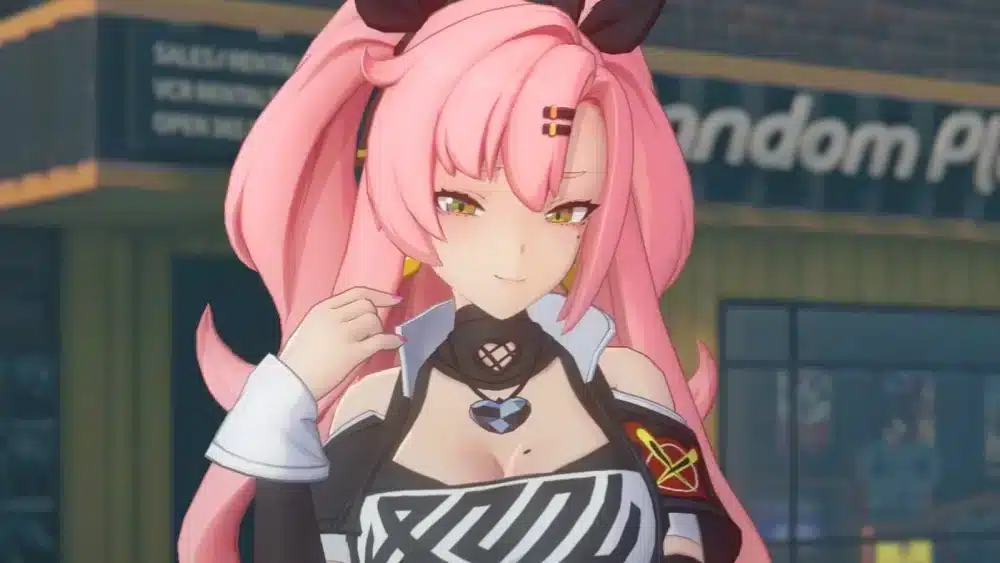
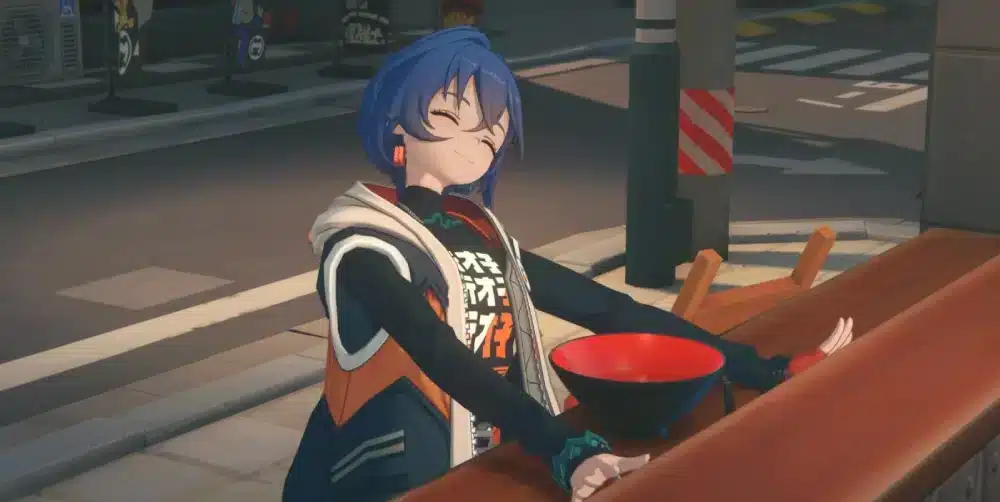
Zenless Zone Zero mods have become a hot topic among players who want to customize their experience beyond the default visuals offered by the game. As Zenless Zone Zero continues to grow in popularity, the community has shown increasing interest in cosmetic changes, especially character skins and visual tweaks.
Unlike traditional single-player PC games, Zenless Zone Zero is an online action RPG. This makes modding more sensitive and controversial. Players are often unsure about what is possible, what is safe, and what could put their accounts at risk.
This guide explains what Zenless Zone Zero modding really means, the most popular types of mods available today, and why understanding limitations is essential before making any changes to the game client.

Zenless Zone Zero Mods: What Are They?
At their core, zenless zone zero mods are user-created modifications that alter how the game looks or behaves on the client side. In most cases, these mods are purely cosmetic and do not affect gameplay mechanics, damage values, or multiplayer balance.
Because Zenless Zone Zero is always online, modding is fundamentally different from offline RPGs. Most available mods focus on visuals rather than functionality to reduce the risk of detection or instability.
What Modding Means in Zenless Zone Zero
Modding in Zenless Zone Zero usually involves replacing textures, modifying character models, or altering visual effects that only the player can see. These changes exist locally on the user’s PC and are not transmitted to other players.
Common characteristics of Zenless Zone Zero modding include:
- Client-side visual changes only
- No gameplay or stat modifications
- Manual installation or injection methods
- Heavy reliance on community tools
Any attempt to modify core gameplay files or online interactions significantly increases the risk of penalties.
Why Players Use Zenless Zone Zero Mods
Players are drawn to mods for creative and aesthetic reasons rather than competitive advantages. Customization allows players to personalize characters, improve visual clarity, or experiment with alternate designs.
The most common motivations include:
- Custom character outfits
- Texture upgrades or recolors
- Visual effects adjustments
- UI clarity improvements
For many players, mods are a way to express creativity and extend enjoyment of the game without changing how it plays.
Zenless Zone Zero Mod Skin Customization
Among all mod categories, zenless zone zero mod skin content is by far the most popular. Skin mods replace or modify character appearances while keeping animations and combat intact.
Zenless Zone Zero Mod Skins Explained
Skin mods typically work by swapping texture files or adjusting model layers. These changes are cosmetic and designed to leave hitboxes, animations, and abilities untouched.
Common types of skin mods include:
- Outfit recolors
- Alternate costume designs
- Thematic or seasonal skins
- High-resolution texture replacements
Because these mods do not alter gameplay data, they are considered lower risk compared to deeper modifications.
Alexandrina Zenless Zone Zero Skin Mods
One of the most searched terms in the community is alexandrina zenless zone zero skin mod. Alexandrina has become a favorite character for mod creators due to her visual style and popularity.
Community-made Alexandrina mods often feature:
- Alternate color palettes
- Redesigned outfits
- Stylized visual themes
These mods are typically showcased on community platforms and mod repositories, with clear warnings that they are unofficial and unsupported.
How to Mod Zenless Zone Zero (Basic Overview)
Players frequently ask how to mod Zenless Zone Zero, but it is important to understand that most guides only cover high-level concepts rather than detailed instructions.
Tools Commonly Used for Zenless Zone Zero Modding
Zenless Zone Zero modding relies on third-party tools developed by the community. These tools usually focus on asset replacement rather than direct file editing.
Common tool categories include:
- Texture injection tools
- Model swap utilities
- Community mod loaders
These tools evolve frequently as the game receives updates, which means compatibility can change without warning.
General Mod Installation Flow
While exact steps vary by mod, the general process usually involves:
- Backing up original game files
- Installing or configuring a mod loader
- Placing mod files in the correct directory
- Launching the game and testing stability
Skipping backups or mixing incompatible mods can easily result in crashes or corrupted files.
Zenless Zone Zero Modding Risks and Limitations
Modding Zenless Zone Zero is not officially supported, and players must understand the risks involved.
Account Safety and Terms of Service
HoYoverse’s Terms of Service do not explicitly approve modding. While visual-only mods are commonly used, they still exist in a gray area.
Potential risks include:
- Account warnings or suspensions
- Game updates breaking mods
- Detection of modified files
Using mods in online sessions always carries some level of risk, even if the mod is cosmetic.
Performance and Stability Risks
Mods can also affect performance, especially when they introduce high-resolution textures or additional visual effects.
Common issues include:
- Increased memory usage
- Longer load times
- Random crashes after updates
Keeping mods updated and removing outdated files is essential for stability.
Performance, Mods, and Connection Stability
Even visual mods can amplify performance problems if the connection is unstable. Zenless Zone Zero relies on constant server communication, and lag can worsen stuttering or desynchronization during combat.
ExitLag helps Zenless Zone Zero players by optimizing network routing, reducing packet loss, and maintaining stable latency during online sessions. This is especially valuable when using mods, as smoother connections reduce the risk of crashes and performance drops during intense combat scenarios.
ExitLag works on PC only, making it ideal for players who want the most stable experience while customizing their game visually.
How to Mod Zenless Zone Zero Safely
Modding Zenless Zone Zero requires extra care compared to offline games. Because the title is always online and tied to HoYoverse accounts, players must focus on safety, stability, and moderation when applying any modification.
What You Should Do Before Installing Any Mod
Before installing any zenless zone zero mod, preparation is essential. Skipping these steps greatly increases the risk of crashes, corrupted files, or account issues.
Key precautions include:
- Creating a full backup of the game folder
- Ensuring the game client is fully updated
- Reading the mod description and compatibility notes
- Understanding that all mods are unofficial and unsupported
Backing up files allows you to restore the game instantly if something goes wrong.
Step-by-Step Zenless Zone Zero Mod Installation (High-Level)
Most Zenless Zone Zero mods follow a similar installation logic, even though tools may differ.
A safe, high-level flow looks like this:
- Download the mod from a trusted community source
- Extract files according to the creator’s instructions
- Use a mod loader or injector if required
- Launch the game and test in a short session
- Remove the mod immediately if instability appears
Avoid installing multiple mods at once. Testing one mod at a time makes troubleshooting far easier.
Zenless Zone Zero Modding Tools Explained
Common Tools Used in Zenless Zone Zero Modding
Zenless Zone Zero modding relies on community-developed tools designed for visual asset replacement rather than gameplay manipulation.
Common tool categories include:
- Texture injectors for skin mods
- Model swap utilities for character visuals
- Community mod loaders that manage file overrides
These tools are not permanent solutions. They often stop working after major patches.

Tool Compatibility and Update Risks
Every game update can invalidate mods and tools. When Zenless Zone Zero receives a patch, file structures may change, causing mods to fail.
Best practices include:
- Disabling mods before updating
- Waiting for tool updates
- Reinstalling mods only after confirmation of compatibility
This approach minimizes crashes and prevents corrupted data.
Zenless Zone Zero Mod Skins: Advanced Customization
Combining Multiple Skin Mods Safely
Using multiple zenless zone zero mod skin files at once increases the risk of conflicts. Overlapping textures or models can cause visual bugs or crashes.
To reduce conflicts:
- Avoid mods that alter the same character
- Follow recommended load orders
- Test each skin individually before combining
Careful organization is key to maintaining stability.
Alexandrina Zenless Zone Zero Skin Mod Variations
The alexandrina zenless zone zero skin mod category continues to grow due to the character’s popularity. Community creators experiment with alternate outfits, color themes, and stylistic interpretations.
Most Alexandrina mods:
- Are strictly cosmetic
- Replace textures without altering animations
- Follow community guidelines for visual-only changes
Despite their popularity, these mods still carry the same risks as any other client-side modification.
Zenless Zone Zero Mods, Tools, and Risk Levels
| Mod Type | Example Use | Tools Required | Risk Level | Performance Impact |
| Skin mod | Outfit replacement | Texture injector | Low | Low to medium |
| Model swap | Character redesign | Model swap tool | Medium | Medium |
| UI mod | HUD clarity | Mod loader | Medium | Low |
| Visual FX mod | Effects enhancement | Injector | Medium | Medium |
| Gameplay-altering mod | Stat or behavior change | Unsupported tools | High | High |
Troubleshooting Zenless Zone Zero Modding Issues
Fixing Crashes and Black Screens
If Zenless Zone Zero crashes after installing a mod:
- Remove the most recently installed mod
- Clear temporary or cache files if applicable
- Verify game files through the launcher
- Relaunch without any mods enabled
Crashes usually indicate incompatibility rather than permanent damage.
What to Do After a Game Update
Game updates are the most common cause of mod failures. After each patch:
- Launch the game without mods first
- Confirm normal performance
- Reinstall mods only if updated versions exist
This prevents unnecessary troubleshooting.

Performance, Mods, and Online Stability
How Mods Affect FPS and Memory Usage
Even cosmetic mods can affect performance. High-resolution textures and complex models increase GPU and memory load, which may reduce FPS.
Lower-end systems are especially sensitive to these changes.
How ExitLag Helps Zenless Zone Zero Players Using Mods
ExitLag helps maintain stability during online sessions by optimizing routing, reducing packet loss, and stabilizing latency. This is particularly valuable when mods increase system load, as a stable connection reduces stuttering and combat desynchronization.
ExitLag works on PC only, making it suitable for Zenless Zone Zero players seeking smoother performance while using visual mods.
Is Zenless Zone Zero Modding Bannable?
What the Terms of Service Say
HoYoverse does not officially support modding. While visual-only mods are widely used, they exist in a gray area.
Server-side or gameplay-altering mods carry a much higher risk of penalties.
Best Practices to Reduce Risk
To lower risk:
- Use cosmetic-only mods
- Avoid mods that affect gameplay or networking
- Remove mods before updates or major events
There is never zero risk when modding an online game.
Frequently Asked Questions About Zenless Zone Zero Mods
Are Zenless Zone Zero mods allowed?
They are not officially approved and are used at the player’s own risk.
Are skin mods safe to use?
They are lower risk but still unofficial.
Can mods affect multiplayer?
Yes. Instability or detection can occur.
Do mods lower FPS?
High-resolution or complex mods can reduce performance.
Can ExitLag prevent crashes?
It improves connection stability but does not replace proper mod management.
All game images used in this blog belong to HoYoverse. They are used for informational/educational purposes only and do not imply endorsement or affiliation with the rights holders.
Disclaimer: This content discusses cosmetic, client-side modifications for the fictional game ‘Zenless Zone Zero’. We do not encourage, support, or promote cheating, hacking, or any activity that violates the game’s Terms of Service.
Got questions or want to connect with other players? Join the conversation at the ExitLag Forum!