

The official 1.0 release of 7 Days to Die, which launched in July 2024 after more than a decade in early access, marks a new chapter in one of survival gaming’s longest-running development cycles.. But for many players, the real magic lies in the game’s vibrant modding scene. With a massive collection of overhaul systems, weapon tweaks, vehicle add-ons, and full gameplay transformations, 7 Days to Die mods offer endless ways to reshape your apocalypse.
Whether you’re just starting or diving back into Navezgane after years away, this guide breaks down the best 7 Days to Die mods, how to install them, and what makes them essential in 2025.
Why Mod 7 Days to Die?
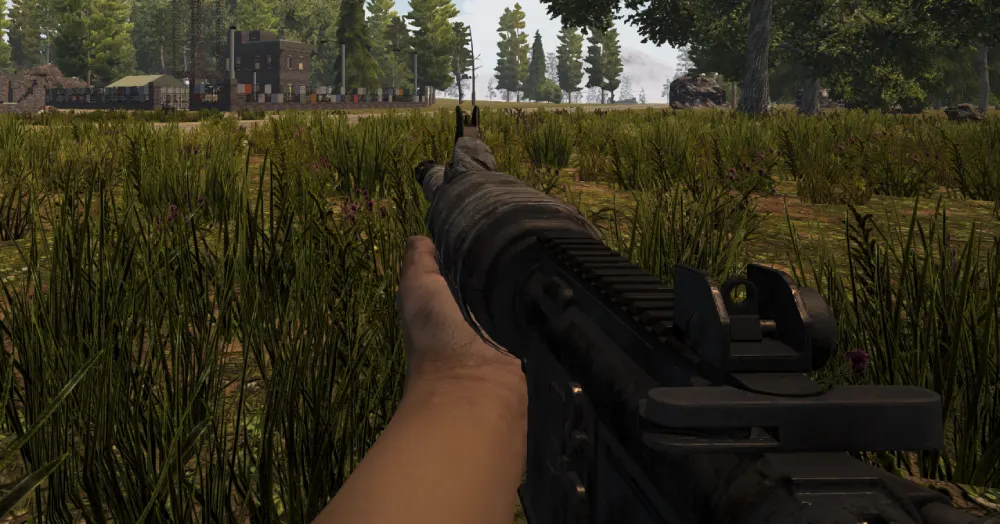
While the vanilla experience is intense and rewarding, the modding community has elevated 7DTD into an even deeper sandbox. Reasons to mod include:
- Extended endgame content
- Improved performance and UI clarity
- New enemy types, missions, and environments
- Fresh progression systems and loot dynamics
Getting Started: 7 Days to Die Mods Launcher
To streamline the experience, many users start with the 7 Days to Die mods launcher. This free tool lets you:
- Browse and install major modpacks
- Manage multiple installations
- Toggle mods without manual file edits
- Keep your base game clean
It’s the fastest way to try 7 Days to Die 1.0 mods without headaches.
Best 7 Days to Die Mods in 2025
Let’s break down the essential categories and standouts:
Overhaul Mods
1. Darkness Falls
- Expands class systems, storylines, and threats
- Adds custom POIs, tech trees, and advanced zombies
2. Undead Legacy
- Reimagines UI, crafting, storage, and vehicle physics
- Perfect for immersive realism fans
3. War of the Walkers
- Focuses on questing, looting, and trader networks
These 7 Days to Die overhaul mods offer hundreds of hours of gameplay.
Utility & Quality of Life
4. SMX UI Pack
- Complete HUD and inventory redesign
- Improves visual feedback during raids
5. Backpack Expander
- Increases inventory space with new backpack items
6. Weaponry Tweaks
- Adds realistic recoil, suppressors, and reload animations
Vehicles & Exploration
7. Vehicle Madness
- Introduces dozens of cars, motorcycles, and even helicopters
8. Drone Upgrades
- AI followers that can heal, defend, or scout ahead
9. Fuel Efficiency Add-On
- Makes long journeys more strategic
Fans looking for customization love 7 Days to Die vehicle mods for expanding mobility options.
How to Install 7 Days to Die Mods
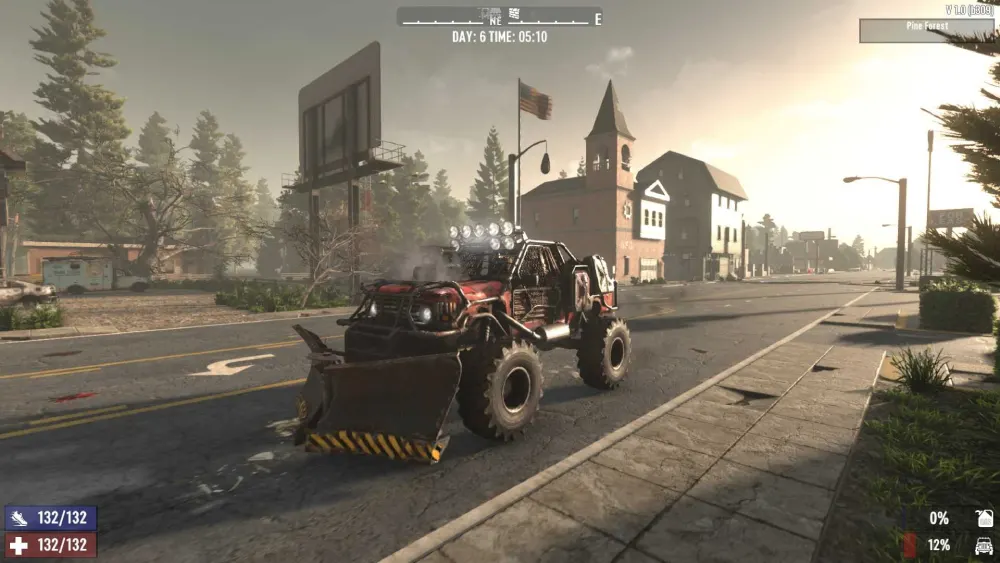
Installing mods manually involves a few simple steps:
- Navigate to Game Folder: Usually under Steam\steamapps\common\7 Days to Die
- Create a “Mods” Folder: If not already present
- Drop Extracted Mod Folders Inside
- Launch the Game: Some mods require specific load orders (especially overhauls)
For overhaul packs, it’s safer to use the 7 Days to Die mods launcher.
What’s New in 7 Days to Die 1.0 Mods?
The full release unlocked a host of optimizations:
- Better modding support for UI and events
- Improved vehicle physics for custom rigs
- Expanded terrain mapping tools
- Server-side scripting for multiplayer balance
These changes boosted the quality of 7 Days to Die 1.0 server mods significantly.
Auger Mods 7 Days to Die: Digging Deeper
The auger, the game’s most powerful mining tool, is a fan-favorite for upgrades:
- Turbo Auger Mod: Doubles mining speed
- Noise Dampener: Reduces zombie attraction radius
- Fuel Saver Attachment: Extends operation time on gas
Combined, these auger mods in 7 Days to Die reshape your entire mining playstyle.
The Rise of Multiplayer Modded Servers
Many 1.0 communities now rely on 7 Days to Die 1.0 server mods to:
- Sync custom loot tables across users
- Add new PvP zones or PvE towns
- Modify horde night mechanics for co-op survival
Popular servers often include pre-installed overhaul packs.
Best Modding Practices
To ensure stability:
- Always check mod compatibility with your game version
- Avoid combining overhaul mods unless clearly supported
- Use fresh save files for major changes
- Backup save files regularly
Table: Best 7 Days to Die Mods by Category
| Category | Mod Name | Description | Launcher Support? |
| Overhaul | Darkness Falls | Class-based expansion with lore | Yes |
| Utility | SMX UI | UI redesign for clarity | Yes |
| Vehicle | Vehicle Madness | New drivable vehicles | Yes |
| Combat | Weaponry Tweaks | Realistic gunplay changes | Yes |
| Mining | Turbo Auger | Speeds up resource collection | Manual Only |
Enhancing Co-Op with Mods: Team Play Gets Tactical
Co-op gameplay is where 7 Days to Die thrives, and mods have evolved to support this with:
- Shared XP Boosters: Mods like XP Share Plus ensure that squad actions reward everyone
- Expanded Class Systems: Darkness Falls and Sorcery Mods let teams specialize as medics, scouts, or engineers
- Modular Base Defense Upgrades: Installable electric grids, trap packs, and wall reinforcements offer new tactical layers
These tools improve not just survival but collaborative decision-making.
Community-Created Base Defense Challenges
Popular servers and Reddit threads frequently spotlight user-made scenarios:
- Tower Defense Mode: Teams defend pre-built bases against multi-wave night hordes
- Desert Siege: Limited resources, brutal heatwaves, and region-specific zombies
- No Craft Mode: All loot must be scavenged—no crafting allowed
These challenge mods refresh the survival formula by removing player crutches.
Modding for PvP: Competitive and Creative Mayhem
PvP has always been a niche but intense element in 7 Days to Die. Now, with improved 7 Days to Die 1.0 server mods, competitive mods add:
- Zonable Safezones and PvP Arenas
- Duel Kits: Equip players instantly with randomized gear for battle royale-style events
- Armor Tuning Mods: Rebalance tiers for fairer combat
Some servers even schedule tournaments using community-made colosseums.
Recommended Loadouts for Every Playstyle
| Playstyle | Overhaul Mod | Utility Mods | Vehicle Add-Ons |
| Base Builder | Undead Legacy | Backpack Expander, SMX UI | Vehicle Madness |
| Raider/Stealth | Darkness Falls | Night Vision HUD | Drone Mods |
| Lone Wolf | War of the Walkers | XP Share Plus (solo bonus) | Fuel Saver |
| Hardcore PvP | Vanilla+Armor Rebalance | PvP Duel Kits | Hoverbike Beta |
Whether you’re casual or hardcore, there’s a combination tailored for you.
How to Create Your Own 7 Days to Die Mod
New tools in version 1.0 make DIY mods easier:
Step-by-Step Guide:
- Install the Official Modding SDK via Steam Tools
- Set Up XML Configs: Most mods are built by tweaking game XMLs
- Use UABE or AssetStudio: To modify models and textures
- Test in a Clean Save to avoid legacy conflicts
- Package and Share: Zip your mod folder for distribution
Modding Discords and the 7DTD Nexus are the best places to collaborate and troubleshoot.
Scripting Advanced Mods
For coders, scripting unlocks powerful systems:
- Custom AI Behavior Trees
- Server Events (like timed invasions)
- Loot Redistribution Algorithms
These scripts can create roguelike mechanics or real-time event triggers, keeping gameplay fresh.
How ExitLag Helps Multiplayer Modding
Multiplayer mods can strain lower bandwidth. ExitLag optimizes online play with:
- Stable Server Routing
- Reduced Input Lag for PvP Mods
- Lower Ping on Global Servers
If you’re playing on modded servers with real-time duels or syncing dozens of entities, it’s a must-have tool.
Advanced Mod Types on the Rise
Expect to see more of these in 2025:
- Survival Economy Mods: Introduce taxes, contracts, and black markets
- Faction Systems: Claim zones, ally with NPCs, or wage war
- Skill Reset Mods: Add prestige classes after maxing skill trees
These reshape the game’s long-term loop.
Fan-Favorite Mod Developers
The modding community continues to be led by:
- KhaineGB (Darkness Falls)
- Subquake (Undead Legacy)
- SphereII (mod launcher developer)
- TizTheLaw (server-side scripting specialist)
Their work forms the backbone of most multiplayer servers and overhaul packs.
The Future of 7 Days to Die Modding
Looking ahead:
- 7 Days to Die 1.1 may include official mod browser integration
- Console mod support has not been announced and remains extremely unlikely due to platform restrictions and the technical nature of modding in 7DTD.
- AI zombie behavior and dynamic events are key modding frontiers
FAQ: 7 Days to Die Mods
No. Only private or modded servers support custom mods. Attempting to load mods on official servers may cause errors.
Some mods may require updates, especially those affecting UI or AI. Stick with active developers for better long-term support.
Yes. Mods like XP multipliers, reduced horde frequency, and unlimited storage are popular among casual players.
Use a separate save file and disable other mods first. Always back up your game folder.
Got questions or want to connect with other players? Join the conversation at the ExitLag Forum!




