Destiny 2 Servers Down moments always seem to hit right when you are ready for a raid or a weekly reset grind. One second you are in orbit, the next you are staring at an error code.
When you suspect Destiny 2 Servers Down, the first step is figuring out whether the problem is Bungie's servers or your own connection. That answer decides what you should do next.
This Destiny 2 Servers Down guide covers everything you need as of October 2026: how to check the status, how maintenance works, what error codes mean and how to fix the problems you can control.

Are Destiny 2 Servers Down Right Now?
If you are asking Are Destiny 2 Servers Down, the fastest way to know is to check Bungie's official channels. Bungie posts real time updates whenever servers go offline or maintenance begins.
Many outages are planned, while others happen without warning. Official updates tell you which kind you are dealing with.
How to Check Destiny 2 Status
Use these sources to confirm the current Destiny 2 Status:
- The Bungie Server Status account on X, called BNGServerStatus
- The Destiny Server and Update Status article on the Bungie Help site
- Bungie's maintenance notifications feed on Bluesky
- In-game messages, which appear shortly before planned maintenance
Outage Trackers and Community Reports
Outage tracker websites collect reports from players in real time. A sudden spike in reports usually means a wider problem.
Community spaces like the game's subreddit and forums also fill up quickly during outages. If everyone is reporting the same error, the issue is almost certainly on Bungie's side.
Destiny 2 Downtime: How Maintenance Works
Destiny 2 Downtime is often planned. Bungie usually announces maintenance and updates in advance, with a clear timeline of when the game goes offline and comes back.
The Typical Maintenance Timeline
Bigger updates usually follow a pattern like this:
- Background maintenance may run first, sometimes without fully taking the game offline.
- Sign-on and companion features become unavailable on web, mobile and third-party apps.
- Destiny 2 and its APIs go offline completely.
- The update goes live and players can log back in, sometimes through a queue.
- Maintenance officially ends, and remaining features return.
How Long Does Destiny 2 Downtime Last?
Planned maintenance for major updates can last several hours. Smaller hotfixes are usually much shorter.
Some features, such as clan tools, may stay offline for a while after the game returns. Check Bungie's updates if something still does not work.
When Will Destiny 2 Servers Be Back Up?
When Will Destiny 2 Servers Be Back Up depends on the type of outage. Planned maintenance has a published end time, while surprise outages take as long as the fix requires.
Planned Maintenance
For planned updates, Bungie lists an expected time when players can log back in. That time is often in Pacific Time, so convert it to your local time zone.
Large updates may also include a login queue. Waiting a few minutes after the servers return can save you from repeated errors.
Unplanned Outages
Unexpected outages are harder to predict. Bungie usually posts updates as the team investigates, then confirms when services are restored.
Follow the official status account during these moments, since it is often the first place to share new information.
Why Are Destiny 2 Servers Down?
Destiny 2 Servers Down situations happen for several reasons. Knowing the cause helps you guess how long the outage might last.
Common Reasons for Outages
These are the most common reasons the game goes offline:
- Planned maintenance for new updates and hotfixes
- Heavy traffic during expansion launches or big events
- Unexpected technical issues on Bungie's side
- Network outages on platforms like PlayStation, Xbox or Steam
Launch Days and Big Events
New expansions and major events bring huge numbers of players online at once. That can cause login queues and errors like Honeydew, even when servers are technically up. Logging in a little later than everyone else often helps you avoid the worst of the rush.
Destiny 2 Servers Down on PC, PlayStation and Xbox
Sometimes Destiny 2 Servers Down is really a platform issue. If your console or launcher network is offline, Destiny 2 cannot connect either.
Check Your Platform Status
Each platform has its own status page for online services. If PlayStation Network, Xbox network or Steam reports problems, Destiny 2 may fail to connect even when Bungie's servers are fine.
Cross Save and Multiple Platforms
If you use Cross Save, try logging in on another platform during a platform specific outage. Your characters and progress follow your account, so you may be able to keep playing.
Destiny 2 Servers Down vs Your Own Connection
Not every error means Destiny 2 Servers Down is the real issue. Many problems come from your network, your device or your game files.
Signs the Problem Is on Your Side
These clues suggest the issue is local:
- Other players are online with no reports of outages
- Other online games or websites are also slow or failing
- Errors only happen on Wi-Fi, not on a wired connection
- The same error appears every time you log in, even during normal hours
Quick Fixes to Try First
Follow these steps before assuming the servers are down:
- Restart Destiny 2 and your platform completely.
- Restart your router and modem.
- Switch from Wi-Fi to an Ethernet cable if possible.
- Close programs that use a lot of bandwidth.
- Check for game updates and install any that are pending.
Destiny 2 Error Codes Explained
When you think Destiny 2 Servers Down is the problem, error codes are your best clue. Destiny 2 uses animal and food names for them. Knowing what they mean helps you decide whether to wait or troubleshoot.
Common Destiny 2 Error Codes
| Error Code | What It Means | What to Do |
| Weasel | General network issue | Check your connection and restart |
| Beaver | Poor connection quality | Check your network setup and router |
| Baboon | Device cannot connect properly | Troubleshoot your network devices |
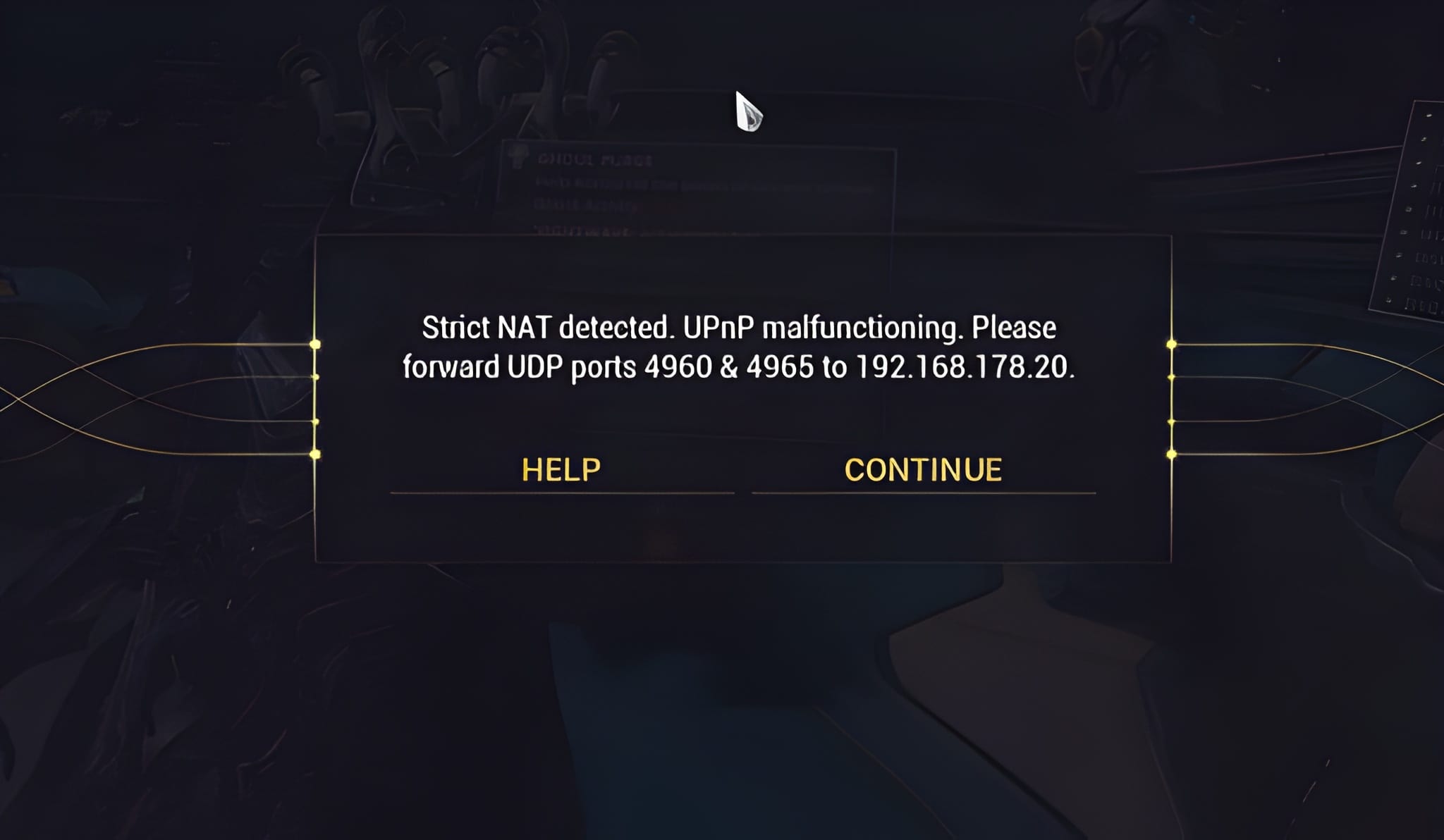
| Centipede | Lost connection or strict NAT type | Adjust your NAT settings |
| Cabbage | Router blocking game traffic | Allow the game through your firewall |
| Bee | Network bandwidth imbalance | Close bandwidth heavy programs |
| Honeydew | Too many players logging in | Wait and try again |
| Calabrese | Bungie side issue during maintenance | Wait for maintenance to finish |
| Cat | Outdated game version | Update the game |
| Marmot | Corrupted game files | Repair or reinstall the game |
Error Codes That Mean You Should Wait
Codes like Honeydew and Calabrese usually point to busy servers or maintenance. Troubleshooting your network will not help in these cases. When you see them, check the official status channels and try again later.
Pro Tips When Destiny 2 Servers Down Hits
These Pro Tips help you deal with outages and connection problems faster:
- Follow Bungie's server status account for real time updates.
- Check the maintenance schedule before planning raids or dungeons.
- Use a wired connection for more stable sessions.
- Write down your error code so you can look it up quickly.
- Wait a few minutes after servers return to avoid login queues.
Plan Around Weekly Resets
Big updates often arrive around Tuesday resets. Avoid starting long activities right before scheduled maintenance, or you may lose progress.
Keep Your Game Updated
An outdated game can block you from logging in even when servers are online. Turn on automatic updates on your platform when possible.
Common Mistakes When Destiny 2 Servers Are Down
Many players waste time or make problems worse when Destiny 2 Servers Down hits.
Mistakes and Corrections
- Reinstalling the game during an outage. It will not fix a server problem. Correction: check the official status first.
- Restarting repeatedly during a login queue. You lose your place. Correction: wait for the queue to finish.
- Ignoring error codes. They tell you what is wrong. Correction: look up the code before troubleshooting.
- Assuming every error is an outage. Some issues are local. Correction: test your connection and other games.
What to Do During a Long Outage
If downtime lasts several hours, use the time to plan your builds, check patch notes or organize your vault through official tools once they return.

Improve Your Destiny 2 Connection With ExitLag
What ExitLag Can and Cannot Fix
When Bungie's servers are offline, no tool can bring them back sooner. However, many lag spikes, disconnections and network errors happen while servers are fully online.
ExitLag optimizes your connection by testing multiple routes to the game servers and sending your data through the most stable path. That means lower ping, fewer spikes and less packet loss during raids and Crucible matches.
Know Where to Look
Most Destiny 2 Servers Down moments are short and well communicated. Bungie's official status channels are always the best place to confirm what is happening.
Get Back Into the Game Faster
Now you know how to check if Destiny 2 Servers Down is the real problem, what error codes mean and how to fix local issues. Stay informed, stay patient and you will be back in orbit soon.