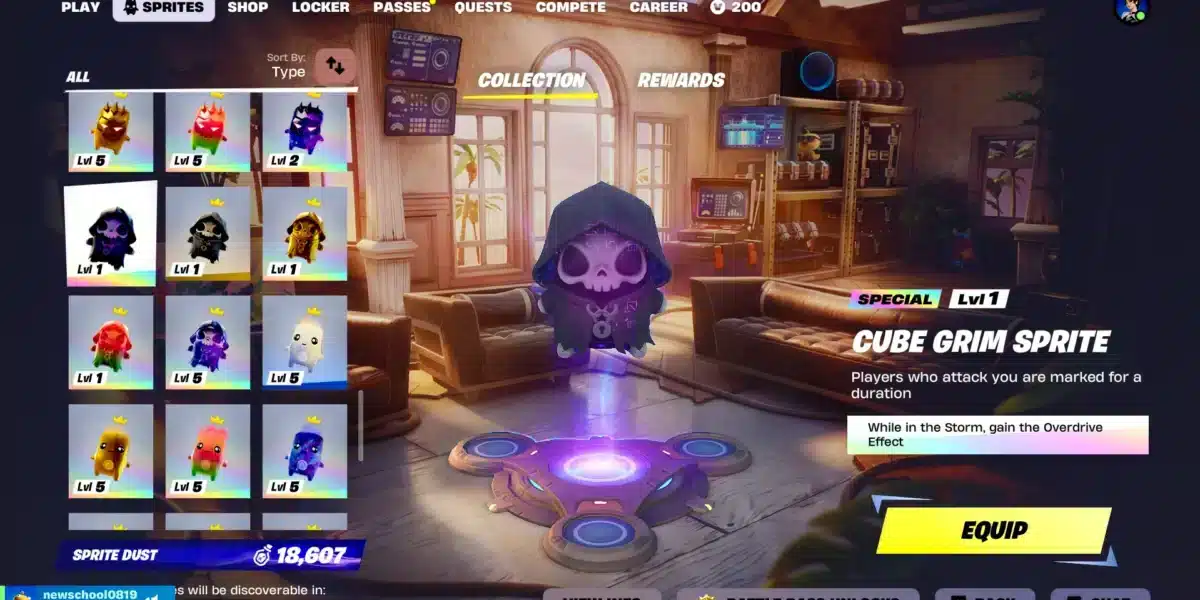
When players search for ways to improve their accuracy, one topic always stands out: Aim Assist Fortnite. Whether you prefer using a controller or rely on it for competitive play, aim assist can significantly influence how consistent your tracking feels. Fortnite changes frequently, so staying up to date with community-tested observations, settings, and mechanical insights is important.
Many players misunderstand how strong Aim Assist Fortnite behaves, why it feels different depending on settings, and what affects its performance. To avoid misconceptions, this guide clearly separates what is officially documented from what comes from community testing and collective player feedback.
What exactly is Aim Assist Fortnite?
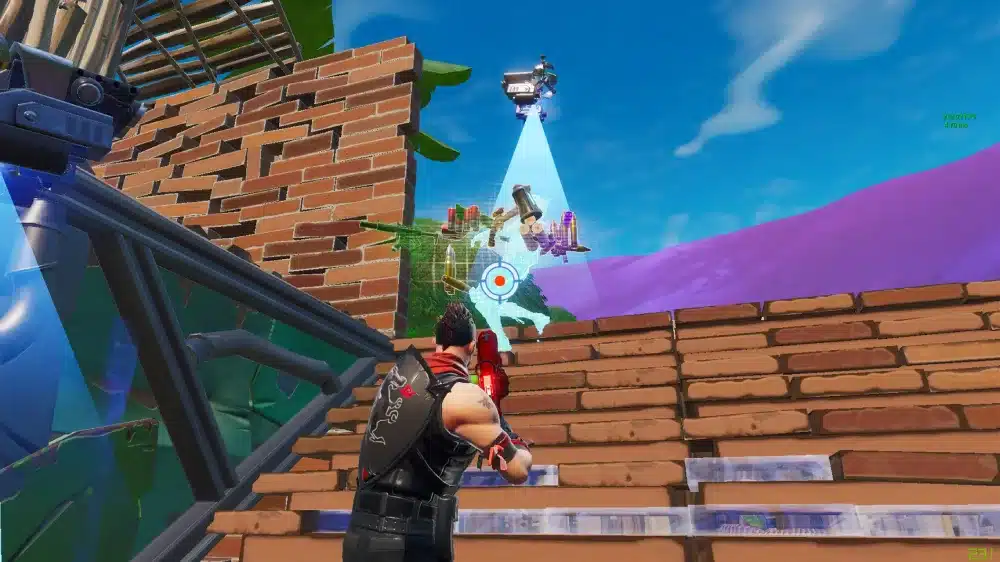
In simple terms, Aim Assist Fortnite is a mechanic designed to help controller players counter the physical limitations of analog sticks.
It slightly adjusts the responsiveness of the look input to assist with target tracking, but it is fundamentally different from any form of automated aim or cheat system.
Much of what players believe about its fine-grained behavior comes from community experimentation rather than official Epic documentation.
How It Actually Works
Fortnite’s aim assist helps stabilize your crosshair while you aim with analog sticks. However, Epic has not released technical documentation describing exact thresholds, activation curves, or calculations. What we know publicly comes from player observations, testing maps, and competitive community analysis.
Perceived Slowdown and “Stickiness” (player observations)
Many players report that aim assist feels like it “slows down slightly” when the reticle nears an enemy model, creating a form of “stickiness.”
This feedback is not officially confirmed, but it is one of the most commonly noted experiences among controller players. All explanations of this behavior should be understood as community interpretation, not a verified mechanic.
Close-Range Consistency According to Players
A widely shared perception is that aim assist feels more noticeable at close range — especially during shotgun and SMG duels. This impression is based on community feedback, not on official communication from Epic stating that strength varies by distance.
Long-Range Behavior as Reported by the Community
Similarly, many players feel aim assist has less influence at long distances. This idea is a common belief within the player base, though Epic has never published distance-based aim assist curves. Treat this as player perception, not confirmed fact.
Here are some community-reported observations about long-range aim assist behavior:
- Players often describe long-range aim assist as “barely noticeable” compared to close-range fights;
- Tracking targets moving horizontally at a distance feels less assisted according to many controller users;
- Community testing maps frequently show inconsistent results beyond medium range;
- Some competitive players report relying more on recoil control and prediction than on aim assist at long distances;
- Discussions on forums and competitive Discords regularly highlight reduced “stickiness” perception when aiming at faraway opponents.
Controller Settings for Better Target Tracking
Controller settings directly affect how consistent your input feels. However, values for sensitivity, deadzones, or ADS strength are not official recommendations. They are community-suggested starting points based on what many experienced players report using.
Deadzones and Response Curve (community-derived values)
Although no universal “best” exists, controller players often suggest experimenting with ranges such as:
- Move Stick Deadzone: 10–12%
- Look Stick Deadzone: 7–10%
These values come from player preferences, not from Epic’s documentation. Lower deadzones increase responsiveness but might introduce stick drift depending on controller condition. Linear response curves feel more “raw,” while exponential curves provide smoother control, the choice is personal.
How to Turn On Aim Assist Fortnite (official steps)
These settings come directly from Fortnite’s in-game menu, making them factual:
- Open Settings;
- Go to Controller Options;
- Enable Advanced Options;
- Set Aim Assist Strength to 100%.
This activates the mechanic, but does not change how the algorithm works internally.
How to Turn Off Aim Assist Fortnite
You can disable it for practice:
- Set Aim Assist Strength to 0%.
This is purely optional and does not reflect competitive best practices.
Popular Controller Layouts Among Players
Layouts commonly reported by experienced controller users include:
- Builder Pro;
- Custom mapping with paddles;
- Jump/crouch assigned to back buttons.
These reflect community preference, not official balancing or recommendations.
Best Sensitivities for Aim Assist Consistency
Sensitivity influences how predictable your tracking feels. The following values are not official or universal, they come from self-reported competitive controller player trends.
| Setting Category | Common Range (Community-Reported) | Notes |
| Look Sensitivity (Horizontal) | 38–48% | Faster turning |
| Look Sensitivity (Vertical) | 30–40% | Balanced movement |
| ADS Sensitivity | 7–12% | Helps precision |
| Build Sensitivity | 1.7–2.2x | Faster building |
| Edit Sensitivity | 1.7–2.3x | Better edit flow |
Choosing a Sensitivity Style
Players generally identify three broad sensitivity categories:
- Low Sens – More control, slower flicks;
- Medium Sens – Balanced for most players;
- High Sens – Quick movement, harder to stabilize.
These categories are based on player experience, not on Epic design guidelines.
ADS Sensitivity and the Role of Aim Assist Fortnite
ADS sensitivity plays a major role in how stable your mid-range aim feels, especially when using weapons like ARs or precise semi-automatic rifles. Lower ADS values generally allow players to make smaller, more controlled adjustments while tracking targets at medium distance.
It’s important to note that this relationship between ADS sensitivity and stability comes primarily from community testing and player feedback, not from official Epic documentation. Players often lower ADS sensitivity because:
- Slower ADS movement helps maintain precision on distant or strafing targets;
- Mid-range duels benefit from smoother reticle control;
- Higher ADS values can cause overcorrection during fine adjustments;
- A lower ADS setting makes recoil patterns easier to compensate manually.
Despite these observations, there is no universally optimal ADS value, and Epic has never provided official recommendations. What works best varies based on personal preference, controller condition, and how you manage recoil.
For this reason, ADS adjustments should be treated as community-driven suggestions and a starting point for personal experimentation, rather than strict rules or best-in-slot settings.
Weapon Categories and Sensitivity Tendencies (player-driven)
- Shotguns often pair well with medium/high look sensitivity;
- SMGs with high sensitivity for close tracking;
- ARs with lower ADS settings.
These suggestions come from competitive community behavior, not confirmed mechanics.
Competitive Balance and Aim Assist Evolution
Aim assist has been the subject of intense debate across the Fortnite community for years. Many discussions revolve around changes that players “feel” after patches, even when Epic does not fully describe internal adjustments.
Community-Reported Nerfs and Adjustments
Community-maintained wikis and competitive players have reported several major perceived changes over different seasons, such as:
- Removal of “Legacy” aim assist;
- Adjustments to SMG tracking;
- Perceived modifications to controller smoothness;
- Community belief in reduced strength at certain ranges.
These points come from player testing and community patch tracking, not detailed official patch notes explaining the internal logic.
Why Aim Assist Sparks Debate
Since mouse and controller input behave differently, balancing both is complex. Player feedback varies widely based on:
- input device quality;
- personal sensitivity choices;
- frame rate stability;
- network performance.
These external factors impact the feeling of aim assist without altering the actual algorithm.
Avoiding Misconceptions (legitimate mechanic vs. cheats)
Some frustrated players describe strong close-range tracking as “like aimbot,” but this comparison is inaccurate. Aim assist is a legitimate, built-in mechanic created by Epic to support controller input.
It does not automate aim, read memory, or track targets like actual cheat software would. This distinction protects players from misinformation.
Pro Player Configs and Recommended Setups
Competitive controller players share their preferred setups publicly, but these should always be interpreted as personal choices, not “the best configuration” for everyone.
Common Sensitivity Patterns (community-tracked)
Trends reported among high-level players include:;
- Slightly higher build/edit multipliers;
- Lower ADS sensitivity;
- Mid-range look sensitivities (38–45%).
These patterns come from community data, not official guidelines.
Controllers Preferred by Competitive Players
Popular models include:
- Xbox Elite Series 2;
- Scuf Reflex / Impact;
- DualSense Edge;
- Razer Wolverine V2.
Hardware does not change aim assist strength, but input lag, stick condition, FPS stability, and network latency can influence the feeling of consistency.
A Common Four-Step Setup Workflow
Many experienced players follow this approach:
- Adjust deadzones to control drift;
- Lower ADS for accuracy;
- Raise look sensitivity slightly for mobility;
- Train in Creative daily.
Again, this is based on player routines, not Epic recommendations.
Boost Your Consistency with a Stable Connection
Now you have a complete, balanced understanding of how aim assist behaves, what is community-tested, what is player perception, and what is officially documented. Aim assist is entirely controlled by Fortnite’s internal mechanics, but your gameplay experience can still vary due to factors like FPS stability and network performance.
While Aim Assist Fortnite itself cannot be modified externally, a stable, low-lag connection helps ensure your inputs feel consistent during intense fights. ExitLag supports this by optimizing your routing, reducing packet loss, and minimizing random spikes, improving the feel of your gameplay even though it does not alter aim assist logic.
If you want smoother matches, more stable performance, and fewer network-related issues, ExitLag can help you maintain consistency, especially during peak play hours.
Got questions or want to connect with other players? Join the conversation at the ExitLag Forum!