Climbing through competitive tiers requires more than just raw mechanical aim and good positioning during tight ring closes. Understanding your actual combat efficiency separates players who stay hard-stuck in gold from those reaching master and predator tiers. Every single battle royale match generates a massive stream of telemetry data waiting to be analyzed.
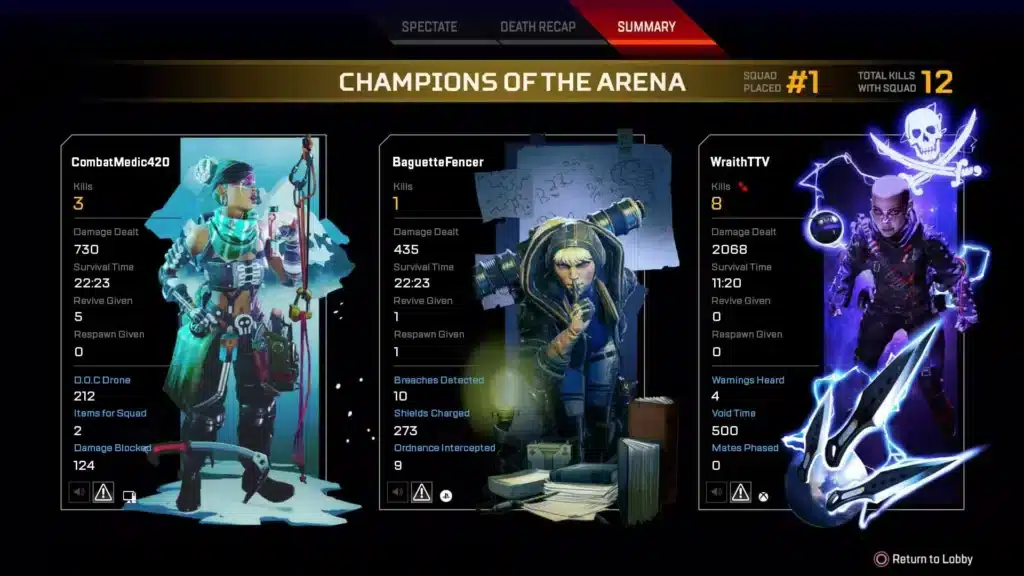
Ignoring these crucial performance indicators leaves your competitive growth completely up to chance and slows down your overall development. When you review your kill-to-death ratio, damage averages, and placement stats, you start seeing clear behavioral patterns in your gameplay. Turning cold numbers into smart tactical adjustments changes how you approach every single match queue.
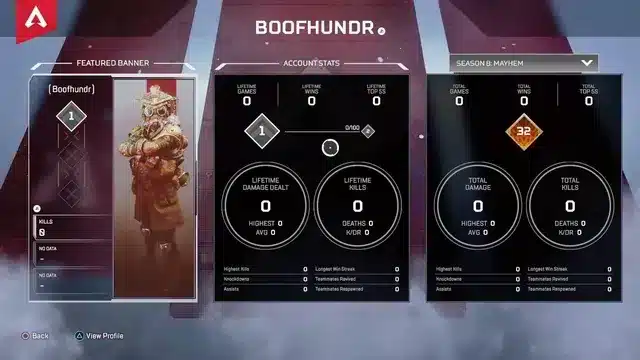
An Apex Legends Tracker provides the ultimate diagnostic toolkit for players who want to dissect their strengths and eliminate costly mistakes. From checking global leaderboards to monitoring your progression toward rare heirloom cosmetics, data awareness wins matches. Learning how to read your personal metrics properly gives your entire squad an unfair competitive advantage.
How To Choose The Right Apex Legends Stat Tracker
Navigating public leaderboards and personal performance profiles requires reliable software that pulls accurate match data directly from game servers. Different applications serve distinct purposes depending on whether you want live overlays during character select or deep post-match historical breakdowns. Selecting the right platform ensures you spend less time confused and more time refining your tactical approach.
Popular tracking tools offer varying features ranging from automated match timelines and weapon accuracy charts to live lobby scouting. Furthermore, some utilities provide overlay insights to help you identify high-ranked threats before the drop ship even opens. Finding a tool that matches your specific learning style accelerates your game sense exponentially.
- Apex Tracker Network: The incumbent industry giant offering deep match history, global leaderboards, and visual dashboards.
- Blitz App: A desktop overlay solution providing live match scouting, opponent analysis, and instant post-match insights.
- Apex Legends Status: A lightweight web lookup tool ideal for real-time ranked leaderboards and quick platform-agnostic stat checks.
Leveraging these third-party platforms allows you to spot glaring weaknesses in your positioning, weapon selection, and duel win rates. Additionally, comparing your individual metrics against regional averages highlights exactly which areas need immediate training. Consistency in reviewing your performance data is the true hallmark of a dedicated competitor.
- Check your headshot percentage across different weapon classes to identify mechanical inconsistencies.
- Monitor your average damage per match to evaluate whether your engagements are yielding positive trading outcomes.
- Analyze your placement trends to balance your aggressive pushes with smart survival rotations.
Decoding Weapon Metrics And Combat Efficiency
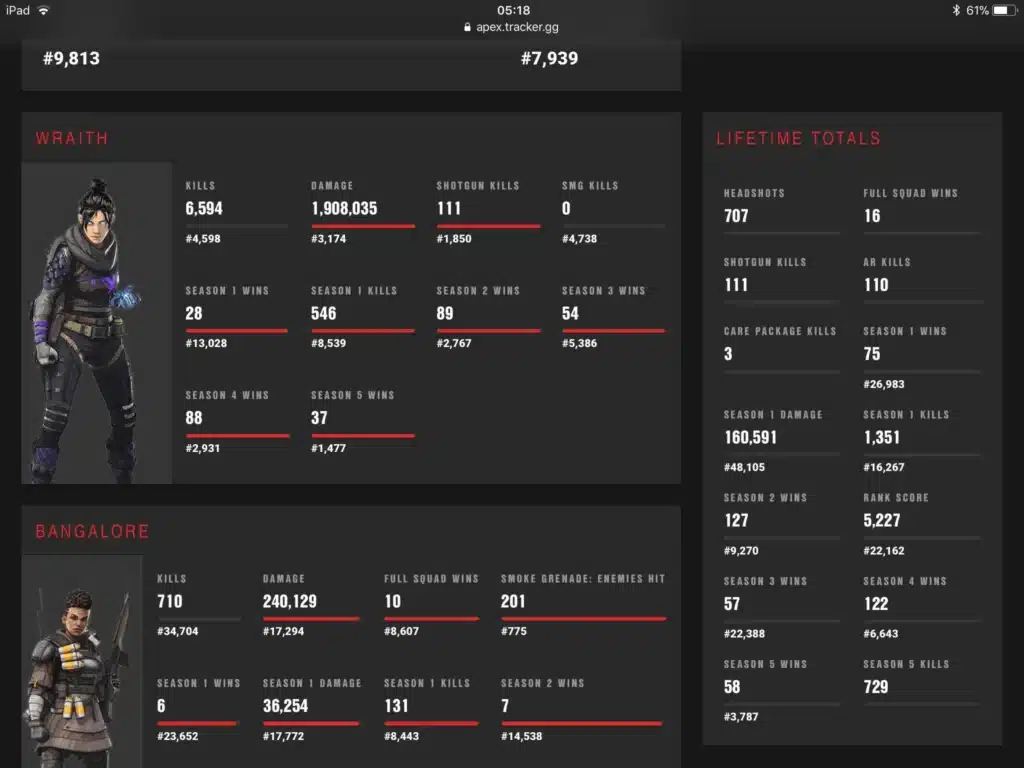
Mastering gunplay requires a thorough understanding of damage profiles, recoil control, and optimal engagement ranges across different loadouts. Assault rifles and submachine guns remain the core of the meta due to their high versatility and reliable damage delivery. Knowing when to take a fight versus when to disengage dictates the survival rhythm of your entire squad.
The eternal debate between energy weapons and heavy firearms usually comes down to personal playstyle and ammo availability on the map. Analyzing your personal weapon stats through tracking tools helps you choose the right tool for your specific positioning.
| Weapon Category | Top Meta Pick | Ammo Type | Key Combat Advantage |
| Assault Rifles | R-301 Carbine | Light Rounds | Exceptional recoil control at medium distances |
| Submachine Guns | Volt SMG | Energy Rounds | High-rate close-quarters burst damage |
| Shotguns | Peacekeeper | Shotgun Shells | Devastating peak-and-cover corner damage |
Understanding weapon attachment synergies and damage dropoff ranges prevents unnecessary resource bleeding during chaotic third-party engagements. Budget weapon mastery ensures you can turn an unfortunate hot-drop spawn into a successful squad wipe. Integrating these numerical realities into your looting habits secures crucial match wins.
- Review your weapon usage history to ensure you are prioritizing guns that match your actual hit percentage.
- Practice recoil smoothing techniques in the firing range with your most frequently used automatic weapons.
- Utilize high-burst shotguns to hold tight interior angles when defending buildings from aggressive pushers.
- Adjust your engagement distance based on your current optic attachments to avoid taking unfavorable open-field fights.
How Do You Track Heirloom Progress And Pack Milestones?
Many players feel frustrated because the game does not display a direct progress bar toward guaranteed heirloom shard drops. The official system ensures you receive heirloom shards by your five hundredth opened pack if you have not unlocked one earlier. Therefore, dedicated tracking calculators help you estimate your eligible pack count based on battle pass completion, level rewards, and event participation.
The most reliable way to monitor your progress is keeping a separate collection ledger for event unlocks and manual pack counts. Keeping your data accurate prevents false expectations and helps you plan your long-term resource investment wisely.
- Count seasonal rewards: Log every battle pass pack and treasure pack milestone immediately after claiming them.
- Separate event purchases: Track direct event unlocks independently so they do not distort your base 500-pack guarantee counter.
- Ignore platform separation: Remember that pack counters do not combine across different platform accounts due to isolated game profiles.
What Makes A Good Apex Legends Tracker Setup?
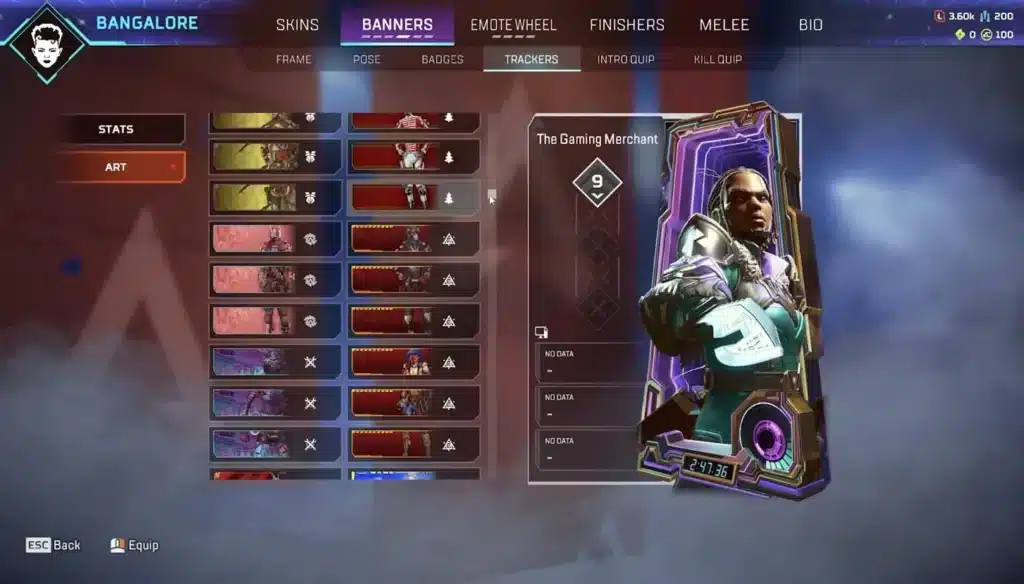
Configuring your chosen desktop or web-based utility correctly ensures you receive vital information without experiencing performance interruptions. Modern desktop overlays provide real-time lobby scouting and enemy profile tracking right when the drop ship launches. Setting up your preferences to display concise team overviews keeps your focus sharp during chaotic fights.
Furthermore, enabling automated highlight clipping captures your best multi-kills without requiring manual recording software running in the background. This allows you to review your positioning mechanics immediately after a gaming session concludes. Keeping your software updated ensures seamless compatibility with patch updates and new map rotations.
- Install a trusted desktop overlay or bookmark your preferred web lookup profile for instant post-match access.
- Configure notification settings to display relevant match data during loading screens rather than mid-fight.
- Link your official account correctly to ensure accurate session tracking across competitive queues.
- Clean your temporary video capture folders regularly to maintain optimal system performance.
Pro Tips: Apex Legends Tracker Mastery
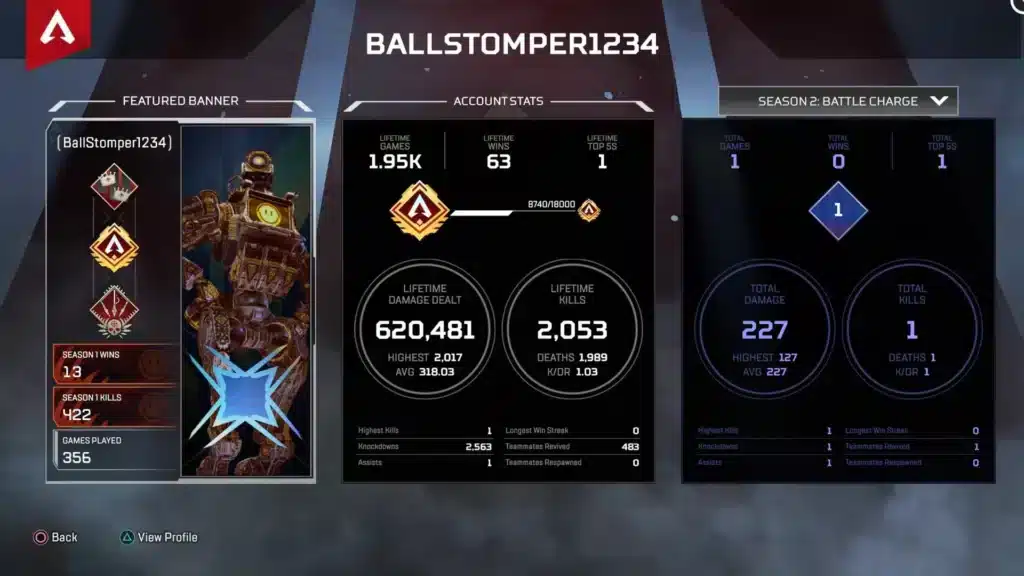
- Analyze your death map: Review where you get eliminated most frequently on each map to identify vulnerable drop locations and poor rotation paths.
- Isolate legend pools: Filter your personal statistics by specific characters to discover which legend yields your highest win rate.
- Monitor damage trends: Focus on increasing your average damage per match rather than just raw kills to ensure you are contributing effectively to team fights.
- Review team composition: Check squad tracker win rates to see which team compositions complement your individual playstyle best.
Common Mistakes Apex Legends Tracker Players Make
- Obsessing over K/D ratio: Focusing entirely on elimination counts rather than placement and team support hurts overall rank progression. Fix: prioritize survival time and kill participation over reckless solo pushes.
- Ignoring sample size: Drawing sweeping conclusions from a single bad match leads to unnecessary legend switching and ruined consistency. Fix: evaluate your performance trends across at least twenty matches before making drastic adjustments.
- Blaming bad tracking data: Assuming external tools reveal a broken matchmaking system prevents personal accountability for mechanical mistakes. Fix: use objective performance data to identify your own positioning and aim errors.
Optimize Your Competitive Connection With ExitLag
Analyzing complex performance metrics and tracking your competitive climb means very little if your network connection suffers from spikes or packet loss. High ping and unstable routing can ruin your hit registration during critical gunfights, rendering even the best aim training completely useless. ExitLag is a specialized game connection optimizer designed to analyze multiple network pathways in real time and secure the fastest route to game servers.
Utilizing advanced Multipath Technology, ExitLag sends your data packets through several simultaneous routes so that a single unstable node never drops your connection. It also features an integrated Traffic Shaper to prioritize your game data while managing background bandwidth consumption effortlessly. Whether you are grinding ranked leagues or executing complex end-game rotations, maintaining pristine network stability is essential. Boost your gameplay consistency today by checking out ExitLag Download.
Image Disclaimer
All game images used in this blog post belong to Electronic Arts and Respawn Entertainment. They are used for informational and educational purposes only and do not imply endorsement or affiliation with the rights holders.
Got questions or want to connect with other players? Join the conversation at the ExitLag Forum!