

Arena Breakout: Infinite has taken the tactical shooter world by storm. Part of its hype comes from Arena Breakout infinite drops—special rewards distributed via Twitch streams. These drops fuel community engagement and offer exclusive items, ranging from skins to boosts. If you’re wondering how to claim these drops, what they include, or how to get a seamless experience, this guide has you covered.
You can also check out the full game overview and network features in this Arena Breakout Infinite article for context on the title’s rise in popularity.
What Are Arena Breakout Infinite Twitch Drops?
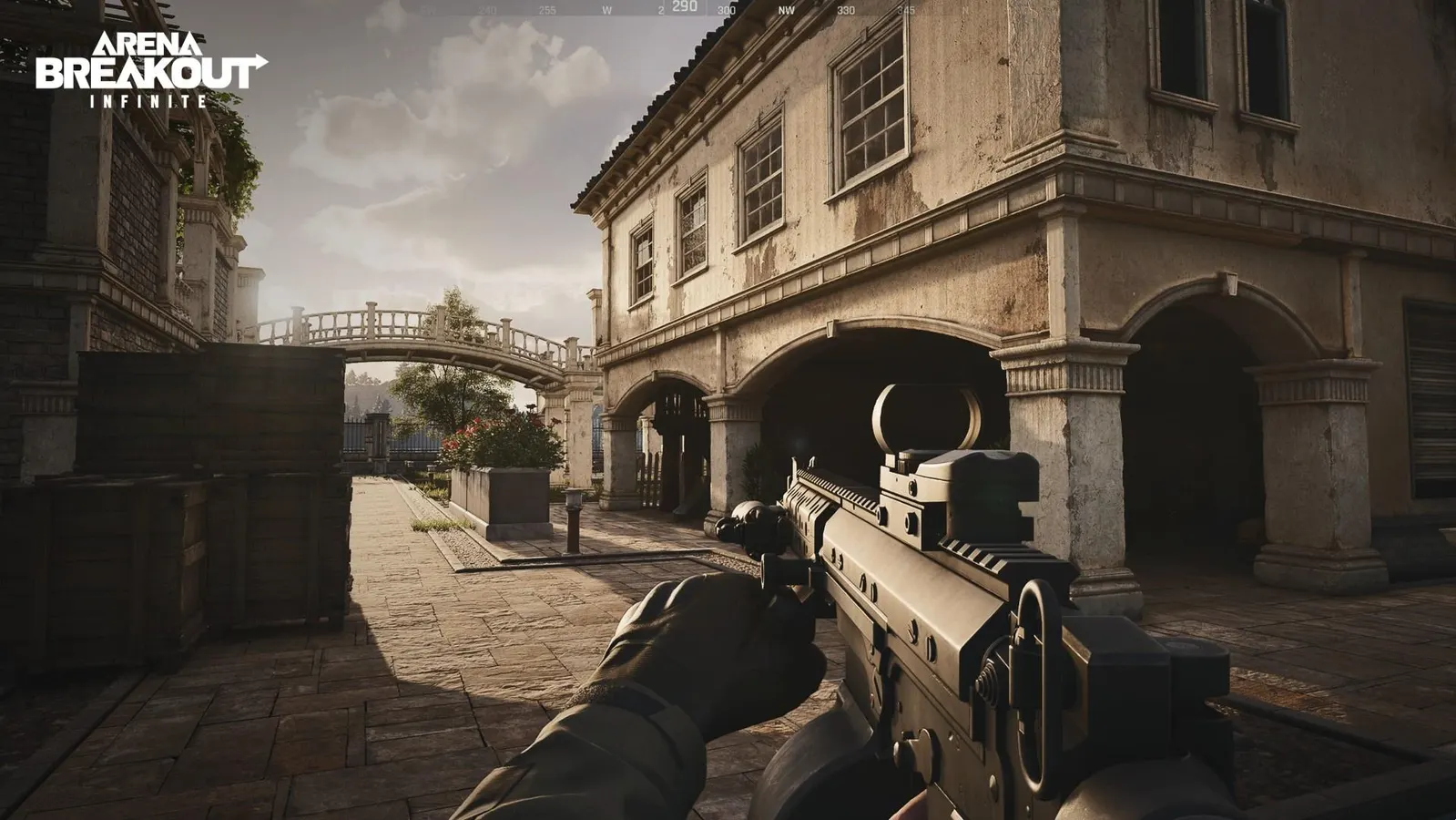
Arena Breakout Infinite Twitch drops are in-game rewards given to players who watch eligible streams. Originally popularized by titles like Warzone and Apex Legends, drops serve as a direct viewer incentive. For Arena Breakout, players can earn special gear, skins, or XP boosts just by watching streamers.
Key benefits:
- Free rewards simply by tuning into streams
- Community engagement, supporting streamers
- Reward tiers tied to watch time
These drops enhance the viewing experience and create a buzz around Arena Breakout: Infinite’s ecosystem. Visit the official Arena Breakout infinite wiki to track past and upcoming drop schedules.
To get started in the action before official releases or events, consider checking the Arena Breakout Infinite beta guide, which explains how to join early and be eligible for beta-specific Twitch drops and events.
How Do Drops Work in Arena Breakout Infinite?
To claim Twitch drops, follow these steps:
1. Create an Arena Breakout Infinite Account
Ensure you’ve registered an official account.
2. Link Your Twitch Account
- Access the Account Settings section
- Select Connect to Twitch
- Authorize the connection
3. Watch an Eligible Stream
- Check the Arena Breakout infinite Twitch drops schedule
- Tune into a partnered streamer
- Watch uninterrupted for a set time (usually 30–60 minutes)
4. Claim the Reward
- After the watch period, Twitch auto-notifies you
- Click Claim Reward on Twitch
- The item transfers to your Arena Breakout account
This synchronization ensures you don’t miss a drop, even if you step away briefly.
What Items Can You Get With Infinite Drops?
Arena Breakout: Infinite drops often include:
| Reward Type | Examples | Availability |
| Weapon Skins | AR camo, SMG patterns | Permanent / Limited-time |
| XP Boosts | +50% XP for 1 match/session | Event-based |
| Gear Unlocks | Tactical backpacks, ammo kits | Time-limited |
| Exclusive Drops | Seasonal skins linked to events | One-time only |
Drops tend to be time-limited, aligning with launches or streamer celebrations. To stay updated, check the official site and Twitch.
Platform Compatibility & Requirements
Before creating hype, confirm you meet these requirements:
Supported Platforms
- PC (Steam, Epic, Microsoft Store)
- Console compatibility speculation exists, but drops remain PC-focused for now
Setup Essentials
- Game installed and logged in
- Arena Breakout Infinite account created
- Twitch account connected
- Captcha or live chat may be needed to verify watching
Drops only apply if you’re actively watching eligible streams.
Why Use ExitLag for Twitch Drops?
If you’re watching streams and prepare to jump into a match right after, having a stable connection matters. ExitLag optimizes your route to game servers, ensuring:
- Zero lag when your drop lands and you join a match
- Smooth stream-watching without buffering
- Instant transition from Twitch to gameplay
ExitLag Benefits at a Glance:
- Lower ping during drop events
- Consistent FPS during jumps
- Reliable connectivity for PC-based drops
By using ExitLag, you guarantee that every drop you earn can be applied seamlessly—without interruption or missed opportunity.
Advanced Tips to Secure Your Arena Breakout Infinite Drops
Getting the most from Arena Breakout infinite drops requires more than just watching streams. Use these tips to ensure you claim them fast and reliably.
📺 Use Stream Alerts & Notifications
- Enable notifications from partnered Arena Breakout: Infinite streamers
- Follow the official Arena Breakout Twitch for drop announcements
- Set smartphone reminders or desktop alerts for drop start times
This way, you won’t miss limited windows when drops go live.
🔄 Watch Eligible Streams Early
- Tune in 10–15 minutes before scheduled times
- Ensure your Twitch account is linked by checking the Drops section
- Watch uninterrupted—don’t tab away or get disconnected
🎟️ Participate in Multiple Streams
Many drops are staggered across different creators:
- Watch companion streams in parallel
- Claim drop for each that offers unique rewards
- Stay within Twitch’s viewership rules to ensure you get credit
🛠️ Check Your Inventory Regularly
Immediate claims sometimes don’t appear.
- Visit Twitch Inventory → Drops
- Check your Arena Breakout Guild/Inventory within 15 minutes of claiming
- Relaunch the game to prompt item sync
Seasonal updates often influence the drop system and stream schedule. A great example is the breakdown from PCGamesN on Arena Breakout Infinite Season 2, where major changes to matchmaking, rewards, and Twitch engagement were introduced. These updates often coincide with new drop campaigns.
FAQs About Arena Breakout Infinite Drops
They are in-game rewards—skins, boosts, items—earned by watching eligible Twitch streams for specified durations (e.g., Arena Breakout Infinite Twitch drops were active during the Season 1 launch stream).
Create your Arena Breakout account
Link Twitch via Settings
Watch eligible streams
Claim rewards on Twitch’s “Drops” tab
Once claimed, items transfer into your in-game inventory.
Yes. Most rewards are:
Exclusive to specific events
Available only during the drop window
Never reissued—so watch schedules carefully
Yes. Linking your Twitch and Arena Breakout accounts is mandatory—only verified linking allows drops to apply in-game.
The base version of Arena Breakout: Infinite is free-to-play. Drops are free rewards given for viewing content, although some in-game items or modes may be gated behind purchases.
If you encounter issues when claiming drops or syncing your Twitch account, ExitLag players can rely on this Arena Breakout Infinite support guide, which covers common fixes, linking errors, and drop syncing across platforms.
Managing Platform & Download Requirements
PC Compatibility
- Windows users can install via Steam, Epic Store, or official site
- Twitch desktop app enhances drop notifications
- Ensure game version matches drop event specs
Console Status
- Drops currently PC-exclusive, due to Twitch-Publisher integration
- Console support may follow—stay tuned to official Arena Breakout channels
Checklist Before Drop Season
- Game installed and updated
- Twitch account linked
- Alerts enabled for drop dates
- ExitLag installed and configured
What to Do If You Don’t Get a Drop
Some users report visuals but no drops appear:
- Make sure your Arena Breakout account is linked properly
- Verify your Twitch claim was successful in Drops Inventory
- Restart game client to force inventory resync
- Contact Twitch/Arena Support with timestamps and drop proof
ExitLag ensures no connectivity issues interfere with this process.
Why Drops and Stable Connections Matter
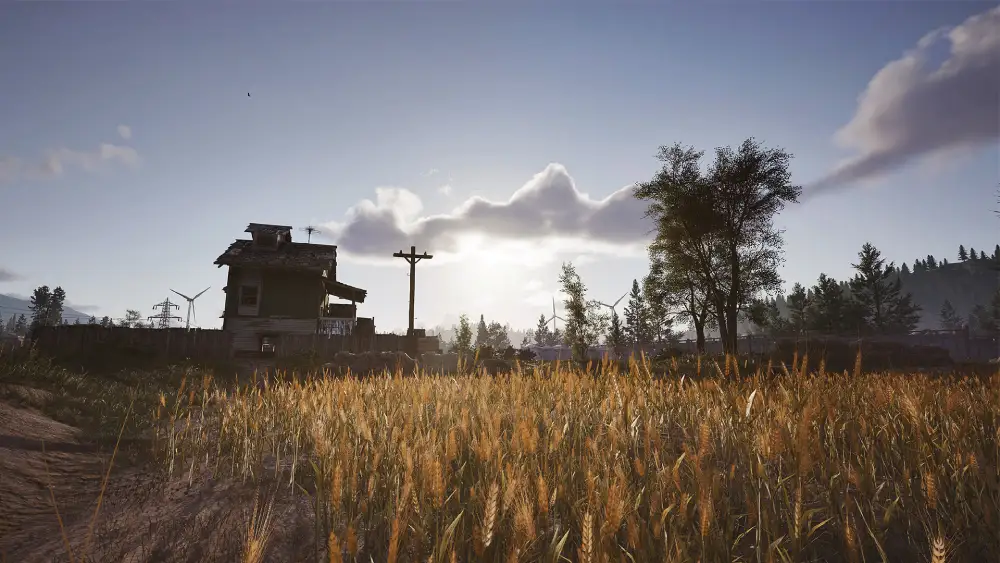
Drops are great, but what if your game lags?
- High-ping lobbies can prevent new items from applying
- Watching streams while gaming can cause bandwidth conflicts
- Missed drops due to disconnects waste time and effort
ExitLag helps by:
- Prioritizing game traffic
- Reducing ping spikes
- Avoiding disconnects during critical drop events
You can always check the latest game info and account details on the official Arena Breakout Infinite website, where login portals, patch notes, and Twitch linking guides are kept up to date.
Conclusion: Unlock Drops & Dominate Arena Breakout Infinite
Arena Breakout infinite drops let you access exclusive content through engagement and watching streams. With proper setup—account linking, streaming awareness, and ExitLag optimization—you’ll never miss a chance.
Final Checklist:
- 🎮 Install & update Arena Breakout: Infinite
- 🔗 Link your Twitch account
- 📅 Subscribe to drop alerts
- 🎯 Watch multiple eligible streams
- 🧩 Optimize with ExitLag
Continue exploring our blog for guides on new weapons, map strategies, and pro gameplay tips—all aimed at helping you rise in Arena Breakout.
Got questions or want to connect with other players? Join the conversation at the ExitLag Forum!



