

One of the most frequently asked questions by new players diving into the rich world of Baldur’s Gate 3 is: Is Baldur’s Gate 3 cross play available?
For gamers who want to explore Faerûn with friends on different platforms, understanding how cross play and cross save work in Baldur’s Gate 3 has become essential.
For players still choosing their preferred system, understanding where BG3 is available is key. You can check out this complete Baldur’s Gate 3 platform guide to see all supported platforms, from PC and Mac to consoles.
If you’re wondering about the multiplayer options and cross-platform features, this guide will cover everything in detail.
What’s the difference between cross play and cross save in Baldur’s Gate 3?
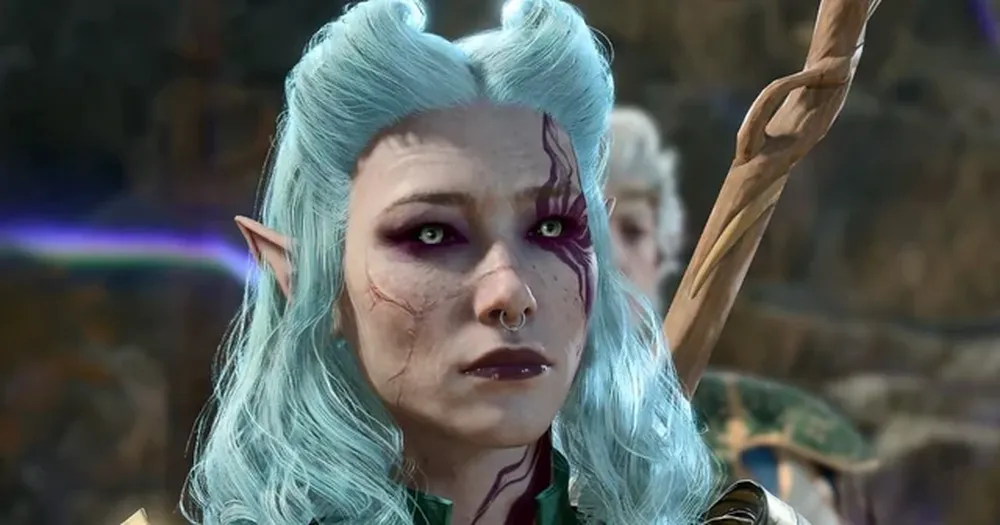
Before diving into the status of BG3 cross play, it’s important to clarify the distinction between cross play and cross save. Many players confuse the two, but they offer very different functionalities in modern games like Baldur’s Gate 3.
What is cross play?
Cross play refers to the ability for players on different gaming platforms (like PC, PS5, and Xbox) to play together in the same multiplayer session. In the case of Baldur’s Gate 3 cross platform, this would mean that someone playing on a PC could join a friend playing on a PlayStation 5.
For games that support cross play, multiplayer lobbies aren’t limited to one device ecosystem. Whether you’re on console or PC, you’re all part of the same server pool.
What is cross save?
Cross save allows your game progress to transfer between platforms. For example, you could start your adventure on PC and continue on PlayStation 5 without losing your characters, story progress, or inventory.
In BG3 cross save, this means your story decisions, characters, and inventory will carry over as long as you’re logged into your Larian Studios account on each platform.
Current status: Is Baldur’s Gate 3 cross play available in 2025?
As of 2025, Baldur’s Gate 3 cross play is not yet available between PC and consoles like PS5 or Xbox Series X/S.
Larian Studios, the developers behind Baldur’s Gate 3, officially confirmed that cross play was not part of the game at launch. However, they’ve also stated that they are working on adding this feature in the future.
Players who want to know how the game performs on older consoles can check this detailed BG3 on PS4 performance and compatibility guide, which explains how the game runs on Sony’s previous-generation hardware.
Here’s what you need to know:
| Platform | Multiplayer Type | Cross Play Available? |
| PC (Steam/GOG) | Online Co-op | No |
| Mac | Online Co-op | Yes (with PC users) |
| PlayStation 5 | Local and Online Co-op | No |
| Xbox Series X/S | Local and Online Co-op | No |
Official statement from Larian studios
In an official community post from late 2024, Larian Studios addressed the lack of BG3 cross play, saying:
“Cross-play is something we’re working on and planning to support in the future, though it won’t be available at launch.”
This statement gives hope that upcoming patches or expansions may finally bring baldurs gate 3 cross platform compatibility across all devices.
Expected timeline for cross play updates
While no official release date has been announced, Larian Studios has hinted that cross play will likely arrive sometime in 2025. Keep an eye on the official Baldur’s Gate 3 news page for the latest updates and development announcements straight from the team.
Multiplayer and co-op options in Baldur’s Gate 3
Even without full cross play, BG3 multiplayer still offers several ways to enjoy the game with friends.
Let’s break down the co-op and multiplayer modes currently available on each platform.
| Platform | Local Co-op (Split-Screen) | Online Multiplayer | Cross Save | Cross Play |
| PC (Steam/GOG) | No | Yes | Yes | No |
| Mac | No | Yes (with PC users) | Yes | Yes (with PC) |
| PS5 | Yes (2 players) | Yes | Yes | No |
| Xbox Series X/S | Yes (2 players) | Yes | Yes | No |
How multiplayer works in BG3 on PS5 and other platforms
For BG3 multiplayer on PS5, players can choose between:
- Local split-screen co-op: Up to 2 players on the same console.
- Online multiplayer: Join friends who are also playing on PS5.
For more details on PS5 multiplayer limitations and features, check this in-depth PS5 multiplayer compatibility guide for BG3.
Unfortunately, PS5 players cannot yet team up with PC or Xbox players. All multiplayer matchmaking is platform-specific until cross play rolls out.
BG3 co-op setup: Step-by-step guide
If you want to set up a co-op session in BG3, here’s a simple sequence:
- Open the Main Menu
- Select Multiplayer
- Choose “Create Game”
- Invite Friends from Your Platform’s Friend List
- Start Your Adventure Together
This setup works for both online multiplayer and local split-screen, depending on your platform.
How to enable cross save in Baldur’s Gate 3
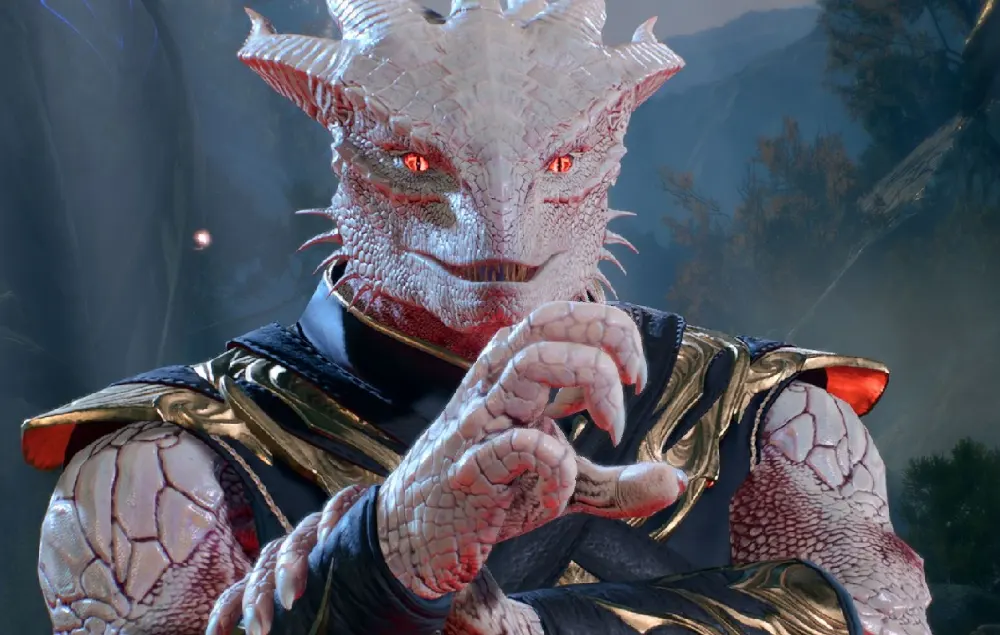
While we wait for full Baldur’s Gate 3 cross play, players can still benefit from BG3 cross save. This feature lets you transfer your progress between PC, PS5, Mac, and Xbox.
Here’s how you activate cross save:
Step-by-step: Enabling cross save in BG3
- Create a Larian Studios Account
Visit Larian’s official site and create your free account. - Link Your Gaming Platforms
Log in on each platform (Steam, PSN, Xbox Live) and link them to your Larian account. - Activate Cross Save in Game Settings
Within Baldur’s Gate 3, navigate to:
Options > Gameplay > Cross Save > Enable - Save Your Progress
After enabling, your saves will automatically upload to the cloud. - Log in on Another Platform
When you log in with the same Larian account on another platform, your saved games will appear and be ready to continue.
Important:
You’ll need an active internet connection to sync your saves between platforms.
How to prepare for future cross play updates
If you want to be ready when Baldur’s Gate 3 cross play finally arrives, follow these steps:
- Keep BG3 Updated
Always install the latest patches and hotfixes. - Create and Link Your Larian Account
This will streamline cross save and potential cross play compatibility. - Follow Larian Studios Announcements
Monitor forums and developer blogs for cross play update timelines. - Coordinate with Friends
Discuss which platforms your friends are using, so you can plan future sessions. - Test Your Multiplayer Setup
Practice hosting and joining multiplayer sessions on your current platform.
For ongoing industry coverage, reviews, and future crossplay feature articles, you can also follow IGN’s Baldur’s Gate 3 hub.
How to enable cross play in Baldur’s Gate 3 (when available)
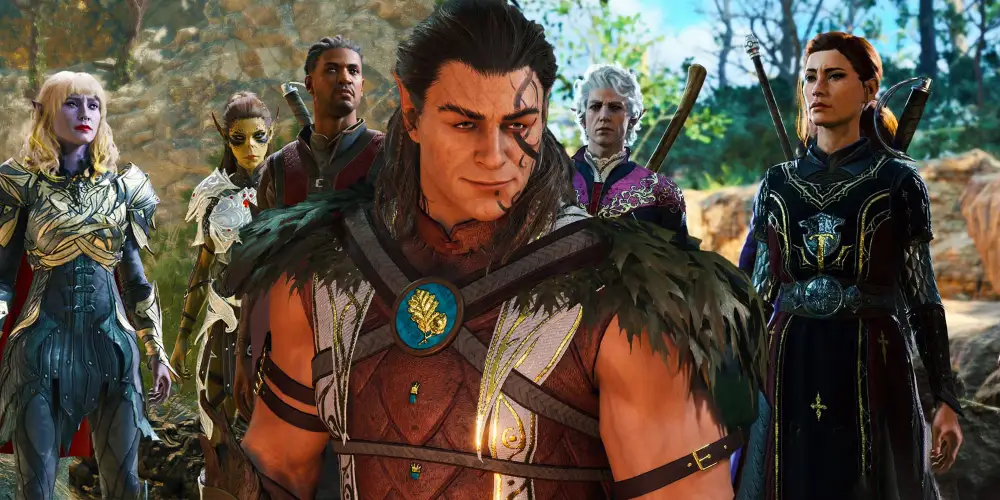
Although Baldur’s Gate 3 cross play isn’t live yet, Larian Studios has indicated that the feature is coming in a future update. Here’s how you’ll likely be able to activate it once it becomes available.
What you’ll need for cross play setup
Before diving into the step-by-step tutorial, make sure you have the following ready:
- A Larian Studios account
- An active internet connection
- Access to your game profiles on each platform (PC, PS5, Xbox, Mac)
Step-by-step guide: Activating cross play in BG3 (coming soon)
Once cross play is officially rolled out, follow these steps:
- Update Baldur’s Gate 3 to the Latest Version
Check for updates on your respective platform (Steam, PSN, Xbox Live, etc.). - Log Into Your Larian Account
Make sure you’re signed in on all platforms where you want to play. - Navigate to Multiplayer Settings
From the BG3 main menu, select:
Multiplayer > Options > Cross Play Settings - Enable Cross Play
Toggle the option that allows multiplayer sessions with users from other platforms. - Invite Friends Across Platforms
Using your Larian-linked friend list or invite codes, start cross-platform multiplayer sessions. - Adjust Privacy Settings
You’ll have the option to make your lobby public, private, or friends-only.
This tutorial will be updated with screenshots and further instructions as soon as the feature goes live.
Is Baldur’s Gate 3 crossplay between PC and PS5?
Currently, Baldur’s Gate 3 cross play between PC and PS5 is not available. Players on PC can only play with other PC users, while PS5 players are limited to multiplayer sessions with other PS5 users.
Larian Studios has confirmed that cross play is in development. The feature is expected to arrive in 2025, allowing seamless gaming across platforms like PC, PS5, Mac, and Xbox Series X/S.
Helpful resource:
For the latest status, check the Larian Studios community updates.
Can I play BG3 online with friends on Xbox?
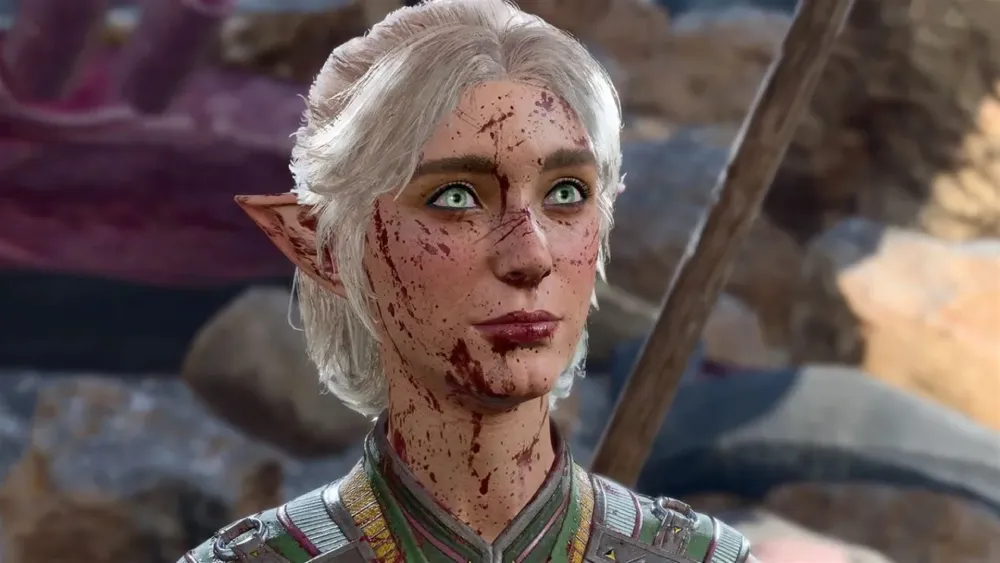
As of now, Xbox players can only play with other Xbox users.
Online multiplayer and local split-screen co-op are both available on Xbox Series X/S, but BG3 cross platform multiplayer between Xbox and other platforms is not yet supported.
Here’s what Xbox players can do:
- Host or join online lobbies with other Xbox users
- Play split-screen co-op locally on the same Xbox console
When cross play support launches, Xbox users will likely be able to play with friends on PC, PS5, and Mac.
Is there cross save in Baldur’s Gate 3?
Yes, BG3 cross save is already available and fully functional as of 2025.
This allows players to transfer their progress between platforms, such as moving from PC to PS5 or Xbox, as long as they’re using the same Larian Studios account.
Quick guide to using cross save:
- Enable Cross Save in BG3 settings
Go to: Options > Gameplay > Cross Save > Enable - Link your Larian Studios account to all platforms
- Save your game progress while online
The save will upload automatically. - Log in on another platform
Your saved games will appear and be ready to load.
This feature is especially useful for players who own BG3 on multiple platforms.
How does multiplayer work in BG3?
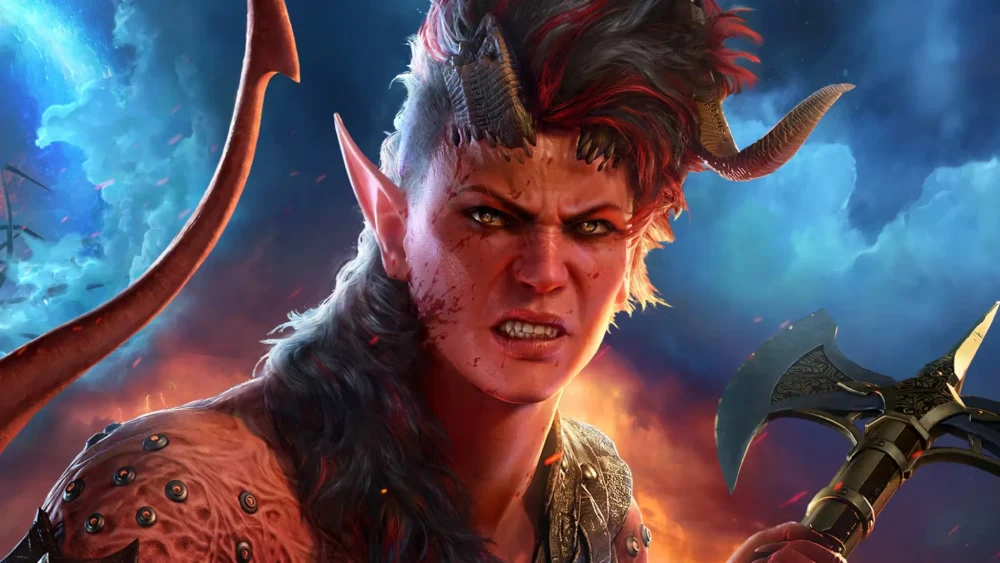
Baldur’s Gate 3 multiplayer supports both local split-screen co-op and online multiplayer, depending on the platform.
Local split-screen multiplayer:
- Available on PS5 and Xbox Series X/S
- Supports up to 2 players on the same console
- Each player needs their own controller
Online multiplayer:
- Available on PC, Mac, PS5, and Xbox
- Up to four players in a single party
- Requires each player to own a copy of the game on their platform
Quick tips for BG3 multiplayer:
- Communicate frequently: Multiplayer decisions affect story progression.
- Save often: Especially before big story decisions or battles.
- Sync schedules with friends: BG3 sessions can last several hours.
For better network performance, ExitLag can help reduce ping and packet loss during online sessions.
Does BG3 support split-screen on console?
Yes, split-screen co-op is supported on both PS5 and Xbox Series X/S.
Here’s what you need to know:
| Console | Split-Screen Support | Max Players |
| PS5 | Yes | 2 |
| Xbox Series X/S | Yes | 2 |
Important notes:
- Split-screen performance can vary.
- Make sure your console has the latest BG3 update for the best experience.
- Both players will share the same screen during exploration and combat phases.
Some graphical downgrades may occur when using split-screen, especially during graphically intense scenes.
FAQ – Frequently Asked Questions
Yes, Xbox players can play online with other Xbox users, but not with players on PC or PS5 until cross play launches.
Yes, BG3 cross save is fully supported between PC, Mac, PS5, and Xbox Series X/S. You’ll need a Larian Studios account to use this feature.
BG3 multiplayer supports up to four players online and two players locally on console split-screen. Each player must own the game on their respective platform.
Yes, split-screen is supported on PS5 and Xbox Series X/S for up to two players on the same device.
No, crossplay between PC and PS5 is not available as of 2025, but Larian Studios plans to release this feature in a future update.
Conclusion: Why ExitLag will be essential for BG3 cross play players
As Baldur’s Gate 3 cross play approaches official launch, having the right network optimization tools will make a huge difference.
ExitLag can help reduce latency, improve connection stability, and minimize packet loss for online multiplayer sessions across all platforms.
Whether you’re playing with friends on PC, PS5, or Xbox, ExitLag ensures your adventure in Faerûn is smooth and lag-free.
Ready to experience better online performance?
Start your free ExitLag trial today!
Got questions or want to connect with other players? Join the conversation at the ExitLag Forum!



