If you’re jumping into Battlefield 6 online on Steam, chances are you’ve already encountered lag spikes, squad desync, or frustrating matchmaking bugs. You’re not alone. Thousands of players are facing similar problems-but the good news is, there are reliable solutions.
Whether it’s high ping, server latency, or being stuck in matchmaking lobbies, this guide will walk you through every fix, setting, and optimization needed to enjoy Battlefield 6 the way it was meant to be played.
Battlefield 6 multiplayer on PC is available via multiple platforms, including Steam and the EA App. It features squad-based gameplay, large-scale warfare, and community-built modes via Portal. However, network-related problems like login loops and connection lost errors have become a major pain point for players.
What Is Battlefield 6 and Where Can You Play It?
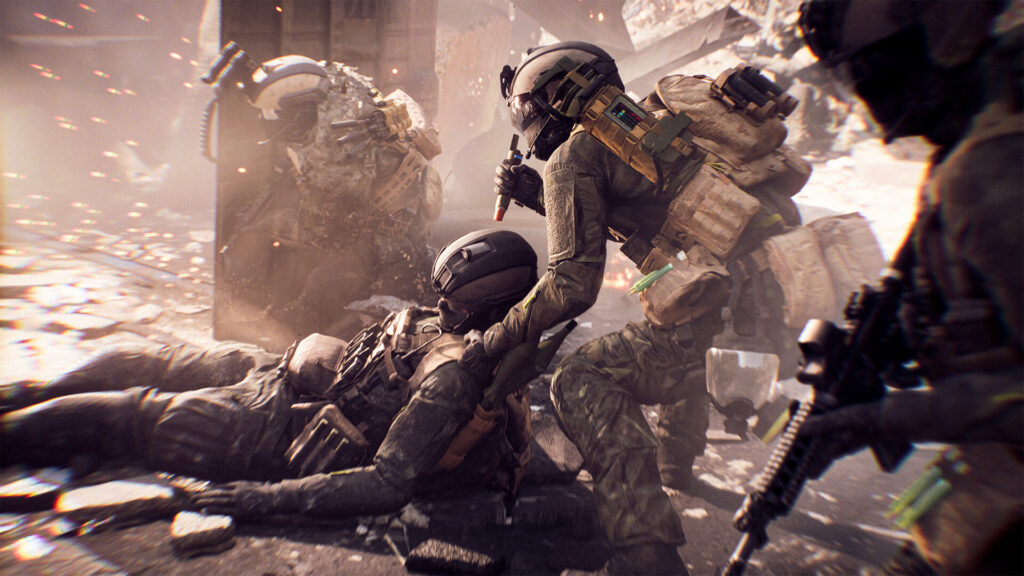
Battlefield 6 (released in October 2025) is the latest entry in EA’s iconic FPS franchise. Available on PC via Steam and EA Launcher, as well as on PlayStation 5 and Xbox Series X/S, it’s a return to the franchise’s modern warfare roots with expanded combat scenarios, vehicle integration, and destructible environments.
The game builds on the strengths of previous entries like Battlefield 3 and Battlefield 4, introducing more refined movement mechanics, customizable squad roles, and improved gunplay physics. Players can select between infantry combat, vehicular warfare, or hybrid roles, making it ideal for strategic coordination.
On PC, players can access the game via Steam or EA platforms and play both official multiplayer and Portal modes. Matchmaking primarily uses region-based systems and does not include a full server browser for official modes. A browser is available exclusively for Portal/custom servers, which limits the ability to manually select matchmaking servers-a design choice that has drawn criticism from longtime fans.
Battlefield 6 has also introduced real-time weather systems, destructible buildings on a more granular level, and battlefield-specific objectives that vary based on player actions, increasing replayability and immersion across all game modes.
Why You Might Be Struggling with Online Matchmaking
Who’s affected? PC players across platforms, especially during peak hours or with strict NAT types, often encounter matchmaking bugs like infinite queues or being unable to join their squad.
Where’s the problem? Many of the issues stem from overloaded servers, strange matchmaking behavior, and routing problems. Players report problems such as:
- Getting stuck in lobbies while squadmates load into matches
- “Connection lost” messages when launching
- “You can’t join this match right now” errors
- Being kicked mid-match due to unstable ping or latency spikes
These issues often worsen during seasonal events or patch days when the player base spikes and the server infrastructure struggles to scale.
Core Reasons Behind These Issues:
- EA server overload during peak usage
- Regional routing inefficiencies affecting ping and latency
- NAT-type restrictions limiting peer-to-peer connectivity
- No server browser for official matchmaking (Portal-only manual access)
- Reports from players about occasional launcher sync issues between Steam and EA
Understanding the matchmaking design is crucial. Battlefield 6 does not allow players to directly select servers in traditional matchmaking modes, which means you’re at the mercy of an automated system. This makes network stability and routing optimization even more important.
Also see:
- Battlefield 6 in Russia
- Battlefield 6 restriction
- Battlefield 6 won’t launch
- Battlefield 6 server connection error
- Battlefield 6 VPN
How ExitLag Enhances Battlefield 6 Online Performance
If you’re suffering from lag, high ping, or packet loss in Battlefield 6, you need to know about ExitLag.
ExitLag optimizes your connection automatically, using real-time route analysis and multipath technology to ensure your game traffic takes the fastest, most stable path. This is particularly useful in large-scale games like Battlefield 6, where even slight delays can mean the difference between life and death in combat.
With ExitLag ON:
- Say goodbye to server lag during peak hours
- Stop rubberbanding and packet loss in large-scale matches
- Get consistent ping across every game session
- Avoid unnecessary hops or ISP throttling by routing through better paths
Here’s how to get started:
- Create your ExitLag account
- Download ExitLag and install on your PC
- Choose Battlefield 6 from the game list and apply routes
- Enjoy a smooth experience with optimized matchmaking and gameplay
ExitLag’s features include:
- Multipath Connection for redundancy and failover protection
- Traffic Shaper to prioritize Battlefield 6 packets for maximum consistency
- Worldwide Servers that analyze which route is optimal for your current location
- FPS Boost to enhance in-game performance by fine-tuning system settings
This combination of tools helps stabilize your entire network environment, which is essential in fast-paced shooters where milliseconds matter. ExitLag has become the go-to solution for competitive PC gamers worldwide.
Battlefield 6 Multiplayer on Steam and EA Platforms: What You Should Expect
- Matchmaking via EA backend servers, supported by regional logic
- No full server browser for official matchmaking modes
- Portal includes a manual server browser for community/custom games
- Party functionality across PC launchers (Steam and EA App), though cross-platform play specifics remain to be fully confirmed
- Occasional matchmaking issues due to patch rollouts or backend server synchronization
Battlefield 6 introduces modular loadouts, progressive class systems, and squad-based score incentives that reward strategic play. However, these features can be completely undermined if your connection is unstable.
Real-World Player Reports
Across forums like Reddit and Steam Discussions, players continue to share issues with login errors, squad disconnections, and inconsistent server behavior. Many describe scenarios where their friends load into a match while they are stuck indefinitely in the lobby, or where mid-match connection drops ruin the session.
These issues have driven many users to seek connection optimization tools, and ExitLag continues to emerge as one of the most reliable fixes.
Understanding Battlefield 6 Network Architecture
Battlefield 6’s online infrastructure relies on:
- Centralized matchmaking via EA servers
- Server browser available only for Portal/custom modes
- Matchmaking regions assigned based on latency and geolocation
- Possible fallback/relay logic depending on region or connectivity
This system limits manual control, meaning most players are placed automatically based on ping, with minimal visibility into server selection.
Common Advanced Issues (and Fixes)
1. NAT Type Blocking Party/Matchmaking
A strict or moderate NAT can:
- Block you from joining or hosting squads
- Cause match handoff failures from lobby to session
- Interfere with voice or party communication
Solution:
- Enable UPnP on your router (if available)
- Or forward the ports as per your platform, or consult EA support for the exact ports used by Battlefield 6
- Reboot your router and test connectivity status through EA’s troubleshooting tools
2. Cross-Launcher Desync (Steam ↔ EA App)
Cross-launcher sessions occasionally cause failed party invites or sudden disconnects, especially if versions mismatch.
Solution:
- Ensure both players have the latest game version on both launchers
- Fully close and restart both Steam and EA App before syncing accounts
- Accept all EA prompts for linking accounts and game authorization
3. Matchmaking Loop or “You Can’t Join This Match” Error
This frustrating error stems from:
- Incomplete lobby sync
- Temporary EA account session corruption
Solution:
- Close the game and both launchers fully, then relaunch
- Reform the squad and have a different user lead the party
- Make sure you launch the game using the primary linked platform for your EA account
Choosing the Best Server Region in Battlefield 6
While you cannot pick the exact server manually like in a classic server browser, you can attempt to influence matchmaking and check regional latency manually using ExitLag.
ExitLag allows you to:
- Measure ping to all EA datacenter regions
- Force optimized routing to servers in Europe, North America, South America, and Asia
Popular EA server locations for Battlefield 6 include:
- Europe Central (Frankfurt, Amsterdam)
- North America East/West
- South America (São Paulo)
- Asia East (Tokyo, Singapore)
This lets you bypass ISP bottlenecks or congested routes and lock in a smoother connection to your target region.
Packet Loss and Jitter: The Silent Enemies of Online Games
Even with low ping, packet loss and jitter can ruin your multiplayer experience. These factors cause:
- Missed shots or unregistered hits
- Desynced animations and movement
- Rubberbanding or forced disconnection
This applies to Battlefield 6 and any fast-paced online game. Fortunately, ExitLag addresses this through:
- Multipath Connection: Redundant routing channels improve reliability
- Traffic Shaper: Ensures real-time data has top network priority
- Real-Time Optimization: Auto-adjusts your route based on network conditions during gameplay
Tips to Stabilize Competitive Sessions
- Use a Wired Ethernet Connection – Always more reliable than Wi-Fi
- Shut Down Background Apps – Especially Discord overlays, torrents, cloud sync
- Check Game Version Consistency – Between you and your squad
- Use ExitLag’s FPS Boost Feature – For smoother CPU and GPU handling
- Apply ExitLag Before Starting Your Game – Always load routes before launching Battlefield 6
Why ExitLag Makes the Difference for Battlefield 6
ExitLag doesn’t just monitor your connection-it reroutes and optimizes your data in real time. This results in:
- Faster matchmaking transition
- Lower ping and improved combat responsiveness
- Fewer lobby or squad disconnects
- Stable gameplay in large-scale battles
It’s especially valuable for:
- Ranked or competitive players
- Streamers who require consistent performance
- Squads relying on tactical coordination
- Anyone tired of lag ruining their match
Final Thoughts
Even though Battlefield 6 limits your server selection and relies on automated matchmaking, you still have the power to control your connection quality. With ExitLag, you can END YOUR LAG, PING, PACKET LOSS AND JITTER PROBLEMS permanently.
How to Use ExitLag:
- Create your ExitLag account
- Download and install the software
- Select Battlefield 6 and apply recommended routes
- Launch your game and experience smoother, more stable multiplayer sessions
Disclaimer
All game images used in this blog belong to Electronic Arts. They are used for informational/educational purposes only and do not imply endorsement or affiliation with the rights holders.
Got questions or want to connect with other players? Join the conversation at the ExitLag Forum!