Choosing between Bedrock Minecraft and Java Edition is one of the first big decisions many players face. Both editions deliver the core Minecraft experience, with survival, crafting, building, exploration, mobs, biomes, servers, and endless creativity.
Bedrock Minecraft is usually the best-known version for cross-platform play, smoother performance on many devices, console access, mobile support, Marketplace content, and Realms with friends. It is built for players who want an easier way to join the same world across Windows, Xbox, PlayStation, Nintendo Switch, iOS, Android, and other supported devices.
Bedrock Minecraft also differs from Java in how it handles mods, servers, controls, performance, visual features, multiplayer access, and community content. That is why the Minecraft Bedrock vs Java debate is not just about which edition is “better.” It is about which edition fits your device, your friends, and your playstyle.
For some players, Java Edition is the stronger choice because of mods, custom servers, technical redstone, and PC-focused communities. For others, Bedrock Edition is the practical winner because it supports crossplay, runs well on many devices, and makes multiplayer easier to access.
In this guide, you will learn how both editions compare, how Bedrock edition Minecraft works, where to get a Minecraft Bedrock download, how crossplay Minecraft Bedrock supports multiplayer, and when a Bedrock Realm Minecraft world makes sense.
What is Bedrock Minecraft?
Bedrock Minecraft is the cross-platform edition of Minecraft designed to work across many devices. It is available on Windows 10/11, Xbox, PlayStation, Nintendo Switch, iOS, Android, and other supported platforms, while Java Edition is focused on Windows, macOS, and Linux.
The main advantage of Bedrock is accessibility. You can play on a console, mobile device, or Windows PC and still connect with friends who use other Bedrock-supported platforms. That makes it especially useful for families, casual groups, and players who do not all own the same device.
However, Bedrock is not just “the console version.” It has its own ecosystem, including the Marketplace, featured servers, controller-friendly play, touch controls, Realms, and performance optimizations. For many players, it is the most convenient way to play Minecraft online.
Bedrock edition Minecraft explained
The phrase Bedrock edition Minecraft usually refers to the version of Minecraft built on the Bedrock codebase. This edition was designed to unify gameplay across different platforms and make multiplayer more accessible.
That means a player on Xbox can join a friend on mobile, while another friend joins from Windows, as long as they are all using Bedrock Edition and meeting the right account and multiplayer requirements.
Bedrock is especially strong for:
- Playing with friends across devices.
- Using controllers or touchscreens.
- Joining featured servers.
- Buying and installing Marketplace content.
- Creating easy multiplayer worlds.
- Playing on consoles and mobile.
- Running the game on lower-end hardware more smoothly.
Still, Bedrock has limits. It does not support Java mods in the same way. It also does not connect natively with Java Edition players. Even when both editions are included in the same PC bundle, Java and Bedrock multiplayer remain separate.
Minecraft Bedrock download options
A Minecraft Bedrock download depends on your platform. On Windows, players can access Minecraft through the Minecraft Launcher or Microsoft Store. On consoles, it is available through each platform’s store. On mobile, it is available through iOS and Android app stores.
Minecraft’s official download page also provides access to the launcher and server software for both Java and Bedrock, which is useful for PC players and server hosts.
Before downloading, check:
| Platform | Edition availability |
| Windows 10/11 | Java and Bedrock |
| macOS | Java |
| Linux | Java |
| Xbox | Bedrock |
| PlayStation | Bedrock |
| Nintendo Switch | Bedrock |
| iOS | Bedrock |
| Android | Bedrock |
For many PC players, the choice is easier than it used to be because Java and Bedrock are offered together for Windows PC. That means you can install both and choose the edition your friends are using.
What is the difference between Minecraft Bedrock vs Java?
The difference between Minecraft Bedrock vs Java comes down to platform support, multiplayer systems, performance, customization, controls, servers, and content options. Both editions share the same core game, but they are not identical.
Java Edition is the original PC version. It is popular for modding, technical play, custom servers, snapshots, shaders, and community-made tools. Bedrock Minecraft is broader in device support and easier for cross-platform multiplayer.
That means the “right” edition depends less on the game itself and more on how you want to play it.
Platform and compatibility differences
Platform support is the first major difference.
Java Edition is available on Windows, macOS, and Linux. Bedrock Edition is available on Windows 10/11, Xbox, PlayStation, Nintendo Switch, iOS, Android, and other supported devices.
This creates a simple rule:
- Choose Java if you play mainly on PC and want mods or custom servers.
- Choose Bedrock if you want to play across console, mobile, and Windows.
- Choose Bedrock if your friends use different devices.
- Choose Java if your friends are all PC players using Java servers.
The key point is that Java and Bedrock players cannot natively join the same multiplayer world. You need to launch the same edition your friends are using.
Feature and gameplay differences
Both editions offer survival, creative mode, crafting, mining, building, villages, mobs, Nether exploration, End progression, and multiplayer. However, their ecosystems are different.
Here is a quick comparison:
| Feature | Bedrock Minecraft | Java Edition |
| Cross-platform play | Yes, across supported Bedrock devices | PC-only across Windows, macOS, Linux |
| Mods | Add-ons and Marketplace content | Extensive community mods |
| Servers | Featured servers, Realms, third-party servers | Large custom server ecosystem |
| Controls | Keyboard, controller, touch | Mostly keyboard and mouse |
| Performance | Often smoother on many devices | Can require more tuning |
| Shaders | Limited compared to Java, with supported visual features | Strong shader community |
| Marketplace | Supported | Not supported in the same way |
| Redstone | Slightly different behavior | Preferred by many technical players |
In short, Bedrock Minecraft focuses on accessibility and cross-device play. Java focuses on openness, customization, and technical depth.
Is Bedrock Minecraft better for crossplay?
Yes, Bedrock Minecraft is usually better for crossplay because it was designed around cross-platform multiplayer. If your friend group includes console, mobile, and Windows players, Bedrock is normally the easiest path.
This is one of the strongest reasons players choose Bedrock. A group does not need everyone on the same console or PC setup. Instead, everyone needs to use Bedrock Edition and meet the correct multiplayer requirements.
For casual players, that can make the difference between playing tonight and spending hours solving compatibility problems.
Crossplay Minecraft Bedrock benefits
The biggest benefit of crossplay Minecraft Bedrock is flexibility. You can build a survival world with a friend on Xbox, another on Android, another on iPhone, and another on Windows.
That is ideal for:
- Friend groups with different devices.
- Families sharing one world.
- Console players who want to join mobile players.
- Mobile players who want access to larger multiplayer groups.
- Casual players who do not want technical setup.
- Players who want quick access to Realms or featured servers.
Bedrock also supports Microsoft account-based multiplayer features across platforms. In many cases, adding friends and joining sessions is simpler than managing direct IP servers or third-party launchers.
Limits of crossplay Minecraft Bedrock
The most important limit is that Bedrock crossplay does not include Java Edition. A Java player cannot normally join a Bedrock world through native multiplayer, and a Bedrock player cannot normally join a Java server.
Realms also follow edition separation. Minecraft’s official Realms page explains that Realms are cross-platform only within the same game edition. Java players join Java Realms, and Bedrock players join Bedrock Realms.
Also, console multiplayer may require platform-specific subscriptions depending on the device. Some worlds, content, or settings may also behave differently across platforms.
So, Bedrock is excellent for crossplay, but only when everyone is playing Bedrock.
How does a Bedrock Realm Minecraft world work?
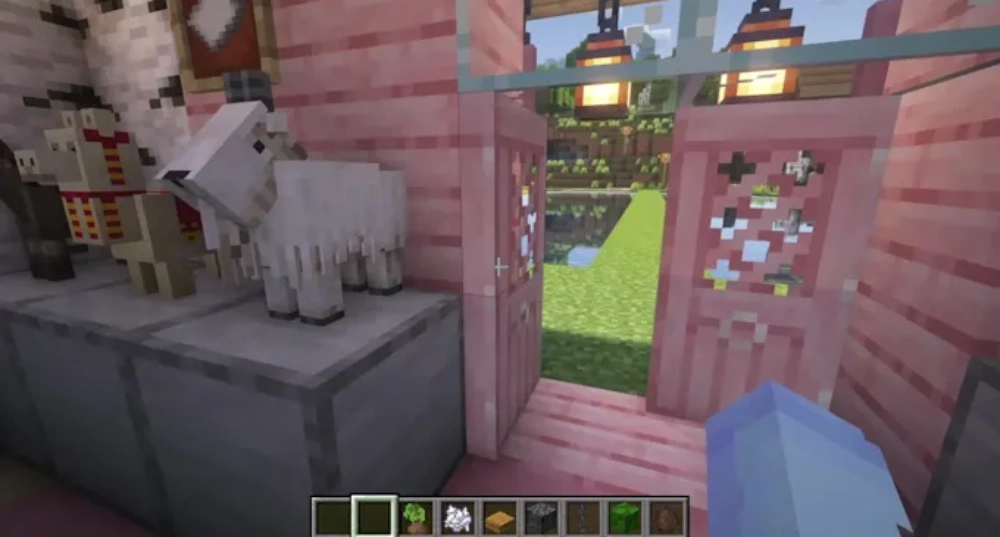
A Bedrock Realm Minecraft world is a private online world hosted through Minecraft Realms for Bedrock Edition. It allows invited players to join the same world without requiring one player to keep their local device online at all times.
This is useful because regular multiplayer worlds often depend on the host being active. With a Realm, the world stays available through the subscription, making it easier for friends to play at different times.
Realms are especially helpful for casual survival groups, families, small communities, and players who want easy hosting without managing a custom server.
Bedrock Realm Minecraft advantages
A Bedrock Realm Minecraft setup is simple compared to running your own server. You do not need to configure server files, ports, plugins, or hosting services.
The main advantages include:
- Easy world hosting.
- Invitation-based access.
- Cross-platform support within Bedrock Edition.
- Simple setup from inside Minecraft.
- Good option for small groups.
- No need for advanced server management.
- Better availability than local hosting.
For many players, Realms are the easiest way to maintain a shared survival world. You can invite friends, manage access, and continue building without needing one person to act as a permanent host.
Bedrock Realm vs Java Realm
Both editions support Realms, but they do not mix. A Bedrock Realm is for Bedrock players. A Java Realm is for Java players. This distinction matters when your group includes both editions.
A Bedrock Realm is better when your group plays on different supported Bedrock devices. A Java Realm is better when everyone plays Java Edition on PC.
Here is the simple breakdown:
| Realm type | Best for |
| Bedrock Realm | Console, mobile, and Windows Bedrock players |
| Java Realm | Windows, macOS, and Linux Java players |
| Custom Java server | Modded servers, plugins, minigames, large communities |
| Third-party Bedrock server | More control than Realms, but more setup |
If you want the easiest option for mixed-device friends, Bedrock Realm is usually the most practical choice.
Should you choose Bedrock or Java for your playstyle?
Your best edition depends on what you value most. Some players care about mods. Others care about performance. Some want competitive servers. Others just want to play with friends from a phone, console, or PC.
That is why the Minecraft Bedrock vs Java comparison should always start with your real use case. Do not choose based only on what another player says is “better.” Choose based on where you play and who you play with.
Best edition by player type
Here is a practical breakdown:
| Player type | Better choice | Why |
| Casual player | Bedrock | Easy setup and broad device support |
| Console player | Bedrock | Native console support |
| Mobile player | Bedrock | Touch controls and mobile access |
| Crossplay group | Bedrock | Works across supported Bedrock platforms |
| Modded player | Java | Stronger mod ecosystem |
| Technical redstone player | Java | More established technical community |
| Custom server player | Java | Larger plugin and server ecosystem |
| Family multiplayer | Bedrock | Easier group access across devices |
Bedrock Minecraft is often the better choice for accessible, social, and cross-platform play. Java is often the better choice for deeper customization, mods, technical builds, and PC server culture.
Best edition for performance, mods, and servers
Performance can vary by device, but Bedrock is usually optimized for a wider range of hardware. That makes it a strong option for consoles, mobile devices, and players who want smoother default performance.
Java can be more demanding, but it also gives PC players deeper control. Players can use performance mods, custom launchers, shader packs, resource packs, and server tools.
For servers, Java has a long history of massive public servers, plugins, minigames, PvP hubs, and custom communities. Bedrock also has featured servers and third-party server options, but Java remains more flexible for advanced server customization.
The simplest way to think about it is:
- Bedrock is easier.
- Java is more customizable.
- Bedrock is better for crossplay.
- Java is better for mods.
- Bedrock is better for consoles and mobile.
- Java is better for PC power users.
How can ExitLag improve Bedrock Minecraft multiplayer?
ExitLag does not change which edition you own, unlock mods, or let Java and Bedrock players join the same native server. However, it can improve the connection side of your Minecraft experience.
That matters because online Minecraft depends on stable routing, low latency, and consistent packet delivery. Whether you are playing Bedrock Minecraft on a public server, joining a Realm, exploring with friends, or playing Java PvP, connection quality can affect how responsive the game feels.
Lag can make blocks break late, mobs freeze, players teleport, chests open slowly, and combat feel inconsistent. ExitLag helps by optimizing your connection route to the game server.
Why connection stability matters in Minecraft
Minecraft is not only about graphics or device performance. Multiplayer also depends on how your connection reaches the server.
A poor route can cause:
- High ping.
- Packet loss.
- Rubber-banding.
- Delayed block breaking.
- Slow inventory response.
- Disconnections.
- Combat delay.
- Realm instability.
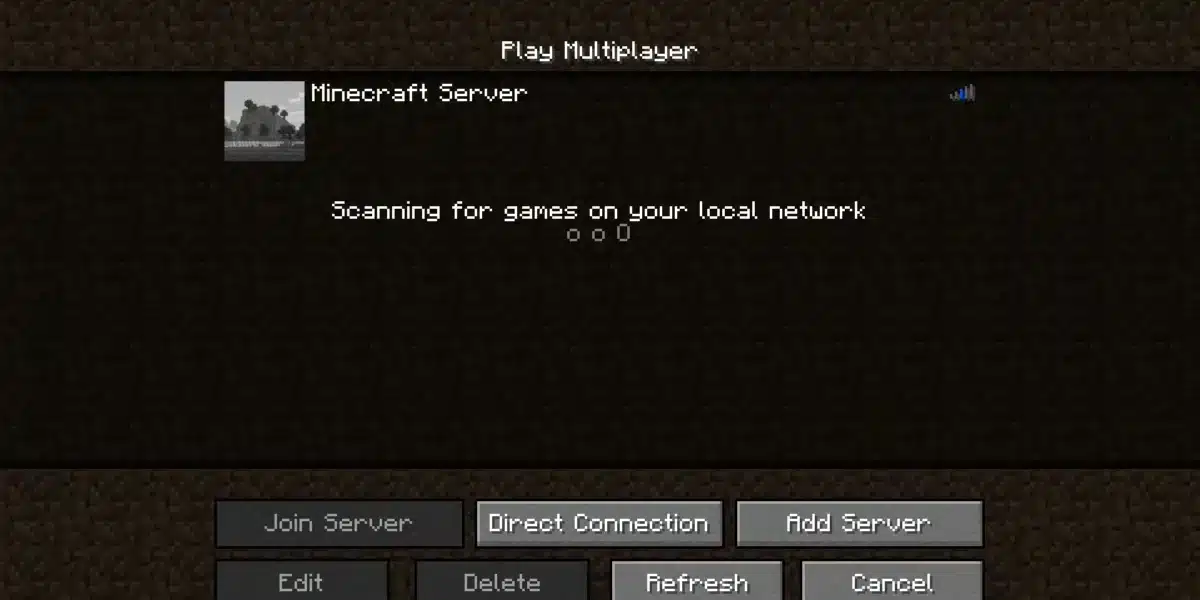
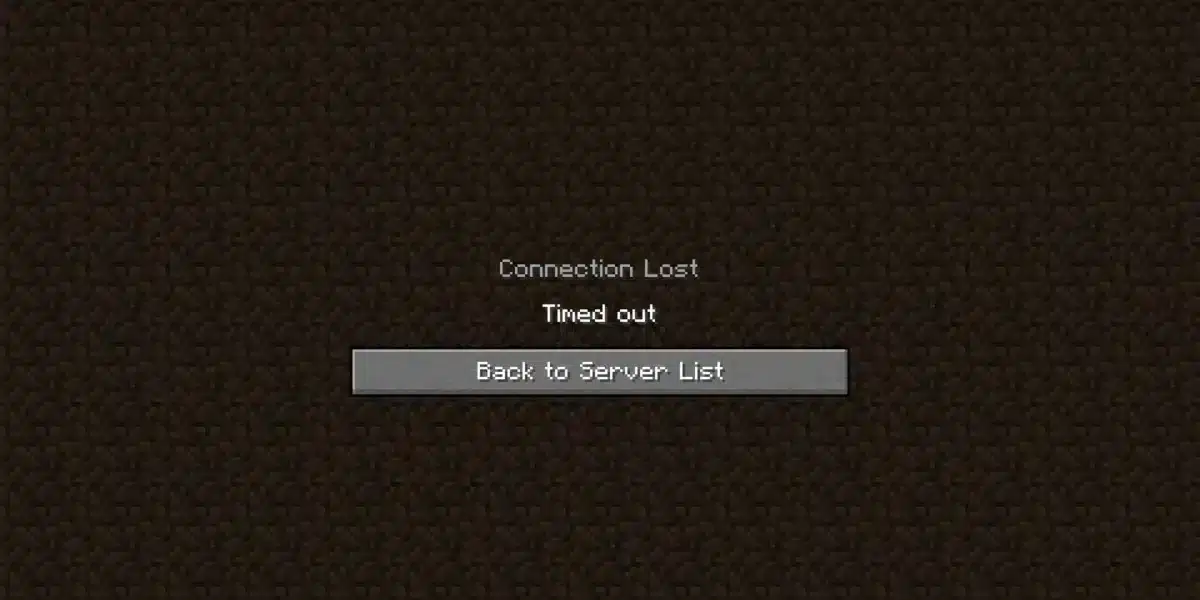
- Server timeout errors.
This can be frustrating in both editions. In Bedrock, unstable routing can affect cross-platform sessions and Realms. In Java, it can affect PvP, minigames, custom servers, and modded multiplayer.
That is why connection optimization matters even if your device runs the game well.
Using ExitLag with Minecraft servers and Realms
ExitLag is built to improve online gaming routes. Instead of relying only on your default internet path, it looks for optimized routes that can reduce lag and improve stability.
For Minecraft players, that can help in several situations:
- Joining international servers.
- Playing on distant Realms.
- Connecting to crowded public servers.
- Playing PvP modes.
- Exploring multiplayer worlds with friends.
- Dealing with unstable routes from your ISP.
- Reducing connection spikes during long sessions.
If you play Bedrock Minecraft with friends across platforms, ExitLag can support a smoother connection experience. If you play Java on competitive servers, it can also help reduce latency-related issues.
In both cases, the goal is simple: less time fighting your connection and more time enjoying the game.
FAQ
The questions below cover the most common doubts about Bedrock Minecraft, Java Edition, downloads, crossplay, and Realms.
Bedrock Minecraft is the cross-platform edition available on Windows, consoles, and mobile devices. Java Edition is the PC-focused edition available on Windows, macOS, and Linux.
Bedrock is usually better for crossplay and accessibility. Java is usually better for mods, custom servers, and technical gameplay.
No, Bedrock and Java do not support native crossplay with each other.
If your friends use Bedrock, you need Bedrock. If your friends use Java, you need Java. On Windows PC, many players can access both editions and launch the one their group is using.
Yes. Bedrock Minecraft is very good for multiplayer, especially when your group uses different devices.
It supports crossplay across supported Bedrock platforms, featured servers, and Realms. That makes it one of the easiest ways to play Minecraft with friends.
You can get a Minecraft Bedrock download through the official store for your platform. Windows players can use the Minecraft Launcher or Microsoft Store. Console players can use their console store. Mobile players can use their app store.
The official Minecraft download page also provides launcher and server software resources.
A Bedrock Realm Minecraft world is a private hosted multiplayer world for Bedrock Edition players.
It lets invited players access the world without requiring the owner’s device to stay online. It is useful for small groups, family worlds, casual survival servers, and cross-platform Bedrock play.
Choose the right Minecraft edition and play better online
Bedrock and Java are both excellent versions of Minecraft, but they serve different kinds of players. Java is stronger for mods, custom servers, technical communities, and PC-focused gameplay. Bedrock is stronger for crossplay, consoles, mobile devices, Realms, easy access, and smooth multiplayer with friends across platforms.
If your priority is playing with people on different devices, Bedrock is usually the best fit. If your priority is modding, custom server control, and advanced PC tools, Java may be the better option.
The most important thing is to choose the edition that matches your friends, your device, and your goals. A player who wants Marketplace worlds and console play needs a different setup than a player who wants large Java modpacks.
Bedrock Minecraft gives you one of the easiest ways to play Minecraft online across supported devices, but your connection still matters. Try ExitLag to reduce lag, improve routing, stabilize your multiplayer sessions, and enjoy a smoother experience whether you are joining a Realm, exploring with friends, or competing on Minecraft servers.
Got questions or want to connect with other players? Join the conversation at the ExitLag Forum!