

Playing Blue Protocol should be an immersive, fast-paced, visually stunning experience. However, many players end up facing a frustrating issue that completely disrupts gameplay: Blue Protocol Lag. This delay between your commands and the server’s response can turn even the simplest combat encounters into moments of pure irritation. Therefore, understanding what causes these interruptions is the first step toward solving them once and for all.
Even players with fast internet often report ping spikes, character rubberbanding, unresponsive abilities, and sudden freezes all common symptoms of Blue Protocol Lag. This happens because the problem is rarely your PC or your internet speed alone. Instead, the connection path between you and the game server is usually the true culprit. Like this, the challenge becomes far more complex than just closing background apps or resetting your router.
To help you eliminate Blue Protocol Lag permanently, this guide explains exactly what causes it, why it happens even with good internet, and how ExitLag delivers a final, reliable solution for consistent stability and low latency.

What is lag in Blue Protocol?
Lag in Blue Protocol is the noticeable delay between pressing a button and seeing the action occur in the game. Instead of responding instantly, your character reacts seconds later—or not at all. This disrupts combos, dodges, and any mechanic that relies on precise timing. However, lag is not always caused by the computer itself. Most of the time, your connection route to the server is the real issue.
To understand this better, it is important to distinguish the three components players often confuse: lag, ping, and FPS. Lag is the symptom, ping is the measurement of response time, and FPS relates to your computer’s ability to render images smoothly. Therefore, even a powerful PC with high FPS can suffer lag if the connection between you and the server is unstable or inefficient.
Ping, lag and fps explained
Lag
The delay between input and action; your commands take longer to reach the server and return.
Ping
The time it takes for your data to travel to the server and back. High ping leads to severe delays.
Fps
Frames per second affect visual smoothness. FPS drops do not always mean connection lag, but they can make gameplay feel slower.
Why lag happens even with good internet
Many players believe that having a high-speed internet plan is enough to guarantee a smooth experience. However, this is not always true. Internet providers choose routing paths automatically, and these paths are not optimized for gaming. They often take longer or congested routes, which increases ping and packet loss.
Think of your connection like a package delivery. Even if the package is small and fast to ship, if the delivery truck gets stuck in traffic or takes a longer road, your package arrives late. In the same way, your commands get delayed before reaching Blue Protocol’s servers, causing Blue Protocol Lag during gameplay.
Additionally, factors such as network congestion, distance from the server, or poor routing choices contribute heavily to instability. Therefore, even a premium connection can struggle if the route between you and the server is inefficient.
ExitLag as the definitive solution
At this point, you’re probably wondering: “Is there a way to choose a faster, optimized route manually?”. Yes, ExitLag makes this possible.
ExitLag is a connection-optimization software designed specifically for gamers. It uses smart tunneling and multi-route technologies to ensure your data always chooses the best, fastest, and most stable path to the Blue Protocol server. Like this, the tool minimizes ping, reduces packet loss, and keeps your connection stable even during peak hours.
Key benefits of ExitLag for Blue Protocol players
- Lower and more stable ping: commands respond instantly.
- Reduced packet loss: no more disappearing abilities or rubberbanding.
- Less stuttering and freezing: smoother combat and exploration.
- Competitive precision: better hit registration and reaction times.
- Easy setup: fast installation and intuitive interface.
Comparison table: gameplay experience with vs without Exitlag
| Feature | Without ExitLag | With ExitLag |
| Ping Stability | Frequent spikes | Stable, optimized routes |
| Packet Loss | Common in peak hours | Drastically reduced |
| Skill Response | Delayed inputs | Instant command execution |
| Rubberbanding | High chance | Almost nonexistent |
| Competitive Edge | Unreliable | Consistent and predictable |
How to use ExitLag in Blue Protocol
The process is extremely simple:
Step 1 – Access the official ExitLag website and download the application. There’s a free trial period for new users.
Step 2 – Install and open the program. Log in with your account.
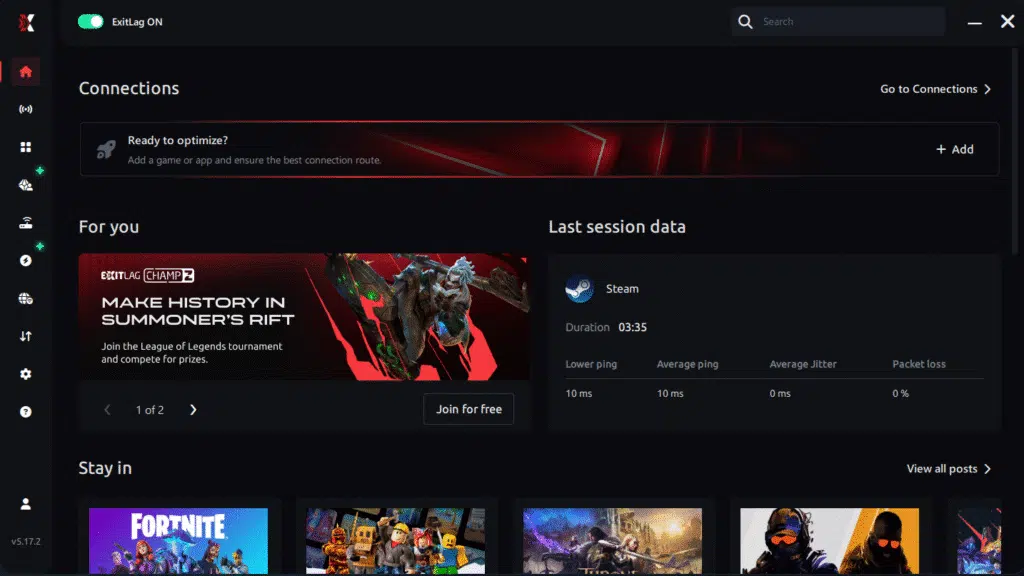
Step 3 – In the search bar, type “Blue Protocol” and select the game from the list.
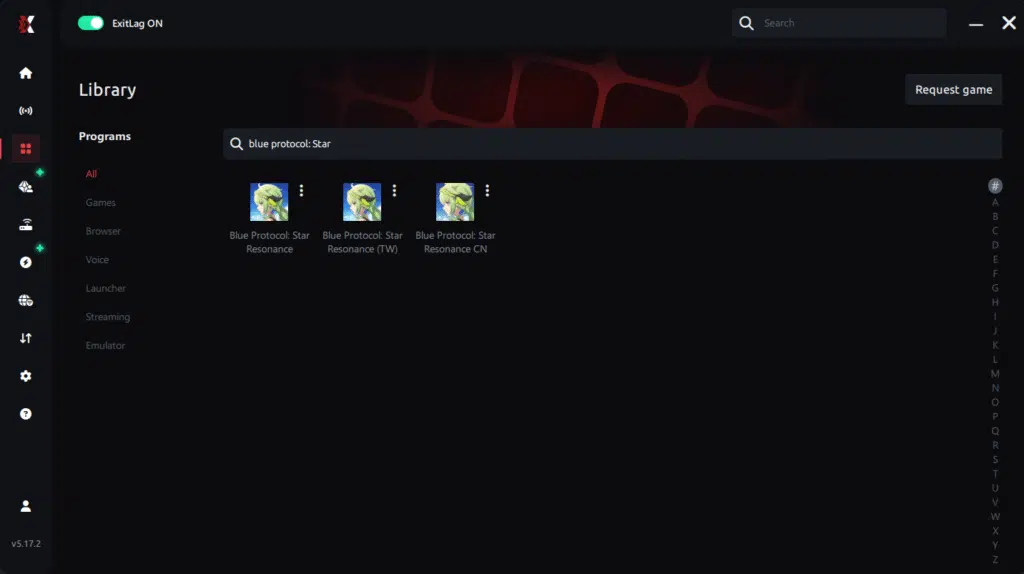
Step 4 – Choose between manual route
Based on the results, you ExitLag the best route manually choose the server that showed the lowest latency for your connection.
Manual route
If you prefer to have full control over your connection, you can manually choose the server based on the ping test results. Simply select the server that showed the lowest latency or the one that best meets your specific gaming needs, allowing complete customization of your experience.
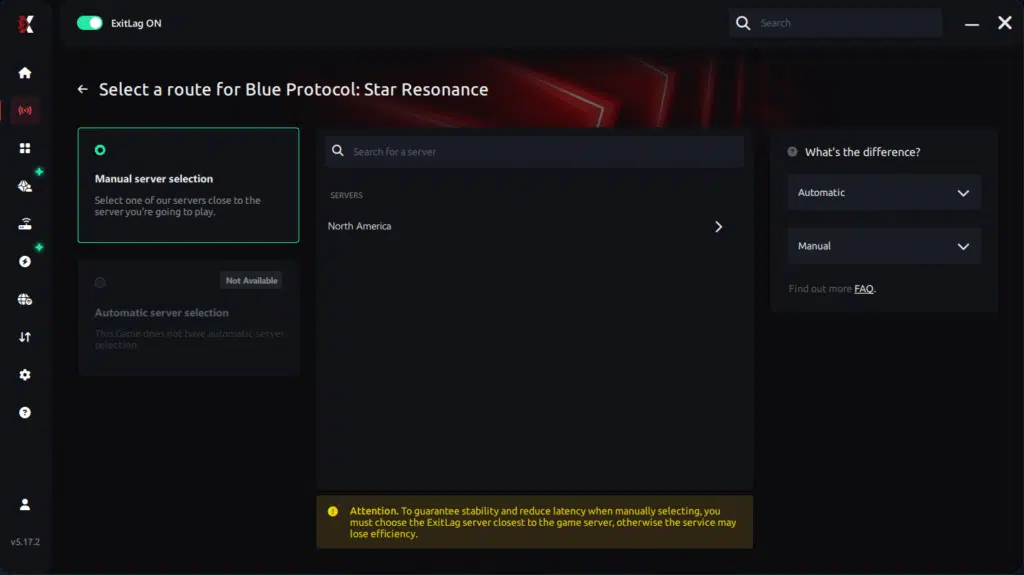
Step 5 – Click “Blue Protocol” or the play button. ExitLag will begin optimizing your connection automatically.
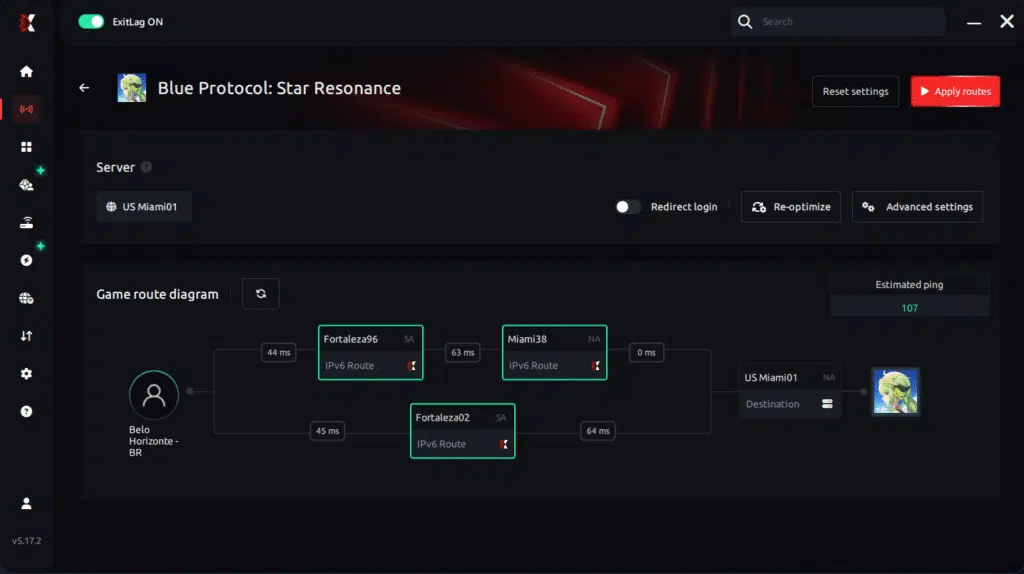
Step 6 – Wait a few seconds until optimization is complete. You’ll see ping indicators in the interface.
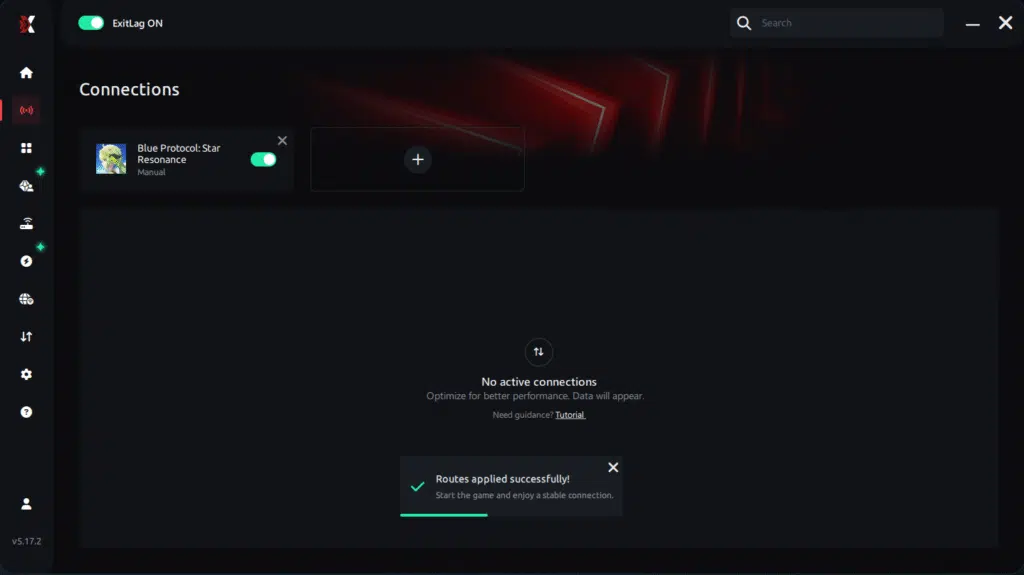
Step 7 – Launch Blue Protocol normally. The optimization will already be active.
ExitLag runs in the background while you play, constantly adjusting routes to maintain the best possible performance.he lowest latency and enter the match knowing your connection is optimized.
Final thoughts
Lag shouldn’t define your Blue Protocol experience. With optimized routing, improved stability, and reduced packet loss, ExitLag ensures your gameplay runs with the precision and responsiveness the game demands. The best part? You can test everything for free and experience the improvement yourself.
Therefore, if you’re tired of disconnects, freezes, or persistent Blue Protocol Lag, it’s time to upgrade your connection performance and take full control of your gaming experience.
Got questions or want to connect with other players? Join the conversation at the ExitLag Forum!
