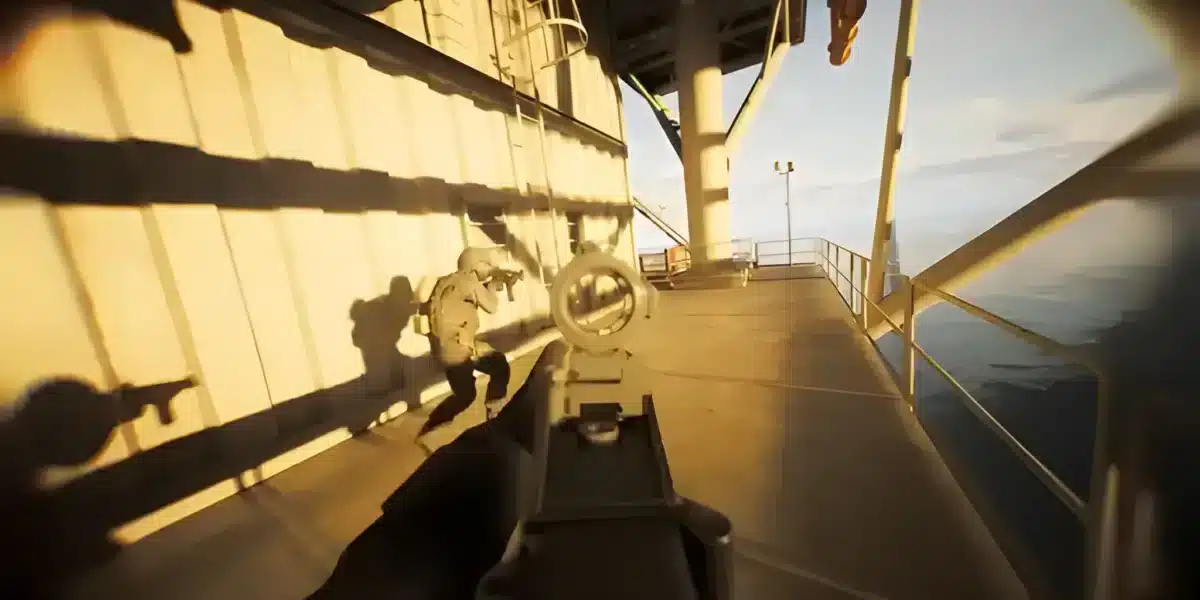
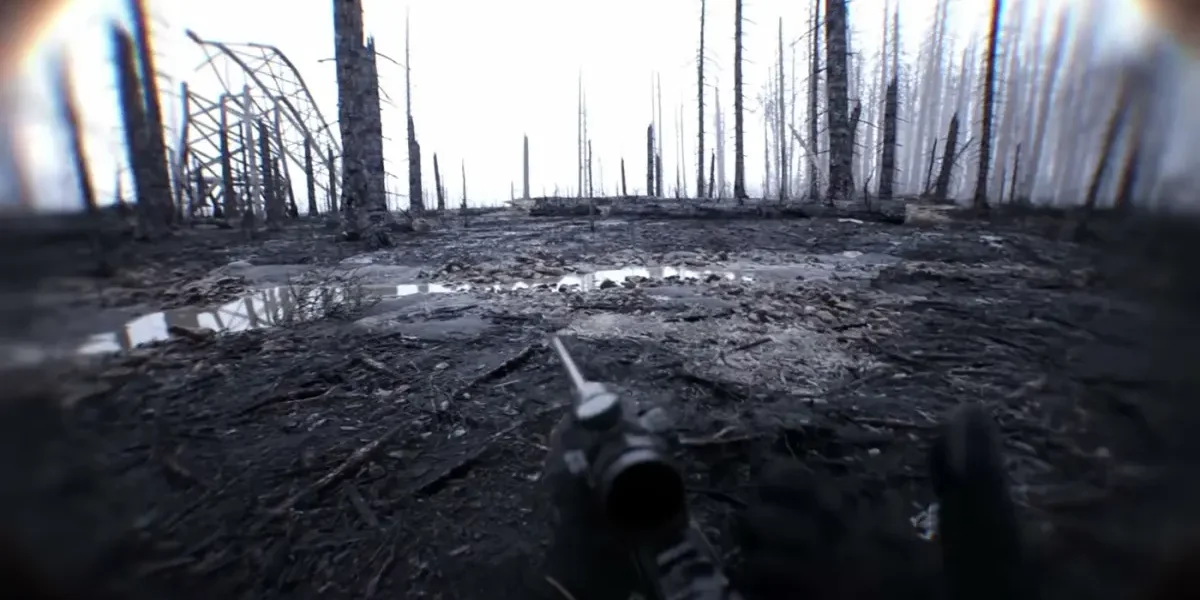
The Bodycam FPV kamikaze drone completely changed how squads scout and clear rooms after its introduction in the Locked & Loaded update. It adds a genuinely new layer of tactics on top of standard gunplay.
However, many players struggle with the controls at first, especially when switching from Casual Mode to full manual flight.
Getting comfortable with Bodycam FPV controls starts with understanding the two flight modes, setting up your sensitivity correctly, and remembering that your character stays vulnerable the entire time you are flying.
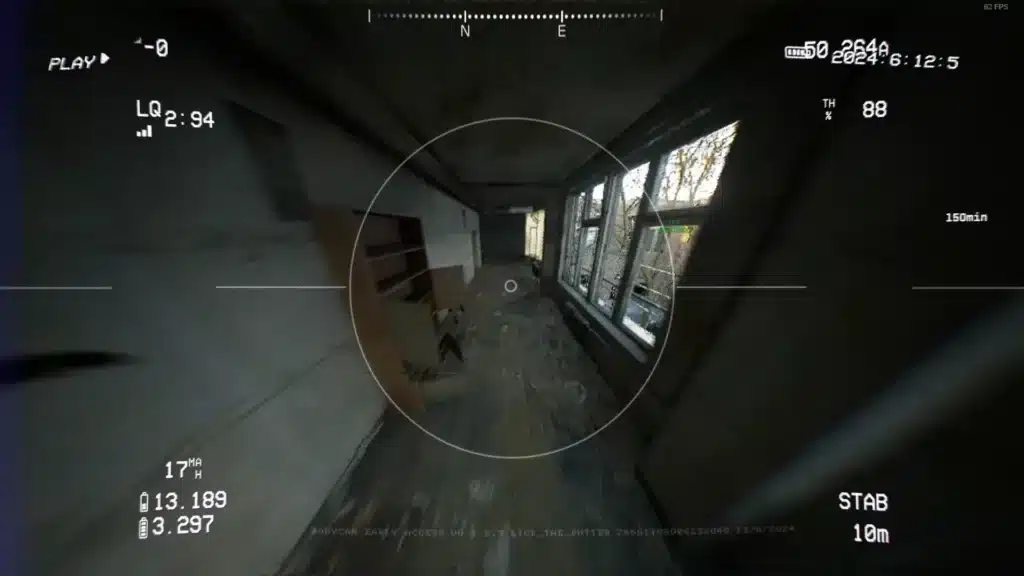
What Is The Bodycam FPV Kamikaze Drone?
The FPV kamikaze drone is a gadget accessed through the Tactical Tablet, designed for scouting, reconnaissance, and offensive plays. Unlike a simple camera drone, it can also serve as an aggressive tool in the right hands.
It works alongside the RC car, which handles ground-level scouting the drone cannot reach as easily.
Core Drone Capabilities
- Overhead scouting of multi-floor buildings and open areas
- Long-range reconnaissance without exposing your physical position
- Offensive potential when used aggressively in close engagements
- Real-time information sharing with teammates during active rounds
Understanding these capabilities helps you decide when deploying the drone actually benefits your team instead of wasting valuable time.
Casual Mode Versus Acro Mode Explained
Bodycam offers two distinct flight modes for the FPV drone, each suited to different skill levels and situations.
Casual Mode
Casual Mode provides stabilized flight, automatically maintaining altitude and position without requiring precise manual input. This mode is strongly recommended for players just learning the drone.
Acro Mode
Acro Mode hands you complete manual control over throttle, pitch, roll, and yaw simultaneously. This offers far greater maneuverability but demands significantly more practice to use effectively.
| Mode | Skill Level | Best For |
|---|---|---|
| Casual Mode | Beginner | Basic scouting and learning drone mechanics |
| Acro Mode | Advanced | Precise maneuvering and aggressive plays |
Most players should start in Casual Mode before attempting Acro Mode in live matches, since the learning curve is considerably steeper.
Setting Up Your FPV Drone Controller
Configuring a proper fpv drone controller setup before your first flight session saves significant frustration. The default sensitivity often feels too aggressive or too sluggish depending on your input device.
The community-recommended approach involves creating two separate sensitivity profiles within the tablet settings.
Recommended Control Profiles
- An Aggressive Profile with higher sensitivity for close-range, fast maneuvering
- A Precision Profile with lower sensitivity for controlled, deliberate positioning
- Testing both profiles in low-stakes matches before relying on them competitively
Since what feels comfortable varies significantly between players, copying someone else’s exact settings rarely works as well as building your own through testing.
Controller Versus Mouse And Keyboard
Some players prefer using an actual gamepad for flying, since analog sticks naturally suit throttle and directional control better than keyboard inputs. Community members have even used tools like x360CE to remap dedicated flight controllers for a more authentic feel.
Whichever input method you choose, consistency matters more than the specific hardware, since muscle memory takes time to develop either way.
Why Your Character Stays Vulnerable While Flying
This is the single most important thing to understand about Bodycam FPV gameplay. Operating the drone or RC car does not pause the match or protect your physical body.
Your character remains standing exactly where you left them, completely exposed to any enemy who happens to walk by during that time.
Safety Habits Before Deploying The Drone
- Confirm you are in genuine cover before activating the tablet
- Alert your teammates that you are about to fly so they can watch your position
- Keep flight sessions reasonably short during active, contested rounds
- Retreat to a safer position if you hear nearby footsteps while flying
Best Tactical Uses For The Bodycam FPV Drone
Scouting multi-floor buildings represents one of the strongest use cases, since it reveals enemy positions your teammates would otherwise discover the hard way. Overhead site observation before an objective push follows closely behind.
Additionally, some advanced players use the drone offensively in Acro Mode, flying directly into unsuspecting enemies for a surprise, aggressive play.
Recommended Squad Tactics
- Assign one player as the dedicated drone operator during objective rounds
- Have the drone operator call out positions clearly and immediately
- Let a second player act as the entry specialist based on that information
- Rotate drone duty if one teammate finds Acro Mode particularly difficult
How The Bodycam FPV Drone Fits Into Your Loadout Strategy
Since deploying the drone leaves your body exposed, pairing it with the right weapon loadout matters more than most players initially realize. A fast-drawing secondary becomes especially valuable during drone sessions.
Furthermore, players who rely heavily on the drone often benefit from a suppressed primary weapon, since staying quiet while your attention is split reduces the chance of being caught off guard.
Loadout Adjustments For Drone Operators
- Equip a secondary with a quick draw speed for emergency situations
- Consider a suppressor on your primary to stay less detectable while distracted
- Avoid overly aggressive attachments that sacrifice control you might need suddenly
- Keep your loadout simple so switching back from the drone feels instinctive
Bodycam FPV Drone Etiquette In Team Play
Good communication separates a genuinely useful drone operator from one who quietly wastes their team’s time. Announcing your intentions clearly avoids confusion during critical moments.
Moreover, since the drone reveals real-time information, sharing it immediately rather than waiting until the flight ends maximizes its tactical value for the whole squad.
Communication Habits Worth Building
- Announce when you are about to deploy the drone or RC car
- Call out enemy positions the moment you spot them, not after landing
- Confirm with teammates before pushing based on drone information
- Let your team know when you are returning to a normal combat role
Pro Tips: Bodycam FPV Drone Mastery
- Practice Acro Mode in low-pressure matches: Deathmatch offers a lower-stakes environment to build manual flight muscle memory.
- Build two sensitivity profiles early: Having both an aggressive and precise setting ready saves time mid-match.
- Always confirm cover first: Since your body stays exposed, positioning before flying matters as much as the flight itself.
- Communicate constantly while flying: A drone operator who stays silent wastes most of the tactical value the gadget provides.
Common Mistakes Bodycam Players Make With FPV Drones
- Jumping straight into Acro Mode: New players often skip Casual Mode entirely and get frustrated. Fix: master Casual Mode first before attempting manual flight.
- Flying in the open without cover: This leaves your character an easy target. Fix: always secure a defensible position before deploying the drone.
- Staying on the drone feed too long: Extended flight sessions increase your exposure risk significantly. Fix: keep sessions purposeful and end them once you have the information you need.
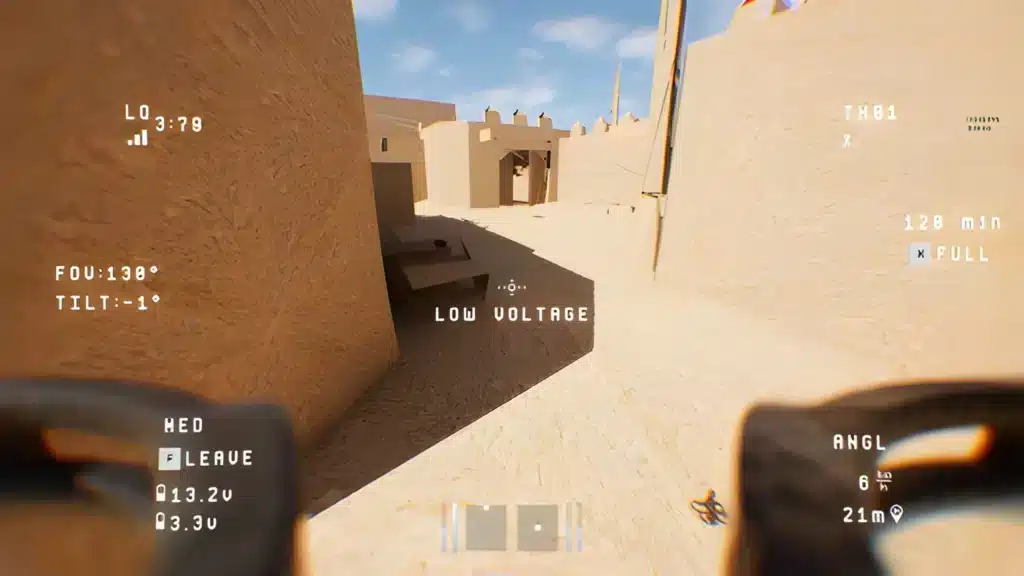
Fly Smoother With A Stable Connection
Precise Bodycam FPV control depends heavily on consistent input response, and any connection hiccup can turn smooth Acro Mode flying into a frustrating, jittery mess.
ExitLag is a game connection optimizer, not a VPN, that analyzes multiple network paths in real time to find the fastest, most stable route to Bodycam’s servers.
That means lower ping and steadier input registration whether you are flying casually or attempting an aggressive Acro Mode play. ExitLag supports over 4,000 titles and is trusted by more than 30 million players worldwide.
It does not modify game files or interact with anti-cheat systems, making it completely safe to run during every Bodycam session. Grab the ExitLag Download and keep your drone flights as smooth as your gunfights.
Frequently Asked Questions About Bodycam FPV
Is Acro Mode Worth Learning For Casual Players?
It depends on your goals. Casual Mode already covers most scouting needs, so Acro Mode mainly benefits players seeking aggressive, high-skill drone plays.
Can The RC Car Replace The FPV Drone Entirely?
Not really. The RC car excels at ground-level scouting and room clearing, while the drone covers overhead and multi-floor reconnaissance the car simply cannot reach.
Does A Physical FPV Controller Work Better Than A Standard Gamepad?
Some experienced players prefer dedicated flight-style controllers remapped through tools like x360CE, but a standard gamepad works fine for most players learning the basics.
How Long Should A Typical Drone Flight Last?
Keeping flights short and purposeful, usually just long enough to gather the information your team needs, minimizes the risk to your exposed character during that time.
All game images used in this blog post belong to Reissad Studio. They are used for informational and educational purposes only and do not imply endorsement or affiliation with the rights holders.
Got questions or want to connect with other players? Join the conversation at the ExitLag Forum!