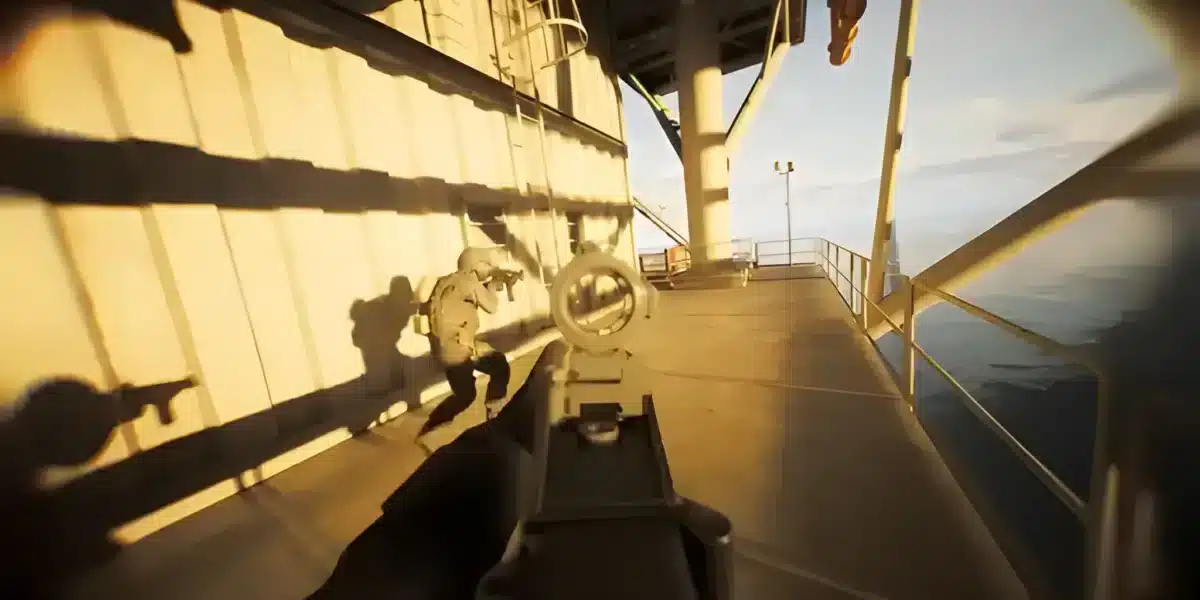
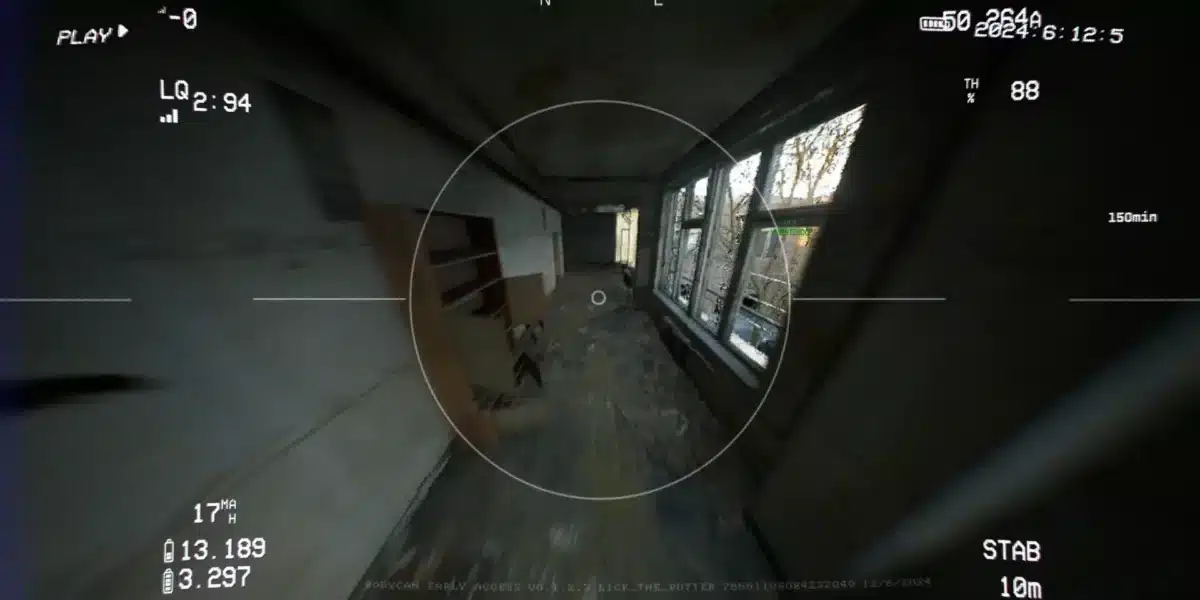
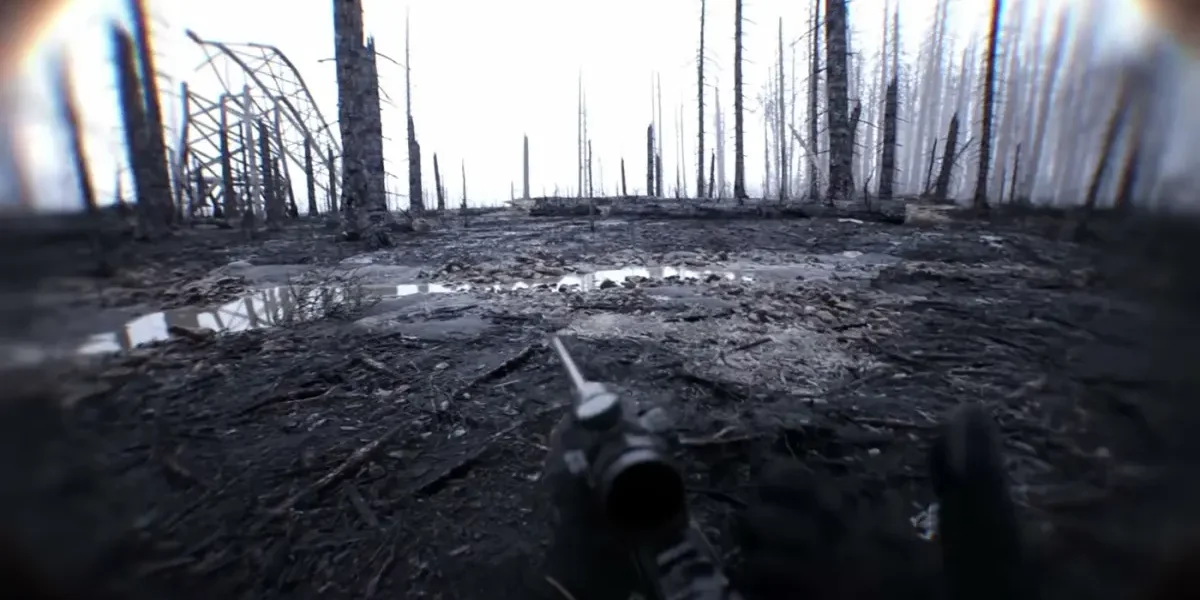
Learning how to play Bodycam feels different from most shooters the moment you load into your first match. There is no floating crosshair, no minimap, and no room for careless movement.
Instead, success comes from patience, sound awareness, and understanding a handful of core mechanics that separate confident players from easy targets.
The fastest way to summarize how to play Bodycam is this: walk more than you sprint, use audio as your primary information source, and aim down sights for anything beyond point-blank range. Master those three habits first.

The Core Objective Behind How To Play Bodycam
Every mode in Bodycam rewards the same underlying skill: placing a clean shot before your opponent notices you. There is no respawn shield or forgiving time-to-kill to bail you out of mistakes.
Consequently, positioning and patience often matter more than raw aiming mechanics, especially for newer players still learning the maps.
What Makes Bodycam Different From Typical Shooters
- No floating crosshair, so you aim using the weapon model itself
- Realistic, surface-aware footstep audio that reveals enemy positions
- A stress-reload system that punishes panicked reloading under pressure
- Fully online multiplayer with no single-player campaign to fall back on
Understanding these differences early prevents the frustration many newcomers feel during their first few matches.
Movement Fundamentals Everyone Learning Bodycam Needs
Walking is your default state, and for good reason. Sprinting broadcasts your location loudly enough that nearby enemies can pinpoint your position instantly.
Therefore, only sprint once you have genuinely confirmed a space is clear of threats.
Movement Techniques To Practice Early
- Lean around corners instead of exposing your full body
- Crouch to change both your audio profile and your visible silhouette
- Walk through unclear areas, reserving sprint for confirmed safe zones
- Use cover transitions deliberately rather than rushing between them
Practicing these fundamentals in the training tutorial before jumping into live matches saves you from learning them the hard way against real opponents.
Why Audio Is Central To How To Play Bodycam
Bodycam features organic reverb and surface-aware footsteps that function almost like a built-in minimap. Headphones are not optional if you want to compete seriously.
As a result, distinguishing sprint cadence, reload sounds, and utility usage from actual gunfire becomes one of the most valuable skills you can build.
Sounds Worth Learning To Recognize
| Sound Type | What It Tells You |
|---|---|
| Sprinting Footsteps | An enemy is moving aggressively nearby |
| Walking Footsteps | An enemy is approaching cautiously |
| Reload Sounds | An enemy is briefly vulnerable |
| Drone or RC Activity | A teammate or enemy is scouting the area |
Recognizing these cues quickly gives you a meaningful advantage over players still relying purely on visual information.
Combat Basics For New Players
There is no floating crosshair in Bodycam, meaning you aim using the weapon model itself. Aiming down sights, mapped to right-click by default, becomes essential for anything beyond extremely close range.
Additionally, the stress-reload system reacts to nearby danger, causing fumbled or rushed reload animations under pressure compared to calm, clean reloads.
How To Approach Your First Gunfights
- Aim down sights before engaging anything past close range
- Avoid reloading in the open when enemies might be nearby
- Pick a single, simple weapon loadout before experimenting further
- Practice full magazine dumps in the training tutorial to feel recoil patterns
What Game Modes Should Beginners Start With?
Deathmatch offers the gentlest introduction since respawns are frequent and the format focuses purely on gunfights rather than objectives. This makes it ideal for learning how to play Bodycam fundamentals.
Once comfortable, Team Deathmatch and Body Bomb introduce coordination and objective-based decision-making on top of the same core mechanics.
Recommended Mode Progression
- Start with the training tutorial to learn movement and aiming
- Move into Deathmatch to practice gunfights without objective pressure
- Try Team Deathmatch once comfortable with basic engagements
- Attempt Body Bomb or Hardpoint after learning map layouts thoroughly
Is How To Play Bodycam The Same With Drones And Gadgets?
Not entirely. The FPV kamikaze drone and RC car, both accessed through the Tactical Tablet, add scouting and utility options beyond straightforward gunfights.
However, deploying either gadget leaves your character standing vulnerable somewhere on the map, so timing and cover matter just as much as with any weapon.
Basic Gadget Guidelines For Beginners
- Use Casual Mode on the drone first, since it stabilizes flight automatically
- Confirm cover before deploying any gadget
- Communicate drone usage with teammates before activating it
- Save Acro Mode’s full manual control for once you feel comfortable with the basics
Understanding Weapon Handling While Learning Bodycam
Once you have movement and audio down, weapon handling becomes the next major skill. Bodycam’s weapon customization system, accessed through the Tactical Tablet, changes eight core stats including recoil, ADS speed, and reload speed.
For beginners, keeping loadouts simple avoids the trap of chasing complicated builds before the fundamentals feel natural.
Beginner-Friendly Weapon Habits
- Stick to one primary weapon until its recoil pattern feels predictable
- Avoid over-customizing attachments before you understand what each stat does
- Practice full magazine dumps in the tutorial to learn recoil visually
- Choose a simple, fast-drawing secondary for close-range emergencies
Map Awareness As Part Of How To Play Bodycam
Learning the layout of maps like Powergun, Village, and the newer Trenches matters just as much as mechanical skill. Knowing common angles and choke points lets you predict enemy positioning before you even hear them.
Moreover, since sprinting is so risky, memorizing safe walking routes through each map reduces how often you accidentally reveal your position.
How To Learn Maps Efficiently
- Spend time exploring maps during quieter Deathmatch matches
- Note common choke points and popular sniping angles
- Pay attention to which areas produce the most footstep echo
- Adjust your playstyle based on whether a map favors close or long range

Pro Tips: How To Play Bodycam
- Play the tutorial more than once: Repetition here builds muscle memory for movement and aiming without any real match pressure.
- Start with Deathmatch on close-quarters maps: Maps like Powergun teach fundamentals faster than open layouts.
- Build one loadout and stick with it: Constantly switching weapons slows down your learning curve significantly.
- Prioritize headphones over speakers: Positional audio is central to nearly every decision you make in a match.
Common Mistakes Bodycam Players Make
- Sprinting through unclear areas: This broadcasts your position instantly. Fix: default to walking and reserve sprinting for confirmed safe paths.
- Ignoring audio cues entirely: New players often rely purely on vision. Fix: practice identifying footstep and reload sounds deliberately.
- Reloading in the open: This leaves you vulnerable during a stress reload. Fix: retreat to cover before reloading whenever possible.
Play With A Smoother Connection While Learning Bodycam
Learning how to play Bodycam is hard enough without fighting a laggy connection on top of it. Since the game relies so heavily on precise audio and timing, even small amounts of latency can throw off your reads.
ExitLag is a game connection optimizer, not a VPN, that analyzes multiple network paths in real time to find the fastest, most stable route to Bodycam’s servers.
That means lower ping, fewer dropped inputs, and audio cues that arrive exactly when they should, which matters enormously while you are still building your instincts. ExitLag supports over 4,000 titles and is trusted by more than 30 million players.
It does not modify game files or interact with anti-cheat systems, so it remains completely safe to run during every session. Grab the ExitLag Download and give yourself one less variable to worry about while you learn.
Frequently Asked Questions About How To Play Bodycam
How Long Does It Take To Get Good At Bodycam?
This varies by player, but consistent practice with movement and audio recognition typically shows noticeable improvement within your first few dozen matches.
Do I Need A Controller Or Mouse And Keyboard?
Both work, though many players find mouse and keyboard offers more precise aiming, especially without a floating crosshair to guide your shots.
Is There A Practice Mode Against Bots?
Only the training tutorial is currently available for solo practice, since every actual mode requires an online connection to other players.
What Should I Focus On During My First Week?
Prioritize movement discipline and audio recognition over chasing kills. Players who master walking, leaning, and sound cues early tend to progress faster than those who only focus on aim.
All game images used in this blog post belong to Reissad Studio. They are used for informational and educational purposes only and do not imply endorsement or affiliation with the rights holders.
Got questions or want to connect with other players? Join the conversation at the ExitLag Forum!