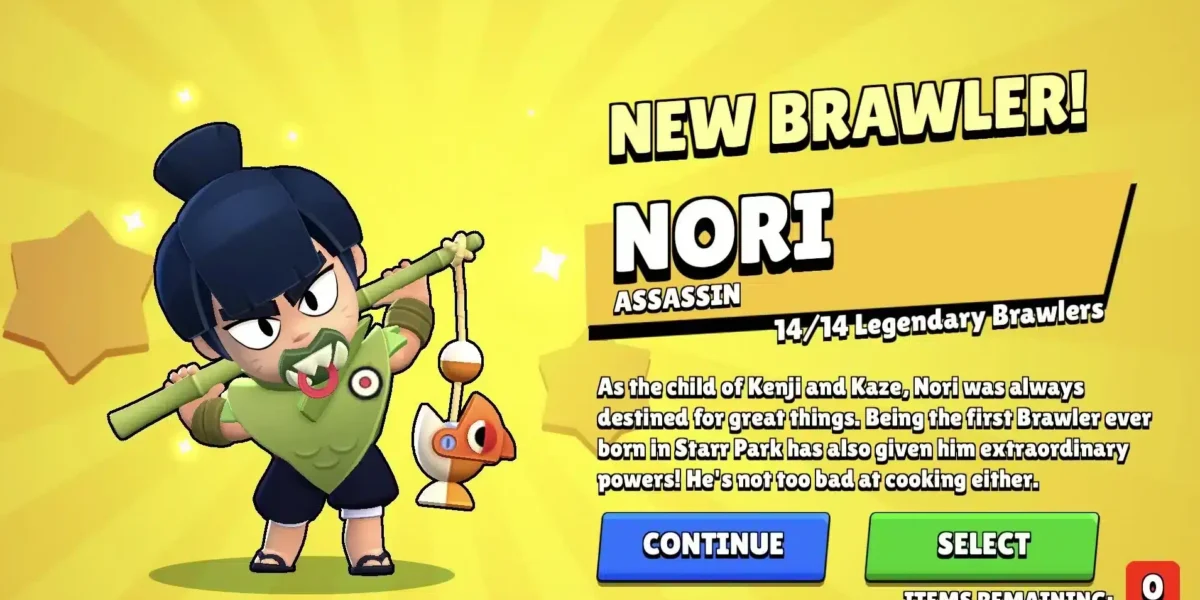
Brawl Stars Unblocked has become one of the most searched topics among students and casual players who want fast matches without restrictions. The game’s short rounds, colorful brawlers, and competitive modes make it perfect for quick sessions. However, many networks block mobile games, especially at school or public places.
That is exactly why Brawl Stars Unblocked solutions are so popular today. Players want freedom. They want to jump into Gem Grab or Showdown without downloading apps or dealing with firewalls.
In simple terms, Brawl Stars Unblocked means accessing the game from restricted networks, usually at school or work, using safe and functional methods. It is not about hacking. It is about finding legitimate ways to play when downloads or app stores are blocked.
What Is Brawl Stars and Why Is It Blocked?
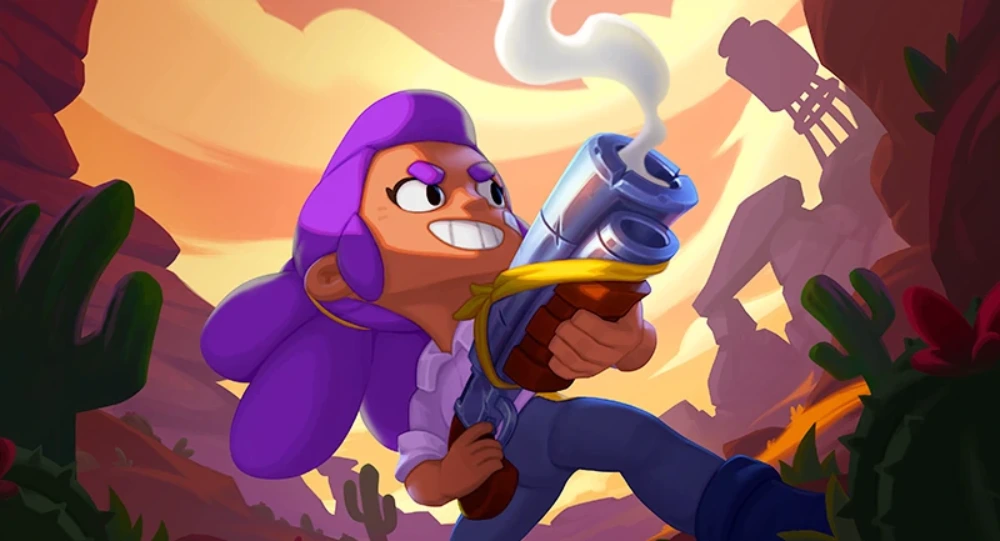
Brawl Stars is a fast-paced multiplayer game developed by Supercell. It combines MOBA-style mechanics with shooter elements and short match durations. Each match usually lasts under three minutes. Schools often block games for one main reason: bandwidth and distraction control. Multiplayer games consume data and can pull attention away from classes.
That is why many students search for play Brawl Stars Unblocked options that work directly in browsers or through alternative platforms.
Why Brawl Stars Is So Popular at School
The game fits perfectly into short breaks. Matches are quick, controls are simple, progress feels rewarding even in short sessions. Because of that, Brawl Stars’ School searches keep increasing. Players want quick access without complex setup.
Another reason is social gameplay. Friends can team up even during short breaks. That makes unblocked access even more attractive.
Brawl Stars Unblocked and Browser-Based Play
One of the most common questions is whether Brawl Stars browser versions exist. Brawl Stars does not have an official browser version from Supercell. However, players still manage to play using alternative methods that work through browsers indirectly.
These options usually include:
- Cloud-based Android emulators
- Web platforms hosting mobile game streams
- Mirrored Android environments
These methods allow play Brawl Stars Unblocked without installing apps on restricted devices.
Is It Safe to Play Brawl Stars Unblocked?
Safety depends on the method. Trusted emulators and cloud platforms are generally safe. Random “unblocked games” websites are often not.
Players should always avoid:
- Sites asking for Supercell login credentials
- Modified or “hacked” versions
- Downloads from unknown sources
Using legit tools protects your account and progress.
Unblocked Games Platforms and Brawl Stars
Many students are familiar with unblocked games websites. These platforms usually host simple HTML5 games that bypass school filters. However, Brawl Stars is different. It is a real-time multiplayer game that requires servers and accounts.
That means:
- It is rarely hosted directly on unblocked games sites
- Browser-based access usually relies on streaming or emulation
- Quality depends heavily on connection stability
This is where performance becomes critical.
Performance Issues When Playing Unblocked
Lag is the biggest problem. School networks are not optimized for gaming. Packet loss, high ping, and unstable routing are common.
When playing Brawl Stars Unblocked, lag can cause:
- Delayed attacks
- Missed supers
- Lost matches
That is why connection optimization matters even more than the access method itself.
How ExitLag Improves Brawl Stars Gameplay
ExitLag is designed to optimize game connections by routing traffic through the fastest paths available. When playing Brawl Stars from restricted networks, this becomes essential.
ExitLag helps by:
- Reducing ping spikes
- Stabilizing packet delivery
- Avoiding congested routes
This means smoother matches, even when using browser-based or emulator-based solutions. For players relying on Brawl Stars Unblocked access, ExitLag can be the difference between winning and losing.
Best Game Modes for Unblocked Play
Not all modes perform the same on restricted networks.
Some modes are more forgiving when latency is present.
Recommended modes:
- Showdown (Solo)
- Brawl Ball
- Gem Grab
Modes that require perfect timing, like Knockout, may feel harder with unstable connections. Choosing the right mode improves the experience when you play Brawl Stars Unblocked.
Common Myths About Brawl Stars Unblocked
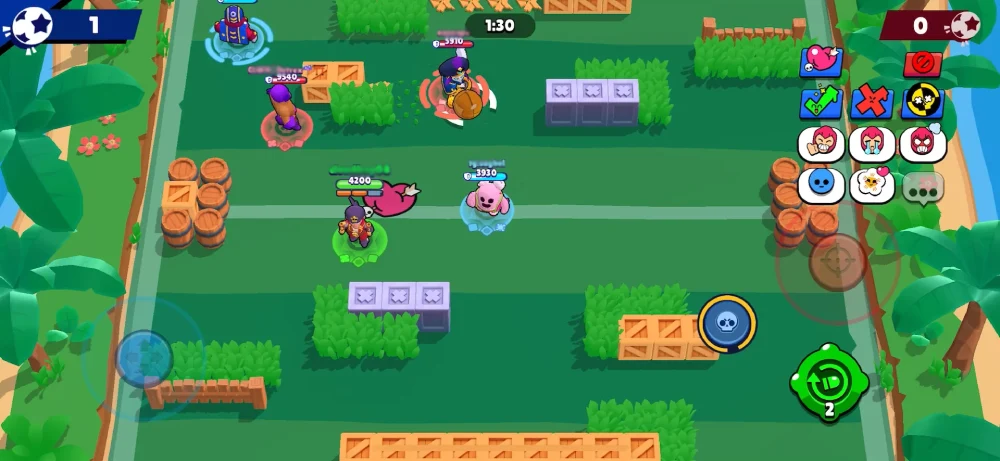
There are many misconceptions online.
Let’s clear them up.
- You do not need mods to play unblocked
- Browser play does not mean official support
- School filters vary by network
Most solutions depend on how strict the firewall is. What works in one school may not work in another.
Why Students Prefer Browser Access
Browser-based access has clear advantages:
- No installation needed
- Works on shared computers
- Faster setup
That explains the popularity of Brawl Stars browser searches. Students want instant play without leaving traces on school devices. However, browser solutions rely heavily on connection quality. That again highlights the importance of optimization tools.
Is Playing Brawl Stars Unblocked Against the Rules?
This depends on school policies. From the game’s perspective, playing through emulators or cloud services is not illegal. Supercell allows emulator usage in general. However, schools may restrict network usage, players should always be aware of local rules, the goal is convenience, not breaking policies.
The Future of Brawl Stars Unblocked Play
As cloud gaming evolves, browser access will likely become easier.
We are already seeing:
- Better cloud emulators
- Lower latency streaming
- Improved browser compatibility
This means Brawl Stars Unblocked access will continue to grow, especially among students and casual players and as access improves, performance optimization will matter even more.
Thoughts So Far
Brawl Stars Unblocked is not just a trend. It is a response to how and where players want to play. School, libraries, and restricted networks are part of daily life for many gamers. Finding safe ways to play Brawl Stars Unblocked, choosing reliable platforms, and optimizing your connection are the keys to enjoying the game anywhere.
In the next part, we will dive deeper into specific methods, browser tools, and practical setups that actually work on school networks without risking your account or your device
How Players Actually Play Brawl Stars Unblocked
There is no magic button. Every working method fits into one of three categories.
Cloud-based Android emulation
This is the most reliable solution. Cloud emulators run Android remotely and stream the game to your browser. Since the game is not installed locally, most school filters fail to block it.
Key advantages:
- Works directly in a browser
- No admin permissions required
- Compatible with most school PCs
This is currently the closest thing to a functional Brawl Stars browser experience.
Local emulators with browser access
Some networks allow access to emulator launchers hosted online, in this case, you open the emulator interface in a browser, then load the Play Store inside it. This method depends heavily on how strict the school firewall is.
Personal devices on restricted Wi-Fi
Students often forget this option,if you use your own laptop or tablet on school Wi-Fi still counts as Brawl Stars school access. The device is yours, but the network is restricted, this method works best when combined with proper connection optimization.
What Does NOT Work
Many players waste time on unreliable solutions.
Avoid these:
- Fake unblocked games websites claiming “instant Brawl Stars”
- Downloadable cracked APKs
- Modified versions promising unlimited gems
These options often lead to:
- Account bans
- Malware
- Broken matchmaking
If a site promises “no login needed,” it is almost always fake.
Brawl Stars Unblocked: Methods Comparison
| Method | Works at School | Browser-Based | Installation Required | Performance Stability | Risk Level |
| Cloud Android Emulator | Yes | Yes | No | High (depends on connection) | Low |
| Local Android Emulator | Sometimes | No | Yes | Very High | Low |
| School PC + Browser Stream | Yes | Yes | No | Medium | Low |
| Unblocked Games Websites | Rarely | Yes | No | Very Low | High |
| Modded / Cracked Versions | Yes | No | Yes | Unstable | Very High |
| Personal Device on School Wi-Fi | Yes | No | Yes |
Can You Really Play Brawl Stars in a Browser?
The short answer is yes, but not natively. Supercell does not offer a true browser version. Any Brawl Stars browser setup is actually a streamed Android session.
That distinction matters because:
- Input delay can happen
- Network stability becomes critical
- Optimization tools matter more
A browser stream lives or dies by latency.
Best Practices for Playing at School
When it comes to Brawl Stars school gameplay, small adjustments make a big difference.
Choose lighter modes
Avoid modes that punish delay.
Better options:
- Solo Showdown
- Duo Showdown
- Gem Grab
These modes are more forgiving when latency fluctuates.
Lower visual load
Inside emulators, reduce resolution and FPS caps.
This:
- Reduces lag
- Improves responsiveness
- Prevents freezes on older PCs
Avoid peak network hours
Lunch breaks overload school networks. Early mornings or free periods usually offer smoother sessions when you play Brawl Stars Unblocked.
Why Lag Is the Biggest Enemy
Unblocked access is only half the battle.
Lag ruins everything.
Symptoms include:
- Shots not registering
- Supers activating late
- Sudden disconnects
School networks reroute traffic through congested paths. This causes unstable ping, even if download speed looks fine.
How ExitLag Solves This Problem
ExitLag focuses on routing, not bandwidth.
When playing Brawl Stars Unblocked, ExitLag:
- Selects the fastest available server path
- Avoids congested routes used by school networks
- Reduces packet loss
This results in smoother movement, faster response times, and more reliable matches. For students relying on browser streams or emulators, ExitLag becomes even more valuable because every millisecond matters.
Are Unblocked Games Platforms Worth It?
For simple games, yes. For Brawl Stars, not really.
Most unblocked games sites are built for HTML5 titles, not live multiplayer games with accounts and servers.
They work great for:
- Puzzle games
- Platformers
- Offline arcade titles
They struggle with:
- Real-time PvP
- Account-based progression
- Cloud saves
That is why Brawl Stars access almost always relies on emulation or streaming instead.
Account Safety and Progress
One major concern is account loss. Good news: Playing through emulators or cloud platforms does not erase progress; your Supercell ID syncs everything as long as you log in normally. Bad news: Using modified clients can permanently ban your account.
Rule of thumb:
If it asks for your Supercell password outside the official login screen, leave immediately.
Keyboard and Mouse vs Touch Controls
Browser-based play often supports keyboard mapping.
Pros:
- Better aim with ranged brawlers
- Faster movement precision
- Easier super activation
Cons:
- Takes time to configure
- Feels different from mobile
Many players adapt quickly and even prefer it when they play Brawl Stars Unblocked regularly.
Common Questions Students Ask
No, but it may violate school network policies. That depends on the institution.
Not if you use official versions through emulators or cloud platforms.
No. Matchmaking is the same. Performance depends on connection quality, not access method.
The Future of Brawl Stars Unblocked Access
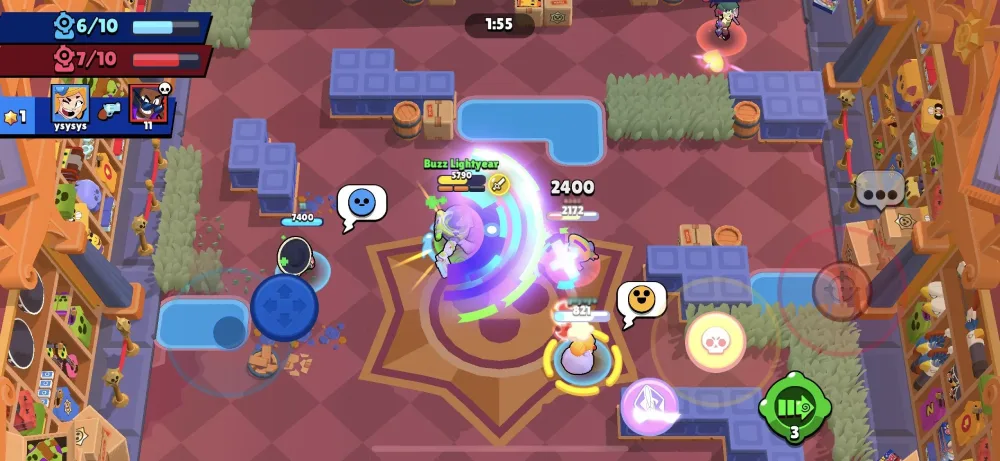
Cloud gaming is evolving fast.
We are already seeing:
- Lower input latency
- Better browser streaming
- Improved emulator performance
This means Brawl Stars Unblocked access will continue to improve, especially for students. As access improves, competitive balance stays the same. Skill still wins matches.
Final Performance Tips
Before every session:
- Close background tabs
- Disable auto-updates
- Optimize emulator settings
- Use ExitLag
These steps dramatically improve consistency when you play Brawl Stars Unblocked on restricted networks.
Closing Thoughts
Playing Brawl Stars anywhere is no longer a dream. With the right setup, safe tools, and proper optimization, Brawl Stars Unblocked gameplay is realistic, stable, and enjoyable.
Students, casual players, and competitive grinders all benefit from understanding what actually works instead of chasing fake shortcuts. When access meets performance, the game finally feels the way it should fast, responsive, and fun.
Got questions or want to connect with other players? Join the conversation at the ExitLag Forum!