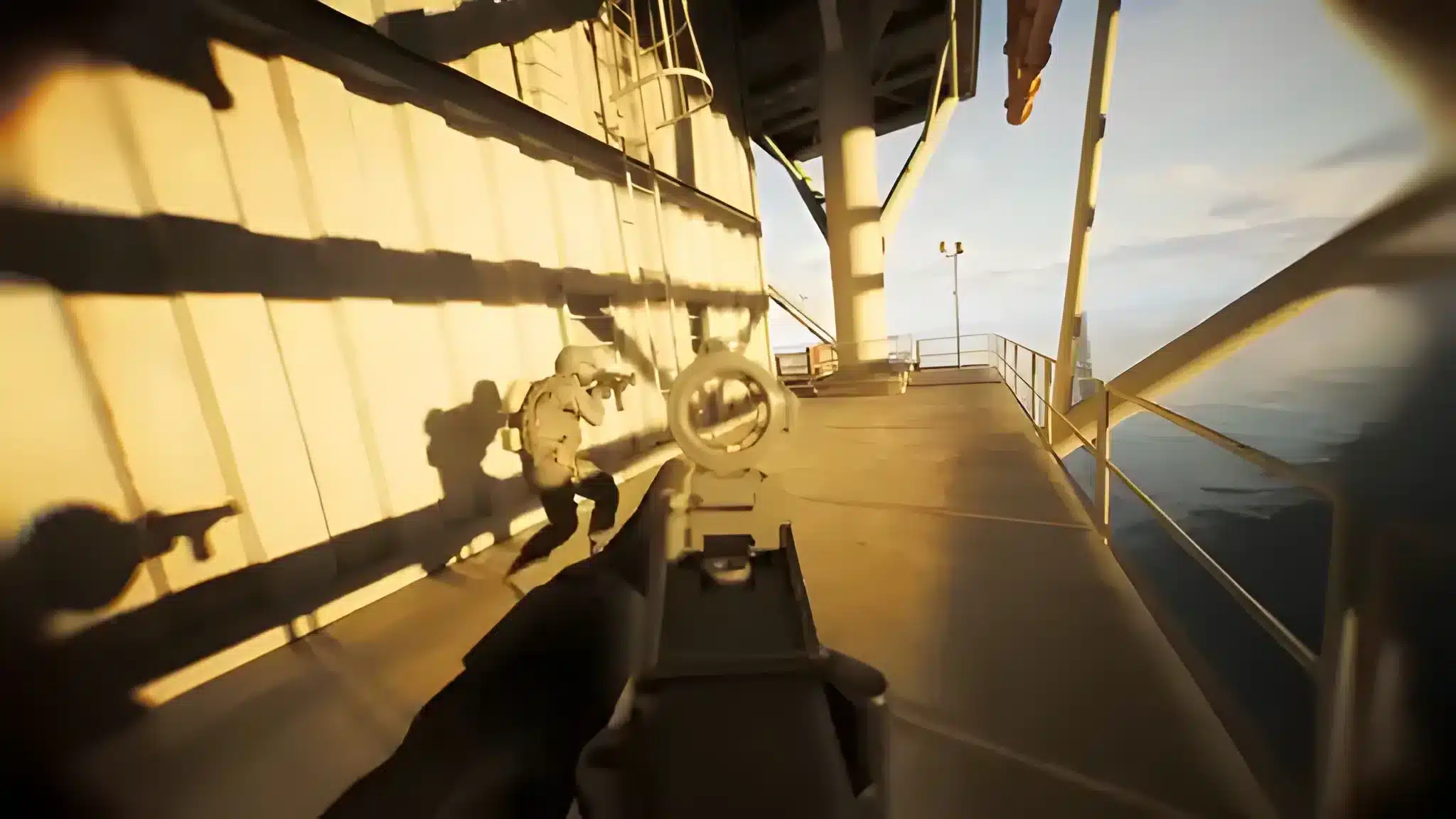
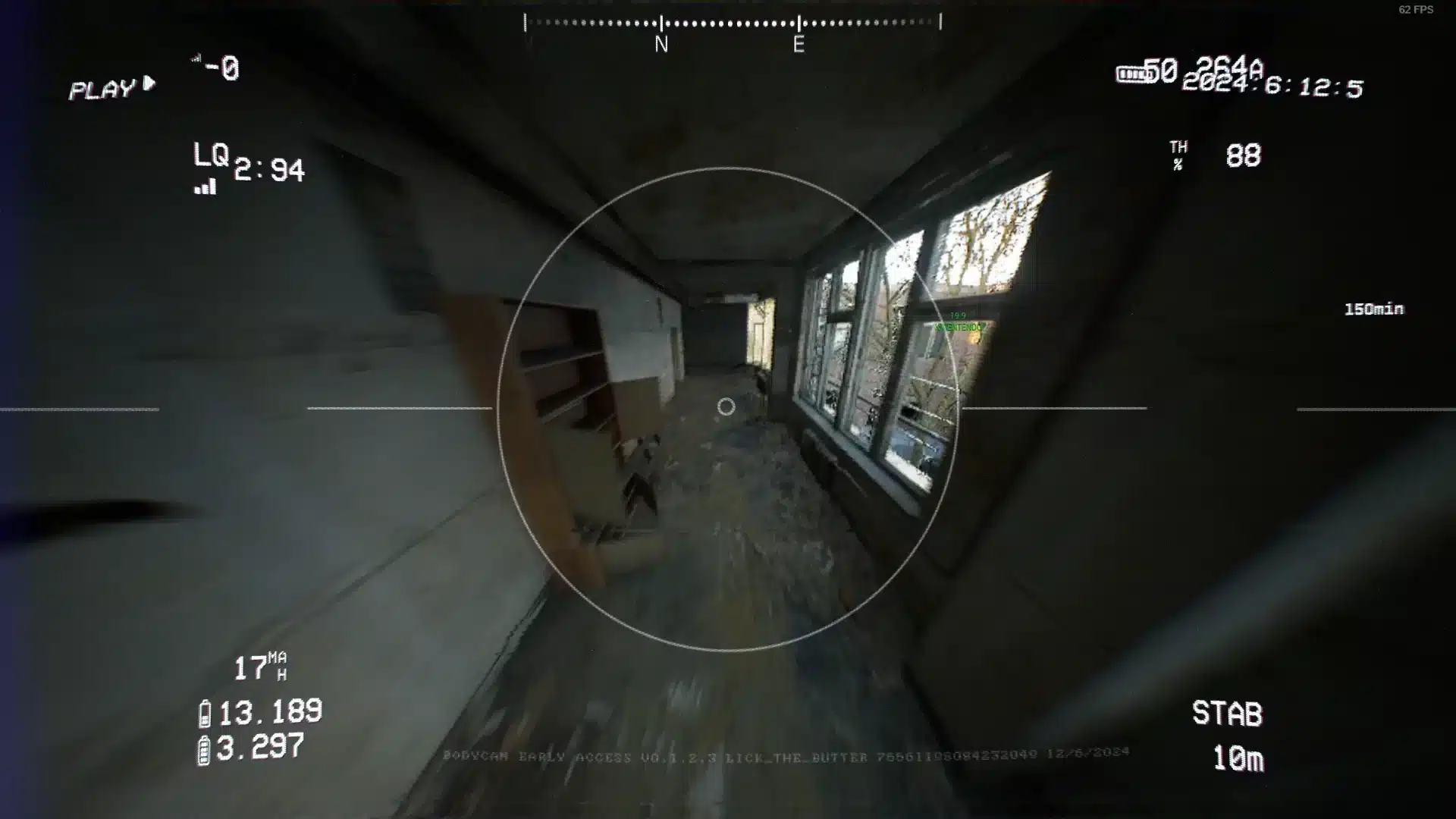
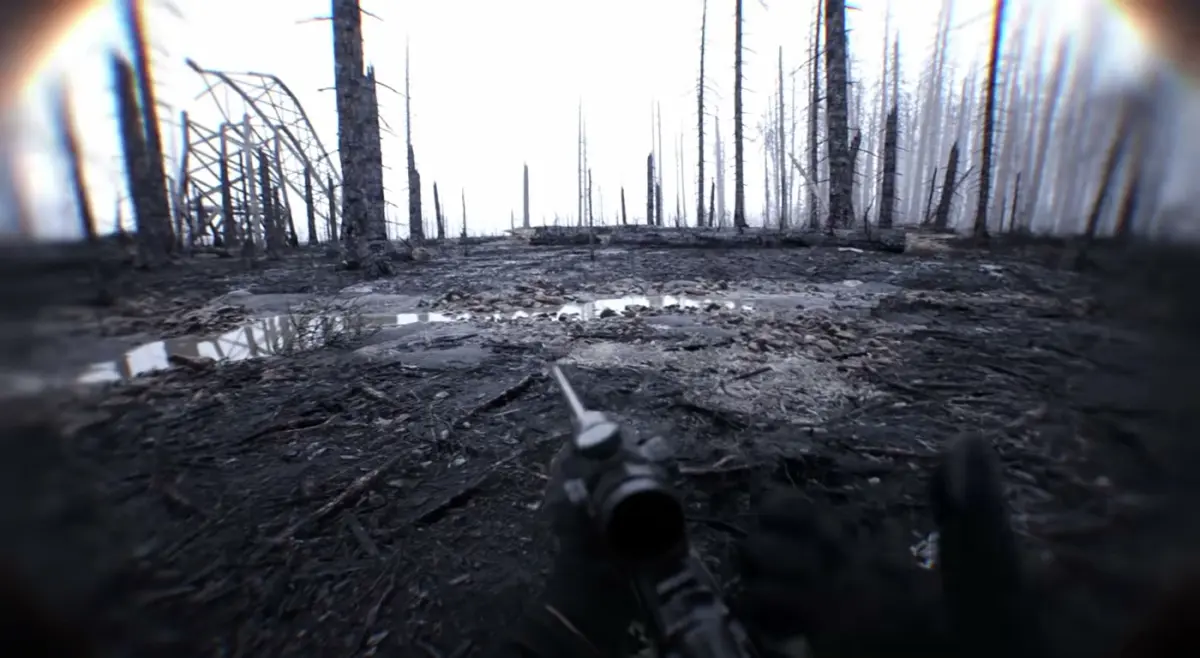
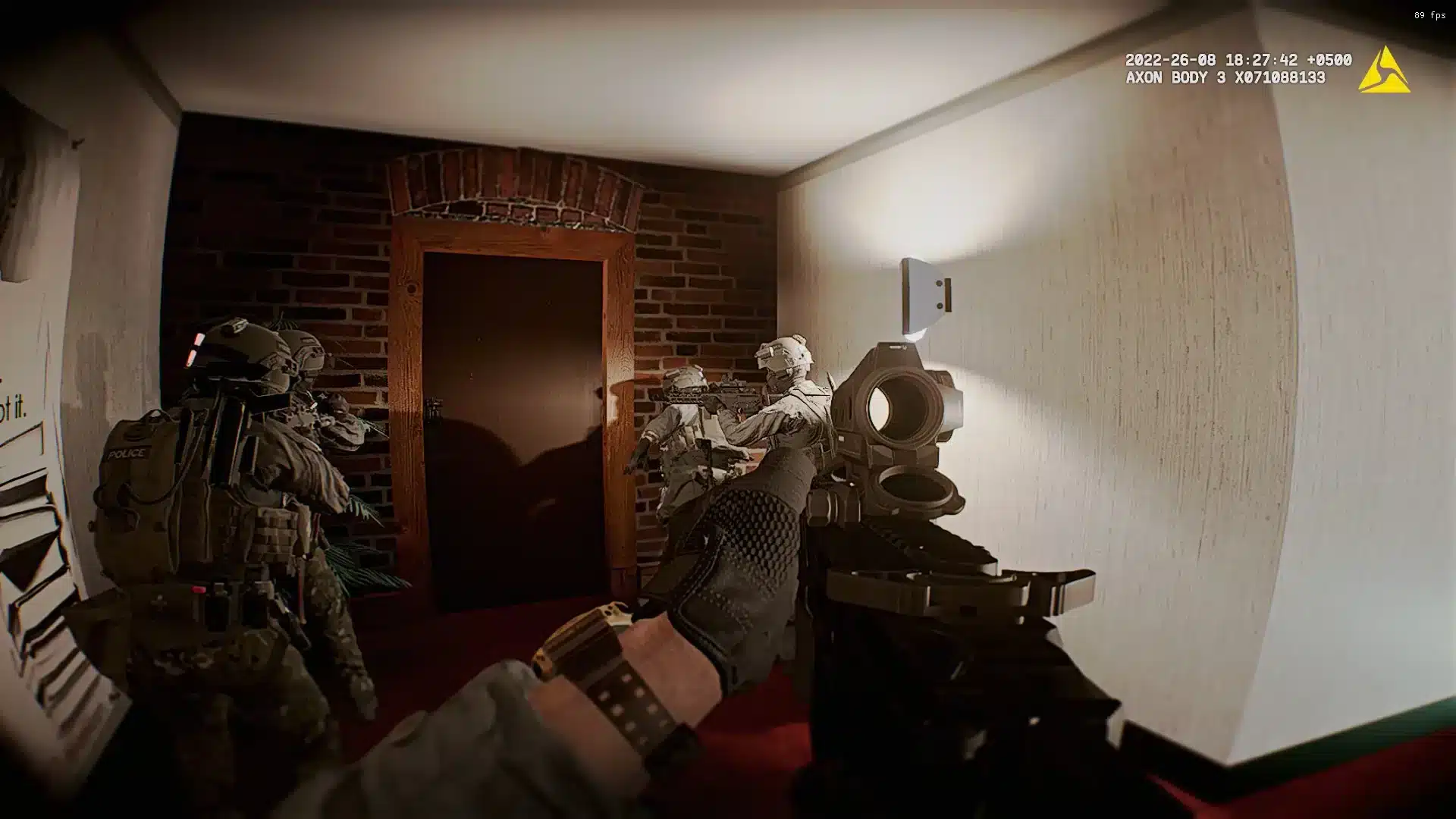
Bodycam has become one of the most talked about tactical shooters on PC, thanks to its hyper-realistic mocap visuals and Unreal Engine 5 presentation. That realism raises one practical question fast: Can You Play Bodycam With A Controller instead of a mouse?
So Can You Play Bodycam With A Controller without losing accuracy or missing core features? It is a fair question, since plenty of tactical shooters quietly favor one input method over another.
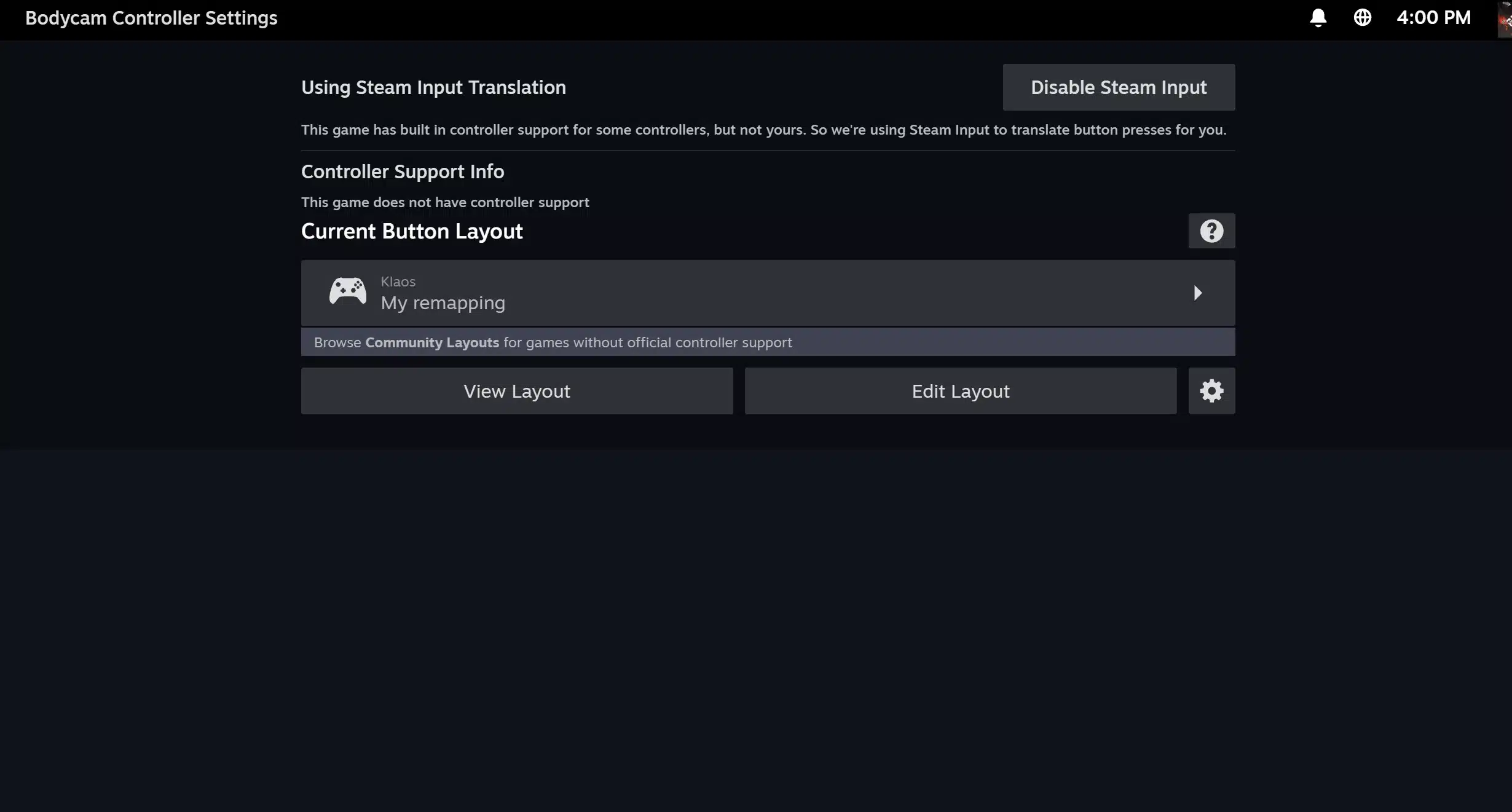
Here is the direct answer to Can You Play Bodycam With A Controller: there is no official, native support on Steam. Instead, you rely on Steam Input and manual remapping to get a gamepad working.
However, thousands of players still use a controller successfully through Steam Input configurations. In short, it works, but you have to set it up yourself.
Can You Play Bodycam With A Controller Right Now?
This is the first thing to clarify before you plug in a gamepad. Bodycam is developed by a very small indie team.
Their public priority has always been keyboard and mouse precision. Therefore, controller functionality is not something the developers actively advertise or maintain.
That said, "no official support" does not mean "impossible." Indeed, community members have been asking Can You Play Bodycam With A Controller since the game's early access launch, and the workaround community has grown steadily.
What Steam Officially Lists For Bodycam Controller Support
If you check the Bodycam store page on Steam, you will not find a "Full Controller Support" badge next to the game. This matters because that badge usually signals a polished, menu-to-menu gamepad experience out of the box.
Without it, here is what you should expect instead:
- No default controller icon prompts in menus or tutorials
- No official rebinding screen built specifically for gamepads
- Partial recognition of controller input in some menus, but not all
- A reliance on Steam's own input translation layer to make a controller act like a mouse and keyboard
Why Bodycam Is Built Keyboard And Mouse First
Bodycam's entire identity is built around realistic recoil, slow methodical movement, and pixel-precise aiming. As a result, keyboard and mouse naturally fit that design philosophy better than an analog stick.
Consequently, the developers have focused their limited resources on tightening mouse sensitivity curves, leaning mechanics, and weapon handling. Building a native Bodycam Controller Support system simply is not the priority right now.
This is common for small studios working on Unreal Engine 5 projects with tight headcounts.
How Do You Set Up A Controller For Bodycam?
This is the practical side of Can You Play Bodycam With A Controller: the actual setup process. It takes a bit more effort than a console style game, but it is far from impossible.
Most players use Steam Input, which is Valve's built in system for translating controller signals into mouse and keyboard commands.
Follow this general process to get started:
- Plug in your controller (Xbox, PlayStation, or a generic gamepad) and let Windows detect it automatically.
- Launch Bodycam through Steam, not through a separate launcher, so Steam Input can intercept the signals.
- Open the Steam overlay with Shift and Tab, then access the controller configuration menu.
- Apply a community made template built for Bodycam, or start from a generic keyboard and mouse template.
- Test movement, aiming, leaning, and menu navigation before jumping into a live match.
- Remove duplicate bindings, since some templates map the same action twice by default.
Step-By-Step Steam Input Configuration
Within Steam's controller settings, you want to select "Keyboard (WASD) and Mouse" as your base template. This gives you a starting point that already understands movement and camera look.
From there, adjust these specific bindings for a smoother experience:
- Right stick sensitivity, lowered slightly for tighter close-quarters aiming
- Left trigger for aiming down sights, since it mimics a mouse click hold
- Right trigger for firing, kept separate from aim to avoid accidental shots
- Bumpers mapped to lean left and lean right, replacing the default Q and E keys
Best Controller Layouts And Community Configs
Several community members have shared working configurations tagged for Bodycam. These save you from testing every single button by trial and error.
When browsing community configurations, prioritize ones with:
- Recent updates, since Bodycam patches occasionally break old bindings
- High ratings or positive comments mentioning stable menu navigation
- Clear labeling for lean, sprint, and tactical sprint, which are easy to miss
Bodycam Controller Support: What Actually Works In-Game
Once your layout is active, most players report that core movement and shooting behave reasonably well. However, some finer mechanics still feel clunky compared to keyboard and mouse.
In practice, Bodycam Controller Support through Steam Input covers the essentials but rarely feels one hundred percent native. Menus in particular can still misbehave depending on your controller model.
Movement And Aiming With A Gamepad
Movement translates cleanly to a controller, since walking, crouching, and sprinting map naturally to sticks and face buttons. Aiming, however, is the biggest adjustment.
Because Bodycam rewards small, precise mouse flicks during close-quarters engagements, stick aiming feels noticeably slower. As a result, many controller players lower their overall sensitivity and lean on aim assist settings where available.
Menus, Inventory, And Lean Mechanics On Controller
Inventory management and settings menus are where controller users run into the most friction. Some players report the back button failing to exit certain screens, forcing a quick tap on a connected keyboard.
Leaning, meanwhile, is a core survival mechanic in Bodycam's close-quarters combat. Mapping it to the bumpers, rather than the triggers, tends to feel more natural and less accidental during firefights.
Is Keyboard And Mouse Better Than Controller In Bodycam?
This is arguably the more important question for competitive players. In terms of raw precision, keyboard and mouse remains the stronger option for Bodycam's twitchy, realistic gunplay.
Still, that does not mean a controller is unusable, especially for casual sessions. The Bodycam Keyboard And Mouse Vs Controller debate really comes down to your goals: casual immersion versus competitive accuracy.
Precision Aiming In Close-Quarters Combat
Bodycam's gunfights often happen at extremely short range, where a fraction of a second decides the outcome. Mouse aiming allows instant, wide movements that a thumbstick simply cannot replicate as quickly.
Additionally, Bodycam's realistic recoil patterns reward fine muscle memory that a mouse and a flat surface make easier to build. Consequently, most high-level clips and competitive lobbies are dominated by keyboard and mouse players.
When A Controller Still Makes Sense
Despite the precision gap, a controller has real advantages for certain players.
A gamepad setup tends to make sense when you:
- Prefer sitting back from a larger screen instead of a desk setup
- Have wrist or hand strain from extended mouse use
- Mainly play solo or casual matches rather than ranked lobbies
- Already own a comfortable controller and want to test the game before investing in a new setup
| Feature | Keyboard And Mouse | Controller (Steam Input) |
|---|---|---|
| Aiming precision | Very high, instant flick shots | Lower, relies on stick sensitivity |
| Recoil control | Easier fine adjustments | Harder to fine tune quickly |
| Menu navigation | Fully supported, no issues | Sometimes inconsistent |
| Setup effort | Works immediately | Requires manual Steam Input configuration |
| Comfort for long sessions | Can strain wrist over time | Generally more relaxed grip |
| Competitive viability | Preferred in ranked play | Usable, but a clear disadvantage |
Bodycam Gamepad Support: Common Bugs And Fixes
Even with a solid configuration, controller players occasionally hit snags that keyboard and mouse users never see. Knowing these ahead of time makes troubleshooting much faster.
Community reports around Bodycam Gamepad Support consistently mention the same handful of issues, which is actually good news. It means most problems already have known fixes.
Ranked And Public Lobbies Considerations
Since Bodycam does not separate input methods into different matchmaking pools, controller and mouse players share the same lobbies. Therefore, expect to face keyboard and mouse opponents regardless of your setup.
This is not necessarily unfair, since Bodycam's slow pace and realism reduce some reflex advantages mouse aiming provides in faster arcade shooters. Nevertheless, competitive players should go in with realistic expectations.
Fixing Common Controller Bugs And Glitches
A few recurring issues show up across community discussions, and most have simple workarounds. Try these before assuming your controller is broken.
- If the back button will not exit a menu, tap Escape on a connected keyboard once
- If movement feels like a mixed toggle, disable "toggle crouch" in the base keyboard template
- If the game does not detect your controller at all, restart Steam with the controller already plugged in
- If bindings reset after an update, reapply your saved community configuration
Pro Tips: Bodycam Controller Support
- Lower your stick sensitivity first: Most new players start too high, causing overshoot during close-quarters trades. A slower curve improves consistency more than raw speed.
- Keep a keyboard nearby during setup: A great configuration can still hit a menu that only responds to keyboard input. Having one within reach avoids getting stuck mid-match.
- Rebind lean to the bumpers: Trigger based lean often conflicts with aim down sights, since both use similar finger movement. Bumpers keep the actions physically separate.
- Test in a private match first: Run through movement, aiming, and inventory alone before a live lobby. This exposes broken bindings without costing you a round.
- Update your template after patches: Bodycam updates occasionally shift default keybinds. Refreshing your Steam Input layout prevents input failures right after a patch.
Common Mistakes Bodycam Controller Players Make
Most players who ask Can You Play Bodycam With A Controller run into the same handful of avoidable errors. Fixing these early saves entire sessions of frustration.
- Using the default Steam template without adjustments: Many players apply a generic layout and assume it is optimized for Bodycam. Fix: manually adjust sensitivity, triggers, and lean bindings instead of trusting defaults.
- Ignoring dead zone settings: A high dead zone makes small aim adjustments feel unresponsive. Fix: lower the dead zone gradually until stick drift disappears without sacrificing control.
- Expecting console-level polish: Since there is no official badge, players assume Bodycam should feel like a first-party console title. Fix: treat it as a community-supported setup and adjust expectations.
- Skipping the private match test: Jumping into a public lobby with an untested layout wastes rounds fixing bindings mid-match. Fix: always confirm your setup works before playing seriously.
Boost Bodycam Controller Performance With ExitLag
Whether you play with a controller or keyboard and mouse, Bodycam's close-quarters gunfights punish inconsistent input timing. A perfectly tuned gamepad layout still feels bad if your connection is stuttering.
That is where a dedicated connection optimizer becomes genuinely useful.
ExitLag is not a VPN. Instead, it is a game connection optimizer that scans multiple network routes in real time and picks the fastest, most stable path to the game's servers.
It does not encrypt your traffic or mask your IP, and it does not touch anything outside the games it supports.
What Is ExitLag And How Does It Help Bodycam Players
ExitLag currently supports over 4,000 titles across PC and mobile, backed by more than 1,500 servers spread across over 190 countries. It is trusted by more than 30 million players and processes over 18 million optimizations every single week.
For Bodycam, where recoil timing and lean windows depend on inputs registering instantly, that stability matters a lot. Specifically, these features tend to help the most:
- Real-time Optimization: Reduces delay and packet loss, so your trigger pulls and lean movements register when you actually make them.
- Multipath Technology: Sends your data through multiple routes at once, so a single bad hop does not tank your entire connection mid-fight.
- AI-powered routing: Automatically selects the fastest, most stable path with one click, while still allowing manual route customization if you prefer control.
- PC Boost: Cleans up background processes and RAM usage, which helps keep frame rates smoother during intense firefights.
How To Download And Set Up ExitLag For Bodycam
Getting started only takes a few minutes, and it runs alongside Steam without any special configuration for Bodycam itself. You simply launch it before starting your session.
If a stable, low-latency connection sounds like something your controller setup (or your mouse hand) could use, grabbing the ExitLag Download is a quick way to find out whether your ping has been the real problem all along.
Final Verdict: Can You Play Bodycam With A Controller
At this point, the picture should be clear. There is no official badge confirming full support, but a well configured Steam Input setup gets you most of the way there.
Quick Recap For Controller Players
Before you close this guide, keep these key points in mind:
- Bodycam currently has no native, official controller support listed on Steam
- Steam Input lets you translate gamepad signals into working keyboard and mouse commands
- Community configurations exist and are actively maintained by the player base
- Menu navigation and precision aiming remain the weakest points for controller users
- Keyboard and mouse still holds a real edge in competitive, high-level play
Should You Switch To Controller Or Stick With Keyboard And Mouse?
Ultimately, this depends on how you plan to play. If you are chasing ranked performance, keyboard and mouse remains the safer choice for now.
However, if comfort and casual immersion matter more to you than squeezing out every frame of reaction time, a controller is a perfectly valid way to experience the game.
In the end, Can You Play Bodycam With A Controller comes down to effort versus expectation. Yes, with setup, but not with the same out of the box polish as keyboard and mouse.
All game images used in this blog post belong to Reissad Studio. They are used for informational and educational purposes only and do not imply endorsement or affiliation with the rights holders.