City Never Sleeps Deadlock is the biggest content drop Valve has pushed to its hero shooter in a long time. A reworked map, six new heroes and a shady merchant all landed at once.
That much change means a lot of players are jumping back in at the same time. If you are one of them, you want your matches to feel smooth from the first minute.
In short, City Never Sleeps Deadlock refers to the major update for Valve's Deadlock that adds six heroes (released two per week), a visually reworked New York map, new neutral enemies, The Broker with Corrupted Items, a rebuilt HUD and better accessibility options. Access to the game is still limited to invites, so you need a playtester friend to get in.
Below you will find a clear breakdown of every major change, practical ways to adapt, and the network fixes that matter most when servers get busy.
If your frames are the problem, read our guide to fixing FPS drops in Steam games. If the ping graph looks like a mountain range, the guide to fixing jitter in Steam games is the better start.
What Is City Never Sleeps Deadlock and What Changed?
The Deadlock City Never Sleeps Update is a large content and quality-of-life patch. It touches the map, the heroes, the interface and the sandbox tools. Most coverage lists features one by one. Here is a faster way to see what actually affects your matches.The Six New Heroes
Six new heroes arrive in a staggered schedule. Two are released each week, on Tuesdays and Fridays at 2:00 PM PT, starting October 2. Players vote in the lobby to help decide the order. The roster includes characters such as Nurse Harrow, Solomon, Baba and Violet.- Nurse Harrow: a strict medical-themed pick.
- Solomon: a strategic, checkmate-minded hero.
- Baba: a giggling, spell-slinging character.
- Violet: an agile, creative painter.
The Reworked New York Map
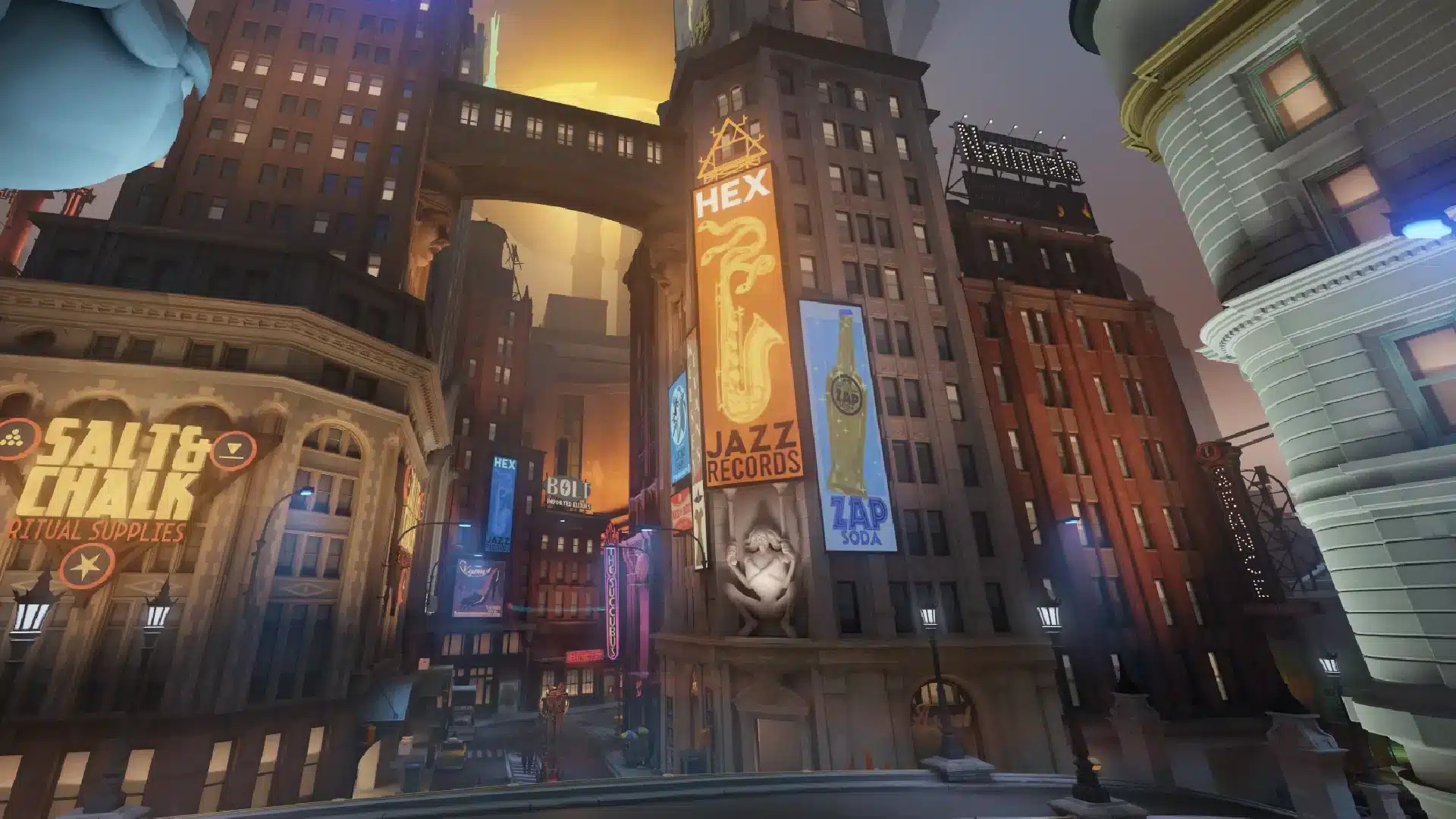
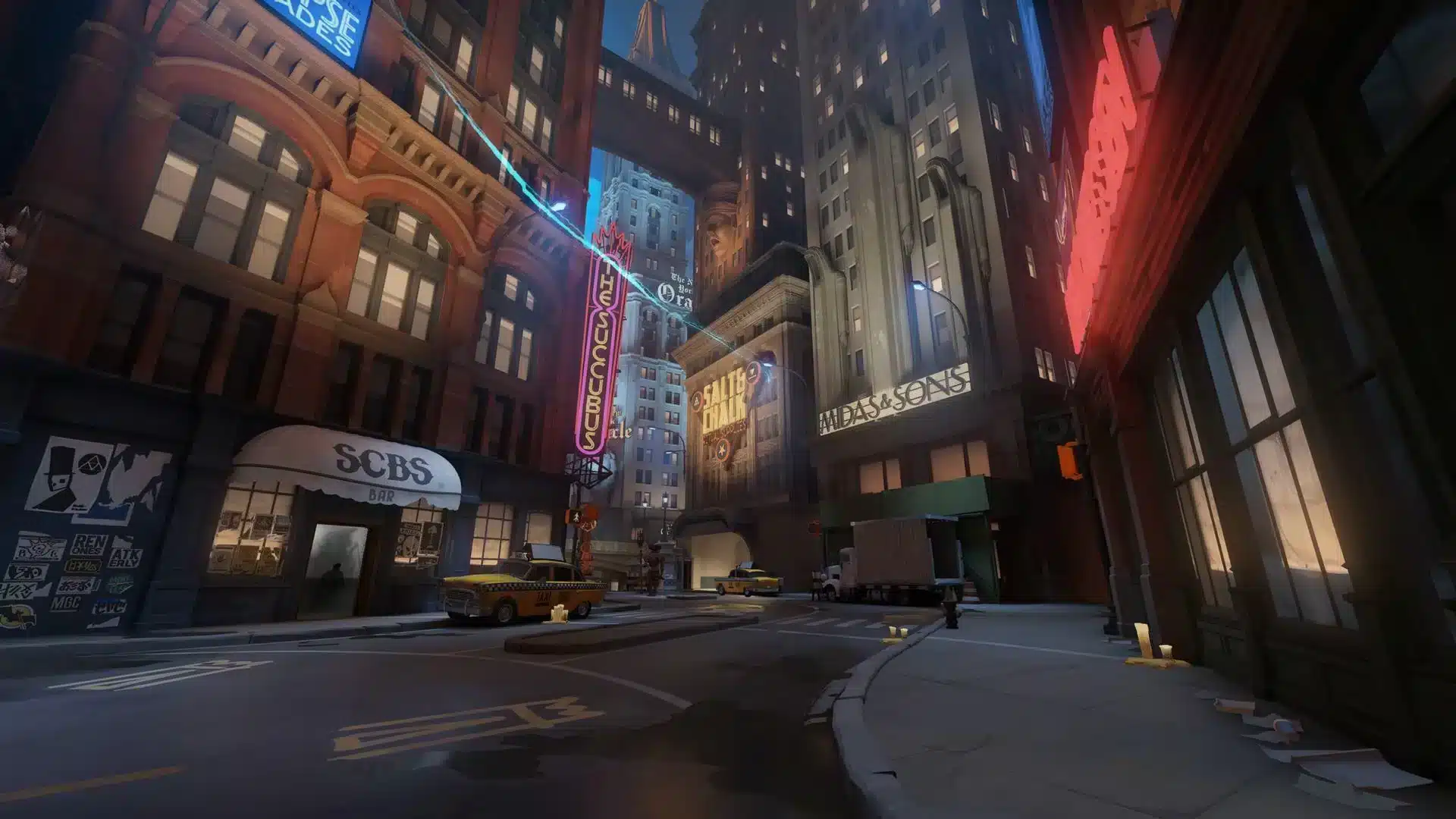
The city got a major visual overhaul, including the Theater, Chinatown, Haunted Lot and Plaza districts. Broadway, Uptown and Times Square also look different. Furthermore, there are new map features that change how you rotate and fight.- Sunken Plaza: a high-risk, high-reward underground area.
- Bell Tower: soul collection with an audio alert for everyone.
- Steam Vents: movement spots that offer invisibility.
- Tough Crates: breakables that need heavy melee hits.
- Healing Snacks: small recovery pickups around the lanes.
The Broker and Corrupted Items
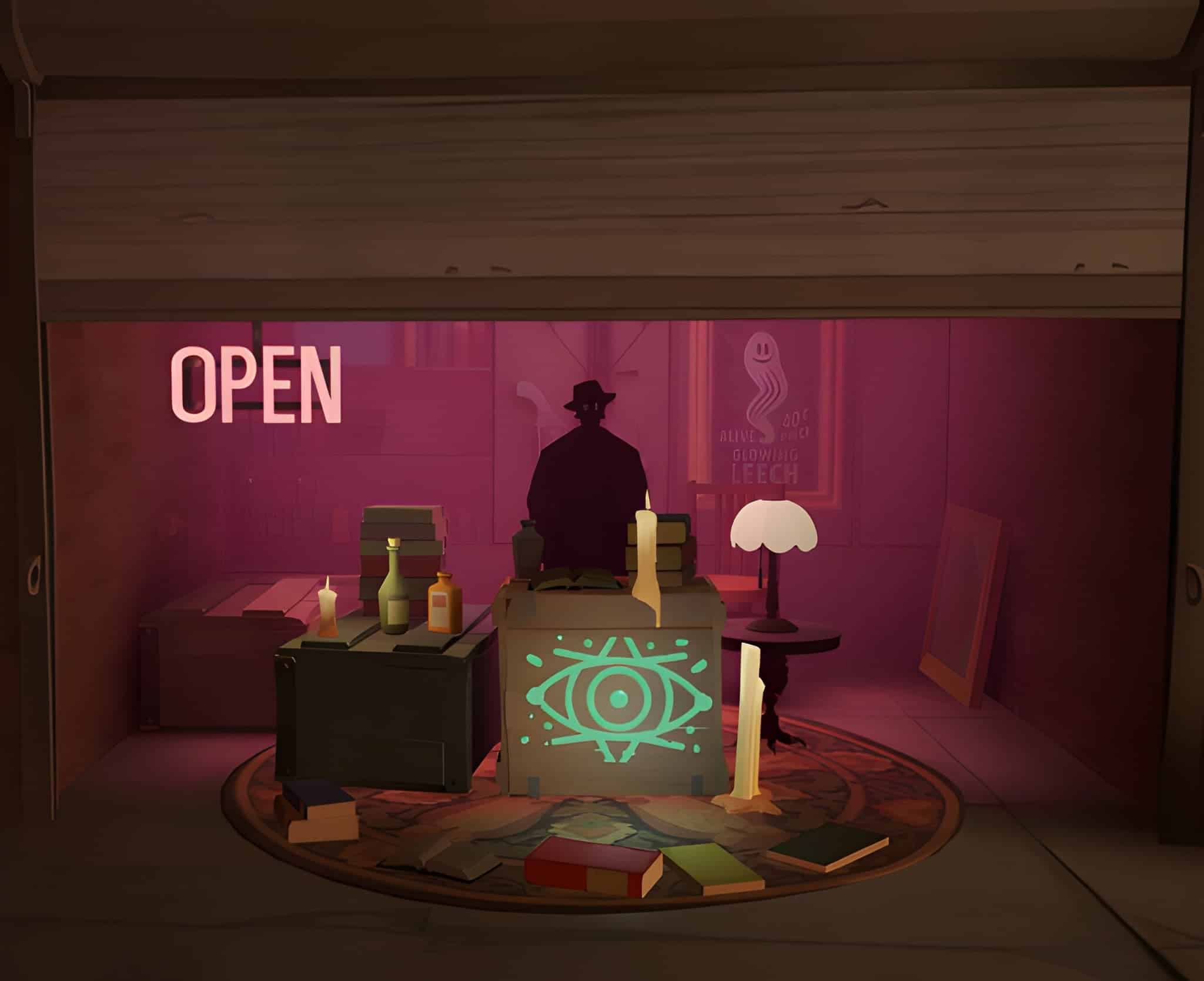
The Broker is a temporary merchant who shows up around the 30 minute mark. He returns roughly every 15 minutes with new offers. His stock is made of Corrupted versions of high-tier items. They are stronger, but they come with negative effects, so each purchase is a real gamble.How Does the Deadlock City Never Sleeps Update Change Your Matches?
Knowing the features of City Never Sleeps Deadlock is one thing. Using them is what wins games. The Deadlock The City Never Sleeps patch rewards players who read the new map early and plan around timers.New Neutral Enemies and Haunts
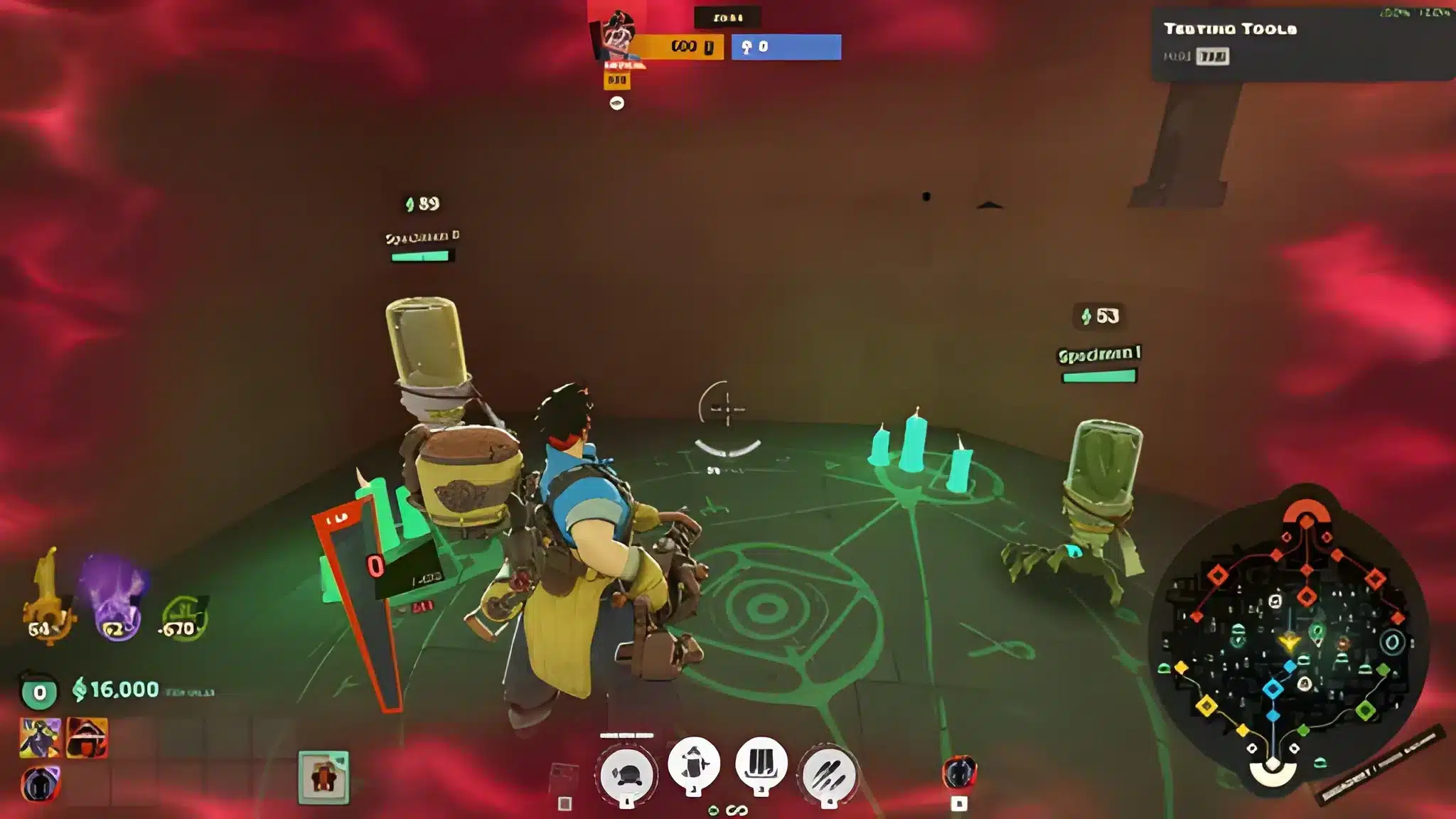
Several new neutral camps appear, including Specimen, Gutter Ghouls, Barrel Mimics, Stage Hands, Crabbage Pots, Festival Spirits and Shrooms. Each one changes the value of a farming route. As a result, your old jungle path may no longer be the fastest. Test two or three routes in the sandbox before you commit in a real match.HUD, Ping System and Accessibility
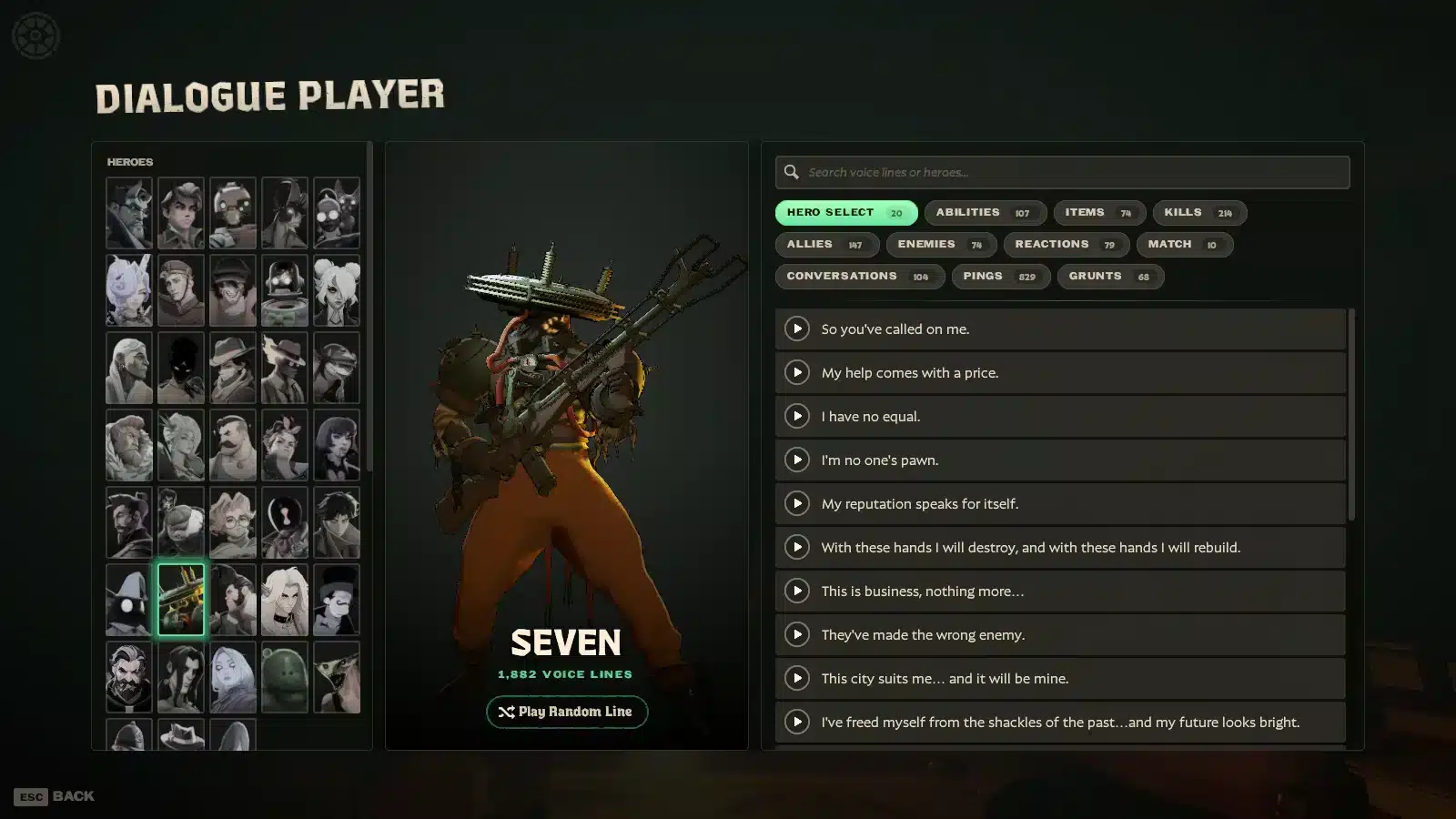
The HUD is rebuilt with clearer health bars, better ally locations, an event feed with killing blows and bounties, and a shop with filters and stat comparisons. The ping system also gained thousands of new voice lines. Accessibility settings are now dedicated, with subtitles, auto-move, auto-mantle, auto-fire and reduced camera shake. Therefore, it is worth spending ten minutes in the settings menu before queueing.Sandbox Tools Worth Using
The sandbox picked up bot recording, a combat log, a speed graph, a DPS meter and weapon falloff visualization. These are excellent for practicing with fresh heroes. Here is a simple practice routine:- Pick one new hero and load the sandbox.
- Record a bot and replay your own movement against it.
- Check the DPS meter after a full ability rotation.
- Repeat with the falloff tool at three different ranges.
Can You Play Deadlock Right Now?
This is the question many readers have after seeing the City Never Sleeps Deadlock news. The short answer is yes, but only with an invite.Current Access Status
Valve's official Deadlock page on Steam states that access is currently limited to friend invites through playtesters. A release date has not been announced. Our guide on how to get access to Deadlock covers the practical steps in more detail.Why Lag Feels Worse After Big Updates
Whenever a big patch like City Never Sleeps Deadlock lands, more people queue at the same moment. That puts extra pressure on servers and on the routes between you and them. In addition, new content can expose unstable connections that were fine during quiet hours. Common symptoms include:- Delayed ability casts and shots that seem to miss.
- Rubberbanding during zipline or dash movement.
- Sudden ping spikes during team fights at the new Sunken Plaza.
- Short freezes when The Broker appears and everyone buys at once.
Quick Comparison: Connection Problems In Deadlock
Not every City Never Sleeps Deadlock issue has the same cause. Use this table to match what you see with the likely culprit.| Symptom | Likely Cause | First Fix |
|---|---|---|
| Constant high ping | Long or poor route to the server | Test a different region or use route optimization |
| Ping jumping up and down | Jitter from Wi-Fi or congestion | Switch to Ethernet and close background apps |
| Characters teleporting | Packet loss | Check your router and test your line |
| Low frames, smooth ping | PC performance, not network | Lower graphics settings and update drivers |
Pro Tips: Smooth Matches In The New Map
- Use Ethernet: A cable removes Wi-Fi interference, which is the most common source of random spikes during fights.
- Warm up in the sandbox: Practicing a new hero offline separates your mistakes from lag, so you know what to fix.
- Time The Broker: Be ready to shop at the 30 minute mark, because a laggy menu during that window can cost you a key purchase.
- Close heavy apps: Downloads and streams compete with game traffic, so pausing them keeps your ping steady.
- Restart the router weekly: Routers build up errors over time, and a fresh start often clears hidden instability.
How Do You Fix Lag In City Never Sleeps Deadlock?
Fixing lag in City Never Sleeps Deadlock is easier when you work in order. Start with the basics, then move to routing. If you want a broader walkthrough, our guide on high ping gaming troubleshooting explains the full process.A Simple Step-By-Step Routine
- Connect with a wired cable and close background apps.
- Check your ping and jitter in a few matches, not just one.
- Restart your router and PC if spikes are constant.
- Update your network and graphics drivers.
- Use a route optimizer if the problem continues.
Common Mistakes Players Make With Lag
- Blaming the update: Players assume the patch is broken when the real issue is their route. Fix: test your connection first and compare with other online games.
- Using Wi-Fi in a crowded home: Many devices share the same band and cause jitter. Fix: use Ethernet or at least the 5 GHz band near the router.
- Ignoring background traffic: Cloud sync and updates eat bandwidth quietly. Fix: pause them before you queue.
- Stacking tools: Running a VPN together with other network tools can make things worse. Fix: use one optimization method at a time.
Why Use ExitLag For City Never Sleeps Deadlock?
ExitLag is not a VPN. It is a game connection optimizer that checks multiple network paths in real time and picks the fastest, most stable route to the game server. It does not encrypt your traffic or hide your IP, and it does not touch game files or anti-cheat systems. For City Never Sleeps Deadlock and its team fights, that matters. Every dash, parry and ability cast depends on a clean connection.- Real-time Optimization: Reduces delay and packet loss so commands feel faster.
- Multipath Technology: Sends packets through several routes, so one bad path does not ruin your fight.
- Multi-Internet: Supports up to 4 connections at once, so a drop on one line is covered by another.
- Traffic Shaper: Prioritizes game traffic over other apps.