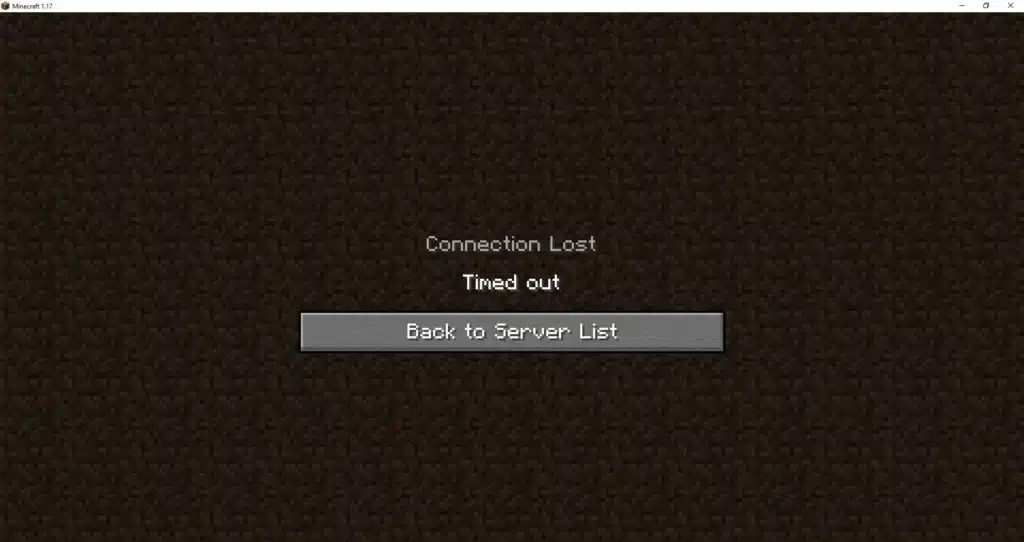
Nothing kills a good building streak faster than a random disconnect screen. If you keep seeing Connection Timeout Minecraft messages, you are not alone.
This error hits casual builders and competitive survival players equally. It usually points to a network or firewall issue rather than a broken game file.
The good news is that Connection Timeout Minecraft problems are almost always fixable with the right sequence of checks. Below is a full breakdown of causes, fixes, and advanced tweaks for both Java and Bedrock players.
If you want the short answer: a Connection Timeout Minecraft error means your client sent a join request and got no reply within the expected window, usually because a firewall, router, or ISP route silently dropped the packets. Fixing it means clearing that path, not reinstalling the whole game.
What Causes Connection Timeout Minecraft Errors?
A timeout is different from a crash. The client is not broken, it simply never received a response from the server within the allowed window.
Several layers between your PC or console and the server can quietly swallow that response. Identifying which layer is failing saves you a lot of guesswork.
- Local firewall or antivirus blocking Java or Bedrock outbound traffic
- Router dropping packets due to outdated firmware or restrictive NAT settings
- ISP-level congestion or routing problems outside your home network
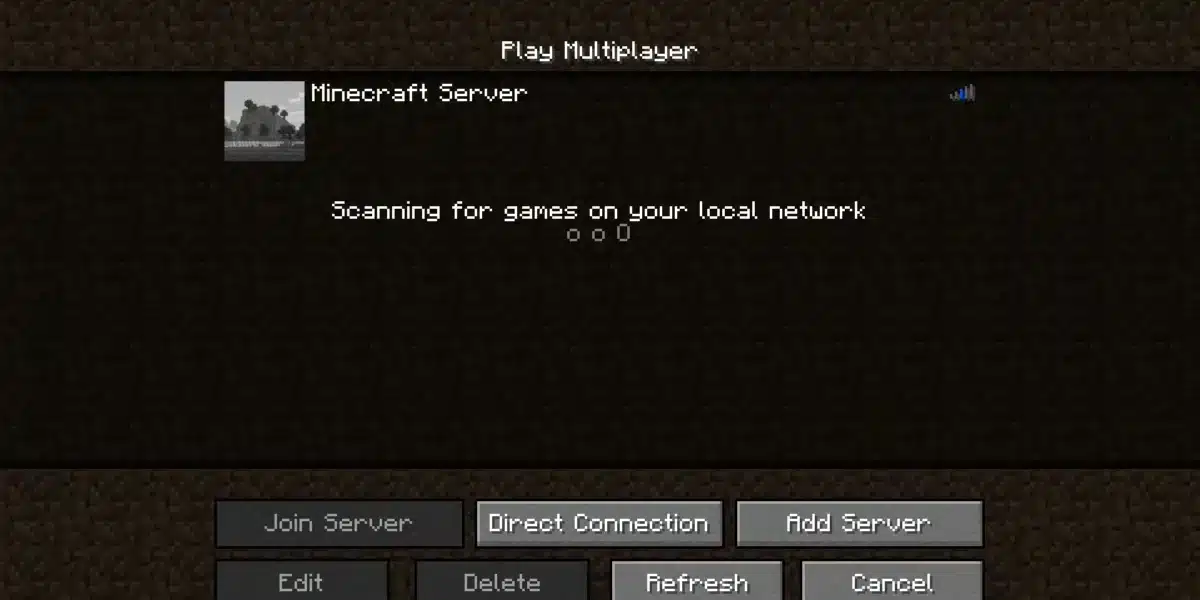
- Wrong server address, IP, or port typed into the connection screen
- Server itself overloaded, crashed, or mid-restart
- Mismatched client and server versions causing handshake failures
Why Does Minecraft Say Connection Timed Out?
The message appears when your device sends a join packet and waits roughly 30 seconds without a reply. No reply usually means the packet never reached the destination, not that the server rejected it.
This distinction matters because it rules out login credentials or account issues entirely. The problem sits somewhere in the network path, not in your Mojang or Xbox account.
Is It Always a Firewall Problem?
Not always, but firewalls and antivirus tools are the most common culprit for the Minecraft Connection Timeout message on single-player LAN worlds and self-hosted servers. Security software often blocks Java silently without a visible warning.
Router-side NAT and outdated firmware come in second. Large public servers with heavy player counts can also trigger timeouts simply from load, especially during peak evening hours.
Fixing Minecraft Connection Timeout on Java Edition
Java Edition players typically deal with two overlapping symptoms: a plain timeout and the more specific Minecraft Connection Lost Internal Exception IO Netty Handler crash log. Both point back to networking.
Start with the basics before touching advanced settings. Most fixes take under five minutes each.
- Restart your router by unplugging it for 30 seconds, then reconnecting once fully back online.
- Confirm the server address, IP, and port are typed correctly with no extra spaces.
- Temporarily disable third-party antivirus and add Java to your firewall’s allowed apps list.
- Update Java to the latest supported build for your Minecraft version.
- Switch your DNS to a public provider like Google or Cloudflare for more reliable resolution.
If the crash log specifically shows a Netty exception, the fix path shifts slightly toward client-side cleanup rather than pure network settings.
- Delete cached files inside the .minecraft folder while keeping saves, mods, and resource packs
- Remove or update mods one at a time to isolate a conflicting one
- Increase allocated RAM in the launcher’s JVM arguments if the game stutters before disconnecting
- Reinstall Java entirely using the official uninstall tool first
Minecraft Connection Timeout on Bedrock Edition
Bedrock behaves differently because it runs over UDP instead of TCP. That single difference explains most of the confusion around Bedrock timeouts on console and mobile.
UDP is connectionless, so firewalls and ISP routers drop suspicious UDP traffic far more aggressively than TCP. A Bedrock timeout almost always traces back to port or protocol mismatches.
| Error Type | Likely Cause | Recommended Fix |
|---|---|---|
| Connection Timeout Minecraft (Java) | Firewall blocking Java outbound traffic | Allow Java through firewall, disable antivirus temporarily |
| Minecraft Connection Lost Internal Exception IO Netty Handler | Corrupted cache or mod conflict | Clear .minecraft cache, isolate mods one by one |
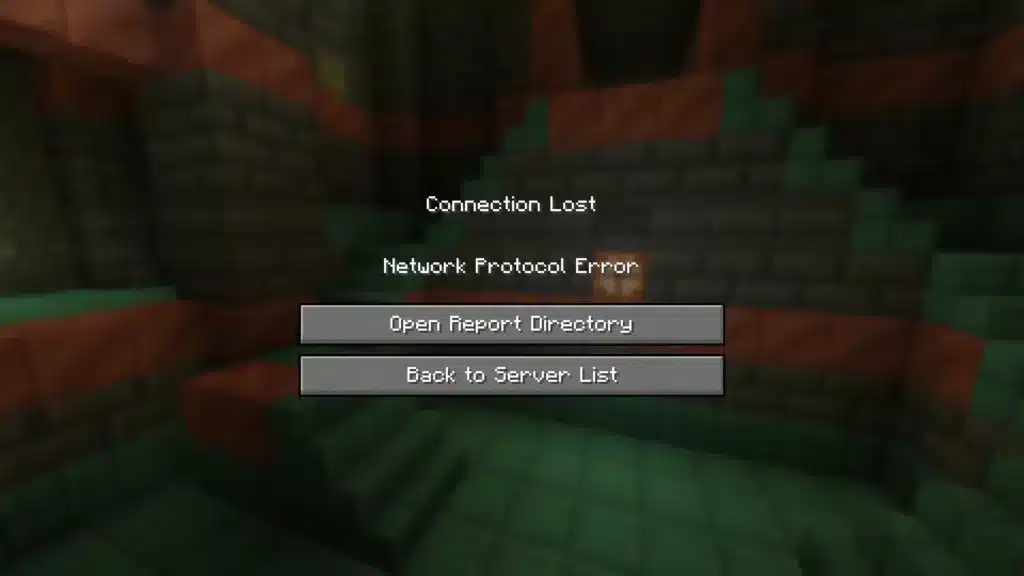
| Connection Lost Network Protocol Error Minecraft | Client and server version mismatch | Update both client and server to matching versions |
| Bedrock UDP 19132 timeout | TCP rule opened instead of UDP | Recreate firewall and router rule specifically for UDP |
| Minecraft Connection Lost on realm join | Server overloaded or mid-restart | Wait a few minutes, then retry the connection |
Bedrock hosts should double check the exact protocol before assuming the firewall rule is correct.
- Confirm the router rule forwards UDP port 19132 (or 19133), not TCP
- Enable UPnP on the router if manual port forwarding feels unreliable
- Remember consoles cannot join dedicated servers by raw IP without a DNS proxy workaround
- Restart the Bedrock server process if players report a sudden wave of timeouts
Advanced Fixes: Connection Lost Network Protocol Error Minecraft
The Connection Lost Network Protocol Error Minecraft message is almost always a version mismatch. Mojang updates its protocol regularly, so even a minor client update can break compatibility with an older server build.
Server owners running Minecraft Connection Lost Internal Exception IO Netty Handler logs from many players at once should look at their own configuration first.
- Raise the read-timeout value in the server configuration if handshakes take longer due to heavy mod lists
- Adjust network-compression-threshold in server.properties, testing values like 256 or 512
- Confirm server-ip in server.properties is left blank unless a specific bind address is required
- Check that server-port matches the router’s forwarded port exactly
Does MTU Size Really Matter?
Yes, in specific cases. Some home networks and ISPs struggle with the default 1500 byte MTU, causing large packets to fragment or drop entirely during the login handshake.
Lowering the network adapter’s MTU to around 1472 bytes can resolve stubborn timeouts that survive every other fix. This is a lesser known tweak most guides skip entirely.
Should Server Owners Worry About Player Count?
Yes, particularly on shared hosting plans. A server pushed past its resource limits will start silently dropping new connection attempts, which players experience as a plain Connection Timeout Minecraft screen rather than a proper error.
Monitoring CPU and RAM usage during peak hours helps catch this before it becomes a recurring complaint.
Pro Tips: Connection Timeout Minecraft
- Test with a wired connection first. Wi-Fi interference introduces packet loss that mimics a timeout, so ruling out the wireless link narrows down the real cause fast.
- Keep one firewall active, not two. Running Windows Defender alongside a third-party antivirus often causes conflicting rules that silently block Java traffic.
- Match client and server versions exactly. Even a patch-level mismatch can trigger a Connection Lost Network Protocol Error Minecraft crash during the handshake.
- Reboot the router monthly. Routers accumulate memory leaks over long uptimes, which slowly degrades NAT table performance and increases dropped packets.
Common Mistakes Connection Timeout Minecraft Players Make
- Assuming the error is account related. Fix: Check network settings first, since timeouts almost never relate to login credentials.
- Forwarding only TCP for a Bedrock server. Fix: Recreate the router rule specifically for UDP on port 19132.
- Ignoring mod conflicts after an update. Fix: Disable all mods, then re-enable them one at a time to isolate the broken one.
- Skipping the .minecraft cache cleanup. Fix: Delete cached files while preserving saves and resource packs before reinstalling anything.
How ExitLag Helps With Connection Timeout Minecraft Issues
Once you have ruled out firewall and version problems, the remaining culprit is often an unstable route between your device and the server itself. ExitLag is not a VPN, it is a game connection optimizer.
It analyzes multiple network routes in real time and picks the fastest, most stable path to the game’s servers. It never encrypts traffic, never masks your IP, and does not touch apps outside supported games.
ExitLag currently supports 4,000+ titles on PC and Mobile, backed by 1,500+ servers spread across 190+ countries. It is used by 30M+ players worldwide, processing 18M+ optimizations every week.
For a timeout-heavy multiplayer session, stable routing matters more than raw speed. Here is what helps directly:
- Real-time Optimization constantly checks for the healthiest path available
- Multipath Technology keeps sessions resilient even if one route fails mid-game
- Multi-Internet failover switches connections automatically to avoid a full disconnect
- Traffic Shaper prioritizes game packets over background network noise
- AI-powered routing adapts continuously as network conditions shift
ExitLag does not modify game files, does not inject code, and does not interact with anti-cheat systems in any supported title. It is safe to use alongside Minecraft, though it should not be run together with a VPN.
If timeouts keep interrupting your builds or survival runs, grabbing the ExitLag Download is a simple next step worth testing before you blame your whole setup.
Connection Timeout Minecraft errors feel frustrating in the moment, but they almost always trace back to a fixable network detail. Work through firewall, router, version, and route checks in order, and most sessions stay stable from then on.
All game images used in this blog post belong to Mojang Studios. They are used for informational and educational purposes only and do not imply endorsement or affiliation with the rights holders.
Got questions or want to connect with other players? Join the conversation at the ExitLag Forum!