The Dave The Diver Fortnite crossover finally brought the beloved fishing chef into the battle royale island, and players are still talking about it. If you love deep-sea adventures and building the perfect sushi menu, this collab feels like a dream match. This guide breaks down exactly what the Dave The Diver Fortnite partnership includes, how to unlock it, and how to keep your matches smooth once you land.
For players who never touched Dave The Diver before, this crossover is also a great excuse to check out the original game. The direct answer is simple: the Fortnite collaboration adds Dave as a playable Outfit alongside his Oxygen Tank Back Bling, tied to the release of the game’s new jungle expansion. Consequently, fans of both titles now have a reason to jump between the two experiences.
Below, you will find a full breakdown of the skin, the pricing, the timeline, and practical tips to get the most out of your sessions. We will also cover common mistakes players make when chasing this cosmetic. Finally, we will explain how a stable connection changes the way this crossover feels in real matches.
Dave The Diver Fortnite: What The Crossover Actually Includes
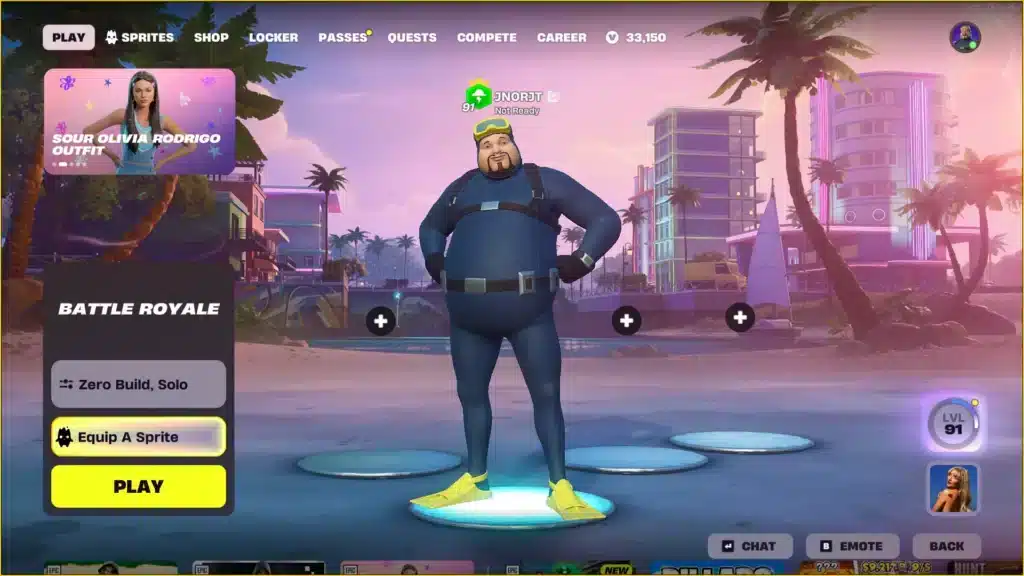
The Dave The Diver Fortnite collaboration is part of the Gaming Legends Series, a category reserved for characters pulled straight from other beloved video games. Notably, this series already includes icons like Master Chief, Kratos, and Chun-Li. Dave now stands among them as a fresh addition.
The bundle includes two main items that players can unlock together or separately, depending on how they choose to get the crossover.
What Is Dave The Diver?
Dave The Diver is an action-adventure game where players explore the ocean by day and run a sushi restaurant by night. During dives, Dave uses a harpoon gun and various tools to catch fish in the Blue Hole, a location said to contain sea creatures from around the world.
At night, the gameplay shifts into a fast-paced restaurant management loop. Therefore, ingredients caught during the day directly affect what the chef, Bancho, can serve to hungry customers in the evening.
What The Fortnite Collaboration Adds
The Fortnite crossover translates this identity into two cosmetic items for the island. These pieces let players carry the diving theme straight into battle royale matches.
- Dave The Diver Outfit: The full character skin, based on his signature diving suit look.
- Dave’s Oxygen Tank Back Bling: A back accessory styled after his in-game oxygen equipment.
- Gaming Legends Series tag: Confirms the skin sits alongside other major crossover characters.
- Item Shop rotation: The set can return periodically after its initial release window.
How To Get The Dave The Diver Skin In Fortnite
There are two clear paths to unlocking this cosmetic, and both are worth understanding before you decide which one fits your budget. Additionally, timing matters if you want the free route.
Buying The Skin In The Item Shop
The most direct method is purchasing the Dave The Diver Outfit straight from the Fortnite Item Shop. The set costs 1,500 V-Bucks, which is a fairly standard price point for a Gaming Legends Series release.
This option works for anyone, regardless of whether they own the original game. However, it does not include any content for the actual Dave The Diver title itself.
Unlocking It Free Through The Epic Games Store
Alternatively, players can earn the skin for free by purchasing Dave The Diver or the In The Jungle Content Pack through the Epic Games Store. This links your Epic account and grants the Fortnite cosmetics automatically.
- Open the Epic Games Store and locate the Dave The Diver game page.
- Purchase either the base game or the In The Jungle Content Pack.
- Make sure your Epic Games account is the same one linked to your Fortnite profile.
- Launch Fortnite and check your locker for the Outfit and Back Bling.
- If you already bought the Item Shop version first, a one-time V-Bucks grant is applied instead.
Is Dave The Diver Worth Playing Before You Try The Skin?
This is one of the most common questions players ask once they see the crossover announcement. The short answer: yes, especially if you enjoy games that mix relaxed exploration with tighter management challenges.
The Diving And Restaurant Loop
The core gameplay loop rewards curiosity. Diving sessions feel exploratory and a little tense due to limited oxygen, while restaurant nights feel chaotic in the best way, similar to fast-paced cooking games.
- Twice-daily diving sessions with upgradeable gear
- A restaurant management phase inspired by frantic serving games
- Story missions involving a mysterious underwater civilization
- Gradual unlocks for weapons, tools, and menu items
The In The Jungle Expansion
The newer expansion, In The Jungle, adds more than ten hours of additional content. It introduces a freshwater ecosystem, new turn-based land combat, and a completely new jungle-themed menu for the restaurant.
As a result, players who buy this expansion through the Epic Games Store also count toward unlocking the Fortnite cosmetics for free.
Dave The Diver Cosmetics: Price, Rarity And Value
Before deciding how to unlock the crossover, it helps to compare the cosmetic against similar recent Gaming Legends releases. The table below breaks down the key details.
| Item | Price (V-Bucks) | Included Pieces | Free Unlock Method |
|---|---|---|---|
| Dave The Diver Outfit | 1,500 | Outfit only | Not available free alone |
| Dave The Diver Bundle | 1,500 | Outfit + Oxygen Tank Back Bling | Buy the base game on Epic Games Store |
| Dave The Diver: In The Jungle Pack | Game price | Outfit + Back Bling + full expansion | Buy the DLC pack on Epic Games Store |
| Typical Gaming Legends Skin | 1,200 to 2,000 | Outfit, sometimes with extras | Rarely offered free |
Outfit And Back Bling Details
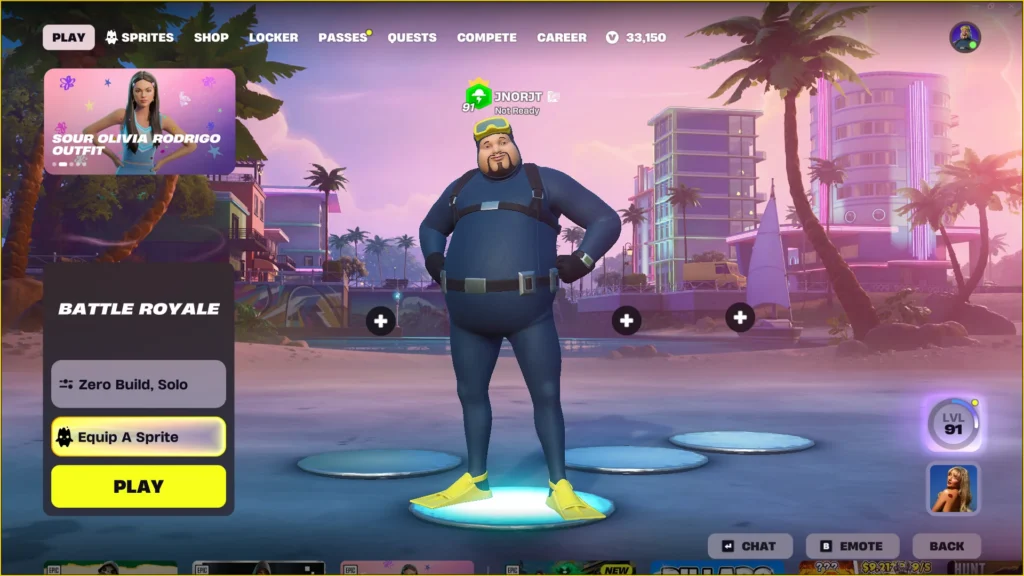
The Outfit uses Dave’s signature diving suit, while the Back Bling mirrors his oxygen tank from the original game. Together, they form a complete, recognizable set on the battlefield.
How It Compares To Other Gaming Legends Skins
Compared to other entries in the series, this bundle sits at a standard price with a clear bonus path. Moreover, tying it to an actual game purchase gives fans of Dave The Diver extra incentive to try the crossover both ways.
Does Lag Ruin Your Dave The Diver Fortnite Matches?
Cosmetics matter, but performance decides who wins the fight. Many players unlock a new skin and then struggle to enjoy it because of inconsistent ping or sudden spikes during combat.
Why Connection Quality Matters In Battle Royale
Fortnite is a fast, reactive game where every build, edit, and shot depends on a stable connection. Consequently, even a great-looking Outfit will not save you from a bad server route or packet loss during a firefight.
Common Signs Your Connection Is Holding You Back
- Sudden rubber-banding during rotations or builds
- Shots that register late compared to what you saw on screen
- Random disconnects mid-match, especially during peak hours
- Inconsistent ping numbers even on the same server region
Pro Tips: Dave The Diver Fortnite
- Check your server region first: Playing on a distant region adds unnecessary ping. Switch to the closest available server before blaming your gear.
- Unlock the free route early: If you plan to buy the game anyway, purchase it through the Epic Games Store before the promotional window closes to guarantee the bundle.
- Pair the skin with a clean loadout: Since the Outfit and Back Bling are a themed set, match your emotes or wraps for a consistent look in replays.
- Test the expansion offline first: Since In The Jungle adds new combat mechanics, learning them without pressure helps you appreciate the full Dave The Diver experience before jumping back into Fortnite.
Common Mistakes Dave The Diver Fortnite Players Make
- Assuming the skin is always free: Some players wait too long expecting a permanent free unlock. Fix: confirm the current unlock method before the promotional period ends, since terms can change.
- Buying the game only for the skin: A few players purchase Dave The Diver purely for the cosmetic and never actually play it. Fix: try the diving and restaurant loop first, since it is genuinely worth the time.
- Ignoring account linking: Players sometimes buy the game on an Epic account that is not linked to their Fortnite profile. Fix: always confirm the linked account before purchasing to avoid missing the reward.
- Blaming the skin for poor performance: Cosmetics do not affect gameplay, but many players assume a new item is causing lag. Fix: check your connection and settings instead of the locker.
Dave The Diver Fortnite Performance: Why ExitLag Helps You Play Smooth
Once you unlock the Dave The Diver Fortnite set, the next step is making sure your matches actually run well. This is where ExitLag becomes a genuinely useful companion for competitive and casual sessions alike.
ExitLag is not a VPN. It is a game connection optimizer that scans multiple network routes in real time and automatically selects the fastest, most stable path to Fortnite’s servers.

What ExitLag Does For Fortnite Players
ExitLag supports thousands of titles, including Fortnite, and is used by tens of millions of players worldwide. It focuses specifically on reducing delay and packet loss during active matches.
- Real-time Optimization: Cuts down delay and packet loss so builds and edits land faster.
- Multipath Technology: Routes traffic through multiple paths at once, keeping you connected even if one route fails.
- Traffic Shaper: Prioritizes Fortnite traffic over background downloads or streaming apps.
- PC Boost: Frees up RAM and background resources for smoother frame rates during fights.
How To Get Started
Setting up ExitLag takes only a few minutes, and it works alongside your existing setup without touching game files or anti-cheat systems. It is safe to use with Fortnite and other supported titles.
You can download ExitLag for PC. Mobile players can also grab it on Android or on iOS.
Whether you are grinding for the new Dave The Diver bundle or just want cleaner fights on the island, a stable route makes every match feel noticeably better. Ultimately, pairing a great cosmetic with a great connection is how you get the full experience out of this crossover.
All game images used in this blog post belong to Epic Games and Mintrocket. They are used for informational and educational purposes only and do not imply endorsement or affiliation with the rights holders.
Got questions or want to connect with other players? Join the conversation at the ExitLag Forum!