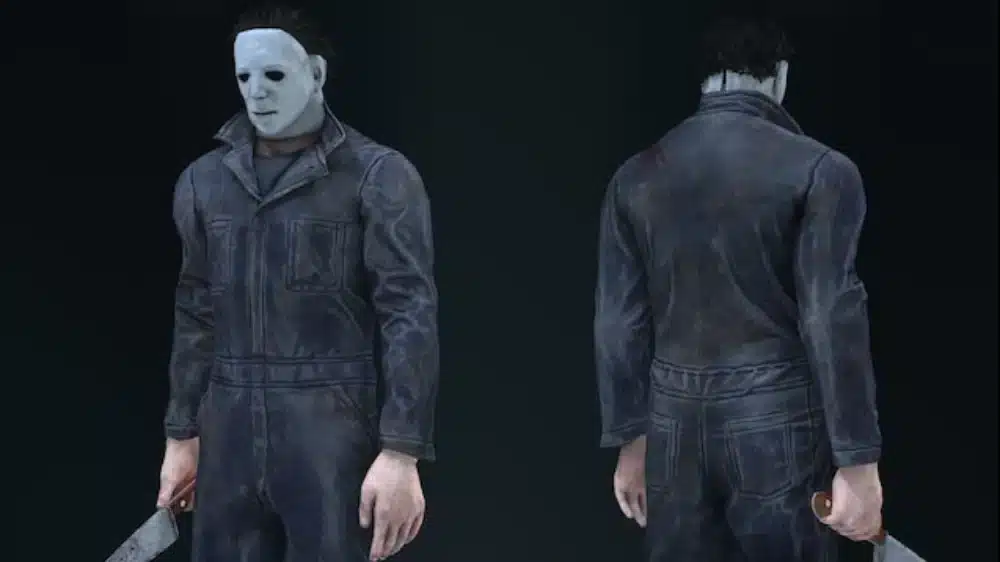
Keeping up with the Dead by Daylight patch notes is crucial for both survivors and killers who want to stay competitive. Every Dead by Daylight update introduces changes—some small, others game-changing—that shift how matches are played. Whether it’s perk reworks, killer adjustments, or map rebalances, patch notes define the evolving meta.
In this guide, we’ll cover how to track Dead by Daylight updates, explain the structure of developer announcements, and highlight the importance of the Dead by Daylight dev update.
Why Dead by Daylight Patch Notes Matter
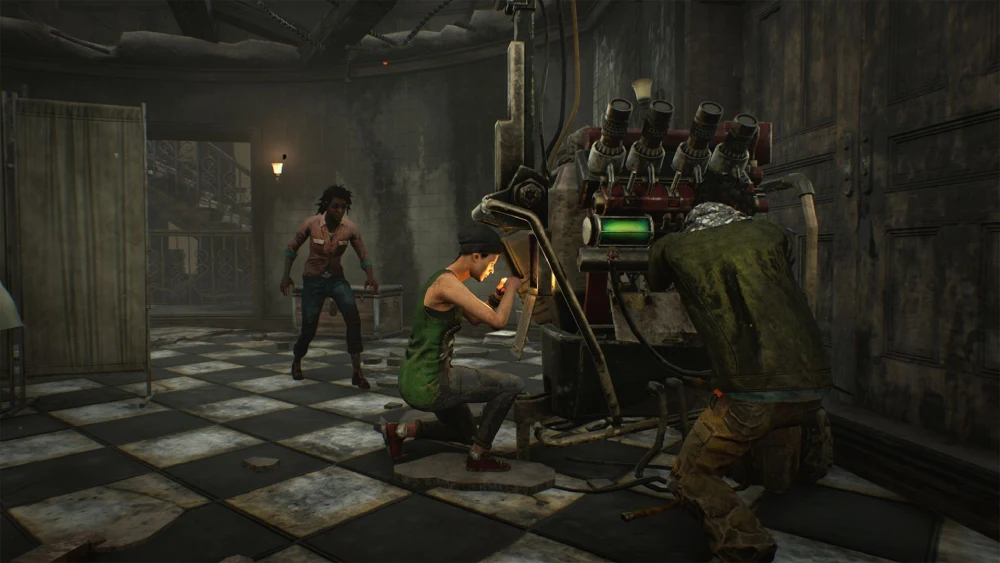
As an asymmetrical multiplayer horror game, balance is everything. Small tweaks in the Dead by Daylight new update can:
- Shift the killer vs. survivor win rate
- Change which perks dominate the meta
- Affect matchmaking speed and quality
- Introduce new content like killers, survivors, and maps
Key Reasons to Read Patch Notes
- Understand perk and killer changes
- Stay competitive in ranked matches
- Anticipate new bugs or fixes
- Adapt builds to the latest balance
- Plan strategies around new content drops
Dead by Daylight Update Structure
Every Dead by Daylight developer update follows a structured pattern:
- Overview: Major themes of the update (new killer, map, or mechanics)
- Balance Changes: Perk reworks, killer tweaks, survivor adjustments
- Bug Fixes: Critical fixes for crashes, exploits, or gameplay bugs
- Quality of Life: UI improvements, matchmaking updates, accessibility options
How to Read Dead by Daylight Patch Notes Efficiently
- Check the Overview for big additions (new killers, perks, or events)
- Scan the Balance Changes for perks or characters you use
- Review the Bug Fixes for issues that affected your gameplay
- Note Quality of Life changes to optimize your performance
- Compare changes with previous Dead by Daylight updates
Typical Dead by Daylight Update Components
| Section | What It Covers |
| Overview | New killers, survivors, events, and maps |
| Balance Changes | Adjustments to perks, killers, survivors, and mechanics |
| Bug Fixes | Fixes for crashes, exploits, invisible walls, and other gameplay interruptions |
| Quality of Life | Matchmaking, UI adjustments, accessibility options, and minor player experience |
Dead by Daylight Update Today: What to Expect
Whenever a Dead by Daylight update today goes live, you can expect:
- New chapter launches or mid-chapter tweaks
- Bug fixes for ongoing issues
- Perk and killer balance adjustments
- Time-limited events or Bloodhunt weekends
Updates are usually announced in advance via official blog posts, patch note releases, and sometimes livestreams, giving the community time to prepare.
Dead by Daylight Developer Update Explained
The Dead by Daylight developer update serves as a roadmap. It is usually released ahead of major patches or mid-chapter updates rather than strictly monthly.
- Upcoming balance changes before they hit live servers
- Design philosophy explaining why perks or killers are adjusted
- Community feedback integration from forums and surveys
Dead by Daylight Updates: Frequency and Timing
Behaviour Interactive typically rolls out:
- Major updates: Every 3 months with a new chapter (usually a new killer and sometimes a survivor)
- Mid-chapter updates: 6 weeks after major patches for balance
- Hotfixes: Small patches addressing bugs or exploits, sometimes weekly
Common Themes in Dead by Daylight New Update Cycles
Across years of Dead by Daylight updates, players have noticed recurring themes:
- Killer nerfs to reduce frustration
- Survivor perk reworks to balance meta dominance
- Map rebalances for loops, pallets, and dead zones
- Quality of life upgrades, especially matchmaking
ExitLag for Dead by Daylight: Why It Helps During New Updates
Each Dead by Daylight new update can strain servers, causing:
- Higher ping during launch days
- Input delays in matchmaking
- Rubberbanding due to overloaded servers
ExitLag helps by:
- Optimizing your server routing for lower ping
- Reducing packet loss during peak hours
- Keeping latency stable during killer chases
- Improving responsiveness after each Dead by Daylight update
Historical Analysis of Major Dead by Daylight Updates
Over the years, Dead by Daylight patch notes have transformed the game dramatically. Some updates redefined the meta entirely, while others introduced long-awaited fixes.
Notable Historical Patches
- 1.9.0 (Enduring Freddy Rework): Revamped The Nightmare’s kit, introducing Dream Snares and Dream Projection.
- 4.1.0 (The Executioner Update): Pyramid Head launched with a map and perk set that shifted killer dominance.
- 5.3.0 (Boon Perks Update): Introduced the Boon mechanic, allowing survivors to bless totems and grant powerful aura-based abilities within their radius.
- 6.1.0 (Basekit Borrowed Time): Survivors received basekit endurance after unhooks, altering endgame strategies.
Perk Reworks Across Dead by Daylight Patch Notes
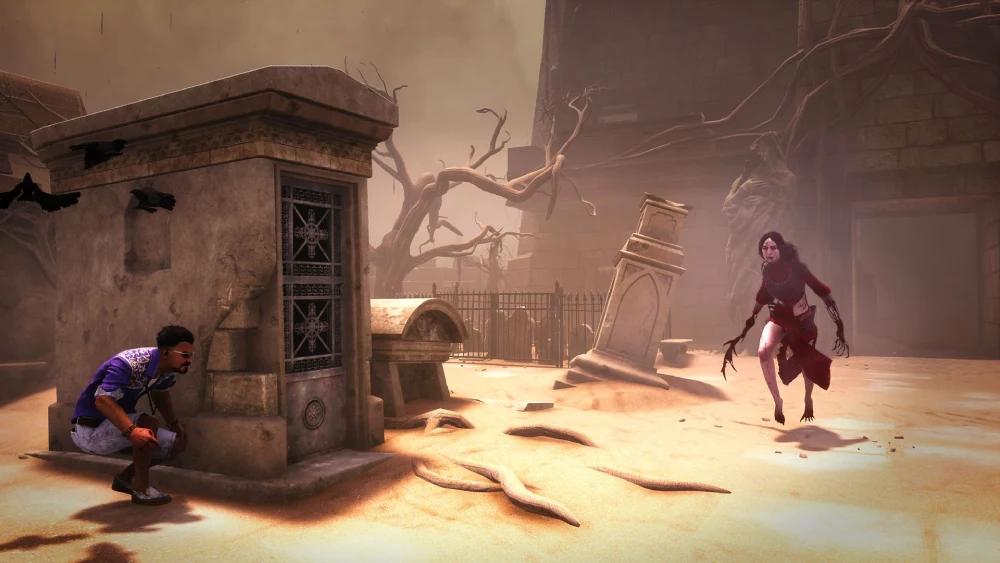
Perks often see major changes in Dead by Daylight developer update announcements. Here are some of the biggest shifts:
Survivor Perks
- Decisive Strike: Nerfed multiple times to reduce frustration in competitive play.
- Borrowed Time: A basekit version was added, giving survivors Endurance after being unhooked, while the perk itself extends the duration and adds Haste.
- Circle of Healing: Adjusted repeatedly due to its overwhelming healing speed.
Killer Perks
- Hex: Ruin: Changed from an immediate regression perk into a mechanic where generators regress slowly over time while survivors are not working on them.
- Pop Goes the Weasel: Reduced effectiveness to prevent game snowballing.
- Scourge Hook: Pain Resonance: Rebalanced to limit repetitive regression effects.
Killer Balance Changes in Dead by Daylight Updates
The Dead by Daylight new update cycle frequently addresses killers that dominate or underperform.
Major Killer Reworks
- The Doctor: Reworked to streamline Madness and Shock Therapy interactions, adjusting his power to make it less oppressive and more skill-based.
- The Legion: Adjusted to limit infinite chaining of Frenzy.
- The Oni: Adjusted to balance his Demon Fury and Blood Fury mechanics, focusing on limiting excessive snowball potential.
- The Nurse: Frequently tuned due to her blink mechanics.
Developer Philosophy in Dead by Daylight Developer Updates
The Dead by Daylight dev update blog provides insight into Behaviour Interactive’s design approach:
- Fairness First: Changes often target reducing frustration, even if balance remains close.
- Meta Diversity: Frequent perk adjustments aim to rotate which builds dominate.
- Accessibility: UI, matchmaking, and visual changes improve play for new users.
- Community Input: Many patches directly reference surveys and PTB (Public Test Build) feedback.
How to Prepare Builds for Future Updates
- Track developer updates on official forums or social media.
- Review upcoming perk reworks and identify which of your builds may break.
- Diversify perk pools to avoid relying on one meta option.
- Experiment in PTB (Public Test Build) to learn changes early.
- Keep Bloodpoints saved to level alternative perks after updates.
- Adjust playstyle temporarily during transition weeks.
Common Trends in Dead by Daylight Updates
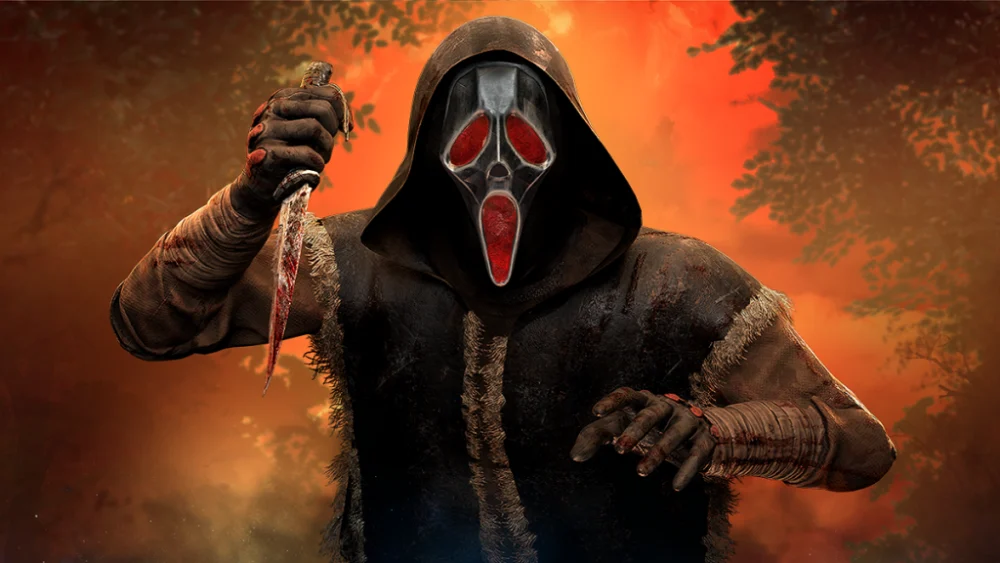
- Killers receive frequent QoL adjustments to keep pace with survivors.
- Survivor perks that stall gameplay often face nerfs.
- Maps are constantly rebalanced for pallet and loop fairness.
- New content launches are paired with bug-heavy hotfix cycles.
ExitLag for Competitive Survivors and Killers
When new updates launch, matchmaking surges often cause server instability. ExitLag helps by:
- Reducing packet loss during high-population patch days.
- Stabilizing ping for cross-region matchmaking.
- Improving responsiveness in chase-heavy killers like Nurse or Blight.
- Preventing rubberbanding during Bloodhunt events after a Dead by Daylight update today.
Start your Exitlag 3 days Trial!
Frequently Asked Questions (FAQ)
A major update arrives every 3 months, with a mid-chapter patch about 6 weeks later, plus frequent hotfixes.
No. Some adjustments seen in Dead by Daylight dev updates appear first on the PTB and may be altered before live release.
Follow Behaviour Interactive’s official blog, developer livestreams, and community hubs like Reddit and Discord.
All game images used in this blog belong to Behaviour Interactive. They are used for informational/educational purposes only and do not imply endorsement or affiliation with the rights holders.
Got questions or want to connect with other players? Join the conversation at the ExitLag Forum!