

If you have ever unloaded a full magazine into an enemy only to watch them turn around and eliminate you with a single shot, you already know the pain of Desync Fortnite issues. It feels unfair, it feels broken, and honestly, it often is a connection problem rather than a skill problem.
This guide breaks down exactly what causes Fortnite Desync, how to tell it apart from normal lag, and what actually works to reduce it. Desync Fortnite problems can ruin ranked pushes, tournament runs, and casual squad games alike, so getting a handle on the root cause matters more than most players realize.
The short answer: desync happens when your game client and Epic’s servers disagree about where a player, bullet, or building piece actually is, usually because of unstable routing, packet loss, or server tick rate limitations. Wired connections, closer server regions, and stable routing paths all reduce the gap. Fixing it is rarely about “getting good,” it is about giving your connection a fighting chance.
Below you will find a full breakdown of causes, platform-specific quirks, settings that help, and a comparison table of common fixes. Let’s get into it.
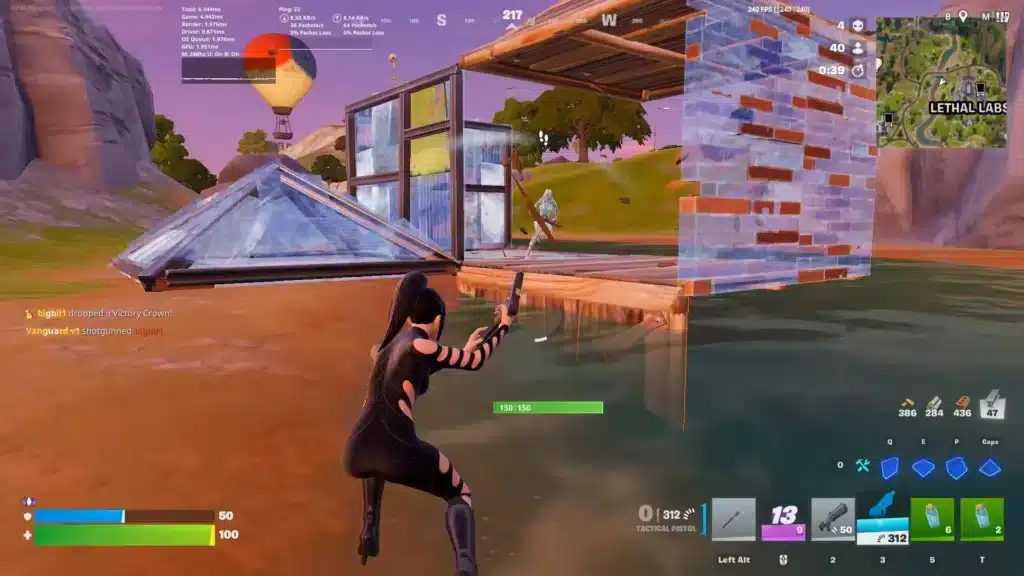
What Is Desync Fortnite and Why Does It Happen?
Desync, short for desynchronization, is a mismatch between what you see on your screen and what the Fortnite server actually registers. You might see yourself land a headshot, but the server has a slightly different version of events because of network delay.
This is not unique to Fortnite. Every online multiplayer shooter deals with some version of this, but Battle Royale titles are especially vulnerable because of the sheer number of players, structures, and physics calculations happening at once.
The Technical Root Cause
Every match relies on constant data exchange between your device and Epic’s servers. Fortnite Desync happens when that exchange gets delayed, dropped, or arrives out of order. Common triggers include:
- Packet loss: Data packets get lost in transit, forcing the game to guess or wait for retransmission.
- Route instability: Your traffic hops through congested or inefficient paths before reaching the server.
- High or fluctuating ping: Even a stable connection with high latency creates a bigger gap between client and server states.
- Server tick rate limits: During peak hours, heavy player load can strain how fast the server processes updates.
How Fortnite Desync Feels In-Game
Players usually describe the same handful of symptoms, and if you have played more than a few sessions this season you have likely experienced at least one:
- Shots that clearly hit on your screen deal no damage.
- Enemies “teleport” a few feet during a gunfight.
- Builds go up late or collapse a beat after you placed them.
- You get eliminated by someone who, on your screen, was already dead.
- Movement feels like rubber-banding, snapping you back to a previous position.
Fortnite Desync vs Regular Lag: What’s the Difference?
A lot of players lump every connection issue under “lag,” but Fortnite Desync is more specific. Regular lag usually just slows things down evenly, like a delayed reaction time across the whole match.
Desync, on the other hand, creates a disagreement between two versions of reality: yours and the server’s. Therefore, you can have decent overall ping and still experience jarring desync moments if your packet loss or route stability is poor.
Comparing the Two Issues
| Symptom | Regular Lag | Fortnite Desync |
|---|---|---|
| Overall feel | Everything feels slow or delayed | Sudden, jarring mismatches |
| Ping impact | Directly tied to high ping | Can happen even with average ping |
| Packet loss involved | Sometimes | Almost always a factor |
| Visual cue | Consistent input delay | Rubber-banding, phantom hits |
| Fix priority | Lower ping route | Route stability + packet loss reduction |
Is Fortnite Desync Getting Worse?
Not necessarily worse everywhere, but it remains a recurring pain point. Epic Games has acknowledged rubber-banding style issues on newer platforms, including reports tied to Nintendo Switch 2, with fixes planned in future updates. This confirms that Desync Fortnite complaints are still active, platform-specific, and something Epic continues to monitor and patch.
Chapter 7 Season 3, themed around Runners, is currently live and running through mid-August, with Epic still shipping content updates throughout the season. As with any live-service game receiving frequent patches, new content can occasionally introduce temporary network hiccups until hotfixes land.
How to Fix Fortnite Desync: Step-by-Step Settings
You cannot control Epic’s server infrastructure, but you have significant control over your own connection quality. Start with the basics before moving to more advanced fixes.
In-Game Settings That Help
These adjustments reduce how much strain your client puts on an already fragile connection:
- Lower your Matchmaking Region ping: Go to Settings, Game, and manually pick the region showing the lowest number instead of trusting Auto.
- Disable Multithreaded Rendering (if unstable): On some setups this setting causes extra frame pacing issues that compound perceived desync.
- Cap your frame rate slightly below your monitor’s refresh rate: This keeps frame delivery consistent, which indirectly helps input-to-server timing feel smoother.
- Turn off cross-platform voice chat if unused: Extra background data streams can compete for bandwidth during intense fights.
Router and Network Fixes
- Switch to a wired Ethernet connection. Wi-Fi introduces variable latency and packet loss that directly feeds Fortnite Desync symptoms.
- Restart your router and modem. Unplug both for 30 seconds, then reconnect, this clears temporary routing table issues.
- Close bandwidth-heavy background apps. Streaming, downloads, and cloud backups running during a match can starve your game traffic.
- Update your network drivers. Outdated drivers on PC can silently introduce micro-stutters that feel identical to server-side desync.
- Check for household congestion. Ask anyone sharing your network to pause heavy downloads or 4K streaming while you play ranked.
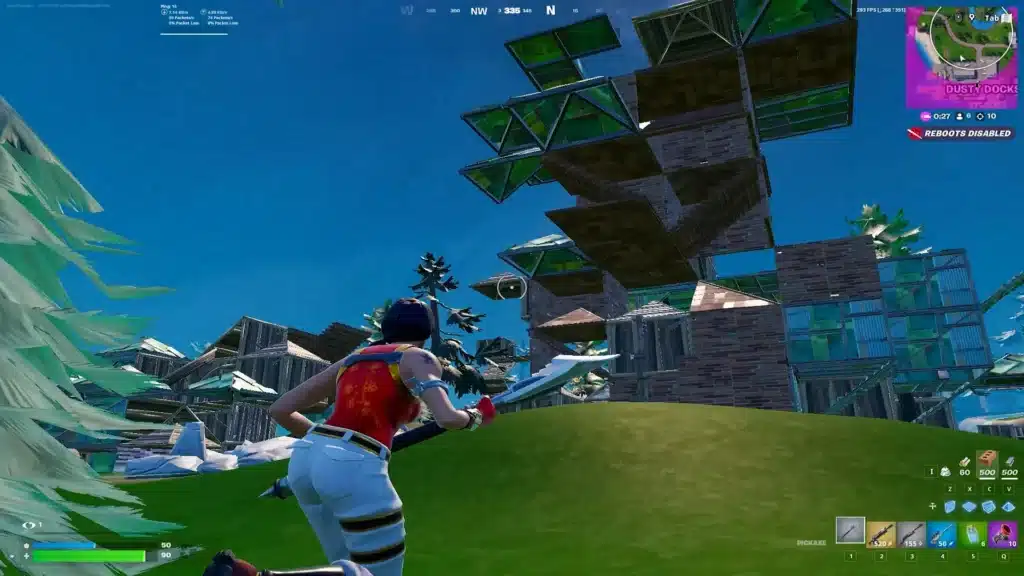
Common Mistakes Players Make When Dealing With Fortnite Desync
Even experienced players fall into these traps, often making the problem harder to diagnose or fix.
- Blaming only your own internet speed: A fast connection does not guarantee a stable route. Fix: focus on packet loss and route consistency, not just download speed numbers.
- Ignoring the matchmaking region setting: Leaving it on Auto can quietly place you on a farther server. Fix: manually select the lowest-ping region every session, especially after Wi-Fi or ISP changes.
- Playing on Wi-Fi during ranked sessions: Wireless interference from other devices spikes packet loss right when you need consistency most. Fix: use a wired connection for any competitive Battle Royale session.
- Assuming every desync moment is a bug report waiting to happen: Some moments genuinely are server-side, but many are fixable on your end first. Fix: rule out your own setup before assuming it’s purely Epic’s servers.
Pro Tips to Minimize Fortnite Desync in Competitive Play
- Test your route before ranked sessions: Run a quick ping and packet loss check to confirm your connection is stable before queueing, since catching problems early saves you a frustrating loss.
- Play during off-peak hours when possible: Server load is lower outside of prime-time evening hours, which reduces the odds of tick-rate related desync.
- Keep your router firmware updated: Manufacturers regularly patch stability issues that directly affect how consistently your packets reach Fortnite’s servers.
- Avoid switching Wi-Fi bands mid-session: Jumping between 2.4GHz and 5GHz can cause a brief reconnect that shows up as a desync spike.
- Monitor for packet loss, not just ping: A low ping number with high packet loss is often the real cause behind Fortnite Desync, so check both metrics, not just one.
Optimizing Your Route With ExitLag
Since so much of Fortnite Desync comes down to routing instability and packet loss rather than raw distance, optimizing the path your data takes can make a real difference. This is exactly where ExitLag fits in.
ExitLag is not a VPN. It is a game connection optimizer that analyzes multiple network paths in real time and automatically selects the fastest, most stable route between your device and Fortnite’s servers. It does not encrypt your traffic or mask your IP, it simply finds a better road for your data to travel.
For a Battle Royale title like Fortnite, consistent routing is what actually reduces rubber-banding and desync moments during firefights. ExitLag’s Multipath Technology keeps multiple simultaneous routes active with instant failover if one path degrades, while its Real-time Optimization works to reduce delay and packet loss along the way.
Key features worth knowing about:
- Multipath Technology: Runs several routes at once and instantly fails over if your primary path gets congested.
- Multi-Internet: Combines up to 4 simultaneous connections for instant failover, ideal if your household has multiple internet sources.
- Traffic Shaper: Prioritizes your game traffic over other background data on your network.
- AI-powered routing: One-click selection of the fastest available route without manual guesswork.
ExitLag does not modify game files, does not inject code, and does not interact with anti-cheat systems, so it remains safe to use alongside Fortnite’s Easy Anti-Cheat. It is worth noting that running a VPN at the same time as ExitLag can actually reduce its effectiveness, so stick to one or the other.
Since Fortnite is cross-platform, you can get set up no matter where you play. The ExitLag Download covers PC, ExitLag for Android covers mobile and supported handhelds, and ExitLag for iOS covers Apple devices for players jumping in on the go.
Frequently Asked Questions About Fortnite Desync
Does Fortnite Desync Mean My Internet Is Bad?
Not always. You can have fast download speeds and still experience desync if your route to Epic’s servers is unstable or drops packets. Speed and route stability are two very different things.
Can Building Cause More Desync Than Regular Fights?
Yes, building places extra strain on the client-server relationship because structures need to sync instantly across every player in the match. Heavy build fights are one of the most common moments where Fortnite Desync becomes noticeable.
Will Epic Fully Fix Desync Eventually?
Epic continues to patch specific desync-related bugs, including platform-specific issues like the Nintendo Switch 2 rubber-banding reports. However, since desync is partly a network-level phenomenon affecting all live online games, players will always benefit from optimizing their own connection alongside official patches.
All game images used in this blog post belong to Epic Games. They are used for informational and educational purposes only and do not imply endorsement or affiliation with the rights holders.
Got questions or want to connect with other players? Join the conversation at the ExitLag Forum!


