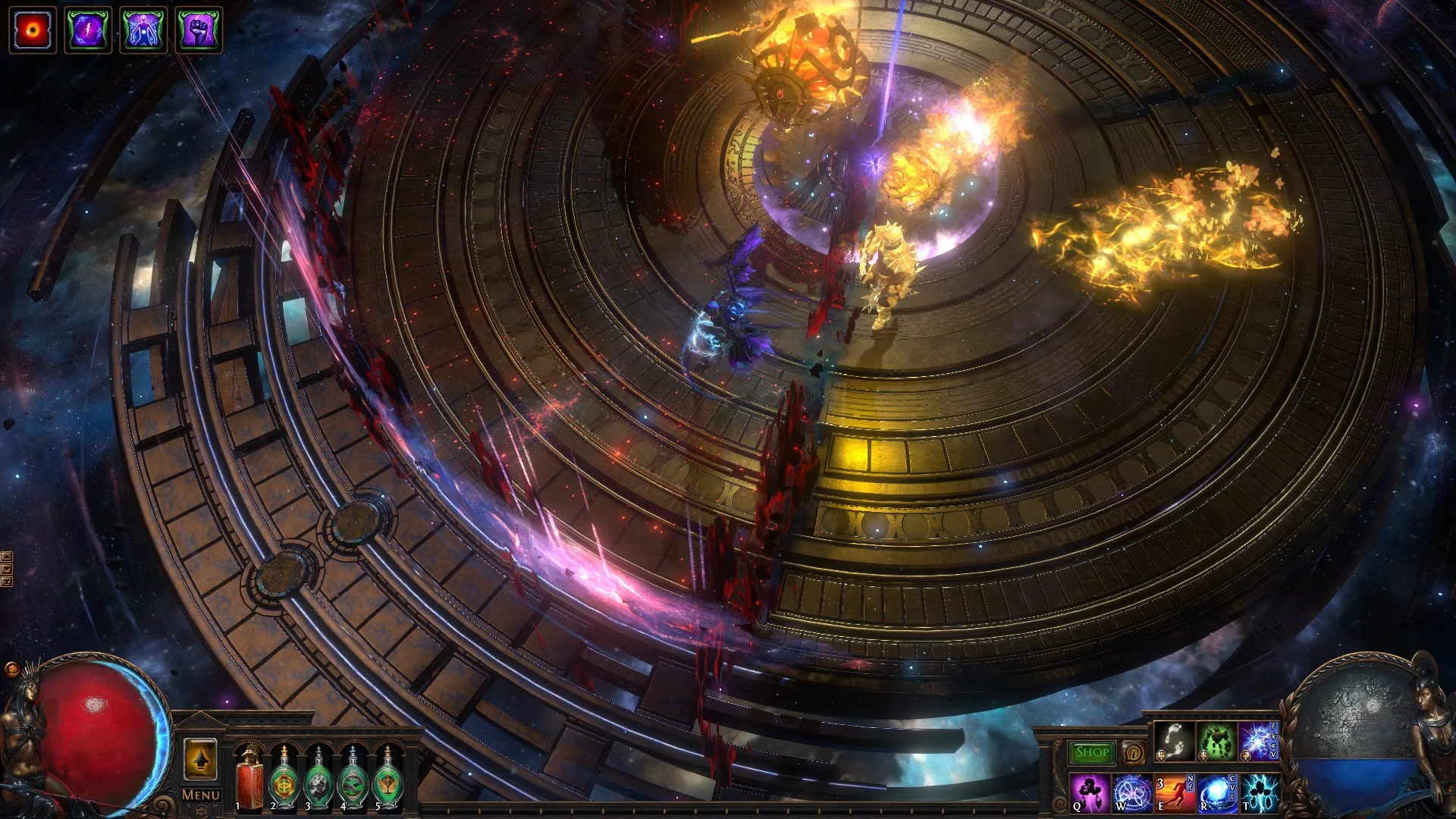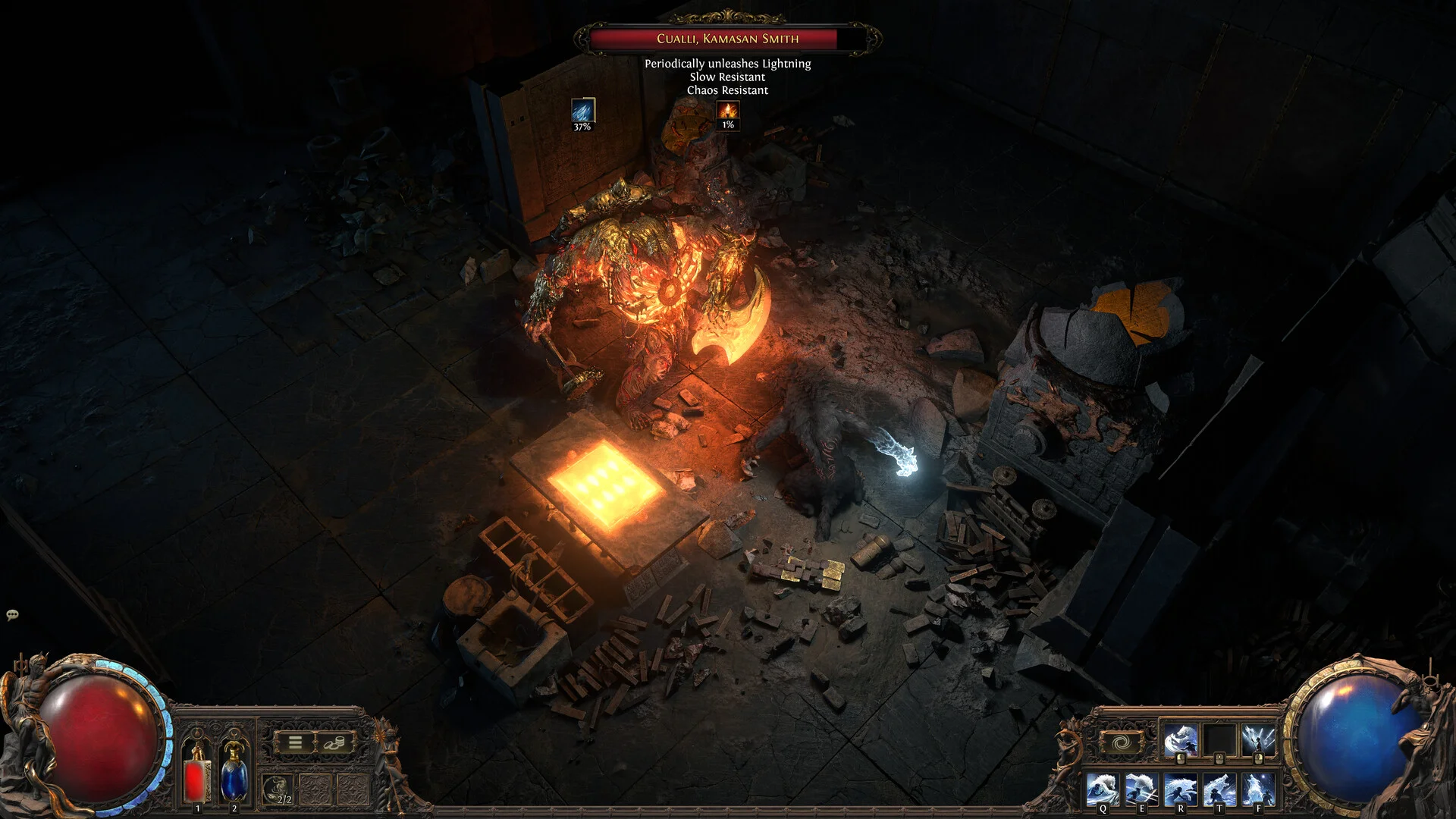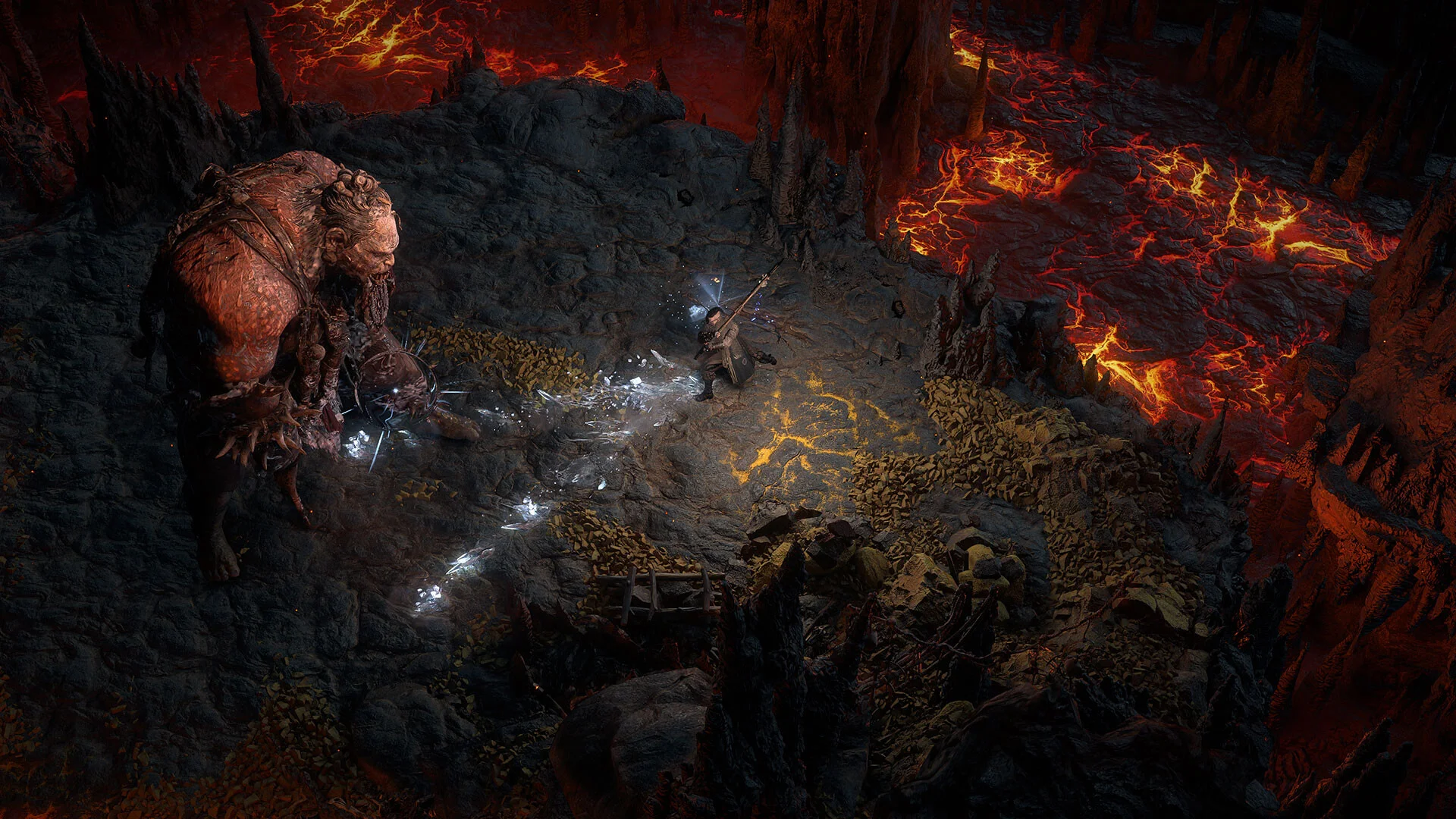
A lot of players coming back for the 1.0 launch on December 11 ask the same thing before they download: Does Path Of Exile 2 Have Controller Support, or is it still a mouse game wearing a gamepad costume? Fair question. Path Of Exile 1 spent years as a click-to-move game on PC.
So, Does Path Of Exile 2 Have Controller Support on every platform? It does, and Grinding Gear Games built it into the game from the start of Early Access. Swap input and the UI changes, you get a dodge roll on a face button, and consoles launched alongside PC.
The answer to Does Path Of Exile 2 Have Controller Support is yes: full native support on PC, PS5 and Xbox Series X|S, and it runs on Steam Deck too. On PC you switch to it from the gear icon on the login or character select screen, under Input, by setting Input Method to Controller. You can't change input while you're inside a zone.
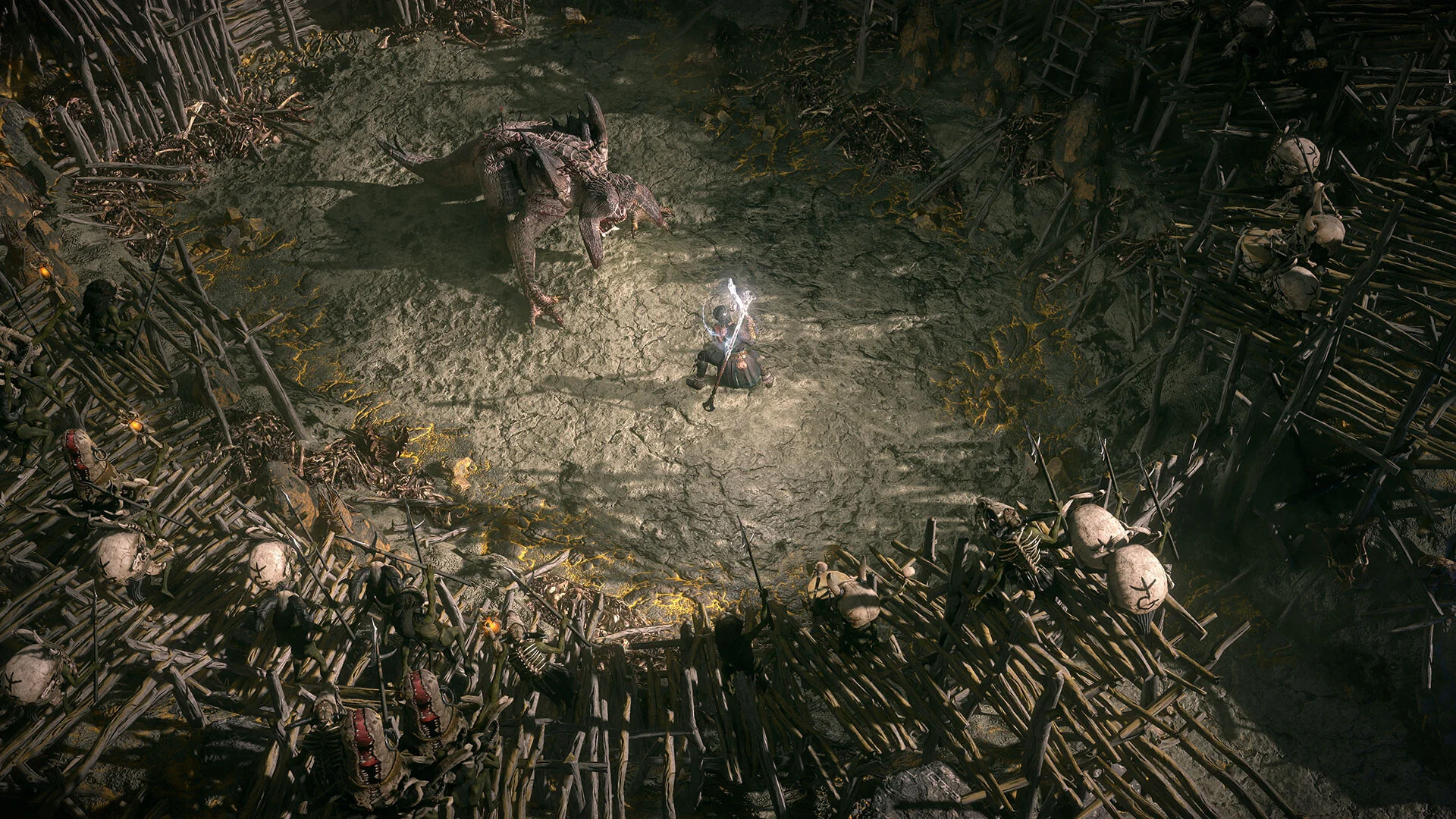
Does Path Of Exile 2 Have Controller Support On Every Platform?
Short version: yes on PC, yes on both current consoles, and Valve rates it Verified on Steam Deck. The details change a bit by platform, so here's what to expect on each one.
PC (Steam, Epic Games Store and Standalone)
On PC the controller mode is a built-in option, no third-party mapper needed. The game reads these pads natively:
- DualSense (PS5)
- DualShock 4 (PS4)
- Xbox Wireless Controller
- Third-party X-Input controllers
Fight sticks and Hit Box style devices that report as X-Input may work, but we wouldn't count on it for a hardcore character. Stick with a regular pad.
The catch on PC is hot-swapping. You pick keyboard or controller before you load a character, and the game doesn't let you flip between them mid-map. That's been one of the louder requests on the official forums, and it still isn't in.
PS5 And Xbox Series X|S
Consoles run the same game with the same patches on the same day as PC. The game director confirmed on the PlayStation Blog announcement of Path of Exile 2 on PS5 that it has full cross-play and cross-progression, plus couch co-op.
Couch co-op is the console feature PC players don't get. Two people share one screen, each with their own panel menus, and player two can log in as a guest or with their own account.
Steam Deck
Path Of Exile 2 got upgraded from Playable to Steam Deck Verified in September, ahead of 1.0. The older Playable tag was mostly about small text, which you'll still notice on loot labels if you run a dense filter.
Our take: the Deck is great for campaign acts and leveling alts. For juiced endgame maps with screen-filling effects, we'd still play docked or on a desktop.
How To Set Up A Path Of Exile 2 Controller On PC
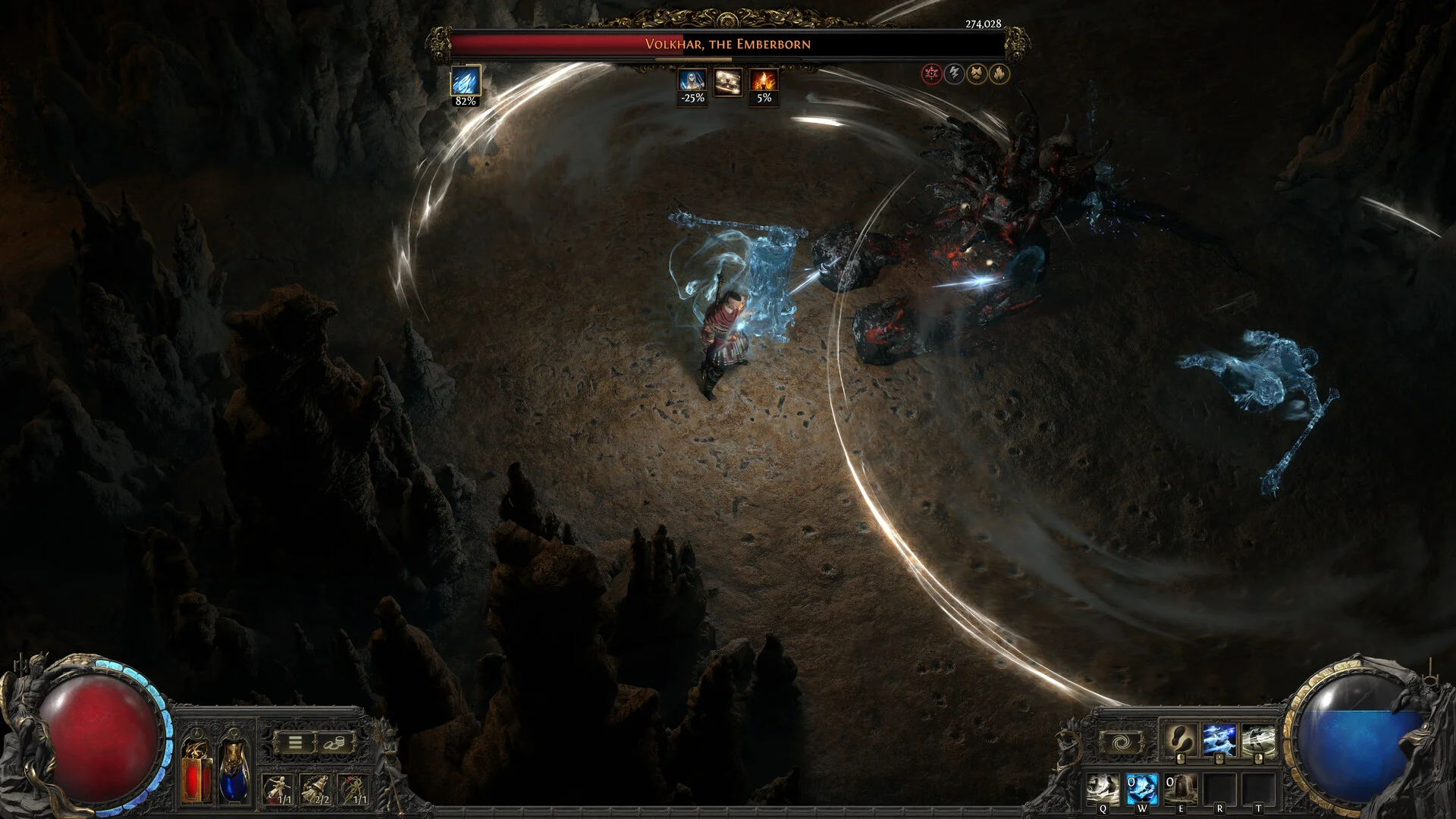
Setting up a Path Of Exile 2 Controller takes a few clicks, but the order matters. The game wants the change made before a character is loaded.
Step-By-Step Setup
- Plug in or pair your controller before you launch the game.
- Go to the login screen or the character selection screen.
- Click the gear icon in the top left corner.
- Open the Input tab.
- Set the Input Method dropdown to Controller.
- Pick your pad in the Controller Device dropdown.
- Set Controller Prompt Art to Auto-Select, or choose PlayStation or Xbox icons manually.
- Click Save, then Close, and load your character.
If you type your password every time, do the switch at character select. Typing on the login screen with a pad active is a pain.
What Changes After You Switch
Once controller mode is on, the interface rebuilds itself around the pad. Your inventory, stash and passive tree get controller layouts, and the dodge roll sits on a button you can hit without stretching for the Space Bar.
One thing trips up almost everyone: your skill binds don't carry over from keyboard. You'll need to rebind them. On a DualShock 4 or DualSense, hold the Touchpad, pick Skills from the wheel, then assign each skill to a button.
PoE 2 Controller Settings Worth Changing
The default PoE 2 Controller Settings are fine for a first campaign run. Most of what you'll tweak later is about targeting and skill layout, because that's where controller play feels different from mouse play.
Targeting: Dynamic Vs Focus Fire
By default, the game uses dynamic targeting. Your character picks a target near where you're facing and the stick direction you push. It works well for melee and close range, and it struggles in big packs.
Players on the official forums point to a Focus Fire mode as the alternative. It keeps your skills on one target longer, which stops your damage from spraying across five different monsters. The trade-off: picking up chests or shrines mid-fight gets clunkier.
Here's how we'd choose:
- Melee and slam builds: dynamic targeting is fine.
- Single-target bow, crossbow or curse builds: try Focus Fire.
- Minion builds: dynamic, since you rarely aim yourself.
- Any build doing a pinnacle boss with adds: test both on a regular map first.
Skill Sets And The Modifier Button
You get a main skill set on the face buttons and shoulders, plus a second set when you hold a modifier (L1 on PlayStation). That doubles your usable buttons.
A change made back in an earlier update means that holding a skill button and then tapping the modifier now fires the modified skill without re-pressing. Some players love it. Others asked on the forum for a toggle to restore the old behavior, so keep it in mind if you suddenly cast the wrong skill.
| Setting Or Feature | Default | When To Change It |
|---|---|---|
| Input Method | Keyboard/Mouse | Switch to Controller before loading a character |
| Controller Device | First detected pad | Change if you have more than one pad connected |
| Controller Prompt Art | Auto-Select | Pick manually if icons show the wrong brand |
| Targeting Mode | Dynamic | Try Focus Fire for single-target ranged builds |
| Skill Set 2 (Modifier) | Hold L1 / LB | Put utility and buffs here, damage on set 1 |
| Interact Button | Shared with a skill | Move interact to its own button if crystals or doors don't respond |
Is Playing With A Path Of Exile 2 Controller Actually Good?
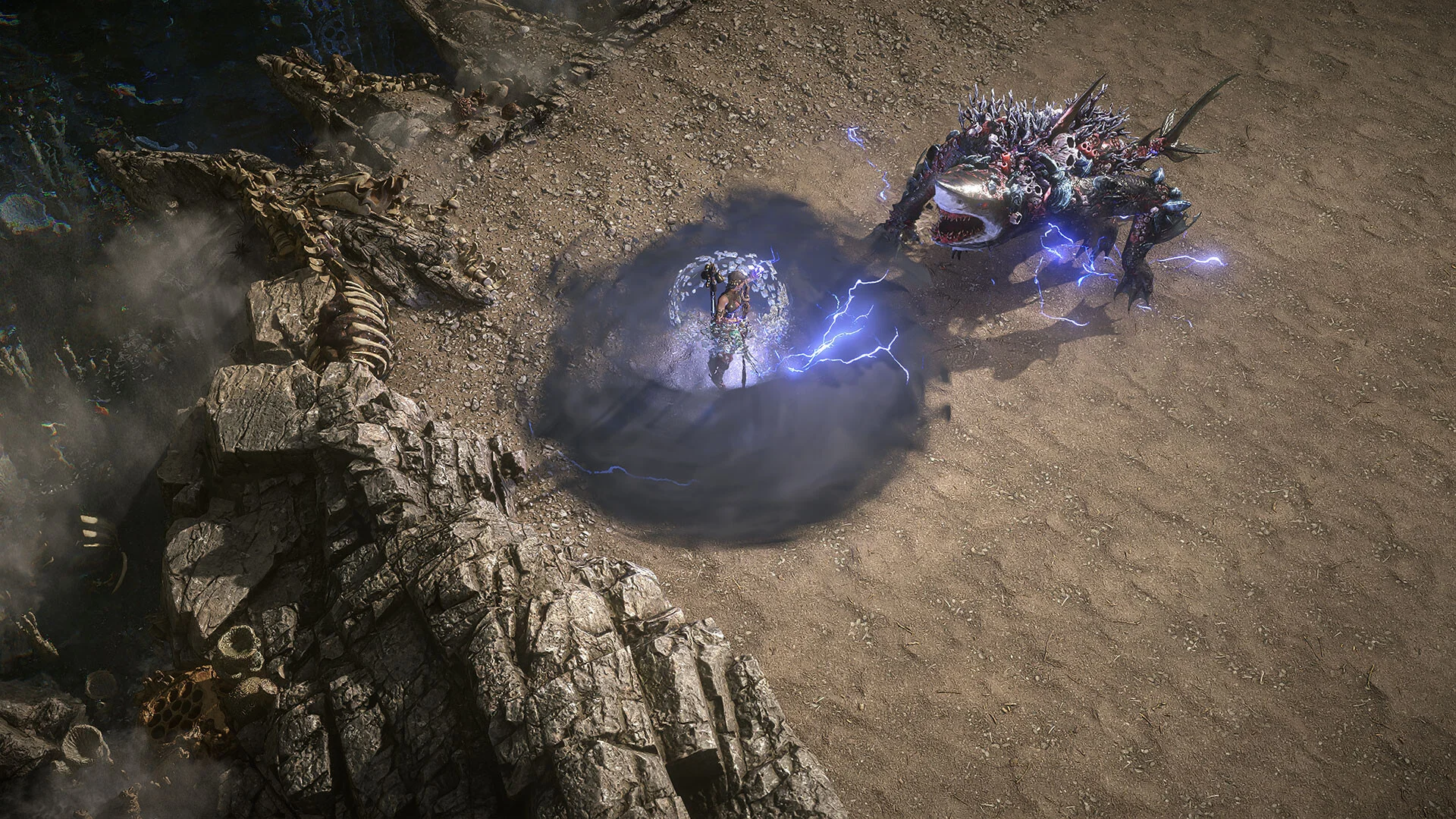
Mostly yes. We'd call it the best controller ARPG experience GGG has shipped, and a big jump from the old PoE 1 setup. Still, it isn't perfect, and some builds feel far better on a pad than others.
Where Controller Shines
- Movement. Walking with a stick and rolling out of a boss slam feels natural, and it's arguably smoother than click-to-move.
- Melee builds. Warrior and Monk style characters that hit what's in front of them play great.
- Couch sessions. Lean back, play the campaign, no desk required.
- Long sessions. Your wrist will thank you after a few hours of mapping.
If you haven't settled on a character yet, our Path Of Exile 2 best class guide breaks down the roster, and we'd lean toward classes that don't depend on precise ground placement.
Where It Still Struggles
Auto-targeting is the weak spot. Players on the forums report characters shooting the enemy in the back instead of the one in their face, or spells landing on empty ground while a boss stands right there.
A few situations are rough on a pad:
- Placing totems or ground effects behind you, since the reticle snaps back to center fast.
- Crossbow piercing shots at point-blank range, which can aim at the floor.
- Ascendancy trials with lots of interactables, where interact competes with your skill button.
- Trading and stash sorting, which are just faster with a mouse.
That last point is why we keep mouse and keyboard around for crafting sessions. Crafting with runes and currency means a lot of hovering and comparing, and that's much faster when you can mouse over items.
Pro Tips And Common Mistakes With A Controller
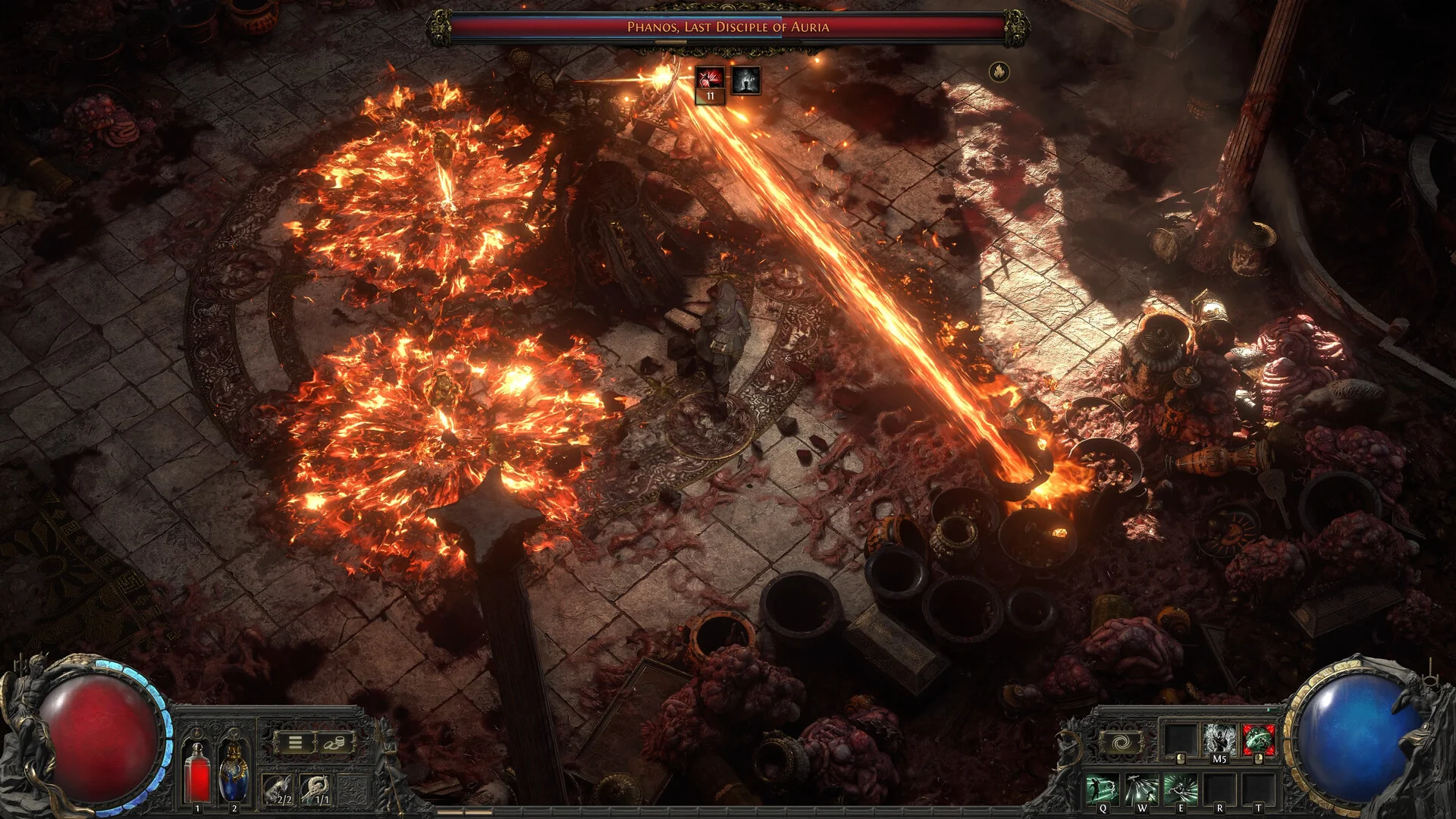
Most controller frustration comes from fixable habits. Here's what we'd tell anyone switching from keyboard.
Pro Tips: PoE 2 Controller Settings And Playstyle
- Give interact its own button: If interact shares a button with an attack, combat input wins and you'll fail to activate crystals or doors. Moving interact to A on Xbox or a modifier combo fixed it for forum players.
- Pick a build that fits the pad: Melee and minion builds lean on the targeting system's strengths, while precise ground-targeted builds fight it. Browse the Path Of Exile 2 builds guide with that filter in mind.
- Put buffs and auras on the modifier set: You press damage skills constantly and buffs rarely, so hiding buffs behind L1 keeps your main hand free.
- Test targeting on a low-tier map: Swap between dynamic and Focus Fire in a low-risk zone. A pinnacle fight is the wrong place to find out your setup sprays.
- Keep the pad charged before mapping: A wireless pad dying mid-map means alt-tabbing to switch input, which you can't do in a zone anyway.
Common Mistakes Path Of Exile 2 Controller Players Make
- Trying to switch input in a zone: Players look for the option mid-map and can't find it. Fix: log out to character select and change Input Method there.
- Assuming skills carry over: Your keyboard binds don't move to the pad automatically, so the first fight goes badly. Fix: rebind every skill through the Touchpad wheel (or the equivalent menu) before leaving town.
- Blaming lag for bad aim: A missed skill on a pad is usually targeting, not your connection. Fix: test Focus Fire first, then check ping if skills fire late too.
- Running two controller layers at once: Steam Input plus the game's native support can cause odd behavior on some pads. Fix: if inputs feel doubled, try turning Steam Input off for the game and test again.
How Connection Problems Feel Worse On Controller
That third mistake deserves a second look. On a pad, you rely on dodge roll timing more than on keyboard, so a lag spike at the wrong moment eats a boss slam you'd normally roll through.
Why Ping Hits Controller Players Hard
- Dodge roll timing gets thrown off by delayed server responses.
- Rubber-banding pulls you back into the ground effect you just rolled out of.
- Packet loss can make a skill seem to "not fire," which looks like a targeting bug.
If your character stutters during map clears or boss phases, our PoE2 lag fix guide covers the network side step by step.
Using ExitLag With Path Of Exile 2
ExitLag isn't a VPN. It's a connection optimizer that tests multiple network paths in real time and sends your game traffic through the fastest, most stable route to the Path Of Exile 2 servers. It doesn't encrypt traffic, mask your IP, or touch apps outside supported games.
For an online ARPG, the features we'd actually use are:
- Multipath Technology, which sends packets over more than one route at once, so a single bad hop doesn't drop you mid-boss.
- Multi-Internet, which can combine up to 4 connections (say, cable and a phone hotspot) as a backup.
- Traffic Shaper, which keeps a download or stream in another app from eating your game bandwidth.
- PC Boost, which frees RAM and trims background processes for steadier FPS in heavy maps.
ExitLag doesn't modify game files, inject code, or interact with anti-cheat, and it supports 4,000+ games across 1,500+ servers in 190+ countries. One honest limit: it can't fix a slow local PC or bad Wi-Fi in your room, so go wired first. Then grab the ExitLag Download and run it before your next mapping session.
Final Answer: Does Path Of Exile 2 Have Controller Support?
It does, and it's a real, native implementation on PC, PS5, Xbox Series X|S and Steam Deck. You'll still find rough edges in targeting, but most of them have workarounds.
Quick Recap Of What To Do
- Switch Input Method to Controller at character select, not in a zone.
- Rebind your skills, since keyboard binds don't carry over.
- Pick dynamic or Focus Fire targeting based on your build.
- Give interact its own button.
Who Should Use A Controller
We'd recommend a pad for campaign runs, melee and minion builds, Steam Deck sessions and couch co-op on console. For trading, crafting and builds that need precise ground placement, keyboard and mouse is still faster. New to the game? Start with our Path Of Exile 2 guide, then check the official Path Of Exile 2 Steam page for the December 11 launch.
So, Does Path Of Exile 2 Have Controller Support worth using at 1.0? Yes. Remember those crystals that wouldn't activate? Fix interact and targeting, and the rest of the controller setup works well.
All game images used in this blog post belong to Grinding Gear Games. They are used for informational and educational purposes only and do not imply endorsement or affiliation with the rights holders.