When you're ready to dive into Tamriel and your screen says “Server Offline,” frustration sets in. This guide gives you the complete breakdown of Elder Scrolls Online server maintenance, covering:
- Maintenance schedules
- NA and EU server differences
- Console-specific issues (PS4, Xbox One)
- How to check ESO server status in real time
- Tools to reduce lag during server strain
Let’s make sure downtime doesn’t ruin your game time.
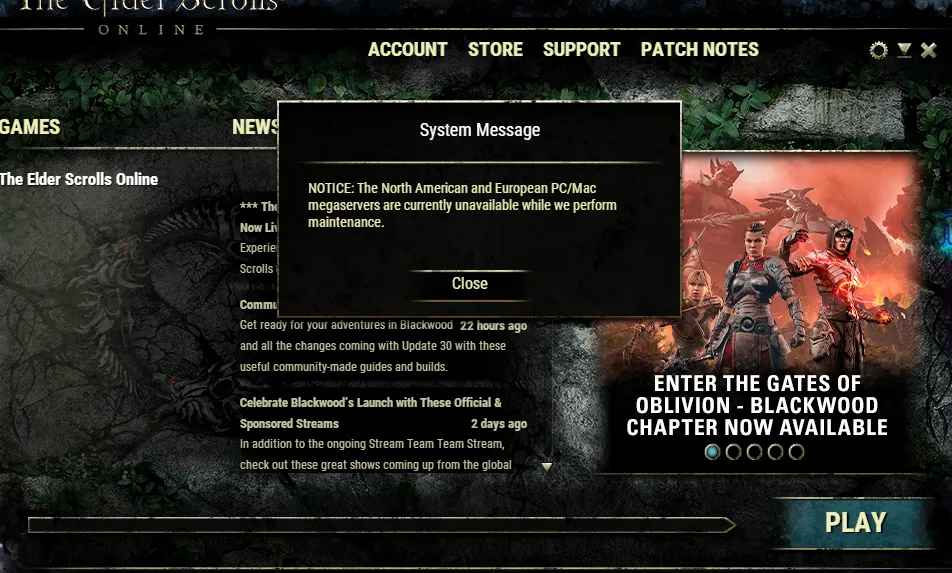
When Is Elder Scrolls Online Maintenance?
Maintenance usually takes place during off-peak hours for each server region:
| Region | Server | Regular Maintenance |
| North America | NA Server | Mondays at 10 AM EST |
| Europe | EU Server | Tuesdays at 3 AM CET |
Typical Maintenance Windows:
- Duration: 2–6 hours
- Occurs: Weekly or bi-weekly
- Types: Scheduled, Emergency, Patch rollout
Note: Special updates, like expansions or events, may extend these windows.
How to Check Elder Scrolls Online Server Status
You can monitor server uptime and alerts through:
- Official ESO Server Status Page
- ESO’s Twitter: @TESOnline
- Reddit: r/elderscrollsonline pinned posts
- In-game login notifications
Use the official status tracker to:
- See if the NA server is down
- Confirm EU server maintenance
- Track platform-specific issues for PS4, Xbox, PC
Elder Scrolls Online PS4 and Xbox Maintenance
Console maintenance usually syncs with PC downtime but may vary.
PS4 Server Notes:
- PSN may add extra authentication downtime
- Updates download slower than PC due to file encryption
- ESO Patch notes posted on PlayStation blog during rollouts
Xbox One Server Notes:
- Xbox Live issues can disrupt login beyond ESO’s control
- Delayed patch delivery compared to PC and PS4
- Use Xbox status monitor for overlapping outages
Elder Scrolls Online NA vs EU Server Differences
Key Differences:
- Location: NA = Texas; EU = Frankfurt
- Time Zone Schedules: Maintenance happens at different hours
- Population Load: EU often peaks earlier in the day due to timezone
Login Queue Tips:
- Log in 15 minutes early before resets
- Avoid peak time on patch days (usually around 7 PM local)
- Use ExitLag to optimize connection routes based on server location
What Happens During ESO Server Maintenance?
During a maintenance window:
- All online services are disabled
- Logins are blocked
- Patch or hotfix is deployed
- Backend server tests are run
Note: Your account, progress, and characters are safe. No rollback happens unless explicitly stated.
Elder Scrolls Online Server Down? What To Do
If you think the Elder Scrolls Online server is down, follow these steps:
- Visit the official status page
- Check ESO Twitter for alerts
- Try logging into another character or server
- Restart your modem/router
- Contact support if issues persist beyond scheduled time
Common Messages:
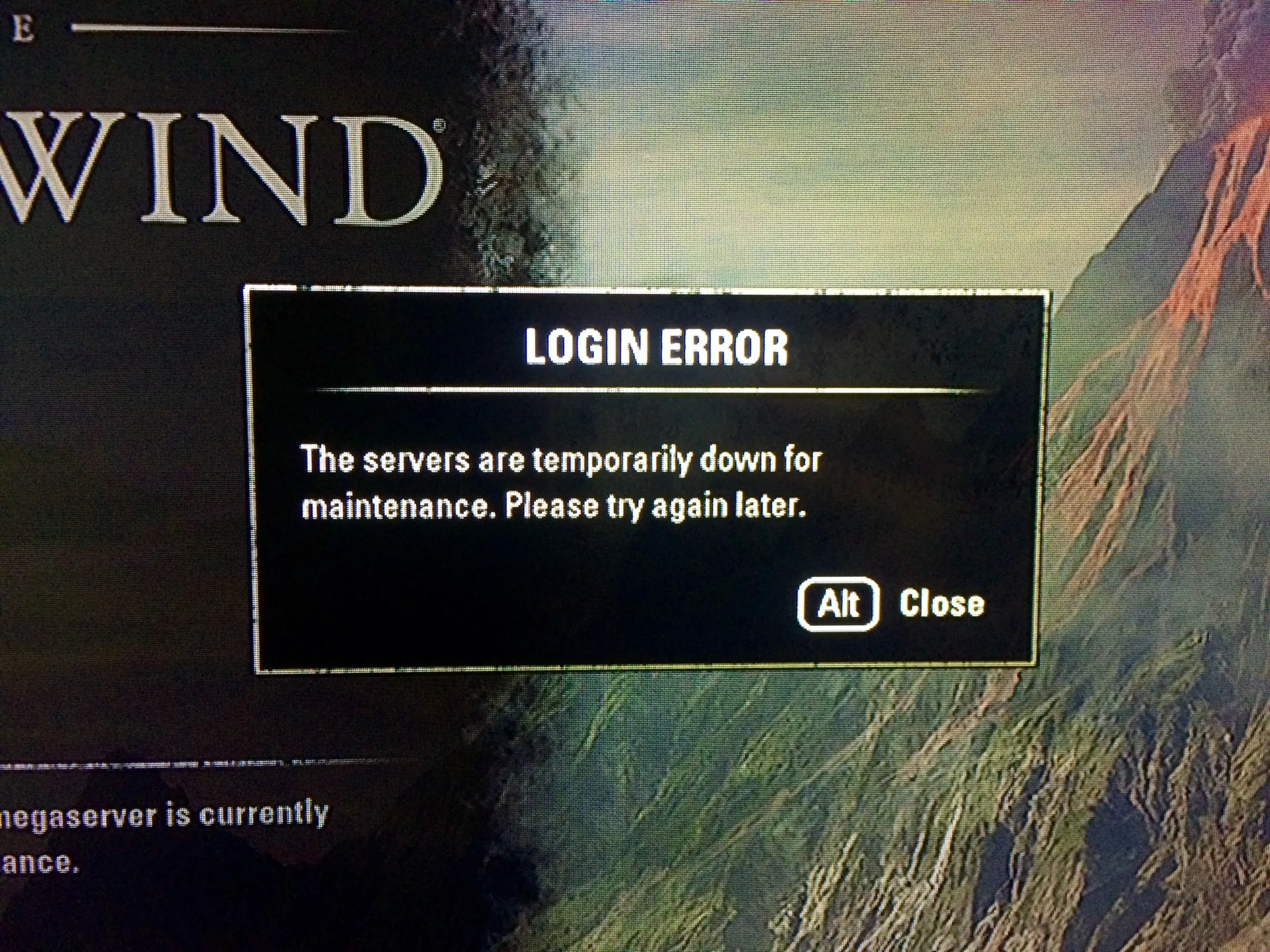
- “Login Failed” = server offline
- “Unable to connect to server” = maintenance or routing issue
- “Request Timeout” = ISP issue or server under high load
Elder Scrolls Online Private Server: Myth or Reality?
There are no legitimate ESO private servers. All gameplay is tied to ZeniMax’s global infrastructure. Claims of private shards or emulators are:
- Against the Terms of Service
- Security risks (phishing or malware)
- Frequently scams or broken prototypes
Stick to official NA/EU servers for safe, supported play.
Elder Scrolls Online Lag During Maintenance?
Sometimes servers are technically online but unstable. This happens:
- Before major events or expansions
- After long maintenance with new patches
- When too many players log in at once
Symptoms:
- Rubberbanding
- Skill lag
- Delayed loading screens
- Group sync failures
ExitLag: Optimize Your ESO Connection
ExitLag helps mitigate instability, especially after maintenance. It:
- Reduces packet loss
- Auto-routes your signal through optimal ISP paths
- Stabilizes ping during PvP and dungeon queues
Perfect for:
- Cyrodiil players facing ping spikes
- Console users with lag despite fast internet
- Multi-region guild members who switch servers
What Players Do During Maintenance: Smart Workarounds
ESO downtime doesn’t have to be wasted time. Here’s how top players make the most of it:
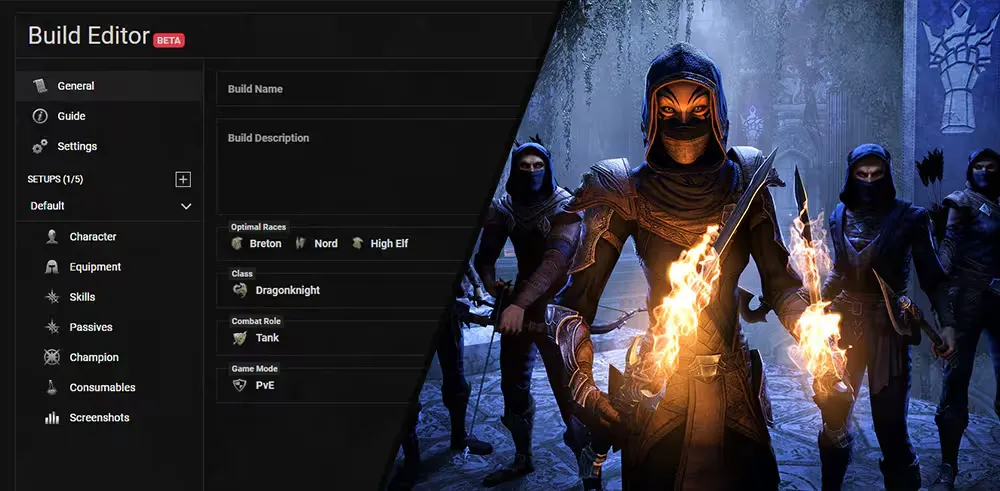
1. Theorycraft New Builds
- Use UESP and ESO-Hub build editors
- Test CP presets and hybrid stat mixes
- Plan gear upgrades and material lists
2. Update Add-ons (PC)
- Refresh essential tools like Map Pins, HarvestMap, Combat Metrics, and BeamMeUp
- Clean up broken dependencies
- Reconfigure profiles for patch compatibility
3. Guild Planning and Market Prep
- Organize trial rosters and event calendars
- Price-check guild store listings for post-patch profit
- Prepare siege materials for Cyrodiil resets
4. Expand ESO Knowledge Outside the Game
- Watch ESO cinematic trailers and lore theory videos
- Read lore from UESP, Reddit lore megathreads, or in-game books
- Study zone maps and treasure paths for efficiency
How Bug Reports Work Post-Maintenance
Each major patch comes with unintended issues—even with public test servers.
How to Report Bugs:
- Use in-game /bug command
- Submit detailed tickets at help.elderscrollsonline.com
- Post in the official ESO Forums under Bug Reports
Effective Report Includes:
- Location, platform, and character name
- Description of actions before/after bug occurred
- Add-ons in use (PC only)
- Screenshots or videos if possible
ZeniMax support prioritizes game-breaking issues first. Micro-patches often arrive within 72 hours.
Patch Rollout Patterns and Update Frequency
Understanding update cadence helps players prepare ahead of time.
Patch Types:
- Hotfixes (1–2 days): Fixes critical issues immediately
- Incremental Updates (monthly): Tweak balance, fix exploits, adjust mechanics
- Quarterly DLC Drops: Adds zones, dungeons, stories
- Annual Chapters: Full content packages (new classes, systems, regions)
Deployment Order:
- PC NA > PC EU
- Console NA > Console EU (delayed by certification)
PC players test first—console gets refined versions post-feedback.
ESO Server Load During Major Events
Global events often create massive player spikes:
- Jester’s Festival
- Whitestrake’s Mayhem
- New Chapter launches
- Double XP weekends
Resulting Issues:
- Login queue overload
- Crown Store lag or failures
- Loot delay after boss kills
- Cyrodiil desyncs and siege glitches
Tips:
- Log in early before reset
- Avoid portal zones right after login
- Use ExitLag to reduce regional congestion
Server Desync, Rubberbanding, and Skill Lag
Server is “up” doesn’t mean it’s “healthy.” Watch for:
- Skill lag
- Mount stuck animations
- Ability bar swap failures
Player Fixes:
- Use fewer add-ons
- Switch zones to refresh sync
- Run a connection stabilizer like ExitLag
- Restart game and modem for best routing
Server Expansion and Future Hosting
ESO’s global player base continues to grow. Requests include:
- Asian Megaserver (especially SEA players)
- Oceania Hosting (suggested for ANZ community)
- Cyrodiil Shard Separation (PvP lag balancing)
As of 2025, ZeniMax maintains NA and EU cores only—but community feedback is being monitored.
ExitLag After Maintenance: Does It Help?
Yes—and especially during:
- First login attempts post-maintenance
- Crowded PvP battles and performance test periods
- Delve or dungeon entrance lag
Start your Exitlag 3 days Trial!
ExitLag improves path stability and response time. With constant rerouting and server-specific tuning, it's ideal for:
- Players outside server regions
- Cross-continent guild events
- Solo content relying on skill timing
Frequently Asked Questions (Advanced)
How long does it take to fix major issues after a patch?
Game-breaking bugs: 1–3 days. Minor bugs: Up to 3 weeks.
Can patch notes miss certain changes?
Yes. Some changes are undocumented—players often crowdsource this info on Reddit or Discord.
Is my account safe during downtime?
Yes. Maintenance ensures no rollback unless stated.
Why is console lag worse sometimes?
Console routing depends heavily on Xbox/PSN performance. ExitLag can’t affect console OS, but it helps with traffic shaping on ISP level.
What’s the safest way to reconnect after maintenance?
Wait 5–10 minutes post announcement. Use ExitLag and start with low-load zones.
Final Thoughts
Understanding the deeper mechanics of Elder Scrolls Online server maintenance keeps you ready when Tamriel reboots. Whether preparing your build planner, staying ahead of patch cycles, or managing guild resources, your time doesn’t have to be wasted.
And with ExitLag, you can log back in faster, play smoother, and enjoy the post-maintenance experience without the usual hiccups.
See you after the next patch!
All game images used in this blog belong to ZeniMax Online Studios. They are used for informational/educational purposes only and do not imply endorsement or affiliation with the rights holders.