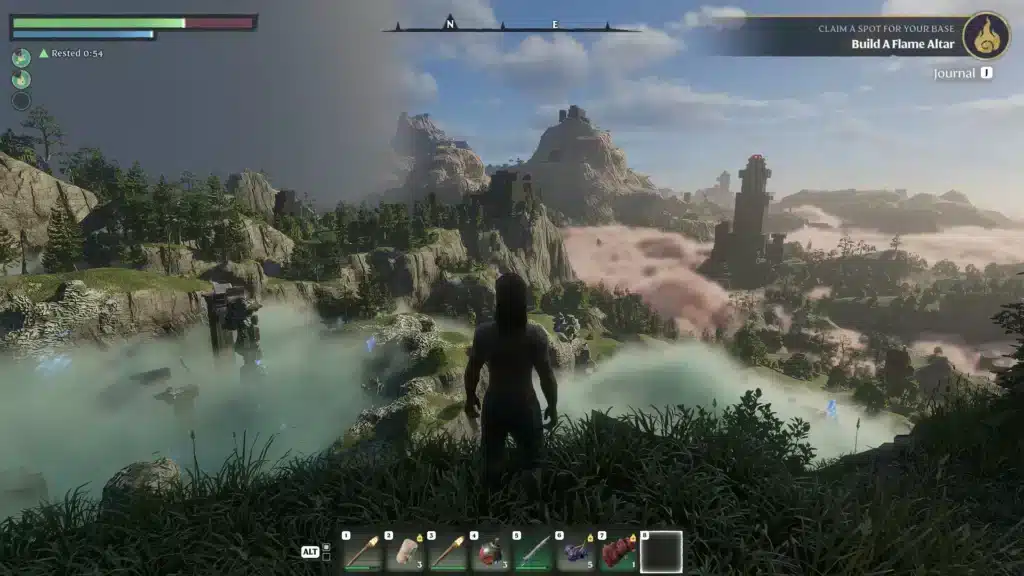
Enshrouded is already one of the most engaging survival crafting games available, but Enshrouded Mods can push the experience far beyond what the base game offers. Whether you want a smoother quality-of-life run or a completely transformed world, the modding community has built tools worth exploring.
The modding scene for Enshrouded lives primarily on Nexus Mods, which has become the central hub for the community. From cheat tables to overhaul mods, the variety available means there is something useful regardless of your playstyle or how many hours you have already put in.
Installing mods does require a mod loader, and understanding which tools to pair together makes the process much cleaner. Once you have the foundation in place, adding and removing individual mods becomes a quick and reversible process.

Best Enshrouded Mods on Nexus Right Now
Quality of Life and Gameplay Mods
The most popular category on Enshrouded Nexus focuses on refining what is already there, making it faster, fairer, or more comfortable without breaking the core loop.
Ember stands out as a top-tier quality-of-life collection. It bundles multiple stability and gameplay balance tweaks into a single package, prioritizing client safety and server compatibility. If you want a smoother experience without overhauling the game, Ember is the first mod to install.
Loot Multiplier does exactly what the name suggests. It multiplies resources gathered from trees, farming, looting enemies, and harvesting. For players who find the base grind too slow or simply want to focus on building and combat, this mod removes friction without disabling the core systems.
Here is a breakdown of top Enshrouded Mods by category:
| Mod Name | Category | Main Benefit |
|---|---|---|
| Ember | Quality of Life | Stability tweaks and balance changes |
| Loot Multiplier | Resources | Increases all resource yields |
| Enshrouded Table | Cheats/Debug | Infinite health, stamina, mana, speed |
| Flat Mountaintop Save | Building | Pre-built flat terrain for base construction |
| Space Station | World | Entirely new sky-level exploration area |
Enshrouded Creative Mode Options
While Enshrouded does not have a built-in creative mode, several Enshrouded Mods approximate that experience. The most flexible option is the Enshrouded Table, a cheat table that unlocks near-unlimited control over your character.
With the Enshrouded Table active, you can:
- Enable infinite health, removing the danger of combat entirely
- Toggle infinite stamina for uninterrupted climbing and sprinting
- Max out mana for non-stop spellcasting without management
- Adjust movement and jump height for exploration freedom
- Freeze the fog timer to explore the Shroud at your own pace
For builders, this is the closest thing to a true Enshrouded Creative Mode the community currently offers. It lets you focus entirely on construction and world design without survival interruptions.
How to Install Enshrouded Mods on Nexus
Before downloading any individual mod, you need a working mod loader. The two main options are:
- EML (Experimental Mod Loader): Supports drag-and-drop installation, live configuration, and dependency injection. Works for both the standard game and dedicated servers.
- Shroudtopia: A lighter loader compatible with many popular Enshrouded Mods on Nexus.
Here is the basic setup process:
- Download your preferred mod loader from Nexus Mods
- Install the loader to your Enshrouded game directory
- Download your chosen mods from the Nexus Mods Enshrouded page
- Drop mod files into the mods folder created by your loader
- Launch Enshrouded and verify the mods are active
The UI Mod Manager is another tool worth installing alongside your loader. It provides a graphical interface for managing all active Enshrouded Mods without manually moving files, and it supports both EML and Shroudtopia.
Pro Tips: Enshrouded Mods
- Always back up your save before adding new mods: Even stable mods can interact unexpectedly with your save file on the first load. A backup takes seconds and protects hours of progress.
- Install the mod loader first: Trying to run mods without a loader causes either a crash or no effect. EML is the most reliable current option for most popular Enshrouded Mods.
- Check mod update dates: The game receives patches that can break older mods. Before installing anything, verify that the mod page shows a recent update or confirms compatibility with the current game version.
- Use UI Mod Manager for cleaner control: Manually moving files works but becomes unwieldy with many mods active. The UI Mod Manager keeps everything organized and lets you toggle individual mods without uninstalling.
- Start with one mod at a time: Running five new mods simultaneously makes it impossible to identify which one causes issues. Add mods one by one and test between each addition.
Common Mistakes Enshrouded Mods Players Make
- Skipping the mod loader: Many players download individual mods and expect them to work by placing files in the game folder. Without EML or Shroudtopia, most mods will not load at all. Fix: install the mod loader before downloading any individual mods.
- Ignoring version compatibility: Installing a mod last updated six months ago into a recently patched game is a common cause of crashes. Fix: always check the mod’s last update date and read the comments section on Nexus Mods to see if other users report issues with the current game version.
- Running too many mods at once: Adding ten mods simultaneously then experiencing a crash leaves you with no way to identify the problem. Fix: add mods incrementally, testing after each addition to confirm stability before stacking more.
How Does Enshrouded Mods Affect Multiplayer?
Modded sessions can be shared with other players, but all participants typically need the same mods active to avoid desync. Server-side mods applied through EML work cleanly in co-op, while client-only mods may cause visual inconsistencies for other players.
For multiplayer specifically, stability becomes more important than in solo play. A mod that occasionally causes a stutter in solo play can cause full desync during a raid or combat encounter with other players. Prioritizing well-maintained mods from Nexus Mods authors who actively update their work significantly reduces this risk.
Additionally, a stable, low-latency connection improves any multiplayer session regardless of mod load. ExitLag optimizes your connection to game servers by routing your traffic through the fastest available path, reducing latency and packet loss during co-op play. It supports over 4,000 titles including survival crafting games and is available for PC, Downlaod ExitLag now!
Is Enshrouded Creative Mode Coming Officially?
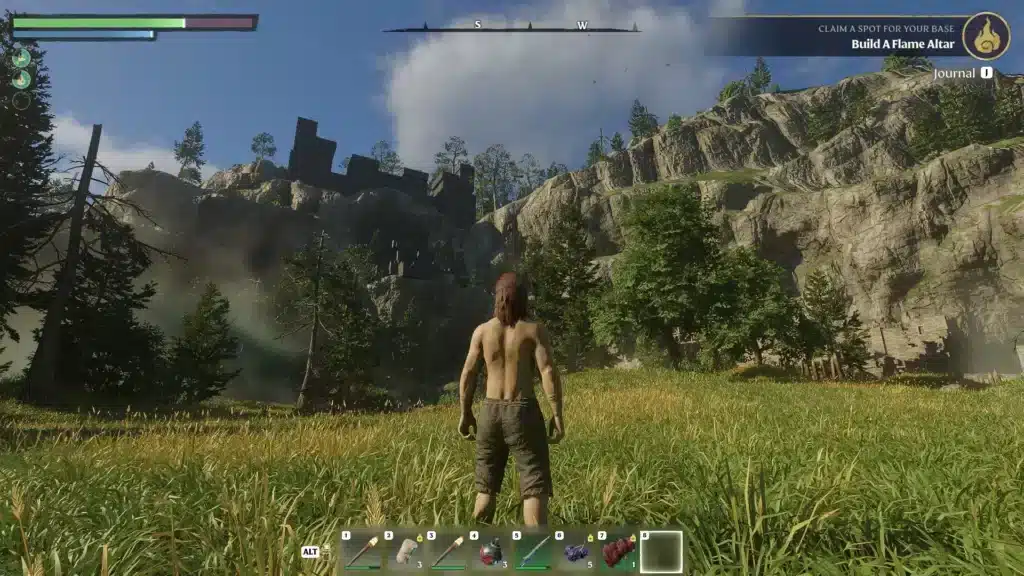
As of now, Enshrouded does not have an official Enshrouded Creative Mode. However, community tools like the Enshrouded Table on Nexus Mods replicate most of what creative mode would offer: resource freedom, combat immunity, and exploration without survival constraints.
The developers at Keen Games have been actively updating and expanding Enshrouded since its early access launch, so an official creative or sandbox mode remains possible in future updates. Until then, Enshrouded Mods from Nexus continue to fill that gap effectively.
Enshrouded Mods Worth Trying Right Now
For players who want to start with the highest-impact options, this is the recommended order:
- Start with EML as your mod loader foundation
- Add Ember for general stability and quality-of-life improvements
- Add Loot Multiplier if the resource grind feels too slow
- Add the UI Mod Manager once you have three or more mods active
- Try the Enshrouded Table if you want a creative-mode-style experience
Enshrouded Mods on Nexus continue to grow as the game receives updates and the community expands. The tools available today already cover the most common player requests, from performance improvements to full sandbox freedom, making modding one of the best ways to extend your time in the game.
All game images used in this blog post belong to Keen Games. They are used for informational and educational purposes only and do not imply endorsement or affiliation with the rights holders.
Got questions or want to connect with other players? Join the conversation at the ExitLag Forum!