If you want to enhance your gameplay experience, understanding Minecraft fabric is one of the most effective ways to start. This powerful modding tool allows players to customize their worlds, improve performance, and unlock new features without compromising stability.
Throughout this guide, you will learn how Minecraft fabric works, how to install it, the best mods available, and how to optimize both performance and connection for the best possible gameplay.
What is Minecraft fabric?
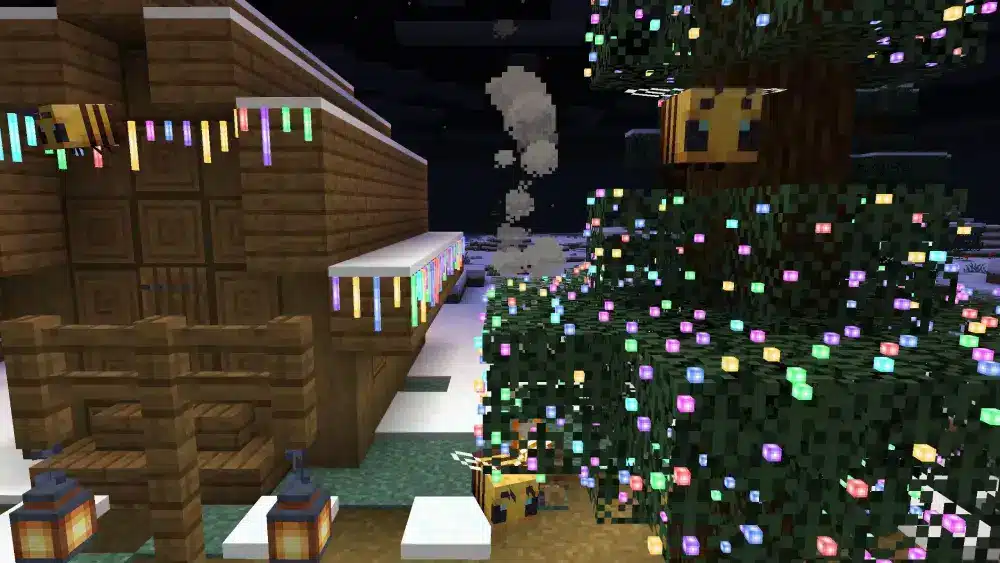
Minecraft fabric is a lightweight modloader designed to allow players to run custom mods efficiently. It acts as a bridge between the base game and user-created content, enabling customization, performance improvements, and new gameplay mechanics.
Minecraft Fabric: what it is and how it works
Before installing anything, it is essential to understand how Minecraft fabric operates and why it has become so widely used among players.
How Minecraft fabric connects mods to the game
Minecraft fabric works as a bridge between the core game and external modifications. It ensures that mods can be loaded safely without altering the original structure of the game.
This approach reduces conflicts and allows faster updates when new Minecraft versions are released.
Why Minecraft fabric is lightweight and efficient
Unlike traditional modloaders, Minecraft fabric focuses on minimalism. It avoids unnecessary features and prioritizes speed and compatibility.
Key advantages include:
- Faster loading times
- Lower memory usage
- Quick updates for new versions
- Reduced risk of crashes
Because of this, many players prefer Minecraft fabric when playing modern versions of the game.
Fabric installer and setup guide for Minecraft fabric
Installing Minecraft fabric is straightforward, even if you have never used mods before.
Step-by-step installation process
Follow these steps to install Minecraft fabric correctly:
- Download the Fabric installer from the official website
- Open the installer file
- Select your Minecraft version
- Click install
- Open the Minecraft Launcher
- Choose the Fabric profile
- Launch the game
After completing these steps, your game will be ready to run mods.
Common installation mistakes to avoid
Even though installation is simple, some common mistakes can cause issues:
- Installing the wrong game version
- Not updating Java
- Placing mods in the wrong folder
- Forgetting to select the Fabric profile
Avoiding these problems ensures a smooth setup experience.
Minecraft fabric mods and best options for gameplay
One of the biggest advantages of Minecraft fabric is its extensive mod ecosystem.
Popular categories of Minecraft fabric mods
There are several types of mods available for Minecraft fabric, including:
- Performance optimization mods
- Visual enhancement mods
- Gameplay expansion mods
- Interface and utility mods
Many players use Minecraft fabric mods to boost FPS or customize their interface.
Best mods to use with Minecraft fabric
Some popular options include:
- Sodium for performance improvement
- Lithium for optimization
- Replay Mod for recording gameplay
- MiniHUD for better interface control
These mods are designed to work seamlessly with Minecraft fabric, ensuring stability and efficiency.
How to do Fabric in Minecraft and shader support
Understanding How to do Fabric in Minecraft? is essential for players who want to unlock the full potential of modding.
Setting up shaders with Minecraft fabric
To use shaders, you need specific tools compatible with Minecraft fabric:
- Install Iris or similar shader mod
- Download shader packs
- Place them in the correct folder
This allows you to enjoy advanced graphics without sacrificing performance.
Visual comparison with and without shaders
Below is a comparison between playing with and without shaders:
| Feature | Without Shaders | With Shaders |
| Lighting | Basic | Realistic |
| Shadows | Flat | Dynamic |
| Water | Simple | Reflective |
| Performance | Higher | Slightly lower |
Shaders significantly improve immersion, but they may slightly reduce performance depending on your system.
Minecraft fabric vs forge: which is better?
A common question among players is Is forge or Fabric better?
Key differences between Fabric and Forge
Minecraft fabric focuses on performance and simplicity, while Forge offers more features and broader mod compatibility.
Fabric advantages:
- Faster updates
- Better performance
- Lightweight design
Forge advantages:
- Larger mod library
- More complex mods
- Established ecosystem
Choosing the right modloader
The best choice depends on your needs:
- Choose Minecraft fabric for performance and modern versions
- Choose Forge for large modpacks and complex gameplay changes
Both options are valid, but Minecraft fabric is often preferred for newer versions.
Minecraft fabric versions and updates
Players often ask Is there Fabric 1.21 8? and how version support works.
Supported versions of Minecraft fabric
Minecraft fabric supports multiple versions, including:
- 1.21.8
- 1.21.7
- 1.21.5
Its rapid update cycle ensures compatibility with the latest game releases.
Why fast updates matter
Fast updates allow players to:
- Access new content quickly
- Use mods without long delays
- Maintain compatibility with servers
This is one of the main reasons Minecraft fabric continues to grow in popularity.
Minecraft fabric performance and stability tips
Performance is one of the strongest aspects of Minecraft fabric.
Why Minecraft fabric improves performance
The Minecraft fabric loader reduces system overhead by focusing on efficiency.
Benefits include:
- Faster startup time
- Reduced RAM usage
- Smoother gameplay
Best practices for optimization
To get the best performance:
- Keep mods updated
- Avoid installing too many mods
- Test changes incrementally
- Use performance mods like Sodium
These practices help maintain stability and prevent crashes.
Minecraft fabric and connection optimization
While Minecraft fabric improves internal performance, connection quality also plays a crucial role.
Why connection stability matters
In multiplayer environments:
- Lag delays actions
- High ping affects responsiveness
- Packet loss causes stuttering
These issues become more noticeable with mods.
How ExitLag enhances gameplay
ExitLag optimizes your connection route to game servers by:
- Reducing lag spikes
- Stabilizing ping
- Minimizing packet loss
- Automatically selecting the best route
It does not change your IP or act as a VPN. Its focus is purely on improving connection performance.
Minecraft fabric advanced optimization guide
To fully benefit from Minecraft fabric, advanced optimization is essential.
How to maintain long-term stability
For consistent performance:
- Use trusted mod sources
- Remove unused mods
- Backup your files regularly
- Match mod versions with your game version
Balancing performance and visuals
When using shaders and mods together:
- Adjust graphics settings
- Limit heavy mods
- Monitor FPS changes
Balancing these elements ensures smooth gameplay without sacrificing quality.
Minecraft Fabric best practices and final setup tips
Minecraft fabric offers incredible flexibility, but proper setup is key to maximizing its benefits.
Essential tips for beginners
- Start with a few mods
- Learn compatibility rules
- Update frequently
Tips for advanced players
- Create mod profiles
- Test performance regularly
- Optimize both system and connection
By following these strategies, you can fully enjoy everything Minecraft fabric has to offer.
Final Thoughts On Minecraft Fabric
Tools like ExitLag can further enhance your experience by improving connection stability. While Minecraft fabric optimizes internal performance, ExitLag ensures smoother online gameplay by reducing lag and stabilizing your connection.
FAQ
Minecraft fabric is a lightweight modloader that allows players to run mods efficiently and customize gameplay.
It depends on your needs. Fabric is better for performance and fast updates, while Forge supports larger modpacks.
Install the Fabric installer, select your version, and launch the Fabric profile in the Minecraft Launcher.
Yes, Minecraft fabric supports version 1.21.8 along with other recent updates.
Yes, using mods like Iris, you can enable shaders and improve visual quality.
Got questions or want to connect with other players? Join the conversation at the ExitLag Forum!