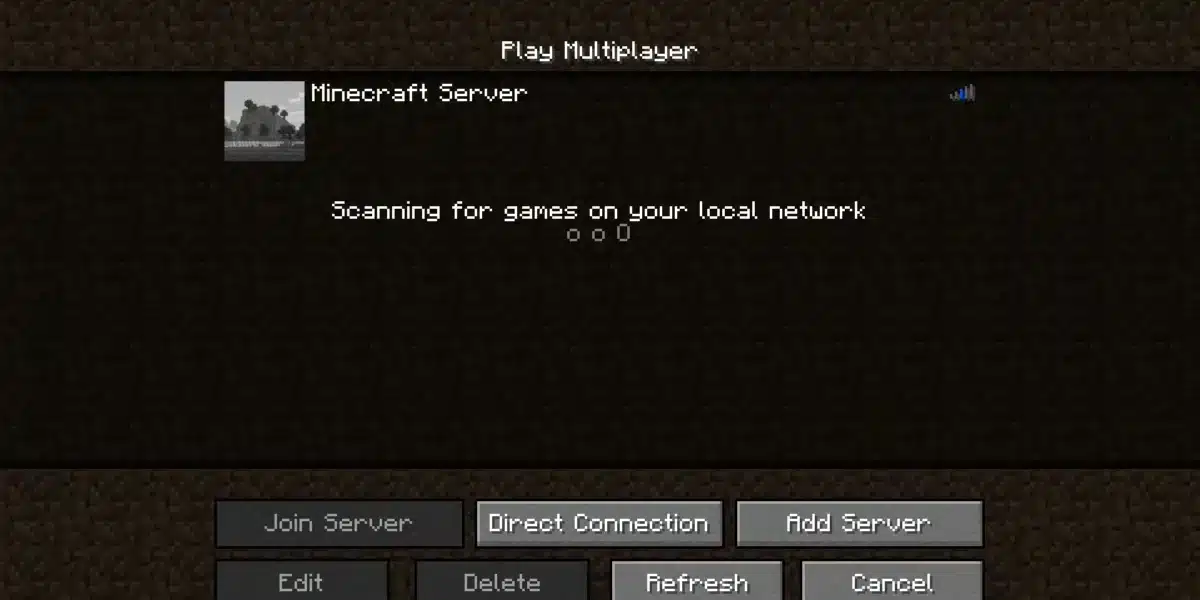
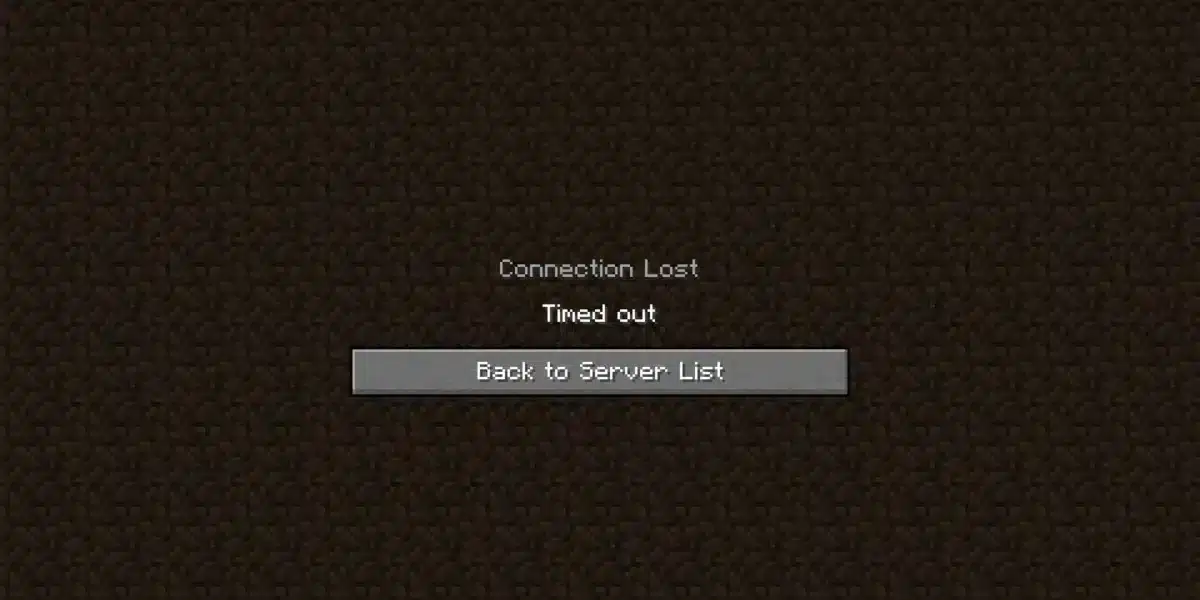
Learning how to fix Minecraft server lag is essential if you want to enjoy smooth multiplayer sessions without frustrating delays, rubberbanding, or constant TPS drops. Whether you run a private server for friends or manage a large public community, server performance directly affects every player’s experience.
A how to fix minecraft server lag strategy starts by understanding what actually causes performance problems. While many players assume lag comes only from slow internet, server hardware, configuration, chunk generation, plugins, and entity counts all play major roles in determining how well a Minecraft server performs.
So, what causes minecraft server lag in the first place? The answer depends on several factors, including your hosting environment, server software, world activity, and network conditions. Fortunately, most lag issues can be solved by applying the right optimizations, which you’ll learn throughout this guide.
Minecraft continues to receive regular updates that introduce new mechanics, mobs, and world-generation features. While these additions make the game more engaging, they also increase server workload. As worlds grow and more players explore new chunks simultaneously, maintaining consistent TPS becomes increasingly difficult without proper optimization.
Whether you’re hosting a vanilla server, running Paper, or managing a heavily modded experience, understanding how your server uses CPU, RAM, storage, and bandwidth is the first step toward achieving stable gameplay.
How to Fix Minecraft Server Lag: Understanding the Main Causes
Before making configuration changes, it’s important to understand the difference between various types of lag. Not every performance issue originates from the server itself.
Server Lag vs. Client Lag
Many players confuse client lag with server lag.
Client lag happens when a player’s own computer struggles to render the game. This usually results in:
- Low FPS
- Slow chunk rendering
- Stuttering animations
- Delayed visual updates
Server lag, however, affects everyone connected to the server.
Typical symptoms include:
- Block breaking delays
- Rubberbanding
- Delayed mob movement
- Slow redstone updates
- Players teleporting backward
- Commands responding slowly
Understanding this distinction helps you avoid wasting time optimizing the wrong system.
TPS, MSPT, Ping, and Latency Explained
Several performance metrics determine server health.
TPS (Ticks Per Second) measures how quickly the server processes game logic. Minecraft is designed to run at 20 TPS.
When TPS drops below 20, gameplay begins to slow.
Another important metric is MSPT (Milliseconds Per Tick).
Ideally:
| Metric | Ideal Value |
| TPS | 20 |
| MSPT | Below 50 ms |
| Ping | Under 50 ms |
| Packet Loss | 0% |
Ping measures the time required for data to travel between the player and the server.
High ping creates noticeable delays even if TPS remains perfect.
Packet loss introduces another layer of problems by causing missing or delayed network packets.
According to the official PaperMC documentation, profiling server performance before making changes is the best way to identify bottlenecks rather than guessing what causes lag.
Why Minecraft Server Lag Happens
Several systems work together every second inside a Minecraft server. If one becomes overloaded, performance quickly declines.
Insufficient Hardware Resources
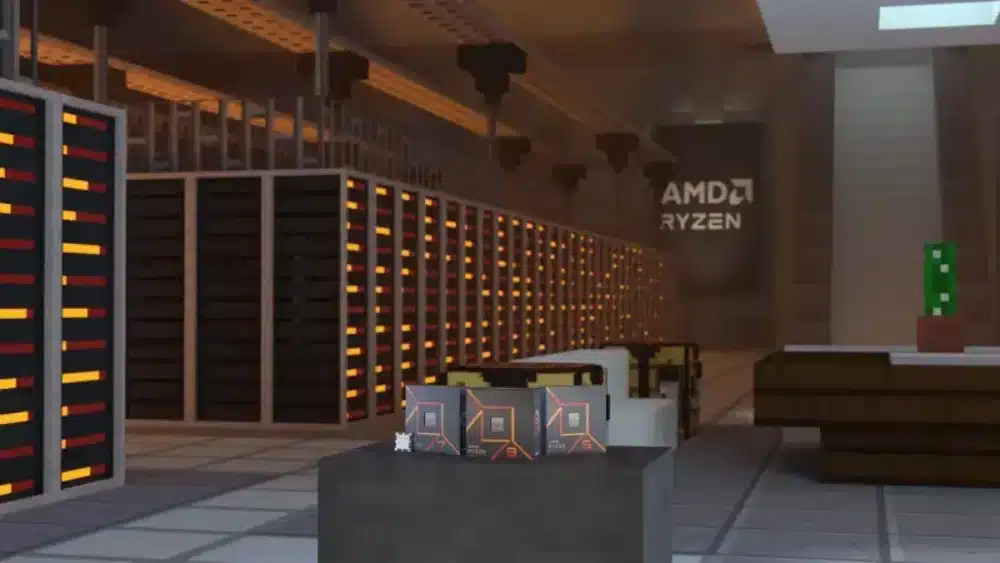
CPU performance is the single most important factor for Minecraft servers.
Unlike many modern games, Minecraft relies heavily on single-thread CPU performance for the main game loop.
A faster processor often provides greater improvements than simply adding more RAM.
Servers running outdated CPUs frequently experience:
- TPS drops
- Delayed chunk loading
- Mob AI slowdowns
- Longer autosave operations
Too Many Entities, Mobs, and Redstone
One of the biggest causes of minecraft server lagging comes from excessive entities.
Every item, mob, armor stand, minecart, and dropped block consumes server resources.
Large automatic farms may generate thousands of entities simultaneously.
Common performance offenders include:
- Massive villager trading halls
- Item sorter systems
- Mob grinders
- Hopper chains
- Redstone clocks
- Animal breeding farms
Reducing unnecessary entities often produces immediate TPS improvements.
Chunk Generation and Exploration
Generating new terrain requires significant CPU resources.
Whenever players explore unexplored regions, the server must calculate biomes, structures, caves, ores, vegetation, and terrain generation in real time.
If several players travel in different directions simultaneously, server load increases dramatically.
Pre-generating chunks before opening a server to players can dramatically reduce future lag.
Heavy Plugins or Mods
Plugins add functionality, but poorly optimized plugins can consume enormous CPU resources.
Examples include:
- Economy plugins
- Advanced permission systems
- Large protection plugins
- Minigame frameworks
- Custom AI systems
Similarly, modded servers often introduce complex mechanics requiring additional calculations every tick.
Using profiling tools helps identify which plugins consume the most processing time.
Minecraft Server Lag: Best Server Settings
Many administrators unknowingly run default configurations that prioritize visual distance over performance.
Adjusting several settings can greatly improve stability.
View Distance
View Distance determines how many chunks the server sends to each player.
Higher values dramatically increase CPU and memory usage.
Recommended settings:
| Players | Recommended View Distance |
| 1–10 | 8–10 |
| 10–30 | 6–8 |
| 30–50 | 5–6 |
| 50+ | 4–5 |
Most players won’t notice a major visual difference between 8 and 12 chunks, but the server certainly will.
Simulation Distance
Simulation Distance controls where mobs, crops, redstone, and entities remain active.
Reducing Simulation Distance often provides larger performance gains than lowering View Distance.
Recommended values:
- Small servers: 8
- Medium servers: 6
- Large servers: 4–5
Entity Limits
Modern server software allows administrators to limit entities before they become problematic.
Useful limits include:
- Maximum animals per chunk
- Maximum monsters
- Maximum villagers
- Hopper transfer rates
- Item merge radius
These settings prevent runaway lag caused by oversized farms.
Memory Allocation
Many administrators mistakenly believe allocating more RAM always improves performance.
In reality, excessive RAM allocation can increase Java garbage collection pauses.
General recommendations:
| Server Size | Recommended RAM |
| 1–5 players | 2–4 GB |
| 10–20 players | 6–8 GB |
| 30–50 players | 10–12 GB |
| Large communities | 16 GB+ (depending on plugins/mods) |
The ideal amount depends more on server complexity than player count alone.
Hardware Requirements That Matter
Hardware choices determine your server’s long-term stability more than almost any software tweak.
CPU Performance
Minecraft rewards processors with excellent single-core performance.
Some of the most important CPU characteristics include:
- High clock speed
- Strong single-thread benchmark scores
- Large cache
- Modern architecture
For most servers, CPU upgrades provide larger improvements than additional memory.
RAM Recommendations
RAM allows Minecraft to keep chunks, entities, and world data readily accessible.
However, more RAM does not compensate for weak processors.
Instead, allocate enough memory to avoid swapping while leaving sufficient resources for the operating system.
SSD vs HDD
Storage speed significantly affects world loading.
SSD advantages include:
- Faster chunk loading
- Shorter startup times
- Reduced autosave delays
- Better database performance
Mechanical HDDs may introduce noticeable pauses during heavy world activity.
Internet Bandwidth
A powerful server still requires a stable network.
Bandwidth requirements depend on:
- Number of players
- Plugins
- Voice chat mods
- World synchronization
- Region distance
Even with excellent hardware, unstable routing can create latency that players perceive as server lag.
Fortunately, network optimization tools can improve route stability and reduce packet loss during multiplayer sessions.
In the next section, we’ll cover advanced optimization techniques, including Paper configuration, chunk pre-generation, plugin profiling, network improvements, minecraft server lagging troubleshooting, and how ExitLag can help create a more stable multiplayer experience for Minecraft players.
Advanced Ways to Fix Minecraft Server Lag
Once you’ve optimized the basic settings, it’s time to apply more advanced techniques. These changes can significantly improve performance, especially for medium and large multiplayer servers.
Switch to Paper
One of the easiest upgrades is replacing the default Vanilla server software with Paper.
Paper is built for performance and includes numerous optimizations while remaining compatible with most Bukkit and Spigot plugins.
Some of its advantages include:
- Better entity management
- Improved chunk loading
- Optimized redstone calculations
- Configurable performance settings
- Faster world saving
Many server owners notice immediate improvements after migrating to Paper without changing any hardware.
Optimize Plugins
Plugins add valuable features, but every plugin consumes CPU time and memory.
Review your installed plugins regularly and remove anything that is outdated or unused.
Pay particular attention to plugins that:
- Continuously scan chunks
- Modify entities
- Perform scheduled tasks every few ticks
- Log excessive amounts of data
- Generate custom structures
Keeping only essential plugins reduces server overhead considerably.
Pre-Generate Chunks
Chunk generation is one of Minecraft’s most resource-intensive processes.
When players constantly explore new areas, the server has to generate terrain, caves, villages, structures, and biome data in real time.
Instead of generating chunks while players are online, pre-generate your world before opening the server.
Benefits include:
- Faster exploration
- Stable TPS
- Reduced CPU spikes
- Better player experience
This is especially useful for survival servers expecting dozens of simultaneous players.
Use Spark Profiler
Guessing what causes lag often leads to unnecessary changes.
Instead, use a profiling tool like Spark to identify exactly where the server spends its processing time.
Spark can analyze:
- CPU usage
- Plugin performance
- Scheduled tasks
- Entity processing
- Garbage collection
- Tick duration
Rather than disabling plugins one by one, you can pinpoint the actual bottleneck and solve it efficiently.
Minecraft Server Lagging: Network Optimization
Not every performance issue originates from the server itself.
Sometimes players experience minecraft server lagging because of unstable internet routing between their location and the server.
Even with excellent TPS, network instability can produce:
- Delayed block placement
- Rubberbanding
- Combat desynchronization
- Slow inventory interactions
- Packet loss
Improving network quality is just as important as optimizing hardware.
Reduce Packet Loss
Packet loss occurs when information fails to reach the server.
Common causes include:
- Congested internet routes
- ISP instability
- Wi-Fi interference
- Regional routing problems
Even small amounts of packet loss can create noticeable gameplay issues.
Whenever possible:
- Use a wired Ethernet connection.
- Restart networking equipment periodically.
- Avoid bandwidth-heavy downloads while hosting.
- Choose hosting providers close to your player base.
Improve Routing
Data packets rarely travel directly between your computer and the game server.
Instead, they pass through multiple network providers before arriving at their destination.
Poor routing increases:
- Latency
- Packet loss
- Connection instability
Optimizing these routes can dramatically improve multiplayer responsiveness.
Choose Reliable Hosting
The hosting provider matters almost as much as your server configuration.
When selecting a host, consider:
- CPU specifications
- NVMe SSD storage
- DDoS protection
- Datacenter location
- Network redundancy
- Hardware refresh cycle
Cheap hosting often uses overloaded hardware, resulting in inconsistent TPS during peak hours.
Troubleshoot Your Network
If players continue reporting lag despite healthy TPS, investigate network performance.
Useful diagnostic steps include:
- Measure server TPS.
- Test player ping.
- Check packet loss.
- Monitor CPU usage.
- Review memory consumption.
- Profile plugins.
- Inspect hosting network quality.
- Verify internet stability.
- Update server software.
- Restart after major configuration changes.
Following this process prevents unnecessary troubleshooting while identifying the real source of lag.
How ExitLag Helps Minecraft Players
Although server optimization addresses internal performance, network quality remains equally important for online multiplayer.
ExitLag helps improve connection stability by optimizing the path your game traffic takes between your device and supported game servers. Instead of relying solely on your ISP’s default routing, ExitLag analyzes multiple routes in real time to select more stable connections.
For Minecraft multiplayer sessions, this can help reduce the effects of unstable routing, particularly when connecting to distant servers or during periods of network congestion.
Some of ExitLag’s core technologies include:
- Real-Time Optimization
- Multi-Internet technology
- Traffic Shaper
- Multipath Connection routing
These technologies work together to improve connection consistency, helping reduce packet loss and stabilize latency.
ExitLag is available for PC and Mobile, supports over 3,000 games, and offers both automatic optimization for casual players and advanced customization for experienced users.
While ExitLag cannot increase your server’s TPS, it can improve network stability, allowing multiplayer sessions to feel more responsive when connection quality is the limiting factor.
Common Mistakes That Cause Minecraft Server Lagging
Many administrators unintentionally create performance problems by following outdated advice.
Avoid these common mistakes.
Allocating Too Much RAM
More RAM is not always better.
Excessive memory allocation can increase Java garbage collection times, causing long pauses that appear as server lag.
Instead, allocate only the amount your server actually needs.
Installing Too Many Plugins
Every plugin adds processing overhead.
Running dozens of plugins with overlapping functionality wastes CPU resources.
Regularly audit your plugin list and remove unnecessary additions.
Ignoring Updates
Minecraft server software continues to receive important performance improvements.
Keeping Paper, plugins, Java, and the operating system updated helps maintain stability while fixing known bugs.
Using Slow Storage
Hard disk drives remain one of the largest bottlenecks for Minecraft hosting.
Switching to an SSD or NVMe drive provides:
- Faster startup
- Quicker world saves
- Reduced chunk-loading delays
- Better database performance
Minecraft Server Lag Troubleshooting
| Problem | Common Cause | Recommended Solution |
| Low TPS | Weak CPU | Upgrade processor or optimize plugins |
| High MSPT | Too many entities | Limit mobs and reduce farms |
| Chunk lag | World generation | Pre-generate chunks |
| Rubberbanding | Packet loss | Improve network routing |
| High ping | Distant server | Choose a closer host |
| Slow saves | HDD storage | Upgrade to SSD or NVMe |
| Memory spikes | Excessive RAM allocation | Optimize Java memory settings |
| Plugin lag | Heavy plugins | Profile using Spark |
Best Practices for Long-Term Performance
Maintaining a healthy server requires regular maintenance.
Consider following these recommendations:
- Update Paper frequently.
- Keep Java up to date.
- Remove unused plugins.
- Limit excessive entities.
- Monitor TPS regularly.
- Schedule automatic backups.
- Pre-generate worlds before major launches.
- Restart the server during low-traffic periods.
Small maintenance tasks performed consistently often prevent major performance issues later.
Server Maintenance Checklist
Before opening your server to players, verify that you have:
- Updated server software
- Optimized Paper configuration
- Appropriate View Distance
- Appropriate Simulation Distance
- SSD or NVMe storage
- Stable hosting
- Reasonable plugin count
- Regular backup schedule
- Performance monitoring tools installed
Frequently Asked Questions
Start by checking your TPS, reducing entity counts, optimizing server settings, limiting heavy plugins, using Paper instead of Vanilla, and ensuring your hardware meets your server’s requirements. Network stability should also be evaluated if players experience high latency.
Server lag usually results from CPU limitations, excessive entities, large farms, heavy plugins, chunk generation, insufficient hardware, or unstable network routing.
Small servers generally perform well with 2–4 GB of RAM, while medium communities often require 6–8 GB. Larger servers with many plugins or mods may need 10 GB or more, depending on workload.
Yes. Paper includes numerous performance optimizations that improve TPS, entity handling, chunk loading, and overall server efficiency compared to the standard Vanilla server.
Yes. While server optimization improves TPS, network optimization can reduce packet loss, stabilize routing, and improve responsiveness for multiplayer sessions, particularly when connecting to remote servers.
Keep Your Minecraft Server Running Smoothly
Knowing how to fix minecraft server lag involves much more than upgrading hardware. Stable TPS comes from combining efficient server software, optimized settings, reliable hosting, responsible plugin management, and continuous monitoring.
As your community grows, regularly reviewing performance metrics helps prevent problems before they affect players. Small improvements—such as lowering simulation distance, limiting excessive entities, or pre-generating chunks—can produce noticeable gains without requiring expensive upgrades.
Finally, remember that a great multiplayer experience depends on both server performance and connection quality. While proper optimization keeps your server responsive, ExitLag helps improve routing stability, reduce packet loss, and provide a smoother online experience for Minecraft players connecting from different regions.
All game images used in this blog belong to Mojang Studios. They are used for informational/educational purposes only and do not imply endorsement or affiliation with the rights holders.
Got questions or want to connect with other players? Join the conversation at the ExitLag Forum!