

When it comes to staying ahead in the ever-changing world of Fortnite, Fortnite DB is the go-to tool for players looking to track stats, uncover rare skins, and dive deep into Save the World (STW) content.
Whether you’re a competitive player, a casual fan, or a collector of cosmetics, Fortnite DB offers a robust and up-to-date database that gives you access to everything happening inside the Fortnite universe in real time.
From checking your K/D ratio to comparing Fortnite DB’s Save the World gear listings, this site delivers a centralized, easy-to-navigate hub that’s as powerful as it is accessible. Before we dig in, be sure to check out our other Fortnite tools and strategy guides to elevate your in-game performance.
What is FortniteDB?

FortniteDB (also referred to as fortnite.db or fortnitedb com) is a comprehensive, third-party website designed to catalog and update Fortnite’s in-game content. It functions as a searchable database that covers everything from cosmetic items and player stats to STW gear and map updates.
Built and maintained by a dedicated Fortnite community, this site offers high-speed access to:
- Cosmetic tracking (skins, gliders, emotes, etc.
- Player stat tracking and leaderboards
- Save the World item analysis
- Patch notes and seasonal updates
- Advanced filters for searches and comparisons
Think of it as the digital archive for Fortnite, constantly synced with Epic Games’ live servers. Its popularity and utility have made it a daily stop for players, streamers, and content creators alike.
Why FortniteDB Matters
Fortnite is an ecosystem that evolves weekly. Between Battle Royale, Creative Mode, and Save the World, there’s a constant stream of changes from weapon balances to limited-time events. FortniteDB bridges this information gap by providing:
- Instant patch summaries
- Search tools for legacy and current cosmetics
- Filters to track item shop rotations
- Full catalogs of Fortnite STW-DB schematics, perks, and heroes
Its interface is fast, responsive, and most importantly reliable.
Core Features of Fortnite DB
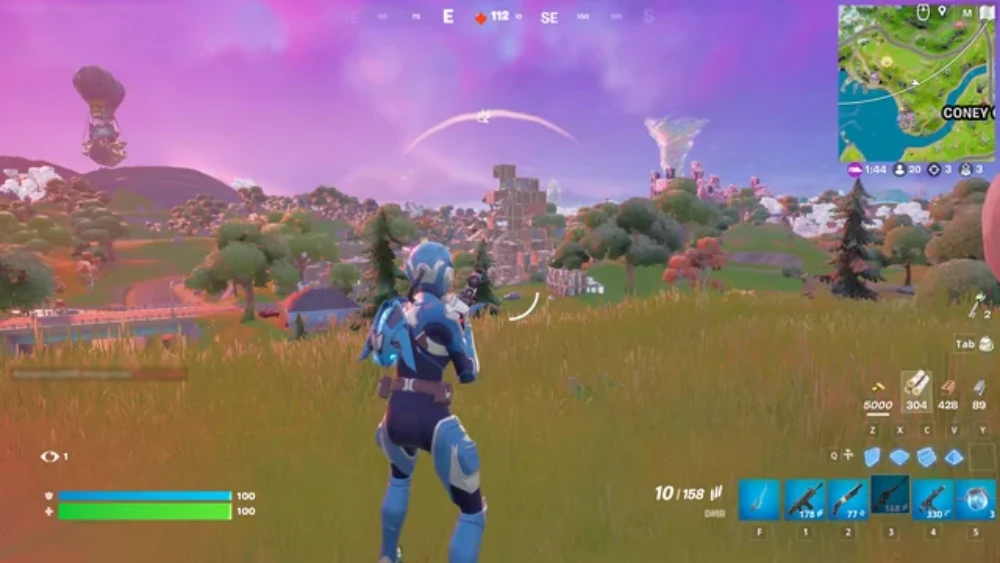
If you’ve never explored this platform before, here are the key tools and features that make db fortnite a must-visit for any serious player.
Full Cosmetic Database
The heart of the site is its cosmetic browser. FortniteDB allows you to browse every item ever released in-game:
- Outfits (including all rarities and styles)
- Back Blings, Harvesting Tools, and Gliders
- Contrails, Wraps, and Music Packs
- Limited-time exclusives and unreleased cosmetics
Every cosmetic includes images, descriptions, rarity tags, release dates, and item shop history.
Example Filters:
- Show only Legendary outfits
- Filter by season of release
- Sort by number of item shop appearances
- View unreleased or encrypted items
Player Stats and Leaderboards
For Battle Royale players, FortniteDB offers:
- Lifetime and seasonal stats
- Mode-specific tracking: Solo, Duos, Squads, Zero Build
- K/D ratios, win percentages, and eliminations per match
- Global and regional leaderboards
To use it:
- Enter your Epic Games username or ID.
- View your public stats dashboard.
- Compare your performance with friends or top streamers.
Fortnite Save the World DB: What’s Included?
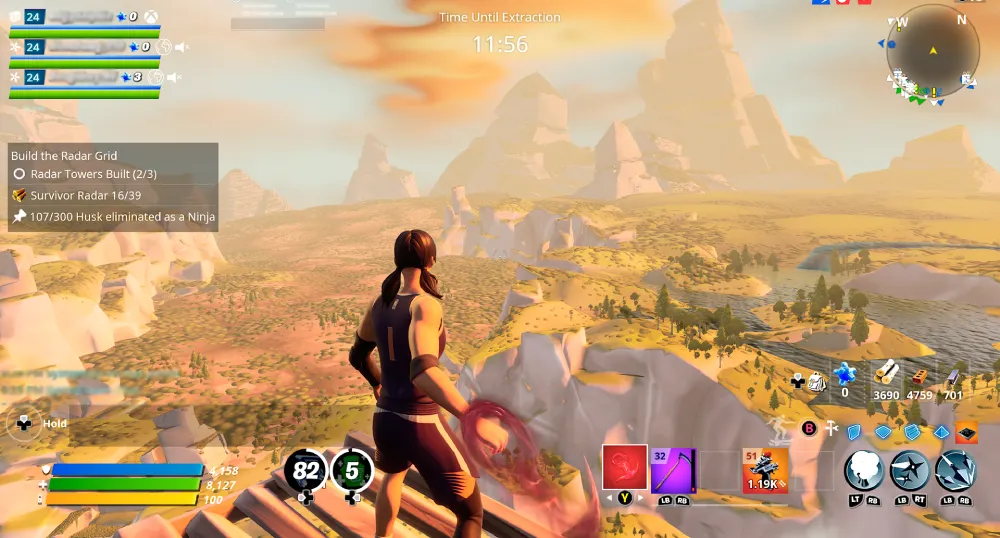
Many databases ignore the PvE side of the game, but Fortnite DB shines with one of the most detailed Fortnite STW-DB collections available online.
Save the World Data Highlights
- Hero loadouts, perks, and evolution paths
- Weapons and schematics with damage, durability, and element info
- Traps and gadgets, including range and activation stats
- Survivors and squads for team composition optimization
This data is invaluable for STW grinders looking to optimize missions, craft efficient loadouts, or prep for Ventures content.
Fortnite Ventures DB
The site also tracks information relevant to Fortnite Ventures, including:
- Seasonal Ventures modifiers
- Active mutators and mission types
- XP farming routes
- Recommended hero loadouts
For PvE-focused players, this level of detail is essential for efficient grinding and it’s what sets Fortnite DB site apart from basic cosmetic-only trackers.
How to Use Fortnite DB in Practice
Navigating the site is intuitive, but here’s a step-by-step breakdown of how to use Fortnite DB like a pro.
Tracking Your Stats
- Go to https://fortnitedb.com
- Enter your Epic ID or display name in the search bar
- Access your full profile including:
- Total wins
- K/D ratio
- Match history
- Win streaks
- Kill counts by mode
You can also set filters for Solo, Duo, or Squad and compare performance over time.
Finding Skins and Cosmetic Details
To browse skins:
- Select the “Cosmetics” tab
- Filter by category (Outfit, Pickaxe, etc.)
- Use filters for rarity, season, or availability
- Click on any item for details like release date, shop appearances, and bundle links
Looking for rare skins? Use the “Last Seen” filter to find items that haven’t been in the shop for over 1,000 days.
How Does FortniteDB Compare to Other Platforms?

While FortniteDB is incredibly feature-rich, it’s not the only tool players use. Competitors like FNBR.co, Tracker.gg, and Storm Shield One offer overlapping services. Here’s how DB Fortnite stacks up.
FNBR.co vs. FortniteDB
| Feature | FortniteDB | FNBR.co |
| Cosmetics Database | Extensive, searchable | Strong but less filterable |
| STW Support | Full STW integration | None |
| Patch Notes | Includes historical | Limited coverage |
| Stats Tracker | With Epic integration | None |
| Shop Rotation Logs | Complete history | Updated daily |
Verdict: FNBR.co is great for quick shop checks, but FortniteDB offers deeper insights and STW integration.
Tracker.gg vs. FortniteDB
| Feature | FortniteDB | Tracker.gg |
| BR Stats | Full breakdown | More visual graphs |
| STW Integration | Full support | None |
| Cosmetic Browser | All cosmetics | Limited |
| Profile Comparison | Customizable | Head-to-head only |
Verdict: Tracker.gg is better for high-level analytics; FortniteDB wins for cosmetic detail and PvE tracking.
Storm Shield One vs. FortniteDB
| Feature | FortniteDB | Storm Shield One |
| STW Loadouts | Live data | Custom templates |
| Visual Interface | Clean + responsive | Outdated design |
| DB Search Tools | Filtered, smart | Limited filters |
Verdict: Storm Shield One is legacy-level for STW veterans, but FortniteDB is more intuitive and modern.
Community and User Feedback Integration

A major reason fortnite.db continues to grow is its active community and development loop.
Discord and Community Forums
FortniteDB operates an official Discord server with:
- Patch alerts
- Cosmetic drop leaks
- STW loadout sharing
- Bug reporting channels
- Role-based update notifications
It’s a place where players shape the tool, providing insights on database errors, missing items, or future feature requests.
How Feedback Improves the Platform
The dev team uses community input to:
- Add new sorting filters
- Fix errors in cosmetic rarities or dates
- Expand the Fortnite STW DB with user-requested stats
- Push real-time shop updates
This community-driven model ensures that the site remains accurate and trusted even as Fortnite evolves rapidly.
FAQ – Frequently Asked Questions
Fortnite DB is a third-party website that offers a complete database of Fortnite cosmetics, player stats, and Save the World items. It is updated in real time and trusted by both casual and competitive players.
Visit https://fortnitedb.com, enter your Epic ID to track stats, or browse the cosmetics tab to search for skins, weapons, or back bling. Use filters to refine results by rarity, season, or availability.
Yes. FortniteDB is a read-only public database. It does not require login credentials and does not interact with your Fortnite account beyond publicly available Epic IDs.
Click on the “Cosmetics” section, then filter by category, rarity, or date. You can also search for specific skins or use filters to show vaulted, unreleased, or exclusive items.
Navigate to the STW tab and browse weapons, heroes, and traps. You’ll see full stat breakdowns including damage, perk slots, durability, and elemental types.
It depends on what you need. FNBR is fast for shop tracking, but FortniteDB includes more data: stats, Save the World items, and advanced filters. For depth, FortniteDB is the more complete tool.
Final Thoughts: Why Every Fortnite Player Should Use FortniteDB
Whether you’re grinding in Battle Royale, optimizing your STW squad, or just hunting for rare skins, FortniteDB is the most complete and user-friendly resource available. With its searchable cosmetics list, full STW integration, and responsive stat tracking, it delivers real-time value to every type of player.
Add to that an active community and consistent updates, and it’s easy to see why FortniteDB site has become the #1 choice for players looking to go beyond the basics.
Level Up Your Connection with ExitLag
While Fortnite DB gives you the tools to optimize your gear and gameplay, none of it matters if lag ruins your match.
ExitLag solves this with advanced routing that improves ping, reduces packet loss, and stabilizes connections especially during high-traffic seasons or competitive events.
Thousands of players already use ExitLag for Fortnite to keep their matches smooth, stable, and lag-free. Download ExitLag Now and dominate the game with precision cosmetic data in one tab, clean kills in the other.
Got questions or want to connect with other players? Join the conversation at the ExitLag Forum!


