Building or upgrading a gaming PC starts with understanding the GPU hierarchy and how modern graphics cards are positioned across performance levels. The right GPU determines your frame rates, visual quality, streaming smoothness, and how future‑proof your setup will be.
In today’s market, the GPU hierarchy has evolved dramatically, with new architectures reshaping expectations around performance, power draw, and efficiency. Cards that once dominated the top of the GPU hierarchy now sit comfortably in mid‑range positions, while newer models redefine what gamers consider high‑end.
What is GPU hierarchy?
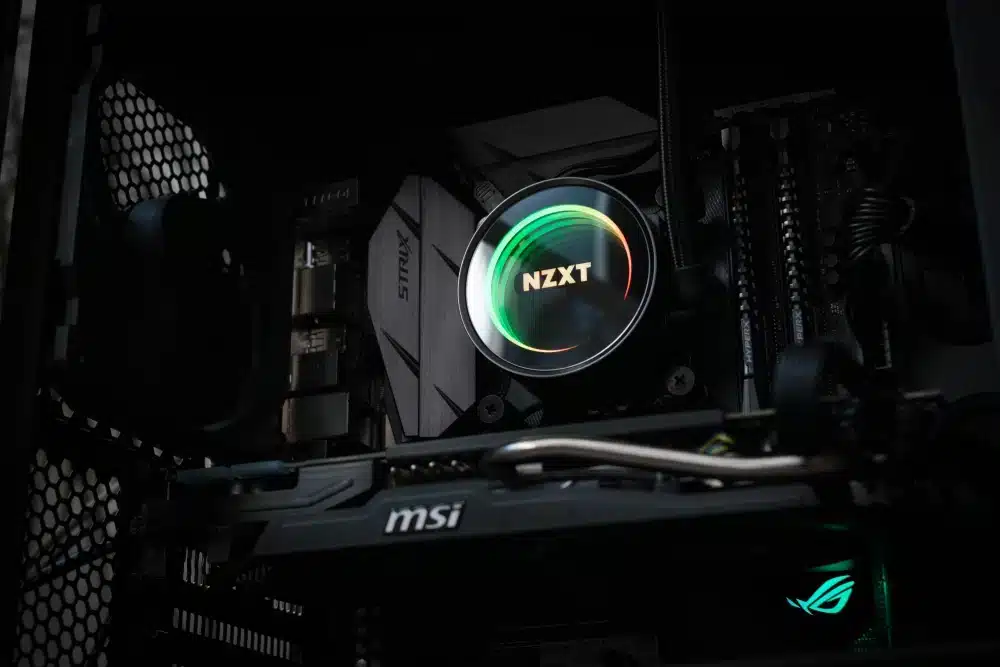
The GPU hierarchy is a structured ranking system that organizes graphics cards into performance tiers based on real‑world gaming results, synthetic GPU benchmark data, feature support, VRAM capacity, and price‑to‑performance ratio.
Understanding the GPU hierarchy allows you to avoid overspending, prevent bottlenecks, and choose the right card for your resolution and workload. Whether you are chasing 240 FPS in competitive shooters or building a 4K cinematic gaming machine, knowing how performance tiers are structured gives you a clear advantage.
Understanding the GPU Hierarchy and Performance Tiers
The GPU hierarchy divides graphics cards into clearly defined performance tiers. These tiers reflect real‑world gaming results, workstation capability, and efficiency metrics rather than marketing claims.
Entry-Level Tier in the GPU Hierarchy
Entry‑level GPUs sit at the base of the GPU hierarchy. These cards are designed for:
- 1080p gaming at medium settings
- eSports titles with high frame rates
- Budget builds
- Low power consumption systems
Although positioned lower in the GPU hierarchy, modern entry‑level cards are significantly stronger than their predecessors. Thanks to architectural improvements, even budget GPUs now support modern APIs and some light ray tracing.
Mid-Range Tier in the GPU Hierarchy
Mid‑range models represent the sweet spot of the GPU hierarchy. They balance price, efficiency, and strong 1080p or 1440p gaming performance.
This tier is ideal for players who want:
- High refresh rate 1080p gaming
- Solid 1440p performance
- Access to AI upscaling features
- Better VRAM capacity than entry cards
Many gamers searching for the best gaming GPU often land in this tier because it offers the strongest price‑to‑performance value.
High-End Tier in the GPU Hierarchy
High‑end cards push the GPU hierarchy forward. These GPUs deliver:
- Excellent 1440p ultra settings
- Reliable 4K performance
- Advanced ray tracing capabilities
- Larger memory buses and higher bandwidth
They consume more power and require strong cooling, but they provide premium experiences across demanding AAA titles.
Enthusiast and Flagship Tier
At the top of the GPU hierarchy sit flagship GPUs. These models dominate every GPU benchmark and set new standards in rasterization and ray tracing.
They are designed for:
- Native 4K ultra gaming
- High refresh 4K monitors
- Heavy modding environments
- Professional creative workflows
However, performance comes at a cost: higher power draw, larger physical size, and premium pricing.
GPU Rankings and Graphics Card Comparison
Understanding GPU rankings requires looking beyond marketing names. A proper graphics card comparison evaluates real‑world performance, not just specifications.
What Defines GPU Rankings?
GPU rankings are influenced by several measurable factors:
- Average FPS across modern titles
- 1% low frame consistency
- Ray tracing performance
- Memory capacity and bandwidth
- Power efficiency
- Price positioning
These metrics collectively determine where a model lands in the GPU hierarchy.
Rasterization vs Ray Tracing in Rankings
Rasterization performance still defines the backbone of the GPU hierarchy. However, ray tracing capability increasingly influences GPU rankings, especially in higher tiers.
Cards with better AI upscaling technologies climb faster in GPU rankings because they deliver higher effective frame rates without massive hardware overhead.
Comparative Performance Table
Below is a simplified overview of how performance tiers are generally structured in the current GPU hierarchy:
| Tier | Target Resolution | Typical VRAM | Power Range | Ideal User |
| Entry-Level | 1080p Medium | 8GB | 100–180W | eSports & Budget |
| Mid-Range | 1080p Ultra / 1440p High | 10–16GB | 180–250W | Mainstream Gamers |
| High-End | 1440p Ultra / 4K High | 16–20GB | 250–350W | Enthusiasts |
| Flagship | 4K Ultra | 20–32GB | 350W+ | Competitive & Creators |
This structure clarifies how the GPU hierarchy scales from accessibility to extreme performance.
Best Gaming GPU by Resolution and Use Case
Choosing the right position in the GPU hierarchy depends on your primary resolution and workload.
Best Gaming GPU for 1080p
At 1080p, the mid‑range of the GPU hierarchy provides outstanding value. Many cards in this tier exceed 144 FPS in competitive games and maintain stable performance in modern AAA titles.
Gamers focused on competitive shooters often prioritize consistent 1% lows over raw peak FPS.
Best Gaming GPU for 1440p
1440p is widely considered the new sweet spot in the GPU hierarchy. Upper mid‑range and high‑end GPUs deliver smooth ultra settings while supporting ray tracing through AI upscaling.
If you want longevity, selecting a model with at least 16GB VRAM ensures your place in the GPU hierarchy remains secure for years.
Best Gaming GPU for 4K
For 4K gaming, only high‑end and flagship cards dominate the GPU hierarchy. These GPUs excel in raw shader throughput and memory bandwidth.
Without sufficient VRAM and strong ray tracing units, performance drops quickly at 4K. That is why top‑tier models maintain their dominance in GPU rankings.
GPU Benchmark Metrics That Matter
A GPU benchmark provides measurable data that positions cards inside the GPU hierarchy.
Average FPS vs 1% Lows
Average FPS shows overall throughput. However, 1% lows measure consistency. Strong 1% lows often define whether a GPU truly belongs in a higher performance tier.
Synthetic vs Real-World Benchmarks
Synthetic GPU benchmark scores highlight architectural potential. However, real game tests determine true GPU rankings.
A proper GPU hierarchy evaluation always includes both metrics.
What Influences Movement Within the GPU Hierarchy?
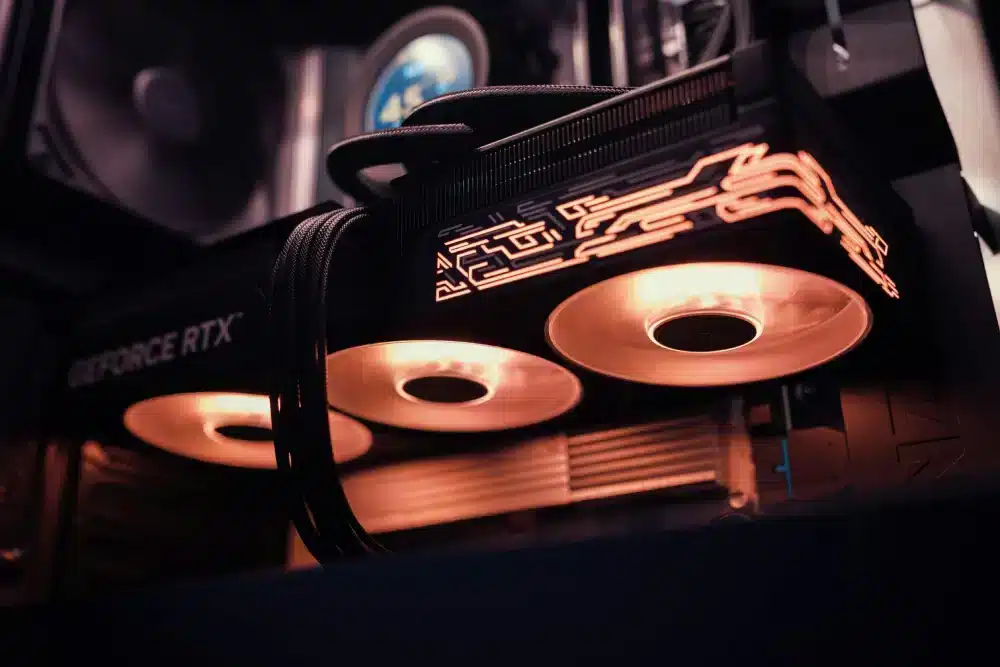
The GPU hierarchy is dynamic, not static. Several factors shift cards between performance tiers.
Driver Updates and Optimization
Driver improvements can boost performance significantly. A GPU may climb in GPU rankings months after launch due to better optimization.
Game Engine Evolution
As engines adopt more ray tracing and AI rendering, older cards drop in the GPU hierarchy faster.
Market Pricing Changes
Price drops can reposition GPUs inside the GPU hierarchy. A high‑end card discounted heavily may suddenly become the strongest value option.
Power, Cooling, and System Compatibility
Performance tiers are not just about FPS. The GPU hierarchy also reflects power efficiency.
Power Supply Considerations
Modern flagship GPUs in the GPU hierarchy may exceed 400W consumption. Always ensure:
- Adequate PSU wattage
- High‑quality power connectors
- Stable voltage delivery
Physical Size and Airflow
Many high‑tier GPUs occupy three or four slots. Proper case clearance and airflow are mandatory for maintaining performance tiers stability.
Future Trends Reshaping the GPU Hierarchy
The GPU hierarchy continues to evolve as AI rendering techniques expand.
AI Upscaling and Frame Generation
AI‑driven technologies reduce dependency on brute force performance. GPUs with advanced frame generation tools rise faster in GPU rankings.
Memory Expansion and Bandwidth Growth
As games demand higher resolution textures, VRAM becomes critical. Cards with larger buffers remain higher in the GPU hierarchy longer.
Efficiency Improvements
Architectural advancements increasingly focus on performance per watt. Efficiency may soon influence GPU rankings more than raw power.
Practical Steps to Choose Your Position in the GPU Hierarchy
Choosing wisely requires a structured approach:
- Define your resolution target.
- Identify your budget ceiling.
- Check real‑world GPU benchmark results.
- Evaluate VRAM longevity.
- Confirm PSU compatibility.
Following these steps ensures your place in the GPU hierarchy matches your expectations.
Common Mistakes When Reading GPU Rankings
Many buyers misunderstand GPU rankings by focusing solely on brand perception.
Mistakes include:
- Ignoring VRAM capacity
- Overvaluing synthetic scores
- Neglecting cooling requirements
- Pairing high‑tier GPUs with weak CPUs
A balanced system preserves your GPU hierarchy investment.
Long-Term Value Inside the GPU Hierarchy
Future‑proofing matters. Selecting slightly above your current needs often secures longer stability within the GPU hierarchy.
Cards positioned in strong mid‑range performance tiers today often age better than entry‑level models.
Final Thoughts on the GPU Hierarchy
However, raw hardware is only part of the equation. Even the highest card in the GPU hierarchy cannot compensate for unstable connections, packet loss, or high latency. That is where ExitLag plays a crucial role, optimizing your routing to game servers, reducing instability, and ensuring that your powerful GPU delivers consistent performance in competitive matches.
FAQ — GPU Hierarchy
Upper mid‑range and high‑end tiers deliver the most balanced 1440p performance with stable frame pacing and sufficient VRAM.
VRAM directly affects longevity. Higher capacity allows GPUs to remain competitive in performance tiers as texture demands grow.
Yes. Driver updates, new game engines, and pricing shifts frequently alter GPU rankings.
Not necessarily. For many gamers, mid‑range cards offer better value within the GPU hierarchy.
No. Network instability requires connection optimization tools like ExitLag to complement your hardware.
Got questions or want to connect with other players? Join the conversation at the ExitLag Forum!