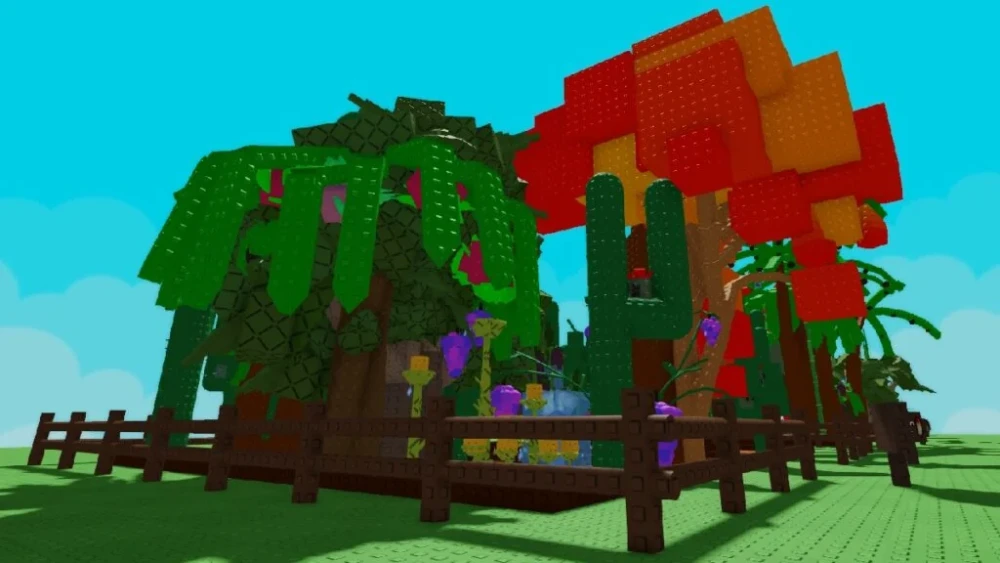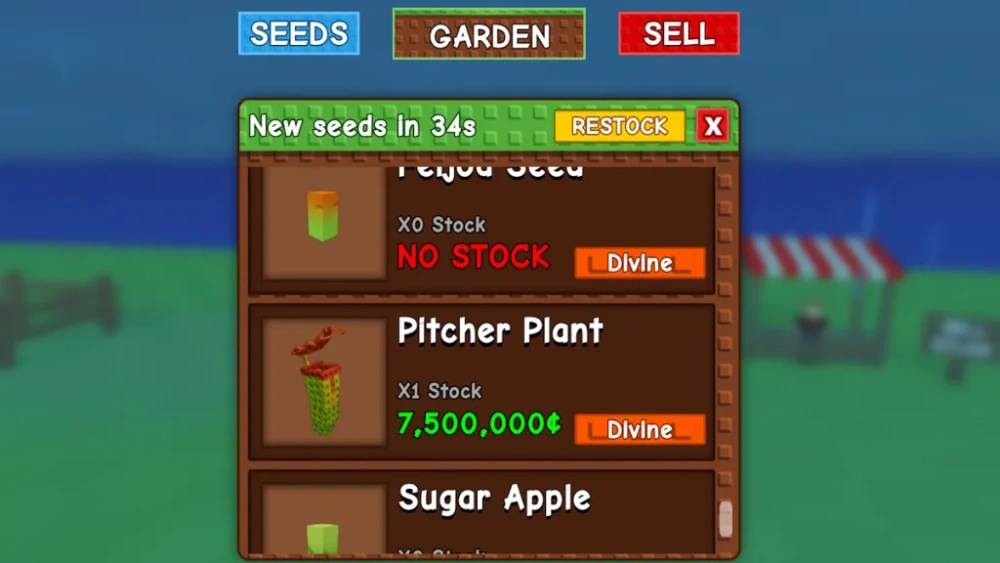

Many casual farming games look simple at first. However, the deeper you go, the more strategy and planning they require. This is exactly the case with Grow a Garden, a relaxing but surprisingly complex experience where efficiency, timing, and optimization define your progress.
Additionally, players quickly realize that network performance also affects their gameplay experience. Lag spikes, connection instability, or slow server response can disrupt planting cycles, crafting timing, and interactions with other players. Because of that, using tools like ExitLag becomes an important advantage when playing Grow a Garden online.
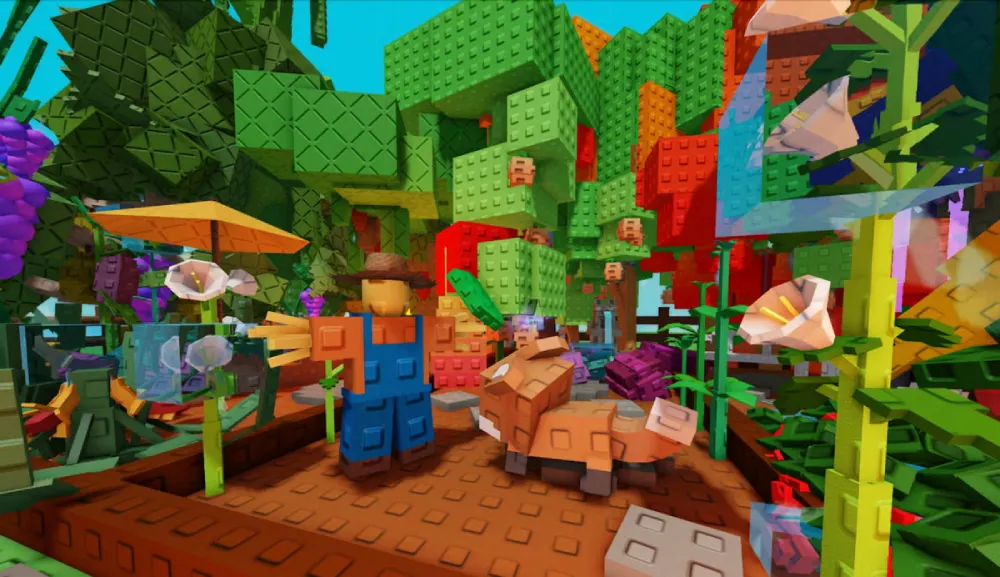
So, what is Grow a Garden? In simple terms, it is a farming and crafting game where players plant crops, collect resources, cook recipes, unlock pets, and expand their gardens over time. Although the gameplay is relaxing, mastering the economy and production chains requires planning and smart progression.
How Grow a Garden works: core mechanics and early progression
Before optimizing strategies, it is essential to understand the foundation of the game.
Although planting crops is the main mechanic, the game expands far beyond simple gardening.
Planting crops and resource management
First, players start with a small garden and basic seeds. Over time, new crops unlock as you gain experience and currency.
However, managing your resources correctly is what separates beginners from advanced players.
Key elements of resource management include:
- choosing crops with the best value per harvest
- timing harvest cycles to maximize productivity
- reinvesting profits into better seeds and upgrades
As a result, your garden grows faster and your economy becomes more stable.
Unlocking new tools and upgrades
Secondly, tools and upgrades dramatically improve productivity.
These upgrades often include:
- faster harvest speed
- increased crop yield
- automation features
Consequently, players who prioritize upgrades progress significantly faster.
Grow a Garden codes: how rewards help accelerate progress
Codes are one of the easiest ways to boost your early progression.
Developers often release Grow a Garden codes that provide useful rewards such as currency, seeds, or special items.
Where to find active codes
Generally, new codes appear during:
- game updates
- seasonal events
- milestone celebrations
Therefore, staying connected with the community is extremely useful.
How to redeem codes correctly
Follow these steps to redeem codes efficiently:
- Open the main game menu
- Locate the "codes" section
- Enter the code exactly as shown
- Confirm the reward
After that, your rewards will automatically appear in your inventory.
Grow a Garden stock system explained
Managing the in-game market is another important mechanic.
The Grow a Garden stock system determines how valuable certain crops or materials are at any moment.
Understanding supply and demand
Just like real markets, prices fluctuate depending on supply and demand.
For example:
- common crops drop in value when oversupplied
- rare ingredients become extremely profitable
- event materials can spike in price temporarily
Therefore, experienced players often store resources until the market becomes favorable.
Stock strategy table
Below is a simplified strategy overview.
| Resource Type | Availability | Recommended Strategy |
| Common crops | High | Sell quickly |
| Rare seeds | Medium | Store for later |
| Event items | Low | Hold until demand rises |
| Cooking ingredients | Medium | Use for recipes |
This approach helps maximize long-term profits.
Grow a Garden cooking recipes and crafting progression
Cooking systems add another layer of depth to the game.
The Grow a Garden cooking recipes system allows players to combine crops into higher-value food items.
Why cooking increases profits
Cooking recipes often multiply the value of raw ingredients.
Instead of selling crops directly, players can process them into meals that sell for significantly more.
For example:
- harvest crops
- craft ingredients
- cook recipes
- sell dishes for higher profit
Consequently, cooking becomes one of the most profitable gameplay loops.
Grow a garden recipe list basics
Players who understand the Grow a Garden recipe list unlock faster economic progression.
Typical recipes require:
- fruits or vegetables
- sugar or processed ingredients
- cooking time
Because of this, managing your ingredient stock becomes crucial.
Grow a garden pets and gameplay bonuses
Pets introduce passive bonuses that make farming more efficient.
The Grow a Garden pets system allows players to unlock companions that assist in multiple ways.
Types of pet bonuses
Pets usually provide bonuses like:
- faster crop growth
- increased harvest yield
- bonus resources
Therefore, collecting strong pets dramatically improves productivity.
How to unlock pets faster
To obtain pets efficiently:
- complete daily missions
- participate in seasonal events
- open reward chests
Players who consistently complete missions unlock pets much faster.
Grow a Garden candy apple recipes and special crafting
Seasonal recipes bring additional variety to the gameplay.
One popular feature is the Grow a Garden candy apple recipes system, which introduces event-based crafting.
How seasonal recipes work
Seasonal recipes typically require rare ingredients.
For example, candy apples might require:
- apples
- sugar syrup
- event spices
Consequently, players must prepare resources before events start.
Event strategy tips
To maximize event profits:
- stockpile ingredients beforehand
- monitor market demand
- craft high-value recipes first
This strategy ensures strong seasonal earnings.
Grow a Garden values: understanding item economy
The economy of the game is driven by item rarity and crafting complexity.
The Grow a Garden values system determines how much each item is worth.
Factors affecting value
Item value depends on multiple factors:
- rarity of ingredients
- crafting difficulty
- player demand
Therefore, not all crops are equally profitable.
Common economic mistakes
Many beginners make mistakes such as:
- selling rare ingredients too early
- ignoring cooking mechanics
- overproducing low-value crops
Avoiding these mistakes significantly increases profit.
Mutations Grow a Garden mechanics
Advanced players eventually discover the mutation system.
The mutations Grow a Garden mechanic allows crops to evolve into stronger or rarer versions.
How mutations happen
Mutations may occur when:
- planting rare seeds
- using upgraded tools
- farming in special zones
As a result, mutated crops become extremely valuable.
Mutation farming strategy
Experienced players often focus on mutation farming.
Best practices include:
- planting high-tier seeds
- using growth boosters
- harvesting at optimal times
Over time, this strategy produces rare resources consistently.
Grow a Garden performance tips with ExitLag
Even though gameplay focuses on farming, performance still matters.
Network instability can interrupt harvesting, crafting, and trading.
Why network routing matters
Online games rely on stable data transmission.
However, many players experience:
- packet loss
- latency spikes
- unstable routing
ExitLag solves this by optimizing data routes between your computer and game servers.
ExitLag advantages
ExitLag provides several benefits:
- automatic route optimization
- lower latency
- more stable connection
Consequently, gameplay becomes smoother and more responsive.
Grow a Garden advanced strategies for long-term success
After learning the basic systems, players should focus on long-term optimization.
Build an efficient farming loop
A successful gameplay loop usually looks like this:
- plant high-value crops
- harvest efficiently
- craft recipes
- reinvest profits into upgrades
Following this cycle ensures steady growth.
Diversify your income sources
Instead of relying on a single mechanic, combine multiple systems:
- farming
- cooking
- trading
- events
This diversification protects you from market fluctuations.
Grow a Garden tips for new and returning players
Beginners often feel overwhelmed by the number of systems in the game.
However, focusing on a few key priorities makes the learning curve much easier.
Prioritize upgrades early
Upgrades improve efficiency dramatically.
For example:
- faster tools
- improved harvest speed
- automation bonuses
These upgrades reduce grind significantly.
Stay updated with the community
Game updates frequently introduce new mechanics.
Therefore, staying informed helps players adapt quickly.
Grow a Garden long-term progression strategy
As your garden expands, planning becomes increasingly important.
Large gardens require efficient layouts, automated tools, and optimized production chains.
Scaling your garden
When expanding your garden, remember to:
- balance crop types
- maintain ingredient supply
- monitor market prices
This approach prevents resource shortages.
Optimizing your daily routine
Efficient players follow a structured routine.
Typical daily tasks include:
- harvesting crops
- crafting recipes
- checking market prices
- completing missions
This routine ensures steady progression.
Final thoughts on mastering Grow a Garden
At first glance, farming games seem simple. However, deeper systems like trading, crafting, pets, and mutations make the experience far more strategic than expected.
Therefore, players who combine efficient farming strategies with smart economic decisions progress much faster. Additionally, maintaining a stable connection ensures that gameplay remains smooth and uninterrupted.
Ultimately, mastering the systems discussed above will help you build a powerful garden economy and enjoy a smoother experience, especially when optimizing your connection while playing Grow a Garden.