Learn how to fix Dune Awakening lag with quick performance tweaks, connection optimizations, and ExitLag’s smart routing.
The upcoming release of Dune Awakening has fans buzzing, but many already ask how to fix Dune Awakening lag because performance issues have surfaced even on powerful rigs. With its vast open-world online gameplay, lag can ruin immersion and competitiveness from day one.
Because smooth play demands both settings and connectivity, learning network optimizations early is smart. According to ExitLag’s guide on how to reduce latency in games, route optimization and traffic control can drastically cut delay.
So whether you’re gearing for Arrakis’ harsh terrain or preparing for multiplayer battles, this guide will teach you how to diagnose lag issues, optimize your setup, and enjoy Dune Awakening smoothly. You can also check how to optimize your connection for extra tips on stable routing.
Types of Lag in Dune Awakening

Even with powerful hardware, players often struggle to understand why Dune Awakening stutters or delays during gameplay.
To fully grasp how to fix Dune Awakening lag, you first need to recognize the main types of lag that affect performance — each caused by different factors in your setup or connection.
Identifying which type you’re dealing with helps you apply the right solution faster.
Input Lag: When Actions Feel Delayed
Input lag occurs when your on-screen actions respond a fraction of a second later than your commands. In practice, this delay often stems from display latency, high frame rendering times, or controller signal issues.
To minimize it, focus on:
- Lowering your display response time (set your monitor to “Game Mode”).
- Using wired peripherals instead of wireless ones.
- Disabling post-processing effects like V-Sync or motion blur.
Network Lag: When Connection Fails to Sync
Network lag is the most disruptive form for online play, where server communication falters. Consequently, players may notice teleporting enemies, rubberbanding, or delayed interactions despite high frame rates.
To mitigate this type of lag:
- Connect via Ethernet rather than Wi-Fi for stable routing.
- Close background applications consuming bandwidth.
- Use ExitLag to reroute data and stabilize ping variations.
In short, no matter how good your hardware is, optimizing your network path is essential for mastering how to fix Dune Awakening lag effectively.
Quick Diagnosis: Is the Problem Your PC or Network?
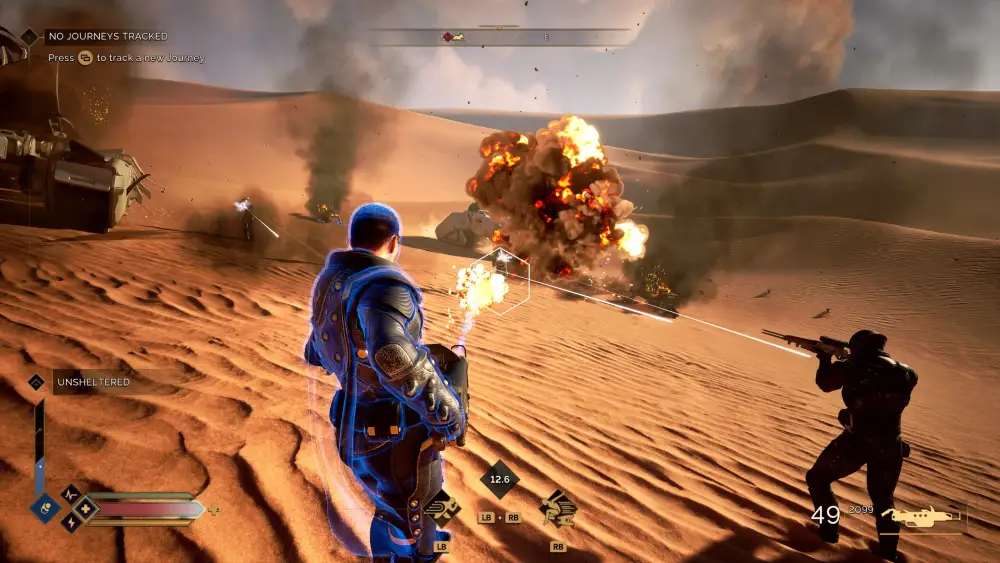
Before applying any fix, it’s crucial to determine whether the lag comes from your hardware or your connection.
Understanding this distinction makes how to fix Dune Awakening lag much faster and more precise. Small tests can reveal if your GPU, CPU, or internet route is the real culprit.
Checking Hardware Performance
Your system’s components often reveal the first signs of performance bottlenecks. In practice, monitoring frame rate, CPU, and GPU usage helps you see if your machine is struggling rather than your network.
Use these tools for accurate tracking:
- MSI Afterburner: monitors GPU temperature, usage, and FPS in real time.
- Task Manager: shows memory and CPU load while Dune Awakening runs.
- RivaTuner Statistics Server: overlays system stats to identify spikes during gameplay.
If your GPU or CPU stays near 100%, lowering graphics or closing background apps should come first.
Testing Network Stability
When your PC runs smoothly yet gameplay still stutters, your network likely causes the issue. Consequently, testing latency and packet stability becomes essential.
Here’s how to verify connection consistency:
- Run basic ping tests to your region’s Dune Awakening servers.
- Compare wired vs. Wi-Fi performance — Ethernet nearly always wins.
- Track packet loss using tools like PingPlotter or FusionConnect.
If high ping or unstable routes persist, optimizing with ExitLag is the most effective way to fix Dune Awakening lag across servers.
Graphics and In-Game Tweaks That Can Help

Even high-end PCs can struggle with frame drops if the game isn’t optimized correctly.
Small adjustments often make the biggest difference in performance and are key when learning how to fix Dune Awakening lag. Focus on striking a balance between visual quality and stable FPS.
Optimize Core Settings
Reducing GPU load can instantly stabilize gameplay. In practice, turning down demanding effects frees resources for smoother performance.
Try these quick changes:
- Lower overall resolution or use dynamic scaling.
- Set shadows and post-processing to medium or low.
- Disable motion blur and reduce draw distance.
Beyond that, keeping texture quality modest ensures faster rendering, especially during large battles.
Frame Rate and Sync Adjustments
Limiting frame rate often prevents system overload and keeps input delay consistent. By contrast, leaving settings unrestricted can cause screen tearing or unstable FPS.
Adjust the following:
- Cap FPS slightly below your monitor’s refresh rate.
- Disable V-Sync to reduce latency.
- Turn on adaptive sync if supported for smoother transitions.
Consequently, these tweaks not only boost stability but also improve responsiveness — essential steps in how to fix Dune Awakening lag effectively.
Optimizing Your Network to Play Dune Awakening Online
Network performance can make or break your experience in Dune Awakening. Even with strong hardware, unstable routes or background activity can cause lag spikes. Knowing how to fix Dune Awakening lag through network optimization ensures consistent gameplay.
Strengthen Your Connection
Wired connections deliver far more stability than Wi-Fi. Consequently, using Ethernet helps maintain a constant data flow and lower ping.
Follow these quick tips:
- Connect your PC directly via Ethernet cable.
- Close all background apps that consume bandwidth.
- Restart your modem or router regularly for cleaner routing.
By contrast, Wi-Fi can suffer from interference and signal drops, especially during peak hours.
Optimize Network Settings with ExitLag
ExitLag reroutes your traffic through the most efficient paths, reducing packet loss and ping instability. Beyond that, it adapts routes dynamically to avoid congestion mid-game.
For a smoother online experience:
- Select your game inside ExitLag.
- Let the software choose optimized routes automatically.
- Test again to confirm latency improvements.
In short, combining wired setups with ExitLag’s smart rerouting gives the most reliable way to fix Dune Awakening lag permanently.
ExitLag as a Dedicated Solution
When regular fixes fail, ExitLag offers a specialized way to stabilize your connection in online games.
It’s designed to optimize routes between your PC and the server, which makes it one of the most effective tools for how to fix Dune Awakening lag. Even small improvements in routing can drastically reduce latency and jitter.
How ExitLag Reduces Lag in MMOs
Unlike VPNs, ExitLag uses multi-route optimization to select the fastest and most stable network paths. Consequently, it minimizes packet loss and keeps latency consistent across long sessions.
Key benefits include:
- Automatic rerouting when congestion occurs.
- Reduced ping and fewer disconnections.
- Better responsiveness during large-scale MMO events.
Beyond that, its real-time monitoring ensures you always use the best available route.
Quick Setup for Dune Awakening
Setting up ExitLag takes only a few minutes and requires no advanced knowledge. In practice, users can see measurable improvements after a single test.
Follow these simple steps:
- Download ExitLag and create an account.
- Open the dashboard and search for Dune Awakening.
- Apply the optimized route and launch the game.
Run a quick ping test before and after — you’ll immediately notice smoother gameplay and fewer lag spikes, confirming the best method to fix Dune Awakening lag effectively.
FAQ
Dune Awakening often lags due to high server demand or unstable player connections. Many users experience spikes during peak hours when MMO servers are crowded.
Checking your connection on tools like Speedtest.net helps confirm if the issue comes from your end or the servers.
Lag can stem from either, but you can identify the cause with quick tests. Monitor FPS and GPU usage using MSI Afterburner. If your FPS is stable but delay persists, the issue is network-related — not your hardware.
To boost performance, update your GPU drivers and close background apps that consume bandwidth. For real network stability, rerouting tools like ExitLag optimize your path to Dune Awakening servers, reducing latency and packet loss.
Yes. ExitLag dynamically reroutes your connection through multiple optimized paths, lowering ping and preventing lag spikes. You can test it directly by downloading it from the official ExitLag site.
Lowering shadows, post-processing, and draw distance gives the best FPS gain.
Additionally, disable V-Sync and cap your FPS slightly below your monitor’s refresh rate. For a full optimization guide, see PCGamingWiki’s Dune Awakening page for tested performance tweaks.
Keep Your Battles Smooth — Fix the Lag Now
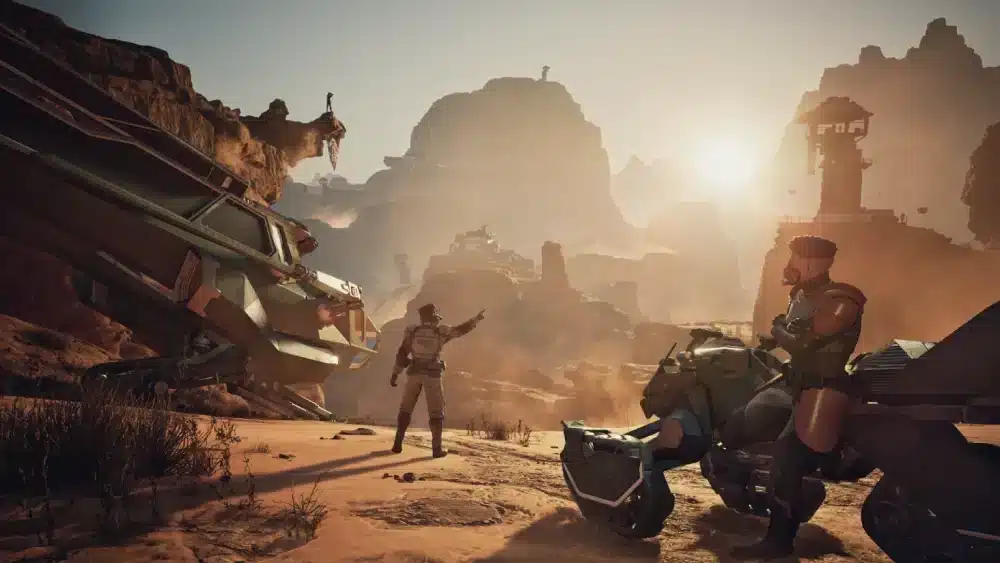
Lag in Dune Awakening can come from different sources — overloaded servers, unstable networks, or underperforming hardware. While players can’t control the servers, optimizing both connection and setup dramatically improves gameplay stability.
By refining your routes and reducing packet loss, tools like ExitLag ensure smoother frame pacing and consistent response times. As a result, every battle, trade, and exploration on Arrakis becomes far more fluid.
Take control of your performance today and experience flawless gameplay with how to fix Dune Awakening lag.
Reduce lag in Dune Awakening with ExitLag