

The Half Sword fatal error is one of the most frustrating issues players may encounter while trying to play the physics-based medieval combat simulator Half Sword. This crash can occur during gameplay or immediately after launching the game, often forcing it to close unexpectedly.
Half Sword has gained attention for its realistic combat mechanics and detailed physics simulation. However, like many early-access or experimental builds, technical instability can occasionally occur. When the Half Sword fatal error appears, players may see messages similar to:
Understanding what causes the Half Sword fatal error and how to fix it is essential for maintaining stable gameplay. In this guide, we’ll explain the most common causes of crashes and provide reliable solutions to improve stability.
What is the Half Sword fatal error?
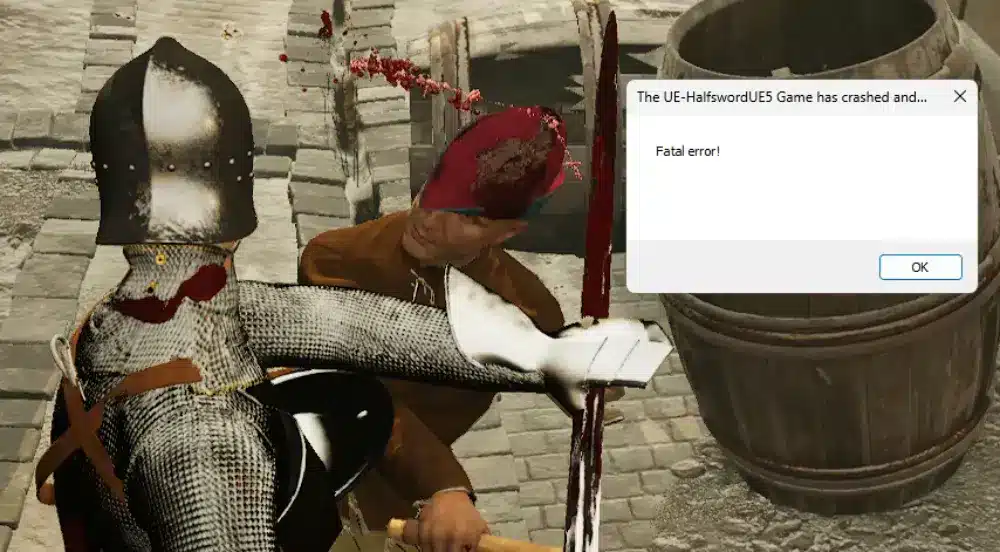
The Half Sword fatal error is a crash that occurs when the Unreal Engine detects a critical issue that prevents the game from continuing to run safely.
Because Half Sword is built on Unreal Engine 5, the game processes complex systems such as:
- advanced ragdoll physics
- weapon collision mechanics
- armor interaction
- dynamic character movement
If the engine encounters instability caused by hardware limitations, corrupted files, or driver issues, it may terminate the application to prevent further problems.
Players may encounter this error during situations such as:
- intense combat scenes with heavy physics calculations
- launching the game with incompatible system settings
- running outdated graphics drivers
- corrupted game files
Why the fatal error happens in Half Sword
There is no single cause for the Half Sword fatal error. Instead, crashes typically occur due to a combination of technical factors.
Common causes of the Half Sword fatal error
| Cause | Description | Impact |
| Outdated graphics drivers | GPU drivers incompatible with UE5 features | Crashes or launch errors |
| High graphics settings | Hardware cannot handle physics load | Gameplay crashes |
| Corrupted game files | Missing or damaged files | Startup failure |
| Overlay conflicts | Third-party overlays interfering with rendering | Random crashes |
| Hardware limitations | Insufficient GPU or system resources | Fatal error popup |
Because the game simulates complex physics interactions, performance spikes can occasionally trigger instability on certain systems.
How to fix Half Sword fatal error (step-by-step)
If you’re experiencing crashes, start with these simple solutions.
1. Run the game using DirectX 11
Some systems experience better stability using DirectX 11 instead of DirectX 12.
Steps:
- Open Steam Library
- Right-click Half Sword
- Click Properties
- Under Launch Options, type:
-dx11
This forces the game to run using DirectX 11, which can improve compatibility on some systems.
2. Lower graphics settings
Reducing graphics load can help stabilize performance.
Recommended adjustments:
- Lower graphics preset
- Reduce visual effects
- Disable unnecessary post-processing settings
Lower settings reduce the workload placed on the GPU and CPU during combat.
3. Verify integrity of game files
Corrupted files can cause immediate crashes.
Steps:
- Open Steam
- Right-click Half Sword
- Select Properties
- Go to Installed Files
- Click Verify integrity of game files
Steam will automatically repair any missing or damaged files.
4. Disable overlays
Some overlays can interfere with the game engine.
Consider disabling:
- Steam Overlay
- Discord Overlay
- GPU monitoring overlays
Running the game without overlays can eliminate background conflicts.
5. Update graphics drivers
Outdated drivers are one of the most common causes of game crashes.
Recommended steps:
- Download the latest drivers from NVIDIA, AMD, or Intel
- Install the update
- Restart your computer
Driver updates improve compatibility with modern game engines such as Unreal Engine 5.
Quick troubleshooting checklist
If the game keeps crashing, use this quick reference table.
| Problem | Quick Fix | Difficulty |
| Game crashes on launch | Verify game files | Easy |
| Random fatal errors | Run game in DX11 | Easy |
| Performance spikes | Lower graphics settings | Easy |
| Frequent crashes | Update GPU drivers | Medium |
| Overlay conflicts | Disable overlays | Easy |
Tips to prevent Half Sword crashes
Preventing the Half Sword fatal error often involves maintaining stable system performance.
Recommended stability practices
- Keep graphics drivers updated
- Close unnecessary background applications
- Use moderate graphics settings
- Monitor GPU temperature
- Ensure your system meets the game’s requirements
Suggested stable settings
| Setting | Recommended value |
| Graphics preset | Medium |
| Effects | Medium or Low |
| Resolution | Native |
| FPS limit | 60 |
Balanced settings help maintain smooth performance during physics-heavy gameplay.
Why crashes can happen in physics-based games
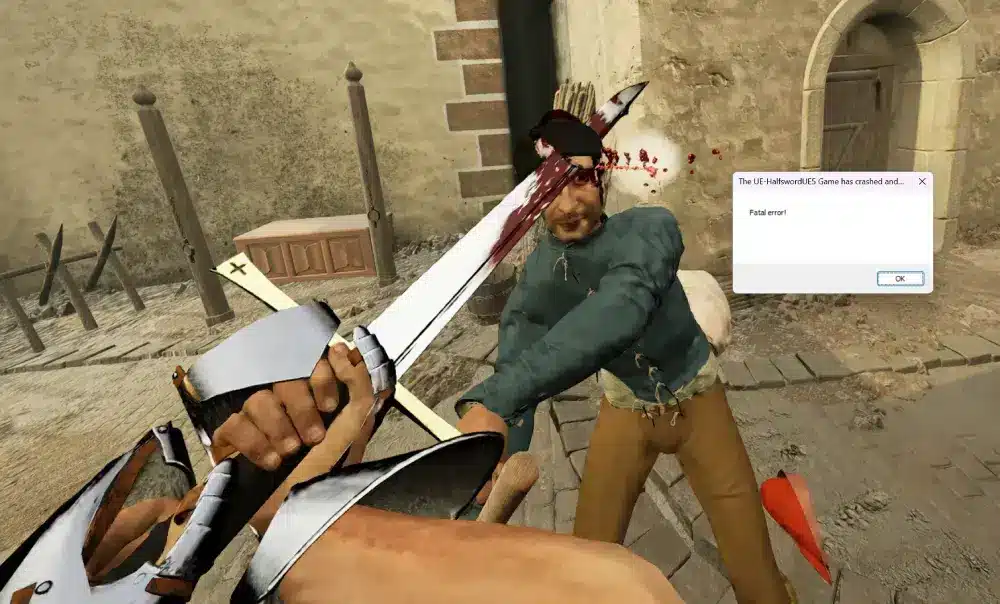
Half Sword focuses heavily on realistic physics simulation.
Unlike many traditional fighting games, it simulates:
- ragdoll body movement
- weapon collisions
- armor interaction
- real-time physics responses
These systems require significant processing power. During complex scenarios involving multiple objects and physics calculations, system load can increase rapidly and sometimes lead to instability.
Because the game is still evolving, updates and patches continue to improve performance and stability over time.
Why connection stability still matters for smooth gameplay
Even though Half Sword is primarily a single-player physics combat game, maintaining overall system stability is still important for smooth gameplay performance.
Tools like ExitLag can help improve general gaming performance by:
- optimizing network routing for supported multiplayer titles
- reducing latency spikes in online games
- stabilizing connections across gaming sessions
A stable gaming environment helps ensure smoother experiences across your entire game library.
FAQ — Half Sword fatal error
The Half Sword fatal error occurs when Unreal Engine detects a critical issue such as driver incompatibility, corrupted files, or system instability.
Try these quick fixes:
– run the game with DirectX 11
– verify game files through Steam
– update graphics drivers
– disable overlays
These steps solve most crash cases.
Combat scenes involve heavy physics calculations. If the system cannot handle the processing load, the game may crash.
Yes. Old GPU drivers may not support certain Unreal Engine features and can lead to crashes.
Yes. The game continues to receive updates and improvements as developers work on performance and stability.
All game images used in this blog belong to Half Sword developers. They are used for informational and educational purposes only and do not imply endorsement or affiliation with the rights holders.
Got questions or want to connect with other players? Join the conversation at the ExitLag Forum!
