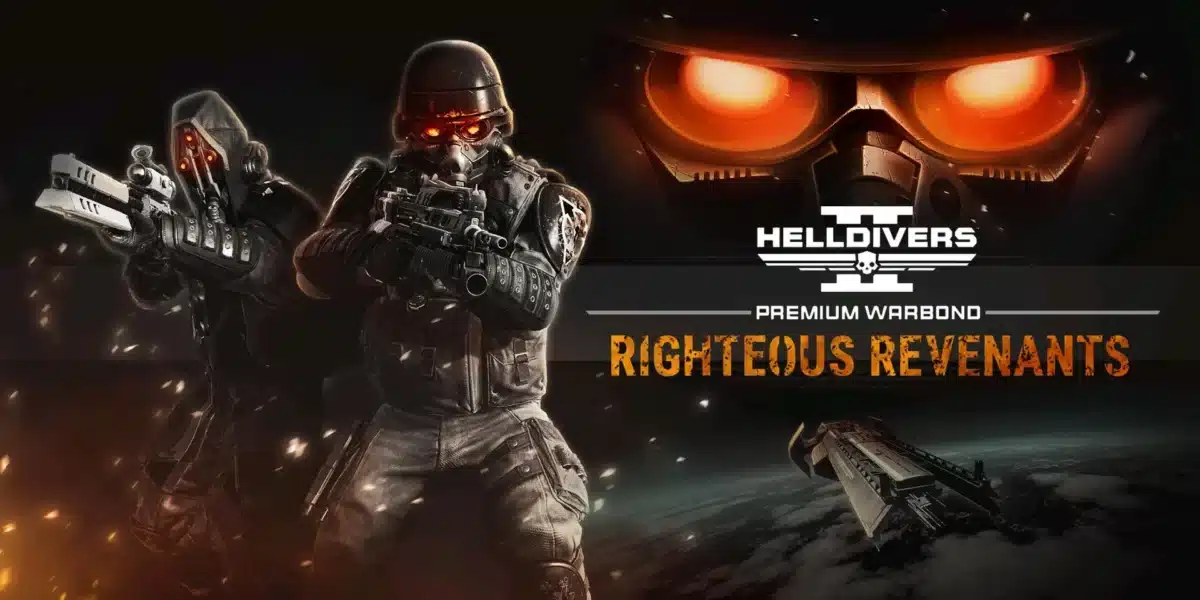
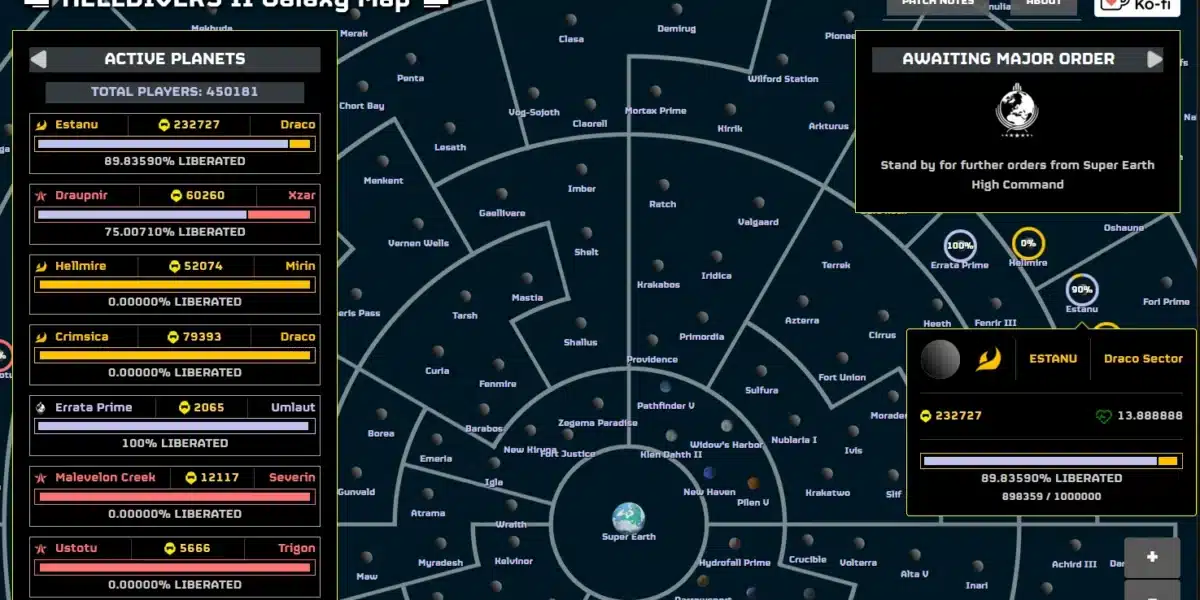
Modding has become a major part of the Helldivers 2 experience since the game’s massive popularity surge. The Helldivers 2 Mod scene has grown rapidly, offering everything from visual overhauls and quality-of-life improvements to new audio effects and gameplay tweaks.
Helldivers 2 Modding is approachable even for complete beginners, thanks to purpose-built mod managers that handle installation with a few clicks. Unlike some games where modding requires manual file editing and technical knowledge, the tools available for Helldivers 2 simplify the process significantly.
This guide covers how to find mods, which Helldivers 2 Mod Manager to use, how to install and remove mods safely, and what the community’s most popular options are right now.
Is Helldivers 2 Modding Safe?
Before diving into the process, the most common question from new players is whether using mods will get them banned. Currently, Helldivers 2 Mods that modify visual assets or audio do not trigger the game’s anti-cheat system (GameGuard).
What Is Safe to Mod
- Visual skins and texture replacements
- Audio replacements (weapons, music, UI sounds)
- Cape and armor visual modifications
- UI and HUD changes
- Cosmetic-only gameplay tweaks
What to Avoid
- Mods that alter game balance or damage values (potential ban risk)
- Mods that inject code or modify memory at runtime
- Any mod claiming to add infinite resources or unlock paid content
Furthermore, Arrowhead Game Studios has not officially endorsed modding but has generally tolerated cosmetic modifications. The situation can change with updates, so checking the Nexus Mods community for the latest policy notes is always recommended before installing anything.
Best Helldivers 2 Mod Manager Options
A Helldivers 2 Mod Manager handles the installation and removal of mods without requiring you to manually place files. This reduces the risk of corrupting your game installation.
HD2ModManager (Most Popular)
HD2ModManager is the most widely used option in the community:
- Available on Nexus Mods
- Simple drag-and-drop interface
- One-click Deploy and Remove functionality
- Supports loading multiple mods simultaneously
- Compatible with the Steam version of the game
Arsenal Mod Manager (Alternative)
Arsenal Mod Manager is a newer option with a cleaner interface:
- More modern UI design
- Better organization of installed mods
- Faster deploy and revert times
- Actively maintained as of the current update cycle
H2MM CLI (For Linux Players)
H2MM is a command-line tool designed for players on Linux via Proton. It handles the same mod deployment pipeline but through terminal commands rather than a graphical interface.
How to Mod Helldivers 2: Step-by-Step
Setting Up Your Mod Manager
- Download HD2ModManager from Nexus Mods (search “HD2ModManager” on the site)
- Extract the downloaded archive to a folder outside your Helldivers 2 game directory
- Run Helldivers2ModManager.exe to open the application
- The manager automatically detects your game installation path via Steam
- Confirm the path is correct in the settings before proceeding
Installing a Mod
- Find your mod on Nexus Mods (nexusmods.com/helldivers2)
- Download the mod file (usually a .pak or .zip archive)
- Open HD2ModManager and click the Add button
- Navigate to the downloaded mod file and select it
- The mod appears in your manager’s mod list with a checkbox
- Click Deploy to activate all checked mods
- Launch the game through Steam as normal
Removing a Mod
- Open HD2ModManager
- Find the mod in your list
- Click the trash can icon next to it, or uncheck it and click Deploy to deactivate
- Alternatively, click Remove All to restore the game to its unmodded state entirely
Mod Load Order
When running multiple mods simultaneously, load order can matter if two mods affect the same files:
- Mods listed higher in the manager take priority over those listed below
- Most visual mods do not conflict, but audio and UI mods sometimes do
- If you notice visual glitches, try reordering your active mods
| Mod Type | Conflict Risk | Load Order Priority |
|---|---|---|
| Texture/skin mods | Low | Any position |
| Audio replacement | Medium | Higher = priority |
| UI/HUD mods | Medium | Higher = priority |
| Cape/armor visuals | Very Low | Any position |
| Gameplay modifiers | High | Avoid combining |
Most Popular Helldivers 2 Mods
The Nexus Mods page for Helldivers 2 features hundreds of community creations. The most consistently downloaded categories include:
Visual Overhaul Mods
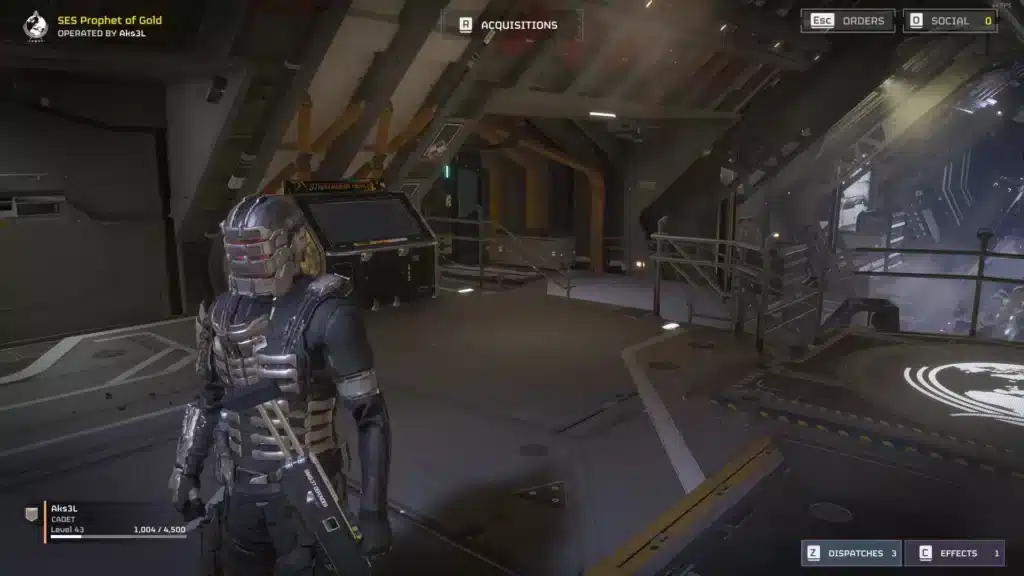
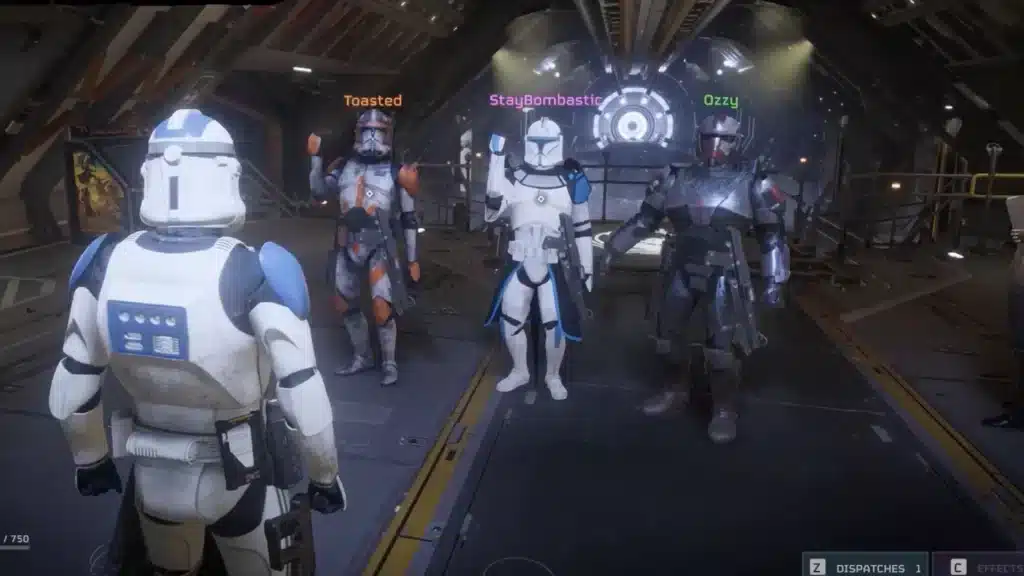
- Helldivers Classic Armor Packs: Restores or reimagines armor appearances from the original Helldivers
- HD1 Weapons Reskin: Replaces weapon models with visual callbacks to the first game
- Cape Collection Expansions: Adds new cape designs not available in the base game through cosmetic skin swaps
Audio Mods
- Halo Soundtrack Replacement: Swaps the game’s background music for iconic Halo series tracks
- Classic Sci-Fi Weapon Audio: Replaces gun sounds with retro science fiction sound effects
- Starship Troopers Theme: Replaces the main menu music with the iconic movie score
Quality-of-Life Mods
- Cleaner HUD: Reduces UI clutter during intense firefights
- Better Minimap: Increases minimap readability and marker size
- Improved Stratagem Indicators: Makes stratagem drop zones more visible during hectic moments
Troubleshooting Common Modding Issues
Game Crashes After Installing Mods
- Open HD2ModManager
- Click Remove All to deactivate every mod
- Launch the game to confirm it runs clean
- Re-add mods one at a time and launch after each to identify the problem mod
Mods Not Appearing In-Game
- Confirm you clicked Deploy after adding the mod to the manager
- Verify the game is running through Steam, not a shortcut
- Check that the mod manager’s detected game path is correct
Anti-Cheat Warning Appearing
- This typically only happens with balance-affecting mods
- Remove the flagged mod immediately and verify game files through Steam (right-click game → Properties → Local Files → Verify)
Pro Tips: Helldivers 2 Modding Done Right
- Always back up your game folder before installing any mod. Copy the game’s data folder to a separate location so you can restore it without a full Steam download if something breaks.
- Install mods one at a time. Adding several mods simultaneously makes it impossible to identify which one caused a problem. One at a time keeps troubleshooting simple.
- Check the mod page comments before downloading. The Nexus Mods comment sections show current compatibility status with the game’s latest patch. A mod that worked a month ago may be temporarily broken.
- Disable mods before major game updates. Arrowhead patches sometimes change file structures, which breaks active mods. Deactivate all mods before updating and wait for updated versions before re-enabling.
Common Mistakes When Modding Helldivers 2
- Installing mods directly into the game folder without a manager: Manual installation makes removal difficult and increases file corruption risk. Fix: Always use HD2ModManager or Arsenal Mod Manager to handle all file operations.
- Ignoring mod compatibility notes: Some mods are not compatible with certain game versions or with each other. Fix: Read the mod description page fully before installing. Look for a “Requirements” or “Compatibility” section.
- Using gameplay-modifying mods in public multiplayer: Even if these mods do not trigger an immediate ban, they can desync your session from other players, causing kicks and connection errors. Fix: Use visual and audio mods only in public lobbies. Save experimental mods for private sessions.
Play Helldivers 2 Without Lag
Helldivers 2 is at its best in co-op, and co-op requires a stable connection. High ping means your Orbital Strike lands a second late, your Reinforce call takes longer to process, and enemies teleport during intense firefights.
ExitLag is a game connection optimizer used by 30 million players globally to reduce latency and packet loss in online games. It is not a VPN. It works by routing your connection through the fastest network paths in real time, specifically for gaming traffic.
With Multipath Technology, ExitLag sends your data through multiple simultaneous routes, so latency spikes on one path do not interrupt your session. Multi-Internet support lets you connect a backup ISP so a single outage never kicks you from a mission at the worst moment.
Download ExitLag and run Helldivers 2 at its best, whether you are modded or not: Download ExitLag for PC
All game images used in this blog post belong to Arrowhead Game Studios and Sony Interactive Entertainment. They are used for informational and educational purposes only and do not imply endorsement or affiliation with the rights holders.
Got questions or want to connect with other players? Join the conversation at the ExitLag Forum!