Your in-game identity matters more than ever, and knowing how to change rocket league name is essential if you want to stand out in matches. Whether you’re rebranding, joining a team, or simply tired of your old username, understanding the process can save time and frustration.
If you’re wondering how to change rocket league name, the process actually depends on your platform. Rocket League uses your Epic Games account or your console profile, meaning the steps vary between PC, PlayStation, Xbox, and Nintendo Switch.
So what is the fastest way to change your name in Rocket League? In short, you must update your display name through your platform account, not inside the game itself. This system ensures consistency across crossplay, but it can confuse players at first.
Beyond personalization, changing your name can also impact how other players perceive you in competitive matches. A clean, memorable username can make a difference in team recognition and even psychological gameplay.
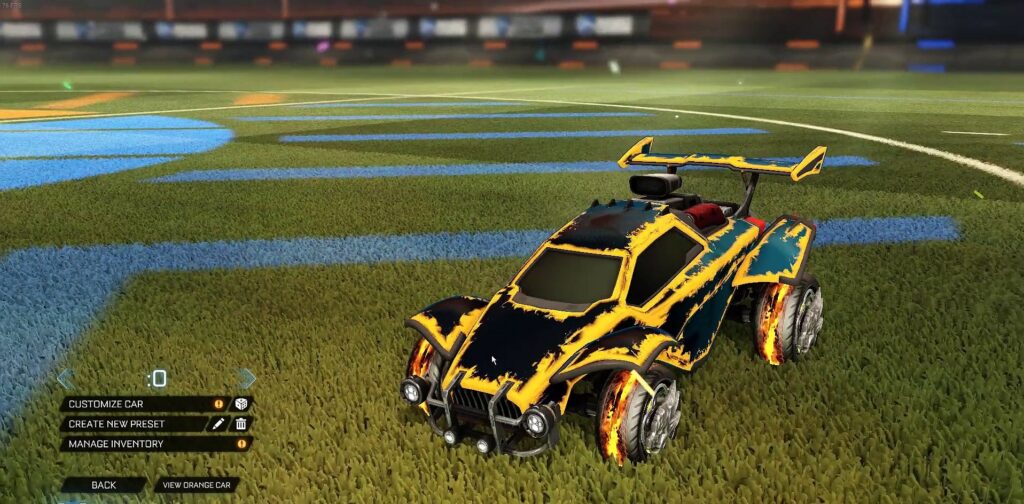
How to Change Rocket League Name on All Platforms
Understanding how to change rocket league name across platforms is key because each system follows its own rules. Below, we break down every method so you can update your identity quickly.
How to Change Your Name in Rocket League on PC (Epic Games & Steam)
If you play on PC, your Rocket League name is tied directly to your Epic Games account or your Steam profile.
Epic Games Method
To change your name using Epic Games:
- Go to your Epic Games account settings
- Navigate to “Account Info”
- Click the edit icon next to your display name
- Enter your new name
- Confirm the change via email verification
Keep in mind that Epic Games allows name changes only once every two weeks. This limitation prevents abuse and ensures account stability.
Steam Method
If you are using Steam, things are much simpler:
- Open your Steam profile
- Click “Edit Profile”
- Change your profile name instantly
Unlike Epic Games, Steam does not impose cooldown restrictions, making it more flexible for frequent changes.
How to Change Name on Rocket League for Consoles
Console players must update their platform account names, as Rocket League automatically pulls this information.
PlayStation (PS4 / PS5)
PlayStation users must change their PSN Online ID:
- Access account management settings
- Select “Profile”
- Choose “Online ID”
- Enter your new name
The first change is free, but additional changes may require payment. Some older games may also experience minor compatibility issues.
Xbox
Xbox players use the Gamertag system:
- Open Xbox profile settings
- Select “Customize profile”
- Choose “Change gamertag”
Your first change is typically free, while future updates may involve a fee depending on your region.
Nintendo Switch
Switch users have the simplest method:
- Go to System Settings
- Select “Users”
- Edit your nickname
Changes are instant and always free, making it the most flexible platform for name updates.
Rocket League Name Change Rules and Limitations
Before you proceed with a rocket league name change, it’s important to understand the restrictions that may affect your decision.
Cooldown and Restrictions
Different platforms enforce different rules, but the most important ones include:
- Epic Games: 2-week cooldown between changes
- Character limits and formatting rules
- No offensive or inappropriate names allowed
These rules ensure fair usage and prevent impersonation or abuse within the system.
Costs and Free Name Changes
Here’s how pricing works across platforms:
- PC (Epic Games / Steam): Free
- PlayStation: First change free, then paid
- Xbox: First change free, then paid
- Nintendo Switch: Always free
Understanding these differences can help you decide when and how often to update your name.
Rocket League Original Name and Account Sync Explained
Your rocket league original name is not randomly assigned-it is directly tied to your main account system.
What Determines Your Rocket League Name
Rocket League uses your Epic Games account as the primary identity for cross-platform play. However, in some cases:
- Console names override Epic display names
- Linked accounts can affect how your name appears
- Cross-platform syncing may show different names depending on context
This system ensures that your identity remains consistent across different devices.
Cross-Platform Name Behavior
When playing across platforms, your name may appear differently depending on where other players are viewing you.
For example:
- PC players may see your Epic display name
- Console players may see your platform ID
This is especially relevant in crossplay matches, where multiple naming systems interact simultaneously.

Common Issues When Changing Your Rocket League Name
Even after following the correct steps, some players encounter issues when trying to change rocket league name.
Name Not Updating in Game
If your new name does not appear immediately:
- Restart Rocket League
- Restart your launcher (Epic/Steam)
- Wait for server synchronization
In most cases, the issue resolves within minutes.
Name Already Taken or Invalid
If your desired name is unavailable:
- Try adding numbers or symbols
- Use alternative spellings
- Keep the name short and readable
Unique names are required across most platforms, especially on Epic Games.
As you refine your identity, remember that performance matters just as much as presentation. Even the best name won’t help if your connection is unstable.
ExitLag enhances your Rocket League experience by reducing ping, stabilizing your connection, and eliminating packet loss. With its real-time optimization and multi-route technology, you can enjoy smoother gameplay and faster responsiveness in every match.
How to Change Rocket League Name Safely and Effectively
Knowing how to change rocket league name is only part of the process-doing it correctly is what prevents mistakes, wasted cooldowns, or unnecessary costs. Many players rush the change and end up regretting their new identity shortly after.
Step-by-Step Best Practice Before Changing Your Name
Before making any changes, follow these best practices:
- Check if your desired name is available
- Avoid using your cooldown too early
- Think about long-term use (branding, team play)
- Test variations of your name
Planning ahead ensures you don’t get stuck with a name you dislike for weeks.
What Happens After You Change Your Rocket League Name
After updating your name, several things will change immediately:
- Your friends will see your new name
- Leaderboards update automatically
- Your club or team identity may refresh
However, in some cases, it may take a few minutes for everything to sync properly across servers.
Best Rocket League Name Ideas and Tips
Choosing the right name is just as important as knowing how to change your name in rocket league. A strong name improves recognition and helps build your identity in competitive matches.
Competitive Name Strategies
If you want a professional or competitive look:
- Keep names short (3–12 characters)
- Use clean and readable fonts
- Add subtle team tags
Short names are easier to recognize during fast-paced matches.
Creative and Unique Name Ideas
If you prefer something more creative:
- Combine words with numbers
- Use minimal symbols for style
- Avoid overly complex formatting
A unique name helps you stand out without sacrificing readability.
Quick Tips for Better Names
- Use 1–2 words max
- Avoid excessive symbols
- Keep pronunciation simple
- Make it memorable for teammates
Rocket League Change Name Mistakes to Avoid
Many players make simple errors during a rocket league change name process, which can lead to frustration.
Common Errors Players Make
- Using offensive or inappropriate names
- Copying professional players
- Changing names too frequently
These mistakes can affect your reputation and even lead to restrictions.
Platform-Specific Mistakes
Different platforms come with their own risks:
- Forgetting that console changes may cost money
- Confusing Epic Games name with platform ID
- Not properly linking accounts
Understanding your platform avoids unnecessary issues.
How Crossplay Affects Your Rocket League Name
Crossplay plays a big role in how to change your name on rocket league and how others see it.
Name Visibility Across Platforms
Depending on the platform:
- PC players usually see Epic Games names
- Console players may see platform IDs
This means your identity can appear slightly different depending on who is viewing it.
Account Linking Best Practices
To avoid confusion:
- Link all your accounts to Epic Games
- Keep one consistent identity
- Avoid duplicate profiles
This ensures a smooth cross-platform experience.
Rocket League Name Change Comparison by Platform
| Platform | Method | Free Changes | Cooldown | Notes |
| Epic Games | Account Settings | Yes | 2 weeks | Main crossplay identity |
| Steam | Profile Name | Yes | None | Instant update |
| PlayStation | PSN ID | First free | Paid after | May affect some games |
| Xbox | Gamertag | First free | Paid after | New system format |
| Switch | Nickname | Yes | None | Fastest method |
Why Your Rocket League Name Matters in Competitive Play
Your name is more than just a label-it becomes part of your competitive identity.
Psychological Impact in Matches
A strong name can:
- Intimidate opponents
- Improve team recognition
- Build confidence during matches
Even small details can influence gameplay perception.
Branding for Content Creators
For streamers and creators, your name is your brand:
- Keep consistency across platforms
- Match your social media handles
- Make it easy to remember
A strong name helps grow your presence beyond the game.
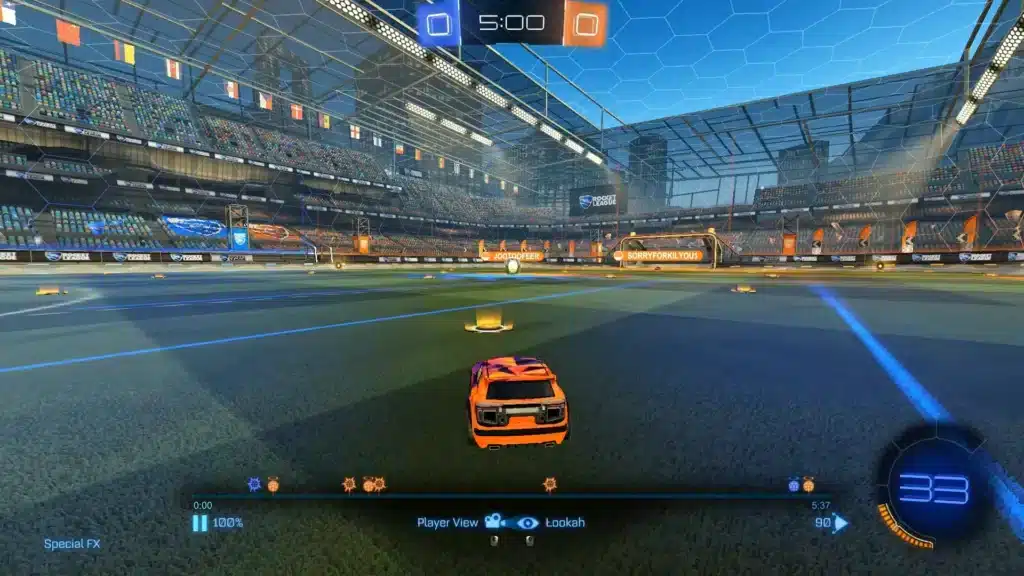
Improve Your Rocket League Performance with ExitLag
Even if you know exactly how to change rocket league name, performance still depends heavily on your connection.
Why Connection Stability Matters
Rocket League is extremely sensitive to latency:
- Input delay affects ball control
- High ping ruins aerial timing
- Packet loss can cost matches
How ExitLag Optimizes Rocket League
ExitLag uses advanced technology to improve your gameplay:
- Real-time route optimization
- Multipath connection system
- Reduced packet loss
Benefits of Using ExitLag
- Lower ping instantly
- More stable matches
- Better control precision
- Fewer lag spikes
By combining a strong identity with stable performance, you maximize your potential in every match.
All game images used in this blog belong to Psyonix. They are used for informational/educational purposes only and do not imply endorsement or affiliation with the rights holders.
Got questions or want to connect with other players? Join the conversation at the ExitLag Forum!