
The create court NBA 2K tutorial is your ultimate guide to building a personalized basketball arena that reflects your style, team identity, or wildest imagination. Whether you're on Xbox, PlayStation, or PC, this guide will take you through every step to transform a basic layout into a court worth showing off.
In this tutorial, you'll learn how to use the NBA 2K court template, design your NBA 2K My Court, and fully utilize the NBA 2K Create a Court tool. It doesn't matter if you're a rookie or a seasoned vet—by the end, your court will look just as elite as your game.
Why Custom Courts Matter in NBA 2K

Personalized courts add flavor to your gameplay and identity. They help:
- Showcase your branding in MyTeam or MyLeague
- Create immersive content for streams or YouTube
- Elevate your visual aesthetic in online games
- Craft home-court advantage vibes with custom color schemes
From detailed wood grain patterns to animated jumbotrons, your court becomes a canvas for creativity.
Getting Started with NBA 2K Create a Court
Before you jump into design mode, make sure you’re in the right section:
- Go to MyTeam or MyLeague (depending on your mode)
- Navigate to "Franchise" or "MyCourt"
- Select "Arena and Court Design"
If you’re in MyCareer:
- Go to the MyCourt hub
- Walk to the customization panel on the side wall
Here’s what you’ll customize:
- Arena structure
- Scoreboard and jumbotron
- Wood floor texture
- Court lines and logo
- Sideline/paint area colors
- Crowd and seat colors
Using an NBA 2K Court Template
NBA 2K provides several built-in templates to help you start fast:
Popular Templates:
- Retro NBA team courts (90s Knicks, Showtime Lakers)
- Street-style blacktop layouts
- International FIBA courts
How to Apply a Template:
- In "Arena Design," choose "Templates"
- Preview and select one
- Use it as-is or jump into deeper customization
Templates are especially useful if you want inspiration but don't want to build from scratch.
Building Your NBA 2K My Court from the Ground Up
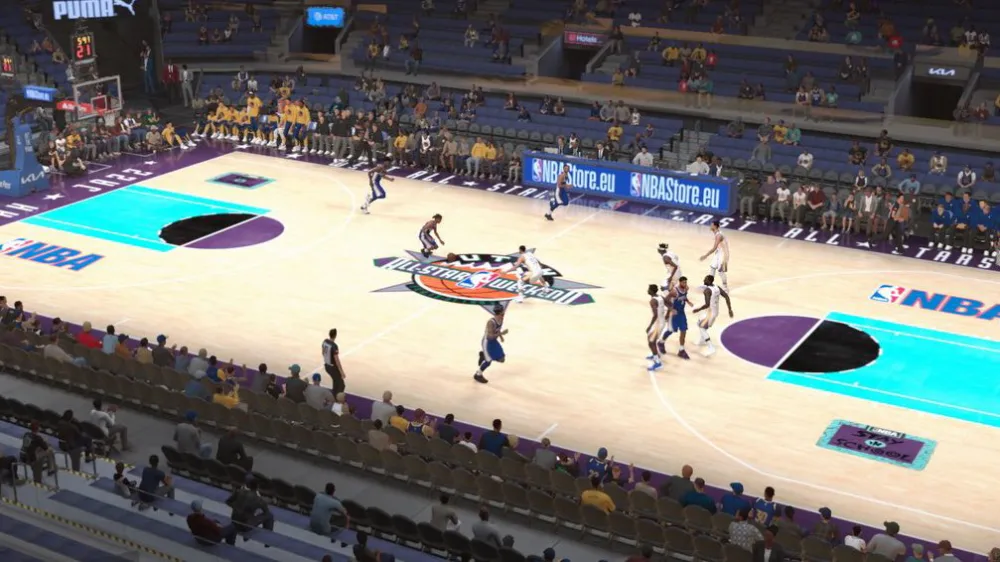
If you're starting fresh or customizing your private court in MyCareer, here's how to do it:
Step-by-Step:
- Go to your MyCourt hub in MyCareer
- Walk up to the design wall
- Select "Edit Court"
You'll be able to tweak:
- Wall colors and murals
- Flooring (classic, herringbone, marble)
- Lighting and environment themes
- Hoop structure (glass, retro, modern)
Pro Tip: You can invite friends and play custom games here—so style it up!
Floor Design: Texture and Paint
This is where creativity kicks in:
- Wood Type: Maple, painted, dark wood, fantasy neon
- Paint Fill: Choose colors for the paint area
- Logos: Upload custom logos or use team presets
Upload Custom Logo:
- Go to NBA 2K's design uploader site
- Upload your .PNG logo (transparent background recommended)
- Sync it with your MyTeam/MyCourt
This feature allows you to rep your brand, team, or stream logo front and center.
Sidelines, Center Court, and Baseline Edits
You control the typography and detail placement:
- Baseline: Add team names, slogans, sponsors
- Sideline Text: Motivational words, hashtags
- Center Court Logo: Can be imported or selected from NBA options
Add shadows, reflections, or minimal clean styles for your unique flair.
Arena Setup and Jumbotron
Besides the court, your arena sets the atmosphere:
- Choose stadium size
- Edit jumbotron type
- Add animations or replays
- Set lighting tone (cool, warm, spotlight)
Each change adds realism and personality to your home court.
Seating, Crowd, and Audio Customization
Sound and immersion matter. Here’s what you can change:
- Seat Colors: Match your team branding
- Crowd Clothing: Choose color theme
- Audio Playlist: Add beats or NBA-style arena music
This is where casual turns cinematic.
Saving and Sharing Your Court
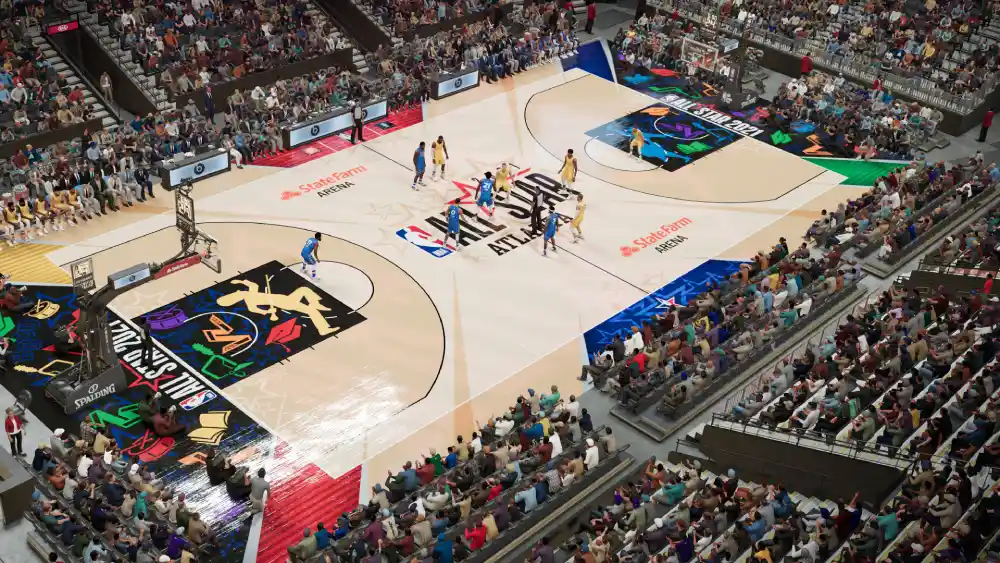
Once done, you can save your creation:
- Choose "Save Design"
- Name your court file
- Upload it to the 2K share hub (optional)
Sharing Tips:
- Add tags like "NBA2K24", "custom court", "Mamba Arena"
- Use YouTube or TikTok for previews
Let others rate and download your masterpiece.
Elevating Aesthetics: Going Beyond Templates
Templates are great starting points—but true creativity starts when you break the mold. Here’s how to push your design beyond basics:
1. Layering Textures
- Combine different wood types with transparent overlays
- Use retro hardwood texture for center, bordered by modern finish
2. Advanced Color Matching
- Use RGB sliders to perfectly match team colors
- Export jersey hex codes to sync court visuals
3. Signature Court Identity
- Add reflective elements in logos
- Use minimal design for pro leagues
- Create alternate courts: one for Home, one for Events
Pro-Level Lighting: Making Your Court Pop
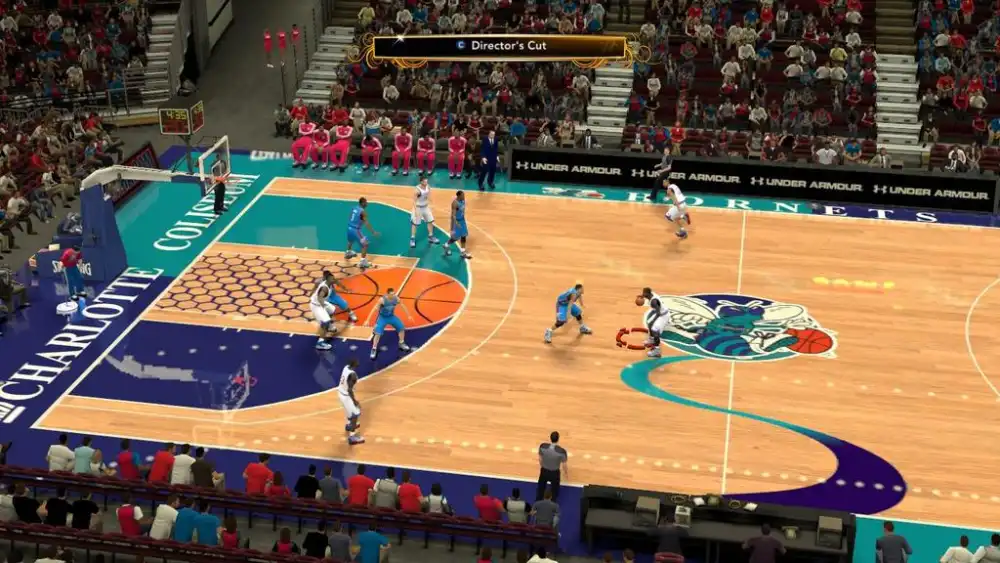
Lighting makes or breaks immersion. Here’s how to optimize your scene:
Ambient Control Options:
- Warm tones = nostalgic arenas
- Cool tones = futuristic look
- Spotlight Mode = simulate ESPN-style lighting
Custom Shadow Use:
- Directional shadows under the hoop
- Layer backboard and stanchion shadows
LED Effects:
- Use lighting to highlight the center logo
- Add flickering LEDs for entrances
Tournament-Ready Arena Layouts
Want your custom court to mimic a G League or NBA Finals environment? Start here:
Arena Architecture:
- Select the largest layout in Arena Builder
- Position digital signage around the court
Camera Angles:
- Choose low-angle cam for highlight reels
- Use side-court cams for play breakdowns
Audio Mix:
- Adjust crowd mics to react to dunks and threes
- Add custom intros with announcer voiceovers
Comparison Table: MyCourt vs MyTeam
| Feature | MyCourt | MyTeam |
| Use Case | Personal training, casual games | Competitive matches, ranked play |
| Custom Arena | Yes | Yes |
| Logo and Branding Tools | Limited | Full customization |
| Online Match Integration | No | Yes |
| Best For | Content creation, private sessions | Tournaments, team-based play |
Advanced Tools: Logo Import + Brand Kits
Level up your creative toolkit:
Brand Kit Design:
- Design a uniform + court combo
- Use Photoshop to layer court textures and export logos
Multiple Logos:
- Center court logo
- Side court sponsor marks
- Baseline quote or slogan
Use the 2K image uploader to sync these assets from PC to console.
Strategic Gameplay Benefits of Pro Court Design
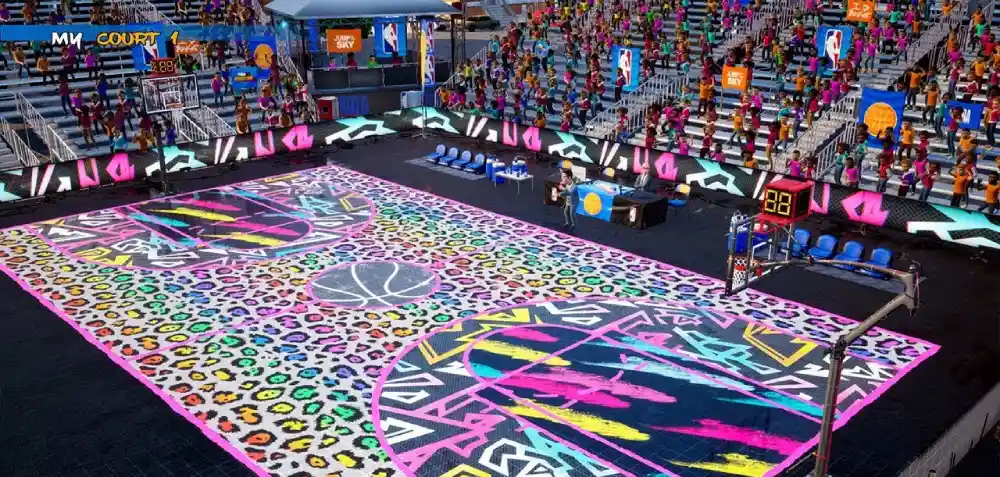
It’s not all about looks—design can subtly enhance gameplay:
- High-contrast courts help with ball tracking
- Minimalist colors improve focus and reduce visual clutter
- Reflected logo placement can distract opponents or draw camera views
In competitive settings, aesthetics can influence mental performance.
ExitLag: Essential for Custom Court Matches
When hosting games on a high-fidelity court, bandwidth matters. ExitLag ensures:
- Lower latency during Pro-Am and MyTeam matches
- Smooth streaming for court tours or events
- Sync stability with custom asset loads
Start your Exitlag 3 days Trial!
Final Arena Showcase Tips
How to Build Buzz:
- Record a walk-through of your court
- Add sound effects and transitions
- Upload to TikTok and YouTube Shorts
Tag Ideas:
- #NBA2KCustomCourt
- #MyTeamArenaTour
- #CreateACourt
Include ExitLag in your links for an optimized viewing and gaming experience.
Frequently Asked Questions (FAQ)
What’s the difference between MyCourt and MyTeam custom courts?
MyCourt is for personal/private use, while MyTeam courts show up in online matches and events.
Can lighting settings affect FPS or lag?
Yes, especially in detailed arenas. Use ExitLag to balance network issues.
Can I sell or share my court designs?
Not officially, but you can share court files via community forums or video tours.
Is there a limit to custom logos?
You can upload several, but only a few can be displayed simultaneously depending on the arena size.
Final Thoughts
Your court is more than just a floor—it’s your brand. From NBA 2K court template basics to advanced builds using NBA 2K Create a Court and NBA 2K My Court, you now have the tools to construct courts that inspire and impress.
Don’t just play NBA 2K—design it.
Make your mark. Light it right. Share it globally. And always, keep it smooth with ExitLag.
All game images used in this blog belong to Visual Concepts and 2K Sports. They are used for informational/educational purposes only and do not imply endorsement or affiliation with the rights holders.



