

Counter-Strike 2 offers players countless ways to improve mechanics, practice grenade lineups, and explore maps beyond traditional gameplay. One of the most useful tools for training is learning how to fly in servers CS2, especially when reviewing positions or creating strategies with teammates.
Moreover, using flying commands allows players to save time while testing rotations, utility trajectories, and movement paths across competitive maps. For that reason, understanding how to fly in servers CS2 has become an important skill for content creators, coaches, and competitive players alike.
In addition, players often use flight features in private sessions to inspect textures, identify off-angles, and prepare tactics for ranked matches. When combined with a stable connection through ExitLag, practicing how to fly in servers CS2 becomes significantly smoother and more efficient.

Why flying commands are useful for CS2 improvement
Practicing movement in a three-dimensional environment gives players a unique perspective on map design and utility placement. Consequently, many professional teams spend hours in custom sessions reviewing every angle available.
At the same time, content creators and analysts rely heavily on flying commands to create tutorials, demonstrations, and educational videos for the community.
Reviewing grenade trajectories and executes
Flying enables players to pause above bombsites and inspect exactly where smoke grenades land. As a result, it becomes much easier to understand why certain lineups succeed while others fail.
Furthermore, players can observe flashbang trajectories from multiple viewpoints, allowing them to optimize timing and positioning for coordinated executes.
Some practical advantages include:
- Faster lineup testing across multiple maps.
- Better understanding of utility interactions.
- Easier identification of positioning mistakes.
Exploring hidden map details and rotations
Map knowledge remains one of the biggest differences between average and high-level players. Therefore, exploring maps from above provides valuable strategic insight.
By moving freely through walls and structures, players can discover:
- Alternative rotation routes.
- Potential boost locations.
- Strong off-angle positions.
This kind of analysis becomes even more valuable when preparing for tournaments or team scrims.
Troubleshooting common flying issues in CS2
Many players encounter problems when trying to activate noclip for the first time. Fortunately, most issues have simple solutions that can be fixed within seconds.
In most situations, the problem is related to server permissions or incorrect console settings rather than the command itself.
Why noclip is not activating
If the command appears in the console but nothing happens, there are several possible causes that should be verified before restarting the session.
The most common reasons include:
- Developer console is disabled.
- Cheat permissions are not enabled.
- The player is connected to an official server.
- The command was typed incorrectly.
Checking these items usually resolves the issue immediately.
Adjusting fly speed for better practice sessions
Default movement speed may feel too slow for large maps such as Mirage or Ancient. Therefore, adjusting movement values can significantly improve practice efficiency.
Players often customize flying speed depending on the activity they are performing, whether that involves utility testing or content creation.
Best maps to practice flying and utility setups
Not all maps benefit equally from aerial exploration. However, competitive maps with complex verticality often provide the greatest value.
Learning these environments from multiple perspectives can accelerate tactical understanding considerably.
Mirage and Inferno utility training
Mirage remains one of the most popular maps for smoke practice because of its numerous lineups and execute variations.
Similarly, Inferno rewards players who understand elevation differences and utility timings around Banana and Mid control.
These maps are particularly useful for:
- Smoke lineup training.
- Rotation optimization.
- Site execute preparation.
Ancient and Anubis map exploration
Newer competitive maps feature unique structures that can be difficult to understand using traditional movement alone.
Flying through these environments helps players identify hidden sightlines and unusual defensive positions that may otherwise go unnoticed.
Consequently, teams can prepare more effective executes and anti-strategy plans.
Combining flying with advanced practice commands
Flying becomes even more valuable when combined with additional training commands available in custom sessions.
This combination creates an environment similar to professional team practice servers.
Infinite utility and grenade previews
Players can dramatically improve practice efficiency by enabling unlimited resources and trajectory visualization.
Some of the most useful additions include:
- Infinite ammunition settings.
- Grenade trajectory previews.
- Instant round restarts.
- Unlimited buy time.
Together, these features reduce downtime and increase repetition quality.
Creating a professional training environment
Professional teams often rely on highly customized practice servers that replicate competitive scenarios while maintaining flexibility.
By combining movement commands with server configurations, players can build efficient training routines focused on specific weaknesses.
As a result, improvement becomes more measurable and significantly faster over time.
ExitLag advantages for CS2 practice groups
While many players associate ExitLag primarily with competitive matches, practice environments can benefit as well.
Stable connections become increasingly important when teammates are distributed across different countries or regions.
Improving cross-region scrims and workshops
International teams frequently experience inconsistent routing when connecting to community servers.
ExitLag helps minimize these issues by optimizing traffic paths and reducing unnecessary packet loss during sessions.
Benefits may include:
- More consistent ping values.
- Reduced packet instability.
- Improved voice communication quality.
Supporting content creators and coaches
Content creators often record demonstrations using private servers and flying commands to showcase strategies clearly.
Meanwhile, coaches rely on smooth server performance to review positioning and utility usage without interruptions.
For both groups, optimized routing contributes to a more professional and productive workflow experience.
Setting up private servers for practice and training
Before using flying commands, players need to create an environment where cheat commands are allowed. Fortunately, private lobbies can be configured within minutes.
Additionally, private servers offer complete freedom for testing movement without interruptions from opponents or matchmaking restrictions.
CS2 fly mode private server
The easiest way to start using CS2 fly mode private server features is by launching a custom match or local practice session. Once inside, players can open the developer console and begin configuring the server.
Follow these steps:
- Open CS2 and enable the developer console in settings.
- Launch a private practice lobby or offline match.
- Load the map you want to explore.
- Open the console using the configured key.
- Enable the necessary commands for practice.
This setup creates the ideal environment for movement testing, strategy development, and utility practice.
Configuring movement settings for smoother training
Many players improve their practice sessions by enabling additional commands that remove time limits and ammunition restrictions.
Common settings include:
| Setting | Purpose |
| Infinite ammo | Allows endless utility testing |
| Round restart commands | Speeds up repetition |
| Freeze time removal | Improves practice flow |
| Extended round time | Prevents interruptions |
As a result, players can focus entirely on improvement rather than server limitations.
Commands that enable flying in Counter-Strike 2
Although the flying system is simple, many players struggle because they skip important setup steps. Consequently, understanding command order is essential.
Most errors occur because server permissions have not been enabled properly beforehand.
How to enable noclip CS2
The first requirement is enabling developer permissions on the server. Without those permissions, movement commands simply will not function.
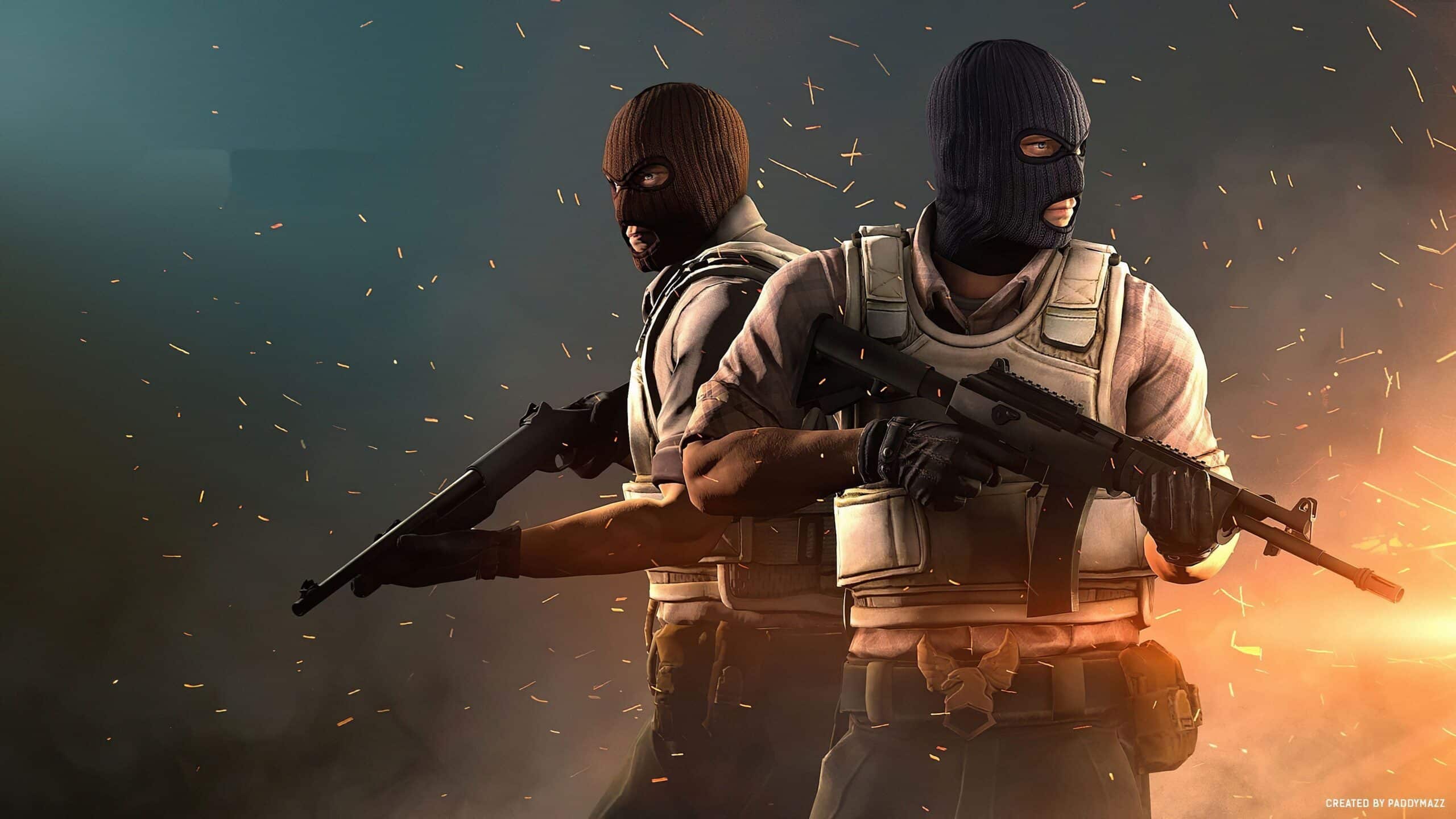
Once enabled, players can activate noclip mode and immediately move freely through the map environment. Learning how to enable noclip CS2 is especially useful for training sessions, custom games, and tactical analysis. However, this process only works on servers where administrative permissions are available.
Additionally, movement speed can often be adjusted depending on the training objective.
CS2 noclip command and movement controls
CS2 noclip command is one of the most useful tools for practice and map exploration in Counter-Strike 2. The noclip feature allows players to move in any direction while ignoring collisions with objects and walls. Because of that, it becomes incredibly useful for map analysis, tactical preparation, and discovering new angles, lineups, and strategies.
Players typically use standard movement keys while flying:
- Move forward and backward using traditional controls.
- Use jump controls to gain elevation.
- Lower altitude with crouch movement.
- Adjust direction using mouse movement.
How to fly in servers CS2 for utility practice
For players focused on strategy development, flying provides one of the fastest ways to test utility interactions and execute timings.
Similarly, coaches frequently use this feature during team reviews to demonstrate positioning mistakes and improve communication.
Server permissions and limitations players should know
Not every server supports flying commands. Therefore, understanding server types is essential before attempting to activate noclip functionality.
Official matchmaking servers disable these features entirely in order to preserve competitive integrity.
CS2 sv_cheats noclip
CS2 sv_cheats noclip settings are essential because most flying functions depend on cheat permissions being activated on the server. If cheats remain disabled, the game automatically blocks movement modifications, preventing players from using noclip features in Counter-Strike 2.
For this reason, players should avoid expecting these commands to function in Premier, Competitive, or Wingman matches.
Instead, flying features are intended for:
- Offline training sessions.
- Workshop maps.
- Community servers with administrator permissions.
Why official servers restrict flight commands
Competitive balance represents one of the main priorities of Counter-Strike 2. Consequently, unrestricted movement would compromise fairness and integrity.
By limiting these commands to controlled environments, Valve ensures that competitive matches remain skill-based and secure.
At the same time, players still retain access to extensive practice tools through private sessions and workshop environments.
How ExitLag improves private server experiences
Although flying commands themselves do not require exceptional network quality, stable connectivity dramatically improves overall training sessions.
This becomes particularly important when practicing with teammates located in different regions.
Reduced latency during team practice
ExitLag optimizes traffic routes between players and game servers, reducing unnecessary network congestion and packet loss.
As a result, teams can coordinate utility practice and strategy sessions more effectively.
Key benefits include:
- Lower latency spikes.
- More consistent movement.
- Improved communication reliability.
Better performance for workshop and community servers
Community servers sometimes experience unstable routing depending on geographical location. Consequently, players may notice delays while practicing movement or reviewing tactics.
ExitLag helps minimize those interruptions by selecting more efficient network paths automatically.
For players creating guides, recording videos, or coaching teams remotely, this stability can significantly improve workflow efficiency.
Advanced uses for flying commands in CS2
Once players become comfortable with the basics, flying commands open the door to more advanced training possibilities.
In many cases, teams discover entirely new strategies simply by observing maps from unusual perspectives.
Building execute strategies from above
Viewing bombsites from the air allows players to identify defensive blind spots and utility gaps.
Because of that, teams often design executes using overhead perspectives before testing them in scrimmages.
This process improves:
- Smoke coverage efficiency.
- Flash timing precision.
- Entry coordination consistency.
Creating educational content and tutorials
Many of the best CS2 guides rely heavily on flying footage to explain concepts visually.
By moving freely through environments, creators can highlight lineups, rotations, and positioning much more clearly than traditional gameplay footage allows.
Consequently, viewers receive more detailed explanations and faster learning opportunities.
Final thoughts on flying in Counter-Strike 2
Flying commands remain one of the most valuable tools available for serious improvement in Counter-Strike 2. Whether the goal is utility practice, tactical development, or educational content creation, the benefits are substantial.
More importantly, players should remember that these commands belong exclusively in practice environments and community-approved servers. Respecting those boundaries helps preserve the competitive integrity that defines CS2.
When combined with optimized routing through ExitLag, private training sessions become smoother, faster, and considerably more productive. Ultimately, mastering how to fly in servers CS2 can provide players with deeper map knowledge and a meaningful advantage during preparation for competitive matches.