Clash of Clans PC has become a popular topic for gamers who want to enjoy the mobile classic on a larger screen. Many players ask, “can you play Clash of Clans on PC?” or wonder about the best methods for downloading it. In this complete guide, we will cover how to get Clash of Clans on PC, how to play Clash of Clans on PC, and answer questions such as how do I play Clash of Clans on PC, how can I play Clash of Clans on PC, and how do you play Clash of Clans on PC.
Whether you’re curious about how I play Clash of Clans on PC or looking for step-by-step instructions on how can you play Clash of Clans on PC, this article will provide all the information you need, including tips on how to get Clash of Clans PC and how play Clash of Clans on PC effectively.
Is it Possible to Play Clash of Clans on PC?
Many players wonder, can you play Clash of Clans on PC? The good news is that it is possible, and there are now official ways to enjoy the game on your computer. With the recent expansion of Google Play Games for PC, Clash of Clans PC official support has been introduced, allowing players to download and run the game directly on their Windows computers.
This official release eliminates the need for third-party emulators, providing a smoother and more secure gaming experience. Players can log in with their Google account, sync progress from mobile devices, and enjoy Clash of Clans PC with the same features available on smartphones.
Whether you’re a veteran looking to manage your village on a bigger screen or a new player exploring the game, this official method ensures you can play Clash of Clans on PC with full support and updates from the developers.
How to Get Clash of Clans on PC (Step-by-Step)
If you are wondering how to get Clash of Clans on PC, the official method is now available through Google Play Games for PC (Beta). This ensures a secure and smooth experience without relying on third-party emulators. Here’s a step-by-step guide on how to get Clash of Clans PC:
- Download Google Play Games for PC (Beta): Visit the official Google Play Games website and download the PC client. This is the first step to accessing Clash of Clans on your computer.
- Install and Open the App: After downloading, run the installer and follow the instructions. Once installed, open Google Play Games and sign in with your Google account.
- Search for Clash of Clans: Inside the Google Play Games client, search for Clash of Clans in the library or search bar. This is the official route to play the game on PC.
- Install Clash of Clans PC: Click “Install” and wait for the game to download. Once complete, you can launch the game directly from the client.
Minimum System Requirements
To ensure a smooth experience when playing Clash of Clans PC, make sure your computer meets the following minimum requirements:
- OS: Windows 10 or higher
- RAM: 4 GB or more
- Storage: At least 2 GB free
- Graphics: Integrated graphics supported
Official Link and Screenshots
You can download Google Play Games for PC and access Clash of Clans PC official directly from the Google Play Games official page. Screenshots and interface guides are available within the client to help you navigate the installation process.
By following these steps, anyone can easily understand how to get Clash of Clans on PC and start playing with official support and updates.
Using Emulators as an Alternative
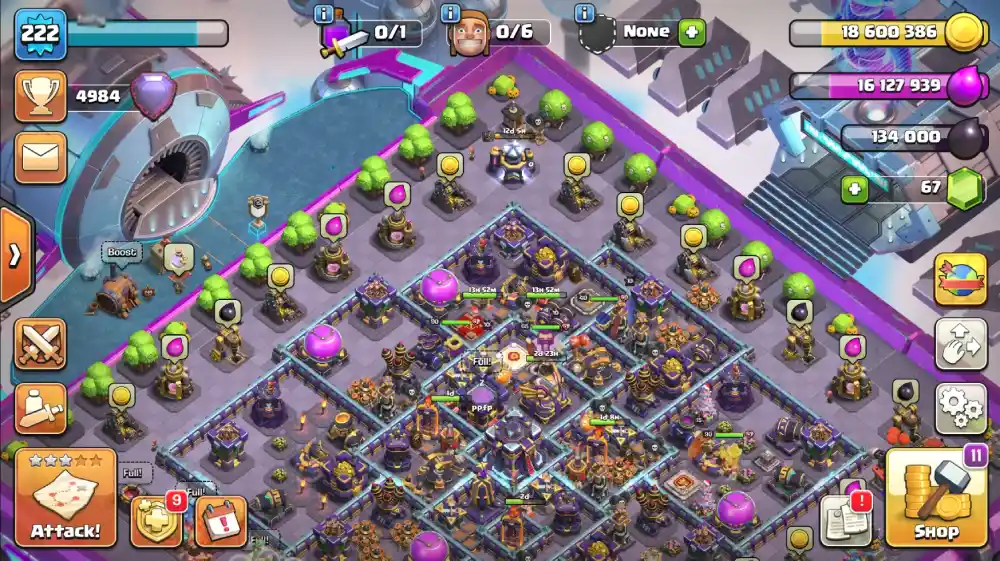
For players who prefer alternatives or have compatibility issues with the official method, using a Clash of Clans PC emulator is a popular choice. Emulators like BlueStacks, LDPlayer, and NoxPlayer allow you to run the mobile version of Clash of Clans directly on your computer.
How It Works?
After downloading a Clash of Clans PC download emulator, you install the emulator on your PC, log in with your Google account, and then download Clash of Clans from the Play Store within the emulator. This method essentially replicates the mobile experience on a desktop or laptop.
Pros of Using an Emulator
- Emulators offer greater flexibility with graphics settings and controls, allowing players to adjust performance and visuals according to their computer’s capabilities.
- They provide easy access to multiple accounts on the same PC, which is especially useful for players who manage more than one village or want to switch between profiles quickly.
- Another advantage is the ability to use a keyboard and mouse for more precise gameplay, giving players more control during battles and base management compared to touchscreen devices.
Cons Compared to the Official Version
- Emulators can be resource-intensive, often consuming a significant amount of RAM and CPU power, which may slow down your PC if it doesn’t meet the recommended specifications.
- There is also a risk of software conflicts or potential security issues when downloading emulators from unofficial sources, which could compromise your device’s performance or safety.
- In addition, occasional lag or performance issues can occur depending on your hardware setup, making the overall experience less stable than playing through the official PC version.
While the official Google Play Games method is recommended for most players, a Clash of Clans PC emulator can still be a viable option for those looking for extra control or customization.
Performance and Experience Differences
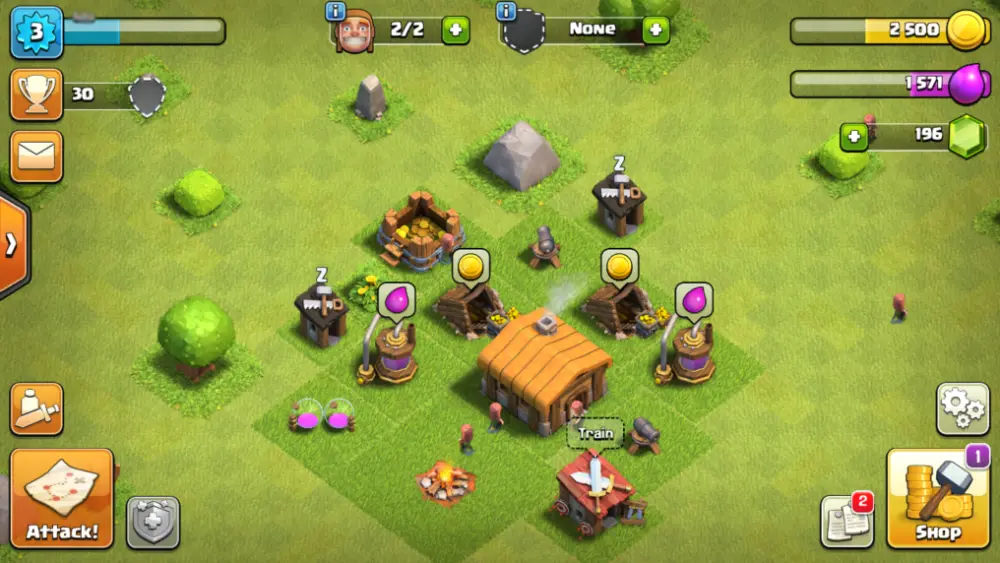
Playing Clash of Clans PC offers a noticeably different experience compared to mobile devices. The larger screen allows for better visibility of your village and troops, making strategy planning more comfortable. Using a keyboard and mouse provides precise control for attacking and defending, and managing multiple accounts simultaneously is much easier than on a mobile device.
Another key factor is network stability. For clan wars and competitive gameplay, a stable internet connection is crucial. Lag or connection drops on PC can directly affect troop deployment, defenses, and overall performance during critical battles.
Mobile vs. PC Comparison
| Feature | Mobile | PC (Official / Emulator) |
| Screen Size | Small, handheld | Large monitor, adjustable |
| Controls | Touchscreen | Keyboard & mouse |
| Multi-account Management | Limited | Easier with multiple windows |
| Performance | Dependent on device specs | Often smoother on modern PCs |
| Network Dependency | Moderate | High for competitive play |
| Convenience | Portable, always available | Stationary, requires setup |
Playing Clash of Clans PC—whether via the official method or an emulator—enhances both strategic control and visual clarity, providing a richer and more precise gaming experience than mobile alone.
Conclusion
For players experiencing lag or network instability while playing Clash of Clans PC, ExitLag is an excellent solution. This service optimizes your internet connection, reducing latency and packet loss, which is especially useful during clan wars or competitive battles. By optimizing routing to the game servers, ExitLag helps you deploy troops and manage your village without annoying delays.
Frequently Asked Questions (FAQ)
Yes! You can play Clash of Clans PC officially via Google Play Games for PC (Beta). Alternatively, emulators like BlueStacks or LDPlayer allow you to run the mobile version on your computer.
To install Clash of Clans on PC, download the Google Play Games for PC client from the official website, sign in with your Google account, search for Clash of Clans, and click “Install.” You can also use an emulator to install the game through the Play Store.
Yes, Clash of Clans is now officially available on PC through Google Play Games for PC (Beta). This provides a secure and optimized way to play without third-party software.
Popular Clash of Clans PC emulators include BlueStacks, LDPlayer, and NoxPlayer. Each offers keyboard/mouse controls, multi-account support, and customizable performance settings.
You can play Clash of Clans on PC without an emulator using the official Google Play Games for PC (Beta). This method is fully supported by Supercell and ensures stable performance and automatic updates.
Got questions or want to connect with other players? Join the conversation at the ExitLag Forum!