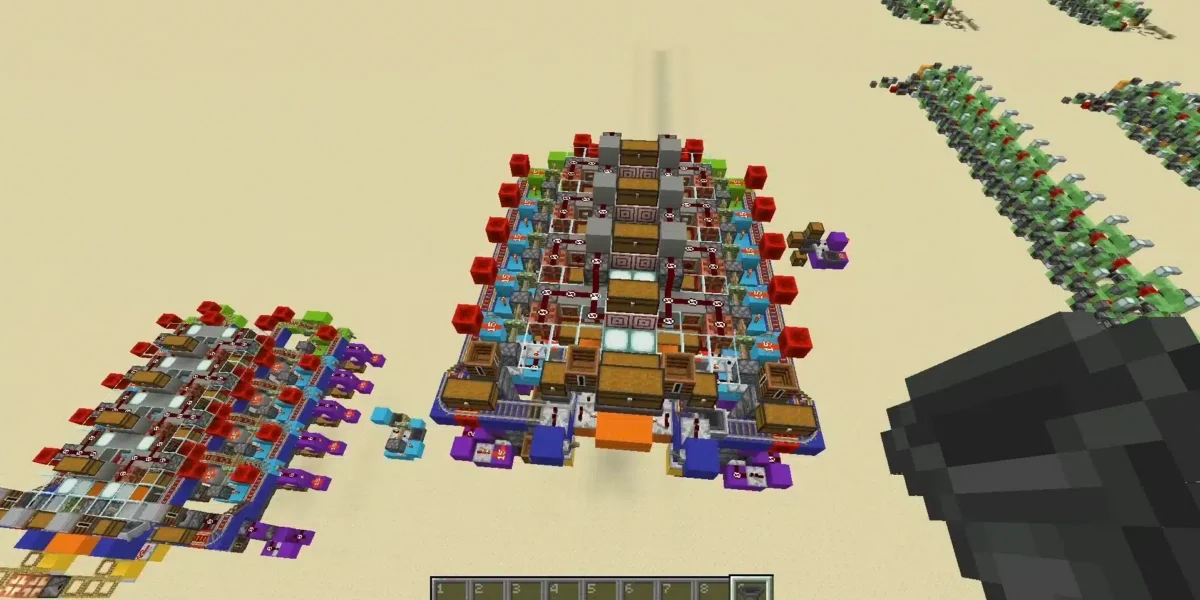
Multiplayer gameplay becomes much more exciting when players create custom worlds to enjoy with friends and online communities. That is exactly why how to make a Minecraft server remains one of the most searched topics among Minecraft players.
Creating a server is one of the most important steps in learning how to make a Minecraft server because it allows players to control game rules, install mods, customize gameplay and build long-term multiplayer communities. In addition, private servers provide far more flexibility than public matchmaking environments.
So, what does learning how to make a Minecraft server actually involve? Players must configure server files, choose hosting options and optimize multiplayer settings to create stable online gameplay environments.
Whether players want a small survival world for friends or a large public community server, understanding how to make a Minecraft server is essential for smoother multiplayer gameplay. Furthermore, stable connectivity becomes especially important for maintaining responsive online performance.
Minecraft server setup guide for beginners
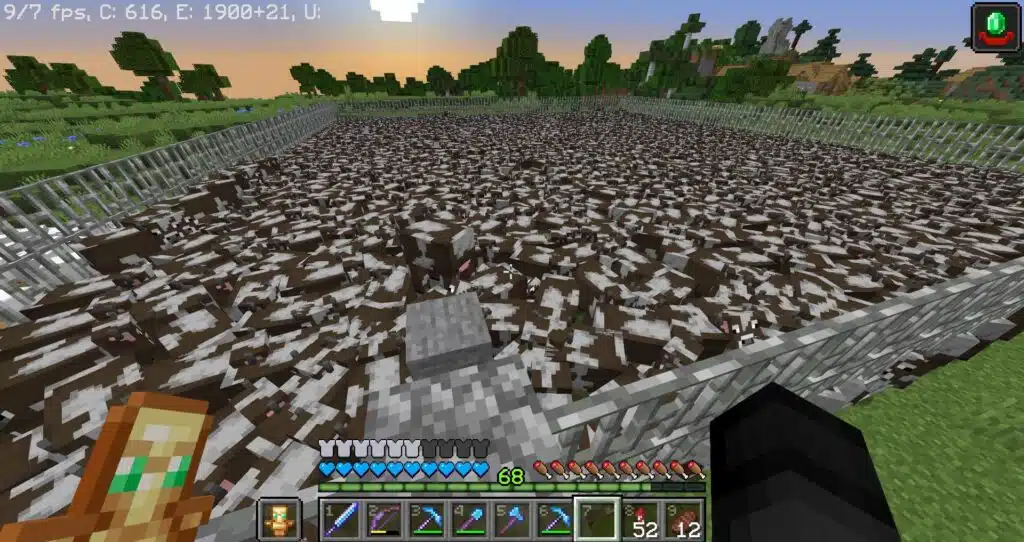
A complete Minecraft server setup guide usually starts with choosing the correct game version and hosting method.
Players generally decide between:
- Java Edition servers;
- Bedrock Edition servers;
- Local hosting;
- Dedicated hosting;
- Cloud server hosting.
Each option offers different levels of customization and performance.
Choosing the right server version
The first step in how to make a Minecraft server is selecting the correct edition.
Java Edition is usually preferred for:
| Java Server Advantages | Why Players Choose It |
| Mod support | Greater customization |
| Plugin flexibility | Advanced server tools |
| Large communities | More multiplayer options |
| Technical features | Better automation |
| Expanded commands | Advanced administration |
Meanwhile, Bedrock Edition is often easier for cross-platform multiplayer gameplay.
Hardware requirements for Minecraft servers
Server performance depends heavily on hardware quality and internet stability.
Important server components include:
- Strong CPU performance;
- Sufficient RAM;
- SSD storage;
- Stable internet connection;
- Reliable operating system.
These factors directly affect multiplayer responsiveness and server stability.
How to create Minecraft server free
Many players search for how to create Minecraft server free because they want to test multiplayer gameplay without paying for hosting immediately.
Fortunately, several free options are available for small communities and private servers.
Free hosting vs self-hosting
Players can either host servers locally or use free server providers.
Common free hosting options include:
- Local PC hosting;
- Community hosting platforms;
- Temporary cloud hosting;
- Trial server providers;
- Peer-to-peer multiplayer setups.
However, free hosting often comes with limitations related to performance and player capacity.
Limitations of free Minecraft servers
Free servers may experience:
| Free Hosting Limitation | Possible Impact |
| Limited RAM | Lag spikes |
| Player restrictions | Smaller communities |
| Queue systems | Server delays |
| Ads and interruptions | Reduced convenience |
| Lower stability | Connection problems |
Because of this, larger communities usually migrate toward premium hosting services over time.
Minecraft server hosting explained
Choosing proper Minecraft server hosting is one of the most important decisions players make when learning how to make a Minecraft server. While many beginners initially focus only on server setup, hosting quality often determines whether multiplayer gameplay feels smooth and stable or frustrating and inconsistent.
A small private server for a few friends may run reasonably well on basic hardware. However, as more players join, worlds become larger and mods or plugins are added, server performance requirements increase dramatically.
This is why understanding hosting quality becomes essential for anyone planning to build long-term Minecraft communities.
Best Minecraft server hosting features
The discussion around best Minecraft server hosting usually focuses on three major factors: performance, reliability and scalability.
A good hosting provider should not only keep the server online but also maintain stable gameplay during busy multiplayer sessions.
Important hosting features include:
- High uptime;
- DDoS protection;
- Fast SSD storage;
- Server customization;
- Automatic backups.
If you look closely at these features, each one directly affects the multiplayer experience.
For example, SSD storage significantly improves chunk loading speed and reduces world-loading delays when players explore large areas. Meanwhile, automatic backups help protect worlds from corruption or accidental data loss.
DDoS protection is also extremely important for public communities because multiplayer servers are sometimes targeted by malicious traffic attacks that may interrupt gameplay completely.
Players researching how to create Minecraft server free solutions should also understand that free hosting services often limit many of these advanced features, especially RAM allocation and performance stability.
Why hosting quality matters
Poor hosting quality may negatively affect nearly every aspect of multiplayer gameplay.
Common hosting-related issues include:
| Hosting Problem | Gameplay Impact |
| Server responsiveness | Delayed actions |
| Chunk loading | Slow world rendering |
| Redstone systems | Automation instability |
| Multiplayer synchronization | Player desync |
| Modded gameplay stability | Crashes and lag |
For example, weak hosting can create serious problems for players learning how to make Minecraft server java setups with heavy mods or plugin collections.
Modded servers usually require much stronger CPUs, additional RAM and faster storage systems to maintain acceptable performance.
Meanwhile, communities using Minecraft bedrock server setup environments also benefit from reliable hosting because cross-platform gameplay depends heavily on stable synchronization between different devices and network conditions.
As player counts increase, stable hosting becomes even more important. Large survival servers, PvP communities and modded multiplayer worlds process enormous amounts of data simultaneously, including entity movement, redstone calculations, chunk generation and player communication.
Because of this, many experienced server owners eventually upgrade from free hosting solutions to more professional Minecraft server hosting providers capable of delivering smoother multiplayer performance consistently.
How to make Minecraft server java
Many advanced players specifically search for how to make Minecraft server java because Java Edition offers greater customization possibilities.
Installing a Java Minecraft server
Basic Java server setup usually involves:
- Downloading the server files;
- Installing Java runtime;
- Configuring server properties;
- Opening network ports;
- Launching the server.
After setup, players can begin customizing worlds, plugins and gameplay rules.
Why Java servers remain popular
Java Edition remains extremely popular because it supports:
- Mods;
- Plugins;
- Datapacks;
- Advanced commands;
- Large multiplayer communities.
These features create nearly unlimited customization possibilities for server administrators.
Minecraft bedrock server setup basics
Players interested in cross-platform multiplayer often search for Minecraft bedrock server setup tutorials.
Bedrock server advantages
Bedrock servers support players across multiple platforms including:
- Mobile devices;
- Windows PCs;
- Xbox;
- Nintendo Switch;
- PlayStation.
This accessibility makes Bedrock Edition extremely popular among casual multiplayer communities.
Bedrock vs Java server differences
Important differences include:
| Feature | Java Edition | Bedrock Edition |
| Mod support | Extensive | Limited |
| Cross-platform | Mostly PC | Broad support |
| Plugins | Advanced | Simplified |
| Performance | More demanding | Optimized |
| Community size | Very large | Growing rapidly |
Understanding these differences helps players choose the best setup for their needs.
Multiplayer optimization and server performance
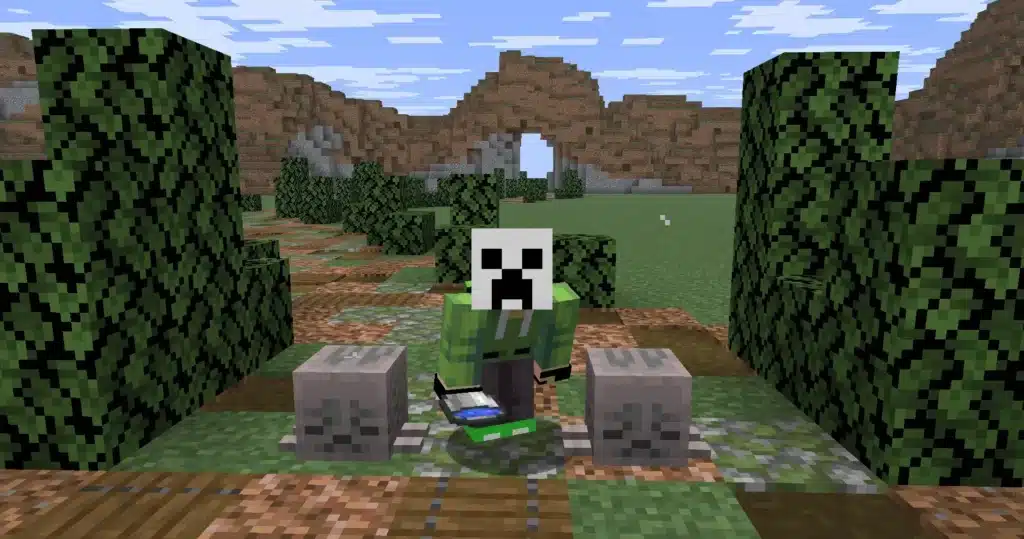
Even well-configured servers may struggle without proper optimization.
Common server performance issues
Many multiplayer servers experience problems such as:
- Lag spikes;
- High ping;
- Chunk loading delays;
- Server desync;
- Entity overload.
These issues become more noticeable during large multiplayer sessions.
Why stable connectivity matters
Minecraft servers constantly process multiplayer interactions including:
- Block updates;
- Redstone systems;
- Player movement;
- Mob behavior;
- Chat synchronization.
Connection instability may negatively impact the entire gameplay experience.
How ExitLag helps Minecraft multiplayer servers
Running a multiplayer server involves much more than simply learning how to make a Minecraft server.
As player activity increases, server owners quickly realize that connection stability becomes one of the most important factors for maintaining a smooth multiplayer experience.
Large survival worlds, modded communities and competitive servers constantly process player movement, redstone systems, chunk loading and real-time interactions. Because of this, unstable routing or packet loss may create noticeable lag spikes, delayed block updates and synchronization problems.
That is why many players and server administrators use ExitLag to optimize gaming traffic routes and improve multiplayer stability.
Unlike a traditional VPN, ExitLag focuses specifically on game route optimization. Consequently, players may experience lower packet loss, smoother server responsiveness and more stable multiplayer gameplay during long online sessions.
Why stable routing matters for Minecraft servers
Many players searching for a Minecraft server setup guide focus mainly on hardware upgrades and server hosting quality. However, internet routing also plays a massive role in multiplayer performance.
Even powerful servers may struggle when players experience unstable network routes.
Connection instability may affect:
- Chunk loading speed;
- Redstone synchronization;
- Mob behavior;
- Multiplayer responsiveness;
- Voice communication stability.
For example, on heavily modded communities or servers using advanced automation systems, even small lag spikes can interrupt gameplay flow significantly.
This becomes especially noticeable for players learning how to make Minecraft server java environments with large plugin collections and custom mechanics.
Better multiplayer performance for large communities
As multiplayer communities grow, maintaining stable gameplay becomes increasingly difficult. Large survival servers, PvP worlds and modded environments process enormous amounts of real-time data simultaneously.
Players using Minecraft server hosting services often combine optimized hosting with route optimization tools to create smoother gameplay experiences for their communities.
This is particularly useful for:
| Server Type | Why Stability Matters |
| Survival servers | Smooth exploration |
| Modded servers | Heavy system processing |
| PvP servers | Fast reaction timing |
| Minigame servers | Stable synchronization |
| Cross-platform servers | Consistent multiplayer performance |
Players researching best Minecraft server hosting options should also understand that hosting quality alone does not always solve routing problems between players and servers.
Meanwhile, communities focused on Minecraft bedrock server setup may benefit from stable routing because cross-platform gameplay often involves multiple device types and network conditions simultaneously.
By combining stable hosting, proper server optimization and route optimization tools like ExitLag, players can create much smoother multiplayer experiences for both small private worlds and large public Minecraft communities.
FAQ
Players must download server files, configure settings and choose a hosting method.
Free hosting options include local hosting and temporary server providers.
The best hosting depends on player count, customization needs and budget.
Players install Java server files, configure settings and launch the server manually.
ExitLag can help optimize online routes and improve multiplayer server stability.
Create smoother Minecraft multiplayer experiences with ExitLag
Learning how to make a Minecraft server opens the door to custom multiplayer worlds, private communities and advanced gameplay customization.
From Java modded servers to Bedrock cross-platform gameplay, server creation allows players to build completely personalized Minecraft experiences. However, stable connectivity remains essential for maintaining smooth multiplayer performance and responsive gameplay.
That is why many players choose ExitLag to optimize gaming routes, reduce packet loss and improve online server stability.
Ready to build your own Minecraft server? Try ExitLag and enjoy smoother multiplayer gameplay today.
Got questions or want to connect with other players? Join the conversation at the ExitLag Forum!