
Learning how to make a railroad in Minecraft is one of the most useful skills for both Survival and Creative players. Railroads allow you to move quickly between bases, villages, farms, and mining areas without relying on running or risky Nether travel. Whether you are building a small minecart path or a massive transportation network, railroads make exploration and logistics much easier.
A railroad in Minecraft is built using rails placed on solid blocks, powered by redstone when speed or elevation is needed. Once complete, minecarts can travel automatically, making railroads perfect for long-distance travel, item transport, or mob movement.
This guide answers the most common questions players ask, including what is a Minecraft railroad, where it can be used, and who should build one. By the end of this section, you’ll understand the basics before moving into advanced designs later.
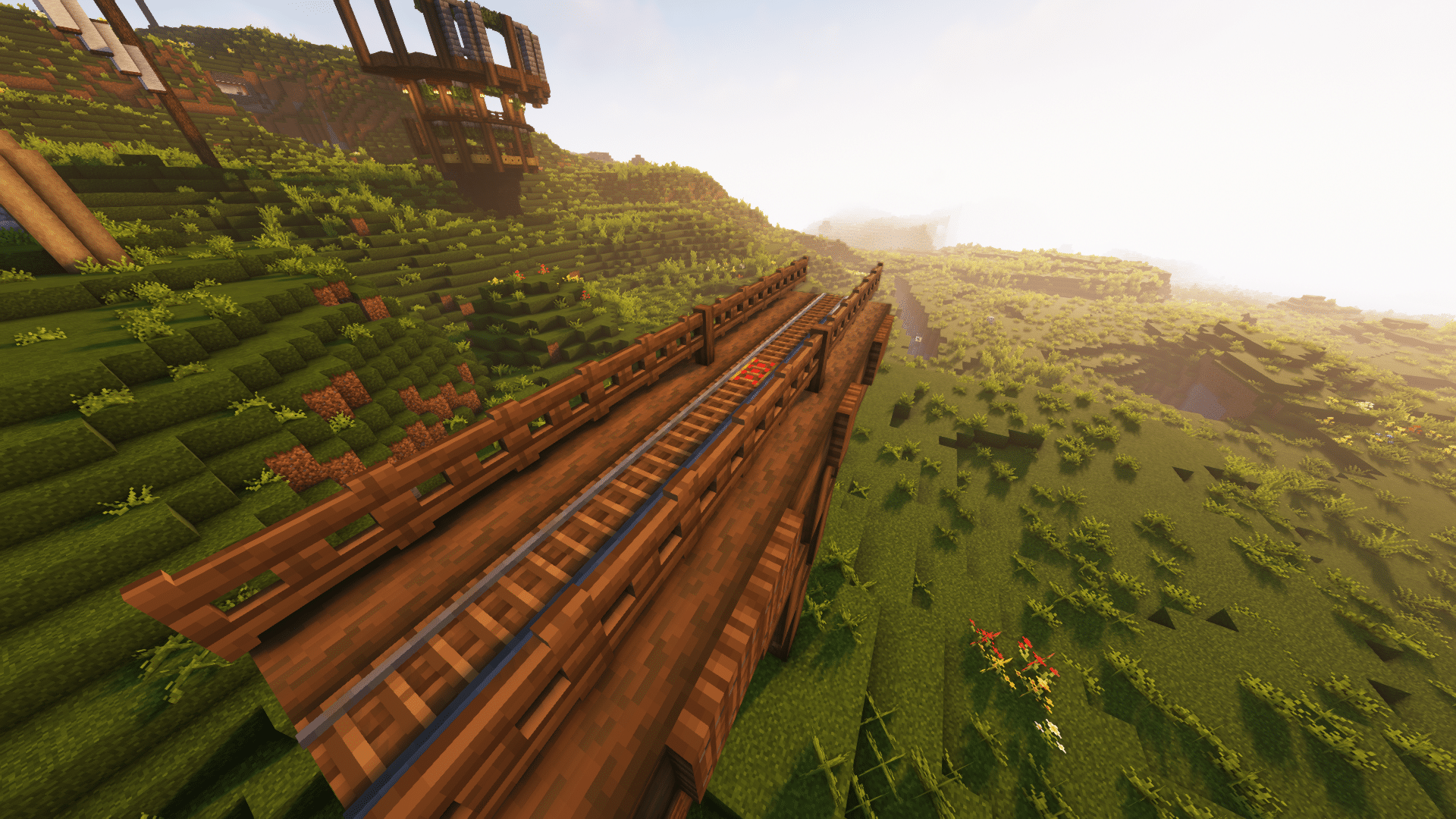
What Is a Railroad in Minecraft?
A railroad in Minecraft is a connected line of rails that allows minecarts to move smoothly across the world. Rails automatically align, curve, and slope when placed correctly, making them beginner-friendly while still allowing complex designs.
Railroads can be used in multiple ways:
- Fast player transportation
- Automated item transport
- Mob or villager movement
- Mine and base connections
Because railroads do not require fuel, they are reliable and cost-effective once built.
Railroad Minecraft Recipe: Materials You Need
Before learning how to make Minecraft railroad tracks, you need to gather the correct materials. There are two main types of rails used in most systems.
Normal Rails
Normal rails form the foundation of any railroad.
You will need:
- Iron Ingots × 6
- Stick × 1
This railroad Minecraft recipe produces 16 rails, making it efficient for long tracks.
Powered Rails
Powered rails are essential for speed and climbing hills.
You will need:
- Gold Ingots × 6
- Stick × 1
- Redstone Dust × 1
Powered rails allow minecarts to maintain momentum and travel uphill.
How to Make Railroad Tracks in Minecraft
Once you have the materials, crafting tracks is simple.
Crafting Normal Rails
- Open a crafting table
- Place 3 iron ingots in the left column
- Place 3 iron ingots in the right column
- Place 1 stick in the center
- Collect 16 rails
This is the most common railroad recipe Minecraft players use.
Crafting Powered Rails
- Place 3 gold ingots in the left column
- Place 3 gold ingots in the right column
- Place 1 stick in the center
- Place 1 redstone dust at the bottom center
- Collect 6 powered rails
How to Place Rails Correctly
Rails must be placed on solid blocks. Once placed, they will automatically connect and curve.
Key placement rules:
- Rails connect automatically
- Curves form when rails are placed at angles
- Slopes rise only one block at a time
- Rails cannot float in the air
For smooth movement, place rails in straight lines whenever possible.
Basic Minecraft Railroad Layout
A simple railroad layout looks like this:
- Powered rail
- 6–8 normal rails
- Powered rail
- Repeat
This pattern keeps minecarts moving at full speed.
Common Beginner Mistakes
Avoid these issues when building your first railroad:
- Forgetting to power powered rails
- Using too many slopes without boosters
- Placing sharp curves at high speed
- Skipping powered rails on long tracks
Fixing these mistakes early will save time and resources.
Powered Rails and Redstone: How to Keep Your Railroad Moving
Once you understand the basics of how to make a railroad in Minecraft, the next step is mastering powered rails and redstone. These elements are what transform a slow minecart path into a fast, reliable transportation system.
Powered rails are essential for maintaining speed, climbing slopes, and ensuring your minecart never stops unexpectedly. Without them, minecarts quickly lose momentum, especially on long or uphill tracks.
What Powered Rails Do
Powered rails have two states: powered and unpowered.
- When powered, they accelerate minecarts and maintain maximum speed
- When unpowered, they act as brakes and slow minecarts down
Because of this behavior, powered rails are used both for speed boosts and controlled stopping points, such as stations.
How to Power Rails Using Redstone
Powered rails require a redstone signal to function. There are several simple ways to supply power:
- Redstone Torch: Place next to or under a powered rail (best for long railroads)
- Lever: Allows manual on/off control
- Redstone Repeater: Extends signal range for complex builds
For most railroads, a redstone torch every powered rail is the easiest and most reliable method.
Detector and Activator Rails Explained
In addition to normal and powered rails, Minecraft offers special rails that allow automation and interaction with redstone systems.
Detector Rails: Automatic Triggers
Detector rails send a redstone signal whenever a minecart passes over them. This makes them perfect for automation.
Common uses include:
- Opening and closing station doors
- Activating lights or lamps
- Triggering pistons or redstone circuits
Detector rails are often placed at stations or checkpoints along a railroad.
Activator Rails: Special Interactions
Activator rails trigger specific minecart actions.
They can:
- Eject players or mobs from minecarts
- Activate TNT minecarts
- Interact with command block minecarts
These rails are commonly used in adventure maps, mob systems, and automated unloading areas.
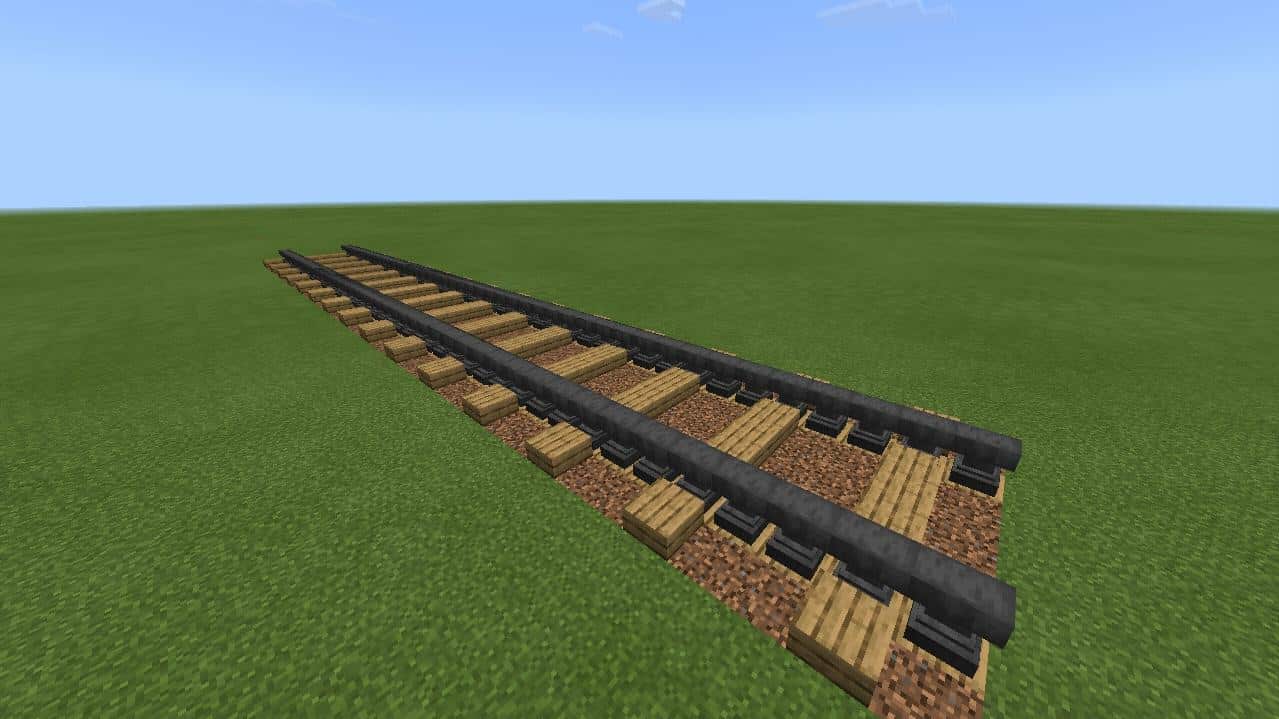
Efficient Railroad Layouts
Designing an efficient layout saves materials and improves travel speed. While rails auto-connect, smart planning makes a big difference.
Straight-Line Railroads
Straight tracks are the most efficient option for long-distance travel.
Best practices:
- Use powered rails every 6–8 blocks
- Avoid unnecessary curves
- Place powered rails before uphill sections
Curved and Sloped Tracks
Curves and slopes are useful in natural terrain but should be used carefully.
Tips for curves and slopes:
- Never stack multiple slopes without powered rails
- Keep curves gentle to avoid sudden slowdowns
- Add powered rails immediately before slopes
One-Way vs Two-Way Tracks
- One-way tracks are simpler and cheaper
- Two-way tracks use parallel rails for travel in both directions
Two-way systems are ideal for connecting major bases or villages.
Redstone Integration: Automatic Stations and Stops
Railroads become even more powerful when combined with redstone automation.
Building an Automatic Station Stop
A basic station stop uses:
- Detector rail
- Powered rail
- Redstone torch or repeater
When a minecart enters the station, the detector rail briefly disables the powered rail, causing the cart to stop automatically.
Automatic Departure Systems
To restart the cart:
- Use a button or pressure plate
- Reactivate the powered rail
Common station components include:
- Detector rails
- Redstone repeaters
- Buttons or levers
- Redstone lamps for visual signals
Nether Rail Shortcuts: Travel Faster With Fewer Rails
One of the most advanced railroad techniques is building tracks in the Nether.
Why Use Nether Railroads
- 1 block in the Nether equals 8 blocks in the Overworld
- Massive reduction in rail materials
- Faster long-distance travel
How to Set Up a Nether Railroad
- Build portals at your Overworld destinations
- Enter the Nether and align coordinates
- Build a straight railroad between portals
- Secure the tunnel to prevent mob interference
Nether railroads are ideal for connecting distant bases efficiently.
Troubleshooting Common Railroad Problems
Even experienced players run into railroad issues. Here are the most common ones and how to fix them.
Common Issues and Solutions
| Problem | Likely Cause | Solution |
| Minecart stops | No powered rails | Add powered rails every 6–8 blocks |
| Slow uphill | Insufficient boosters | Place powered rails before slopes |
| Rails not connecting | No solid block | Place rails on solid blocks |
| Sudden slowdown | Sharp curves | Redesign curve or add boosters |
Creative and Aesthetic Railroad Builds
Railroads do not have to be purely functional. Many players use them as decorative builds.
Bridges and Overpasses
- Use stone, wood, or metal blocks
- Add fences or walls for realism
- Support with pillars
Underground Tunnels
- Add lighting to prevent mob spawns
- Use slabs or stairs for clean design
- Mark stations clearly
Village and Base Connections
- Build central stations
- Label lines and destinations
- Use consistent materials for clarity
Best Practices Recap
- Always power your powered rails
- Use detector and activator rails for automation
- Build straight lines whenever possible
- Use the Nether for long-distance travel
- Test your railroad before finalizing it
With these techniques, your Minecraft railroad will be fast, reliable, and scalable.
Final Thoughts: Mastering Railroads in Minecraft
Now that you’ve learned both the basics and advanced systems, you fully understand how to make a railroad in Minecraft from start to finish. From crafting rails and powered rails to automating stations and building Nether shortcuts, railroads can completely change how you explore and manage your world.
A well-designed railroad saves time, improves safety in Survival mode, and adds immersion to your builds. Whether you’re connecting villages, transporting villagers, or simply traveling between bases, investing in a proper railroad system is always worth it.
Take the time to test layouts, adjust powered rail spacing, and experiment with redstone automation. As your world grows, your railroad network can grow with it.
All game mechanics, crafting recipes, and systems discussed in this guide refer exclusively to the video game Minecraft. Minecraft is a trademark of Mojang Studios. This content is intended for educational and informational purposes only and does not imply endorsement or affiliation with Mojang or Microsoft.


