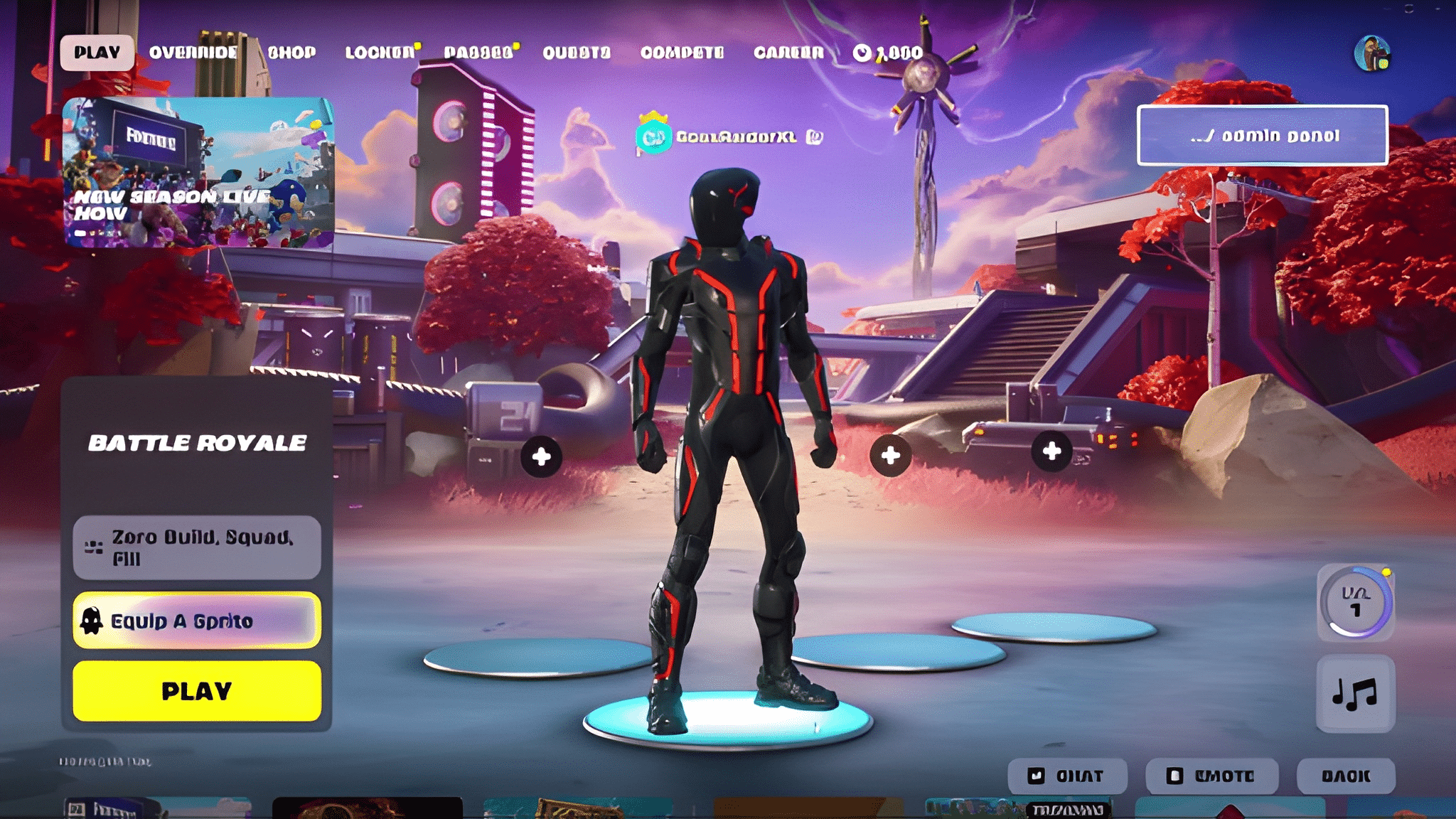
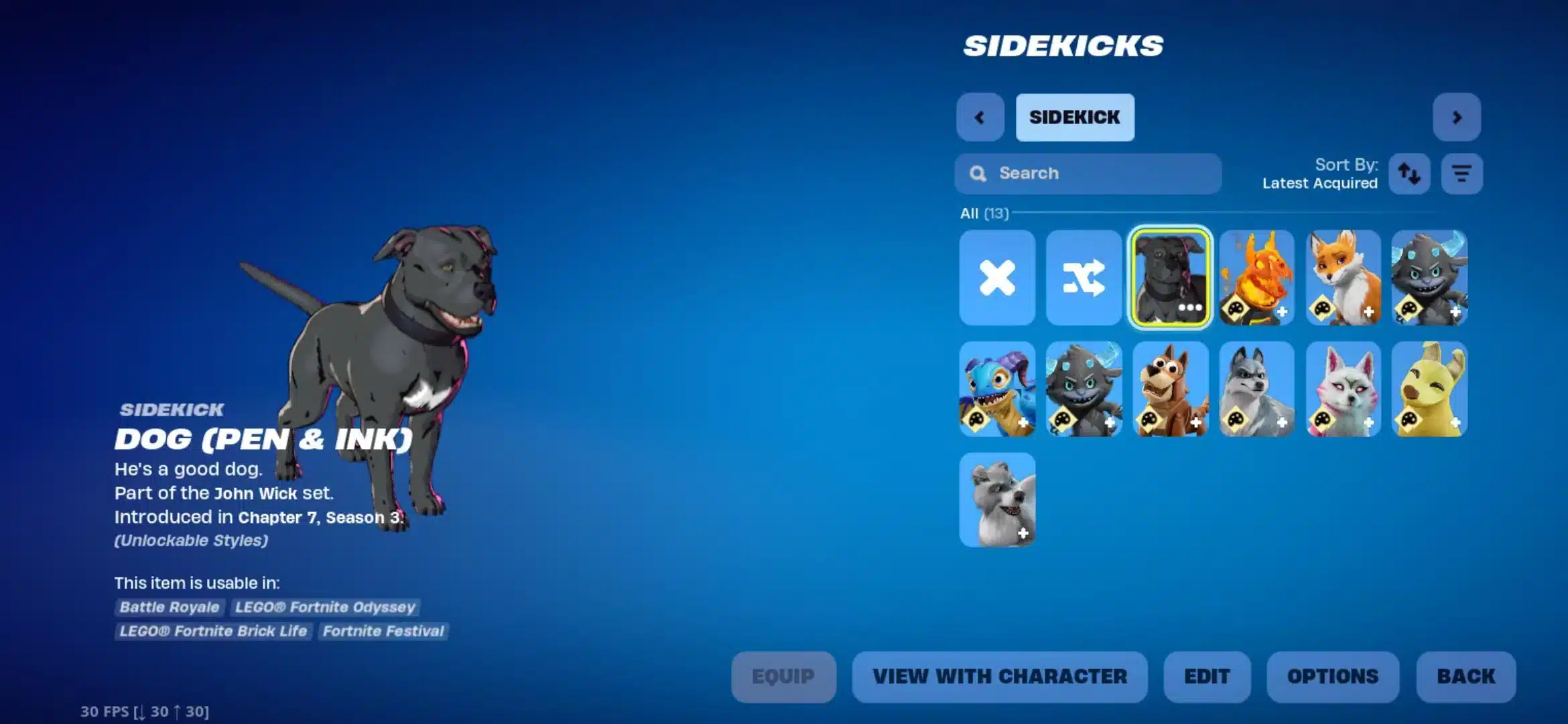
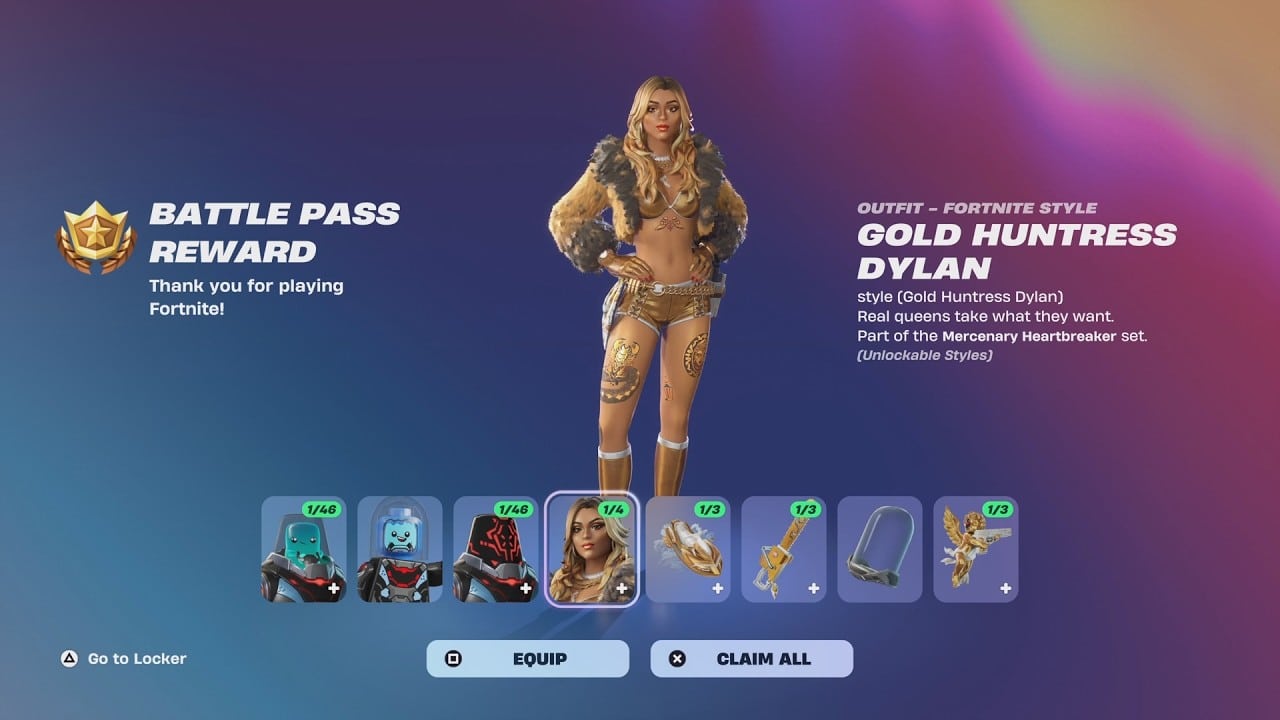
For those wondering how to play Fortnite on Android, the process has changed significantly since the game was removed from the Google Play Store. In 2024, players still have several options to enjoy this battle royale game on their mobile devices, either by downloading the game directly or using cloud gaming services. With the right setup and knowledge of how Fortnite works on Android, you'll be able to dive into this action-packed game without any trouble.
This guide will walk you through all the essential steps, including how to install Fortnite on Android, how to optimize settings for smoother gameplay, and even how to maximize your experience using cloud gaming options like GeForce NOW and Xbox Cloud Gaming.
Whether you’re new to Fortnite or a seasoned player, this comprehensive guide will walk you through all the essential steps, including how to install Fortnite on Android, how to optimize settings for smoother gameplay, and even how to maximize your experience using cloud gaming options like GeForce NOW and Xbox Cloud Gaming.
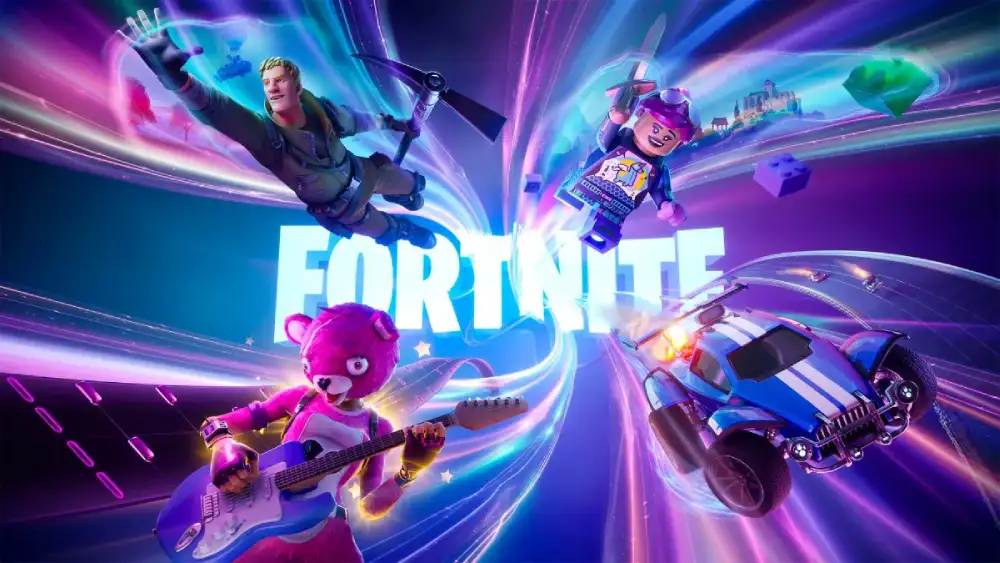
Fortnite is a free-to-play battle royale game developed by Epic Games, where up to 100 players fight to be the last one standing on a constantly shrinking map. With its fast-paced action, frequent content updates, and cross-platform play, Fortnite remains one of the most popular online games in the world—even on Android devices.
👉 Curious about how to download Fortnite on iOS? Check out this step-by-step guide for Apple devices: Fortnite iOS Download Guide
ICan You Play Fortnite on Android?
When Fortnite was removed from the Google
Play Store, many players were left wondering can you play Fortnite on Android? The short answer is yes. While the app is no longer available for direct download from the Play Store, there are still plenty of ways to enjoy Fortnite on your Android device. In fact, since its removal, the process of installing Fortnite has changed, but Epic Games has made it possible for Android players to access the game.
Let’s take a closer look at how to get Fortnite on Android, both via direct installation and cloud gaming services.
Fortnite Availability on Android
A Brief History of Fortnite’s Removal from Google Play Store
Fortnite made its initial debut on the Google Play Store back in 2018. However, due to a dispute between Epic Games and Google over payment processing fees, Fortnite was removed from the Play Store in 2020. This decision left players searching for alternative ways to get the game on their devices.
Fortunately, Fortnite is still very much available for Android users, though it requires a slightly different method of installation compared to the typical Google Play Store experience.
How to Download Fortnite on Android in 2024
In 2024, Fortnite is available through several methods. Here's how you can install it on your Android device:
- Direct Installation via Epic Games
- Visit the Epic Games website using your mobile browser.
- Download and install the Epic Games App on your device.
- Once the Epic Games App is installed, open it and search for Fortnite.
- Follow the on-screen instructions to download and install the game.
- Visit the Epic Games website using your mobile browser.
- Samsung Galaxy Store
- If you own a Samsung device, you can also download Fortnite from the Samsung Galaxy Store.
- Open the Galaxy Store and search for Fortnite.
- Tap Download, and once the game has installed, you're ready to play.
- If you own a Samsung device, you can also download Fortnite from the Samsung Galaxy Store.
- Cloud Gaming Platforms
- If you'd prefer not to install Fortnite directly, cloud gaming platforms like NVIDIA GeForce NOW and Xbox Cloud Gaming allow you to stream the game without downloading it.
- Simply link your Epic Games account and start playing instantly without the need for any storage space.
- If you'd prefer not to install Fortnite directly, cloud gaming platforms like NVIDIA GeForce NOW and Xbox Cloud Gaming allow you to stream the game without downloading it.
You can also read more about Fortnite’s mobile platform options here: Fortnite Mobile FAQ
How to Install Fortnite on Android (Step-by-Step)
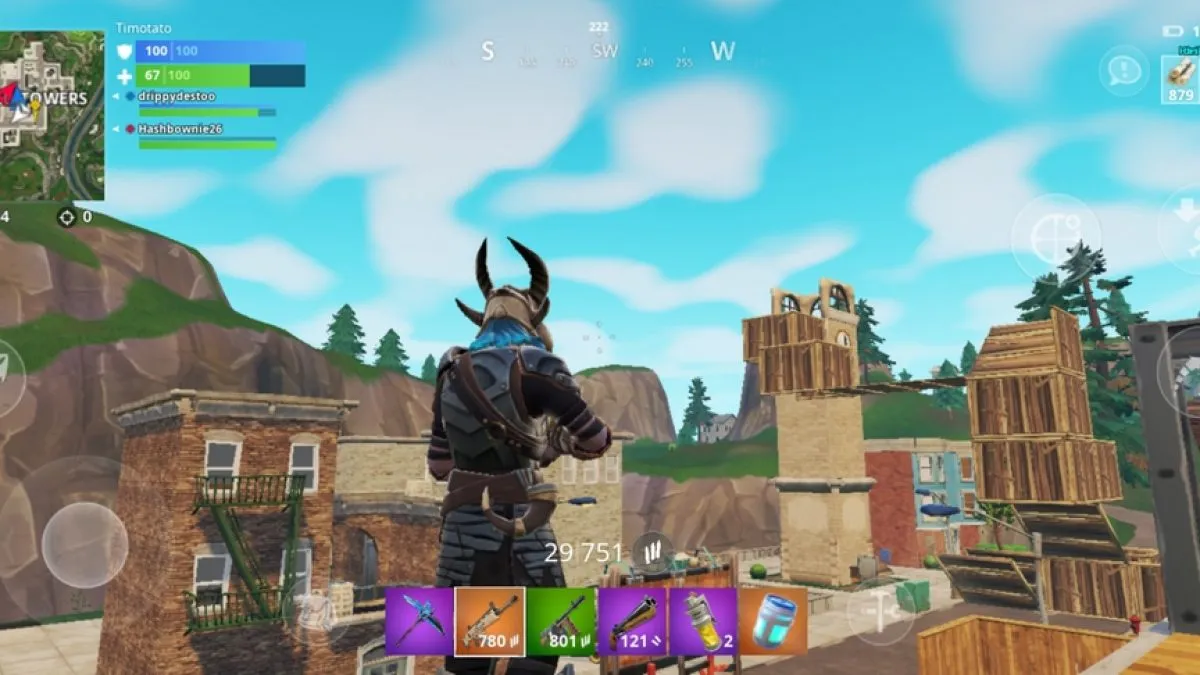
Now that you understand how Fortnite is available on Android, let’s dive into a more detailed step-by-step guide to install Fortnite on your Android device.
Direct Installation via Epic Games
Follow these steps to get Fortnite installed directly from Epic Games:
- Visit the Epic Games Website
- Open your mobile browser and visit the official Epic Games website.
- Open your mobile browser and visit the official Epic Games website.
- Download the Epic Games App
- Once you’re on the website, click the download button to install the Epic Games App.
- Once you’re on the website, click the download button to install the Epic Games App.
- Open the Epic Games App
- After the app has been installed, open it and search for Fortnite.
- After the app has been installed, open it and search for Fortnite.
- Install Fortnite
- Tap the Fortnite icon and follow the instructions to complete the download and installation.
- Tap the Fortnite icon and follow the instructions to complete the download and installation.
Minimum System Requirements
Before installing, make sure your Android device meets the minimum system requirements for Fortnite Android. Here are the requirements you’ll need:
| Requirement | Minimum Specification |
| Android Version | Android 8.0 or later |
| RAM | 4GB or more |
| GPU | Adreno 530 or higher / Mali-G71 MP20 or higher |
| Storage | 8GB of free space |
| Internet | Stable Wi-Fi or mobile data connection |
Alternatives for Playing Fortnite on Android
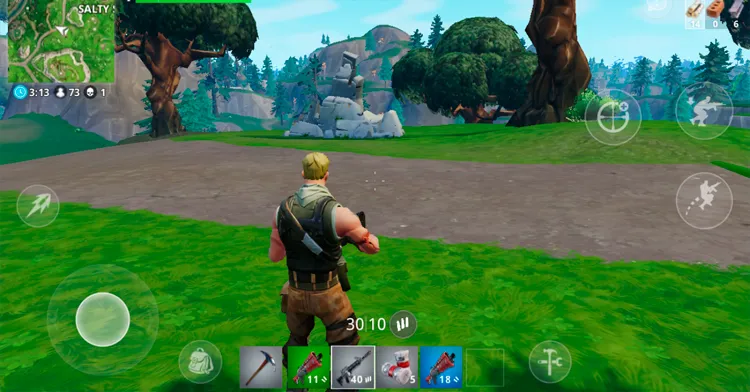
If you're unable to install Fortnite directly onto your Android device or prefer not to use local storage, cloud gaming platforms are a great alternative. Here’s a breakdown of the best options:
- NVIDIA GeForce NOW
- Pros: No need to download the game; plays via streaming.
- Cons: Requires a good internet connection for smooth gameplay.
- How to Use: Simply link your Epic Games account to NVIDIA GeForce NOW and stream Fortnite directly to your Android device.
- Pros: No need to download the game; plays via streaming.
- Xbox Cloud Gaming
- Pros: Play Fortnite on your Android device without taking up any storage.
- Cons: Also requires a solid internet connection for an optimal experience.
- How to Use: Link your Epic Games account to Xbox Cloud Gaming and start playing right away.
- Pros: Play Fortnite on your Android device without taking up any storage.
Each of these options allows you to play Fortnite on Android without the need to worry about hardware limitations or storage constraints.
Want to reduce lag while using these platforms? Check out the ExitLag Duo Plan, perfect for cloud gamers:
Tips for Better Performance on Android
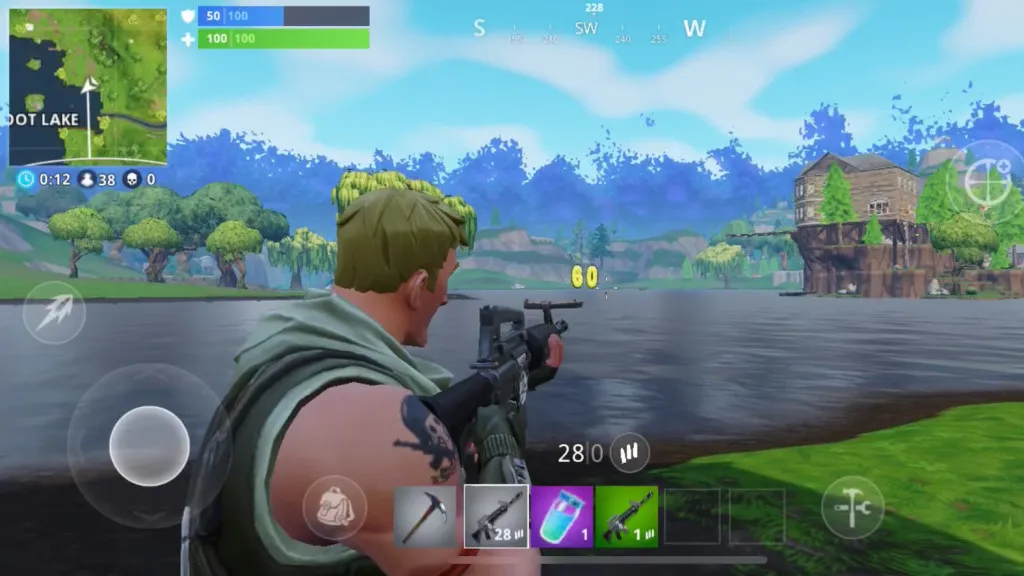
To get the best performance while playing Fortnite on Android, you should optimize your settings and consider using specific apps or tricks to enhance your experience.
Adjusting Graphics Settings
One of the easiest ways to improve Fortnite’s performance on Android is to adjust the in-game graphics settings. By lowering the graphical settings, you can significantly increase the frame rate (FPS), which makes the game smoother and less prone to lag.
Here are some tips for optimizing graphics in Fortnite:
- Reduce Visual Effects: Lower settings for shadows and other visual effects to boost performance.
- Set Frame Rate to 30 FPS: If you're experiencing lag, try lowering the frame rate to 30 FPS for a more stable experience.
- Turn Off Anti-Aliasing: This reduces the sharpness of edges but improves performance.
These changes may slightly impact visual quality, but they offer a noticeable improvement in responsiveness and overall gameplay fluidity. On mobile devices, especially mid-range or older models, prioritizing performance over visuals ensures fewer frame drops, better touch response, and a more consistent competitive experience.
Use Optimization Apps
Apps like ExitLag help reduce lag and improve your network connection. By optimizing your internet connection, you’ll experience a smoother and more responsive gameplay experience.
Close Background Apps
To free up RAM and CPU resources, close any apps running in the background. This will ensure that your device can dedicate more resources to running Fortnite Android smoothly.
Clear Cache Regularly
Clearing your device's cache can help improve loading times and prevent performance slowdowns.
Need help understanding new in-game tools? Here's a breakdown of a recent feature addition:
👉 Fortnite Ballistic Shield Overview
FAQ — Frequently Asked Questions
Can you play Fortnite on Android?
Yes, you can play Fortnite on Android! While it is no longer available for direct download from the Google Play Store, players can still download and play the game through the Epic Games App or stream it via cloud gaming services like NVIDIA GeForce NOW and Xbox Cloud Gaming.
How to play Fortnite for free on Android?
Fortnite is free to play on Android, but you may need to install it from the Epic Games website or a cloud gaming service. The game is available for free with optional in-game purchases.
What Android version do I need to play Fortnite?
Fortnite requires Android 8.0 or later to run on your device.
Is Fortnite mobile the same on Android and iOS?
While the mobile version of Fortnite on Android and iOS is largely similar, there are some differences in performance and controls due to hardware variations between the two platforms. However, both versions offer a full Fortnite experience.
For a full look at Fortnite on mobile platforms:
👉 Fortnite Mobile Official Page
Conclusion
In conclusion, learning how to play Fortnite on Android in 2024 is easier than ever. With the Epic Games App, cloud gaming options like NVIDIA GeForce NOW and Xbox Cloud Gaming, and a few simple optimization tricks, you can enjoy Fortnite on your Android device no matter your setup.
For the best experience, make sure your device meets the system requirements, adjust the graphics settings, and use optimization apps like ExitLag to minimize lag. With these tips, you’ll be ready to jump into the action and start playing Fortnite today.
Want a lag-free Fortnite experience on Android? Try ExitLag today and enjoy better connection stability and smoother gameplay!
Click below to download ExitLag and take your Fortnite experience to the next level!
Download ExitLag Now!