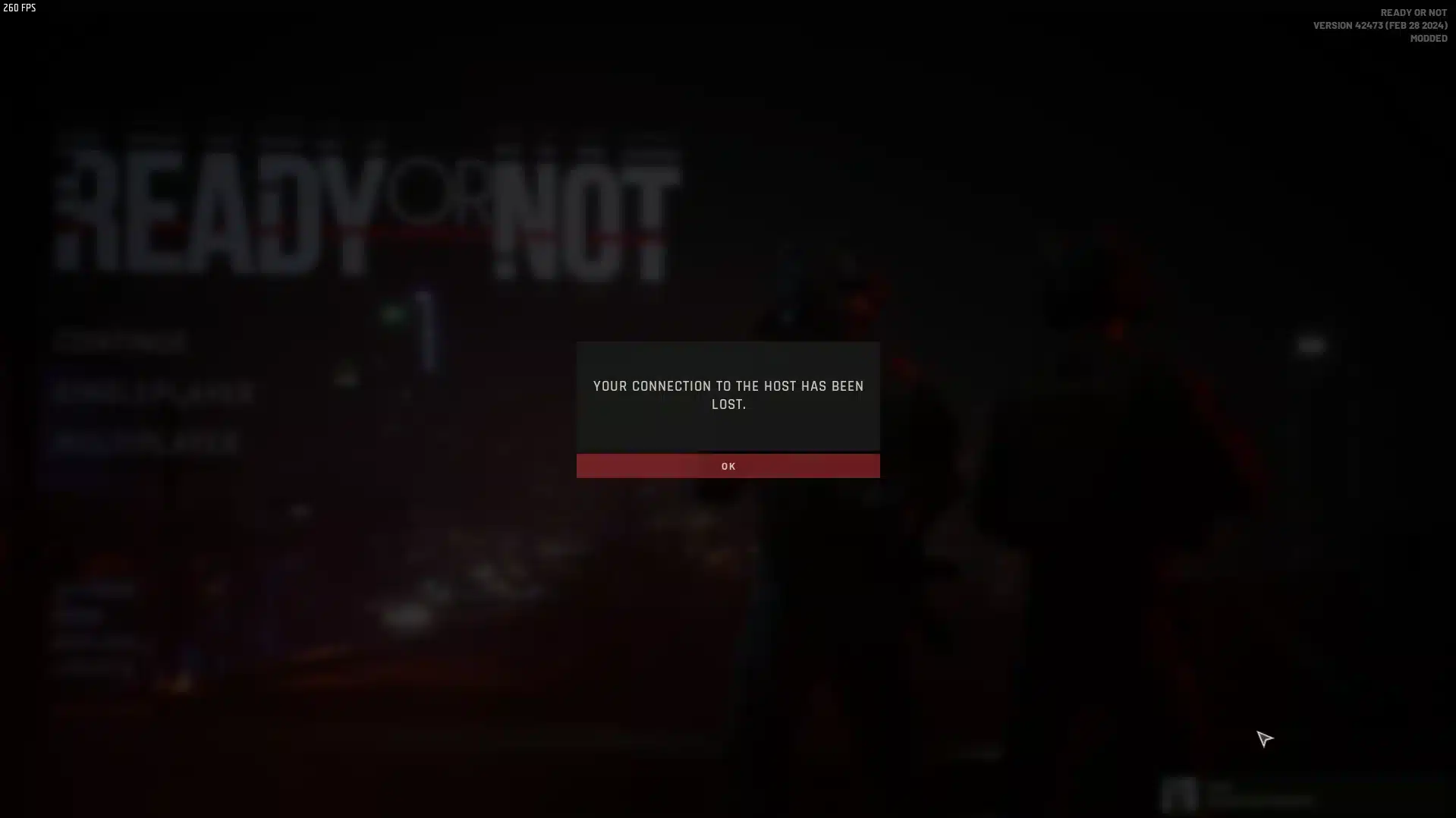
Online competition can be thrilling, but nothing ruins a match faster than sudden lag spikes. Many players search constantly for ways to understand how to fix lag in online multiplayer games because even a small delay can decide the outcome of a fight, race, or strategic play.
For competitive gamers, knowing how to fix lag in online multiplayer games is essential. A stable connection and optimized system allow your inputs to register instantly, which means faster reactions, better control, and smoother matches. And before we continue, know that to know more about all the relevant content about gaming, you just have to check our blog.
What is lag in online multiplayer games?

In simple terms, how to fix lag in online multiplayer games refers to identifying the causes of delay between your actions and the server response, then applying solutions like network improvements, hardware adjustments, and software optimization.
When players understand how to fix lag in online multiplayer games, they gain an advantage in every competitive scenario. From shooter battles to MMO raids, reducing latency helps ensure every command is executed exactly when you expect it.
How to fix lag in online multiplayer games by identifying the real causes
Before applying any solution, it is important to understand what creates lag in the first place. Several factors can combine to produce delays that interrupt gameplay.
Network latency problems
Internet routing is one of the most common causes of lag. When your connection takes inefficient routes to reach the game server, data packets travel longer distances.
Common network problems include:
- High ping caused by distant servers
- Packet loss during unstable routing
- Network congestion during peak hours
- Poor Wi-Fi signal quality
These issues often create delays even if your internet speed appears high.
You may also like: Lag spikes: how to reduce lag in online game for a smoother experience
Hardware limitations
Even with a strong internet connection, weak hardware can create delays that feel similar to lag.
Typical hardware causes include:
- Limited RAM capacity
- Overloaded CPU usage
- Outdated graphics drivers
- Background applications consuming resources
When your system struggles to process the game quickly enough, players experience fix pc lag scenarios where frame delays mimic network problems.
What causes computer lag in online games
Understanding the difference between connection lag and system slowdown is essential for a proper computer lag fix.
Software interference
Many players forget that background programs can heavily impact performance. Streaming tools, browsers, and automatic updates often run silently.
These applications consume bandwidth and CPU resources simultaneously, which affects performance optimization during gameplay.
Server distance and routing
Game servers located far from your region increase latency naturally. Even worse, poor internet routing can force your connection through inefficient paths. This is why players sometimes experience lag even with high-speed internet.
Essential steps to reduce lag on PC
Fortunately, there are practical steps that help reduce lag and improve responsiveness in online games.
Check also: Lagging Define: Understanding and Resolving Lag Issues
Quick fixes every gamer should try
The following adjustments can often provide immediate improvements:
- Restart your router before long gaming sessions
- Close unnecessary background applications
- Use wired ethernet instead of Wi-Fi
- Update GPU drivers and operating system
These small changes can produce noticeable fps improvement and reduce small stutters during matches.
Basic PC optimization checklist
Follow this sequence to improve system responsiveness:
- Check task manager for heavy background programs
- Update graphics and chipset drivers
- Set your game to high-performance GPU mode
- Lower graphics settings if FPS becomes unstable
These steps help stabilize frame delivery and prevent system bottlenecks.
Tools that help fix PC lag faster
While manual tweaks help, specialized tools can automate the process of improving network performance.
Network optimization software
Gaming route optimization software analyzes different internet paths and selects the fastest route to the game server.
This technology improves packet stability and helps reduce latency spikes during intense matches.
Why routing matters for multiplayer games
When a connection travels through inefficient network nodes, every packet takes longer to reach the game server.
Optimized routing reduces the physical distance data travels, which improves responsiveness and consistency.
Read this: Ping Test: learn how to do it and interpret the results properly
How ExitLag improves multiplayer performance
ExitLag is designed specifically for gamers who want consistent connections. Instead of relying on a single internet route, the software analyzes multiple paths simultaneously and chooses the most stable option.
This process greatly improves performance optimization, especially for competitive titles where milliseconds matter. Players often notice immediate improvements in connection stability and smoother gameplay.
Key advantages include:
- Intelligent routing that reduces ping
- Continuous monitoring of server routes
- Automatic adjustment during gameplay
- Improved connection stability
By combining system tweaks with network optimization tools, players can dramatically improve performance and enjoy smoother online matches. ExitLag can drastically improve your gameplay for an accessible price. To know more, check our pricing page.
Advanced methods to reduce lag in competitive multiplayer games

Players who want consistent performance must go beyond basic tweaks. Learning how to fix lag in online multiplayer games requires a deeper understanding of networking, system optimization, and server connections.
Even powerful gaming PCs can experience delays if the network path to the server is unstable. That is why serious players combine hardware tuning with dedicated network solutions.
Optimize your network settings
First, improving local network stability can dramatically reduce latency spikes.
Recommended adjustments include:
- Enable Quality of Service (QoS) in your router
- Limit other devices using bandwidth during matches
- Keep router firmware updated
- Place the router closer to your PC
These changes help prioritize gaming traffic and reduce lag caused by congestion.
Adjust in-game performance settings
Game configuration also plays an important role in fps improvement and responsiveness.
Lowering certain graphics settings can significantly stabilize performance.
Important options to adjust:
- Shadow quality
- Anti-aliasing
- Motion blur
- Render distance
Reducing these settings helps maintain consistent frame delivery and prevents sudden performance drops.
Hardware upgrades that help fix pc lag
Sometimes optimization alone is not enough. Upgrading certain components can dramatically improve gameplay stability.
RAM and CPU improvements
Modern multiplayer games demand more processing power than older titles. Systems with limited memory often struggle during intense matches.
Upgrading RAM allows smoother multitasking and prevents system slowdowns, which contributes to a reliable computer lag fix.
Read also: Ping ms for Gaming: reduce the lag, enhance your experience
GPU upgrades for better performance
Graphics cards also influence responsiveness. When a GPU struggles to render frames quickly, players experience stutters that resemble connection lag.
A modern graphics card ensures smoother rendering and better performance optimization in demanding titles.
Network problems vs system lag
Understanding whether the problem is connection-based or hardware-related is essential when learning how to fix lag in online multiplayer games.
The table below highlights the most common symptoms and causes.
| Problem type | Common symptoms | Main cause | Suggested fix |
| Network lag | High ping, rubber-banding | Poor routing | Network optimization software |
| FPS drops | Stuttering visuals | Weak GPU or CPU | Lower graphics settings |
| Input delay | Slow response to actions | Background software | Close heavy programs |
| Packet loss | Teleporting characters | Network congestion | Improve router configuration |
Identifying the correct cause helps players apply the right solution faster.
Best practices to maintain stable gameplay
Consistent performance requires regular system maintenance.
Routine maintenance checklist
Gamers should follow these habits to maintain stability:
- Update drivers frequently
- Monitor CPU and GPU temperatures
- Remove unnecessary startup programs
- Keep storage drives optimized
These actions contribute to long-term fix pc lag results and prevent performance degradation.
Check also: What is Packet Loss? Understanding and Fixing It
Smart habits for competitive gamers
Professional players often follow strict performance routines before tournaments.
Typical preparation steps include:
- Restart the PC before competitive matches
- Close streaming or recording software
- Check server region settings in the game
- Run a quick network stability test
These small habits help maintain consistent responsiveness.
Frequently Asked Questions
What is the main cause of lag in online multiplayer games?
The most common causes include unstable internet routing, high server distance, background applications consuming bandwidth, and insufficient hardware performance. Identifying the root cause is the first step toward solving the problem effectively.
Can hardware upgrades reduce lag?
Yes. Upgrading RAM, CPU, or GPU can eliminate frame stutters and performance bottlenecks. While network latency is separate from hardware speed, improving system performance prevents FPS drops that feel similar to connection lag.
Does internet speed matter for online games?
Speed is helpful, but stability matters more. Many players with fast internet still experience lag due to inefficient routing or packet loss. Optimizing network paths is often more important than raw bandwidth.
Is ExitLag compatible with online multiplayer games?
Yes. ExitLag supports thousands of online games and helps stabilize connections by optimizing routing paths to servers. Many competitive players use it to minimize latency spikes and maintain consistent responsiveness. Players can test the software through the free trial and evaluate how much it improves their connection stability during matches.
In Conclusion
Learning how to fix lag in online multiplayer games involves optimizing both your PC and your internet connection. Hardware improvements, background software management, and proper network configuration all play important roles in maintaining smooth gameplay.
However, routing problems between your ISP and game servers are often the hidden cause of lag. That is why many gamers rely on specialized solutions to guarantee stable connections.
With ExitLag, players can automatically optimize server routes, reduce ping spikes, and enjoy smoother matches across thousands of supported games. If you want to eliminate frustrating lag and improve your competitive performance, downloading ExitLag and testing its connection optimization can be the next step toward a better gaming experience. Download ExitLag now!